
What Is a CRM? Customer Relationship Management Software Explained
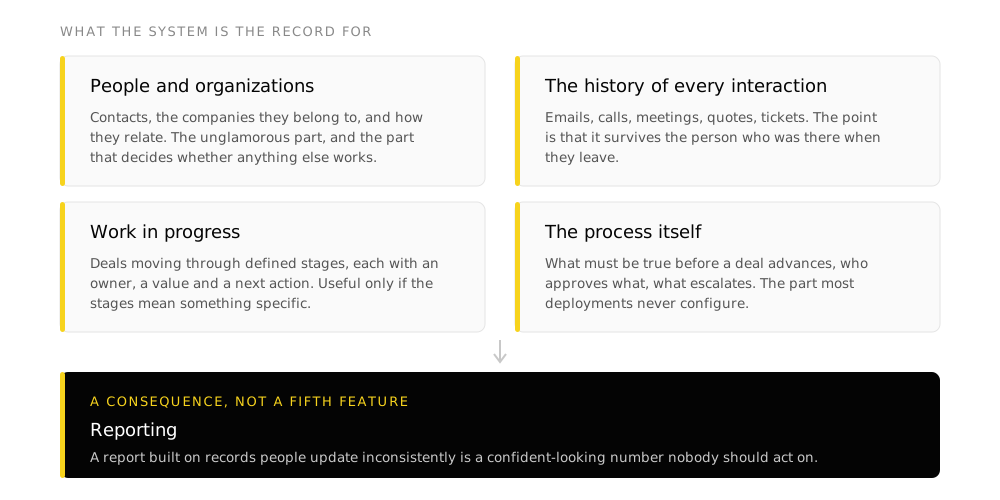
A CRM, short for customer relationship management, is the system of record for everyone an organization sells to and serves. One place that is authoritative for who they are, what has happened with them, and what is supposed to happen next.
TL;DR
- The short definition. One authoritative record per customer, holding the history and the next action, that more than one person can rely on.
- The word means two things. A category of software, and the practice of managing customer relationships deliberately. Vendors blur them. Only one of the two can be bought.
- The real test is not company size. It is whether more than one person needs the same customer information, and whether anyone has to reconcile versions before trusting a number.
- Four things live in it. People and organizations, interaction history, work in progress, and the process itself. Reporting is a consequence of those four being true.
- A CRM does not create a sales process. It enforces the one you already have, including the parts nobody agreed on.
- It is the prerequisite for AI, not an alternative to it. An agent needs a defined process to act within and a record it can trust to read from.
That definition is deliberately narrow. Vendor material tends to describe a CRM as a growth engine or a source of insight, which describes an outcome rather than a thing. What you are actually buying is a shared record with rules attached.
What the term actually refers to
The phrase gets used for two different things, and the ambiguity is not accidental.
Managing customer relationships deliberately rather than by memory. Knowing who is owed a follow-up, what was promised, and what stage each opportunity is at. Organizations did this before software existed, on index cards, and some still do it well in a spreadsheet.
A product category: Zoho, Salesforce, HubSpot, Pipedrive and the rest. The software supports the practice. It does not supply it. Buying the second without deciding the first is the most common way this goes wrong.
What a CRM holds
People and organizations. Contacts, the companies they belong to, and the relationships between them. The unglamorous part, and the part that decides whether anything else works. A contact record that exists three times is a reporting problem that surfaces months later.
The history of every interaction. Emails, calls, meetings, quotes, tickets, purchases. The point is that it survives the person who was there. When someone leaves, their working knowledge of an account either stayed in the system or it left with them.
Work in progress. Deals or opportunities moving through defined stages, with an owner, a value and a next action. This is the part most people picture when they hear the word, and it is only useful to the degree that the stages mean something specific.
The process itself. What has to be true before a deal moves forward, who approves what, what happens automatically, what gets escalated. This is the part that separates a CRM from a shared address book, and the part most deployments never configure.
Where reporting comes from
Nobody buys a CRM for a contact list. They buy it to answer questions like what is in the pipeline, where deals stall, and which source produces revenue. Those answers are only as good as the four items above. A report built on records people update inconsistently is a confident-looking number that nobody should act on.
What a CRM is not
A contact database stores who people are. A CRM stores what is happening with them and what has to happen next. If nothing in your system has a next action or a stage, you own a database.
An ERP is the record for the operational spine: inventory, finance, manufacturing, payroll. A CRM is the record for the customer-facing side. Larger organizations run both and connect them, and the connection is where most of the integration work goes.
Marketing automation sends campaigns and scores leads. Some CRMs include it, some connect to it. They answer different questions: one is about reaching people at scale, the other is about the state of individual relationships.
Project tools track work with a deadline and a deliverable. A CRM tracks a relationship that has no end date. Teams that force one to do the other end up with a system that does neither well.
How to tell whether you need one
Company size is the usual test and it is the wrong one. A twelve-person consultancy with three people touching the same accounts needs a CRM more than a forty-person firm where each person owns their clients end to end.
The real test is these conditions. If several are true, the answer is yes.
- More than one person needs the same customer information, and they get it by asking each other
- Someone has to reconcile two or more sources before a number can be trusted
- A follow-up has been missed because it lived in one person's memory or inbox
- You cannot answer what is in the pipeline right now without building something first
- When someone leaves, their account knowledge leaves with them
- The same customer exists in the accounting system, an inbox, a shared drive and a spreadsheet, with no agreement on which is right
If none of those are true, a spreadsheet is a legitimate answer and buying a CRM will not improve anything. The failure mode there is real: a system nobody needed, maintained alongside the spreadsheet that still holds the actual work.
Why most CRM deployments disappoint
The pattern is consistent enough to describe precisely, and it is not about the software.
-
The process was never written down
Two people run the same task two different ways, both defensible, because nobody ever settled it. The CRM gets configured to one of them, or to the vendor's default, and the other person keeps working the way they always did.
-
The data was moved rather than decided
Records get imported without deciding which duplicate is true or which fields matter. People notice the data is wrong, stop trusting it, and quietly go back to the source they do trust.
-
The system was left at its defaults
Default stages describe a generic company. When the stages do not match how deals actually move, updating the record becomes an administrative chore disconnected from the work.
-
Nobody owned it after go-live
Training happened once, the consultant left, and there was no named person to fix the field that turned out wrong in month three. Small friction compounds into abandonment.
The common thread
None of the four is a software defect, and none is fixed by switching vendors. This is why teams that replace a failed CRM with a different CRM usually get the same result eighteen months later. The problem was never in the tool. More on this in what digital adoption actually means.
Where CRM sits relative to AI
This is the question underneath most current CRM conversations, so it is worth answering directly.
Every major CRM now ships AI features: summarising a record, drafting a follow-up, scoring a deal, running an agent against a queue. These are real and some are useful. They also depend entirely on the four things listed earlier being true.
An agent that reads your pipeline inherits whatever is in it. If stages are applied inconsistently, the agent’s judgement about which deals need attention is inconsistent in exactly the same way, delivered with more confidence and less visible reasoning. If contact records are duplicated, an agent drafting outreach will contact the same person twice.
The practical order is unchanged by AI being available: define the process, establish the record, clean the data, then automate. That sequence is the whole argument, and the AI features are the reward at the end of it rather than a way to skip it.
Frequently asked questions
What does CRM stand for?
Customer relationship management. The abbreviation is used for both the practice of managing customer relationships and the category of software built to support it, which is a large part of why the term is confusing.
What is the difference between a CRM and a database?
A database stores who people are. A CRM stores what is happening with them, what stage it is at, who owns it, and what has to happen next. The process rules are the difference. Without them you have a shared address book.
Is a CRM only for sales teams?
No. Sales is the most common starting point, but service, support, fundraising and member management all run on the same underlying idea of one authoritative record per relationship. Nonprofits use CRMs for donors, associations for members.
What is the difference between a CRM and an ERP?
A CRM is the record for the customer-facing side of the business. An ERP is the record for the operational spine: finance, inventory, manufacturing, payroll. Organizations that run both connect them, and that connection is usually the largest piece of integration work in either project.
Do small teams need a CRM?
It depends on whether more than one person needs the same customer information, not on headcount. A three-person team where everyone touches the same accounts benefits more than a fifteen-person firm where each person owns their clients end to end.
How much does a CRM cost?
Entry plans from the main vendors run roughly C$18 to C$25 per user per month billed annually, with free tiers at Zoho and HubSpot. The licence is rarely the main cost. Process definition, data migration and the work after go-live are usually larger. Current figures are in our Canadian CRM buyer's guide.
Can a CRM replace our spreadsheets?
Only if the CRM fits how the work actually runs. Teams revert to spreadsheets because the spreadsheet matches the process and the system does not. That is a configuration problem rather than a discipline problem, and it is solved before go-live rather than after.
Takeaways
- A CRM is one authoritative record per customer, holding history and next action, that more than one person can rely on. Everything else the category is sold on follows from that.
- The test for whether you need one is shared information, not company size.
- The software supports the practice and cannot supply it. A process nobody has agreed on will be reproduced faithfully in a more expensive place.
- Reporting, automation and AI are all downstream of the record being trustworthy. None of them fixes a record that is not.
Keep reading
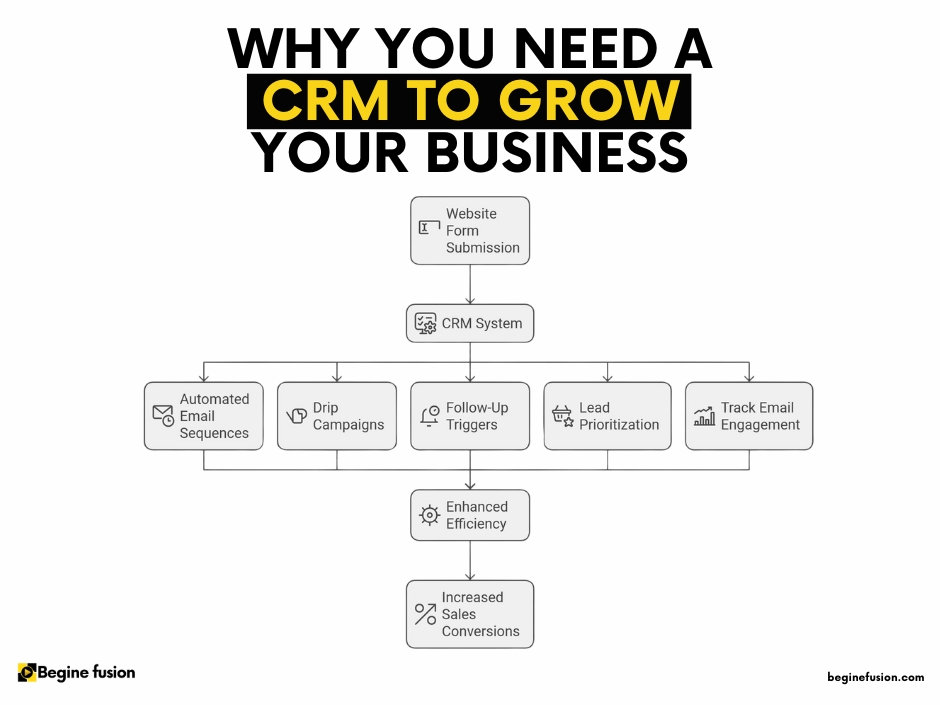 CRMSix Signs Your Organization Has Outgrown Its SpreadsheetThe specific symptoms that mean customer information has outgrown a spreadsheet, and what each one is actually costing before anyone notices.
 CRMCustomer Relationship Management Tools: A Canadian Buyer's GuideWhat the main CRM tools cost a Canadian buyer in 2026, which ones bill in Canadian dollars, and the fees that do not appear on the pricing page.
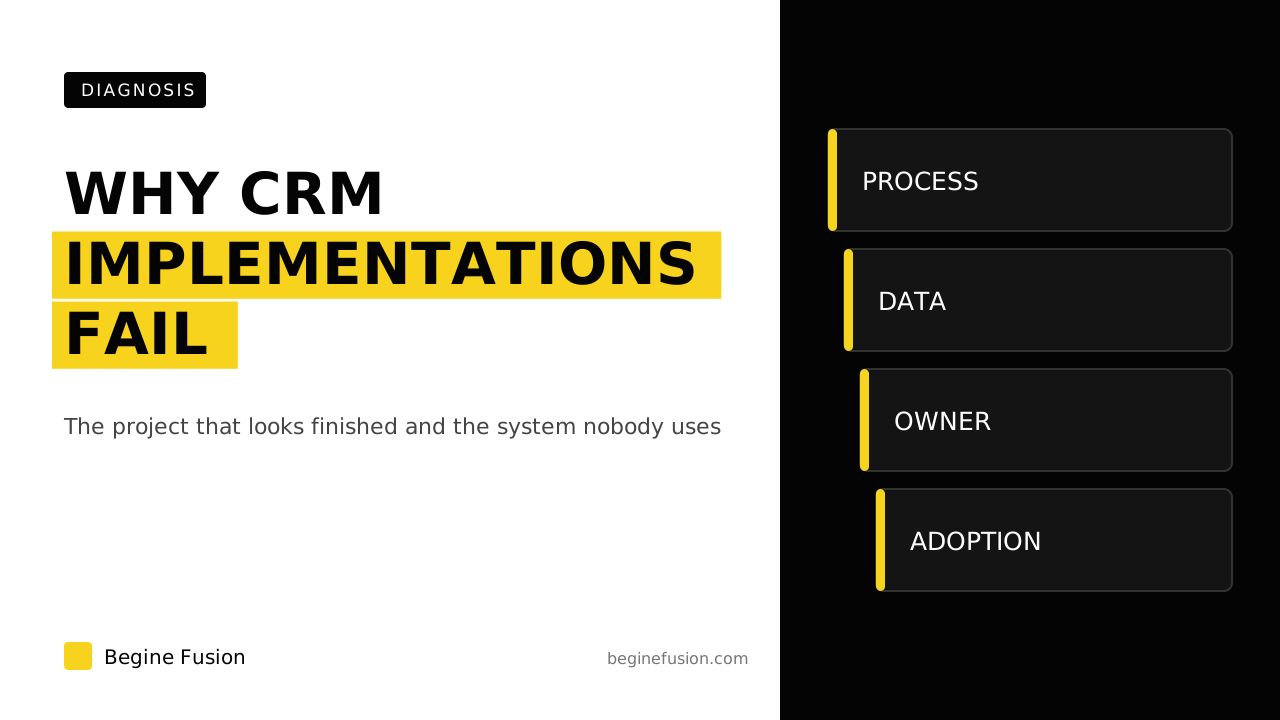 CRMWhy CRM Implementations FailCRM implementations fail when the project starts at the software. The five causes that show up after go-live, and the sequence that prevents them.
More resources
- ToolboxAI Tech ToolboxA curated set of tools for the work, with what each one does.
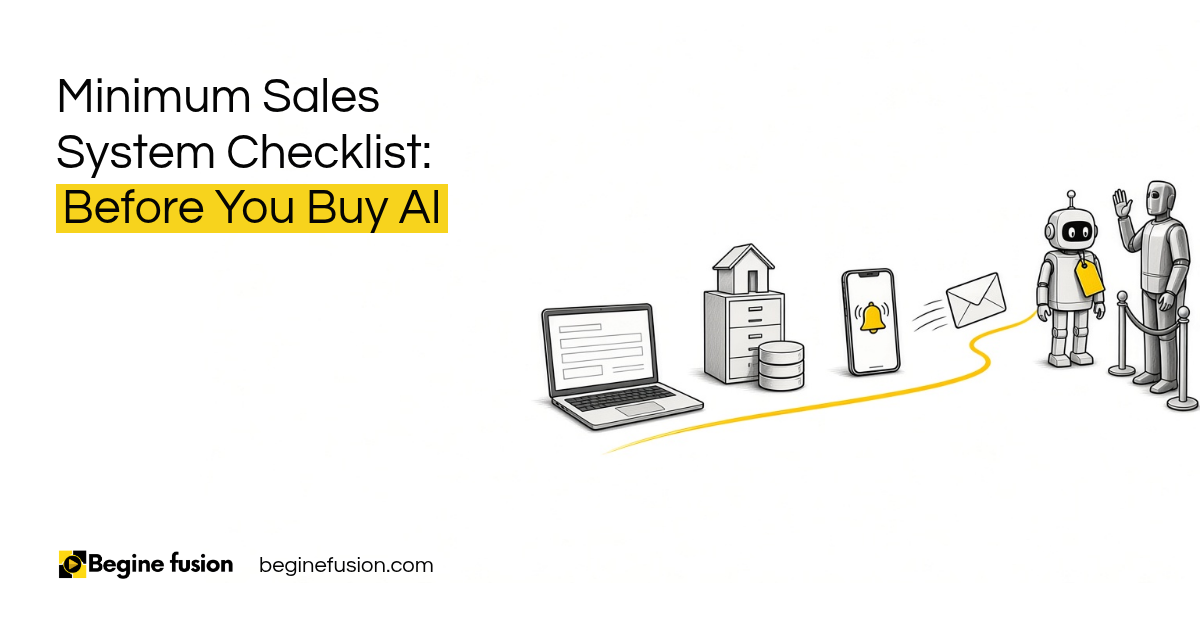 Minimum Sales System Checklist: Before You Buy AIBefore you buy AI, check that your sales system has the basics. The form, the CRM, the alert and the follow-up, plus two questions I ask about pricing and where your last customer came from. Free download, made to print.