
Building AI Workers: A Guide to No-Code AI Workflow Automation
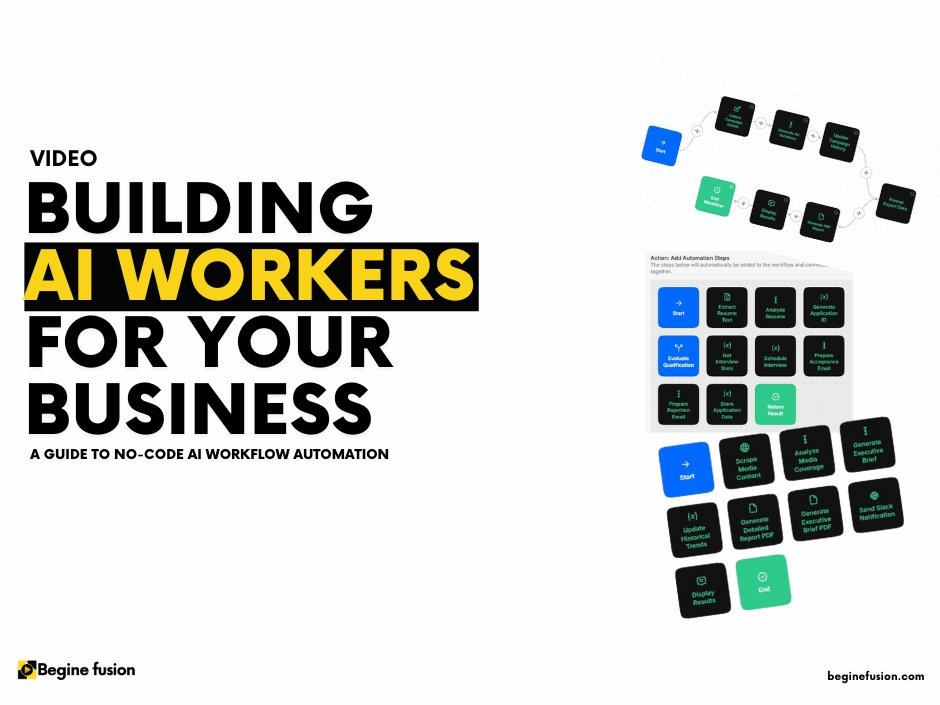
In a recent live session, Evangel from Begine Fusion provided an insightful walkthrough of how businesses can use MindStudio to create custom AI workers without coding expertise. Here’s a detailed breakdown of the key concepts and practical implementation steps discussed:
Understanding Mind Studio and AI Workers
Mind Studio emerges as a powerful platform that enables businesses to:
- Build customized AI workers without coding knowledge
- Mix and match different AI models (OpenAI, Claude, Gemini)
- Use existing business data
- Deploy workers as new apps with various automation capabilities
- Connect to multiple services (Google, YouTube, Slack, etc.)
What Are AI Workers?
AI workers function as intelligent assistants that can:
- Automate time-consuming tasks
- Operate on schedule or on demand
- Handle various business functions (Marketing, Sales, Finance)
- Deliver customized outputs based on specific business needs
For example, an AI worker could automatically fetch daily tech news, summarize it, and deliver it to your inbox at 8 AM every morning.
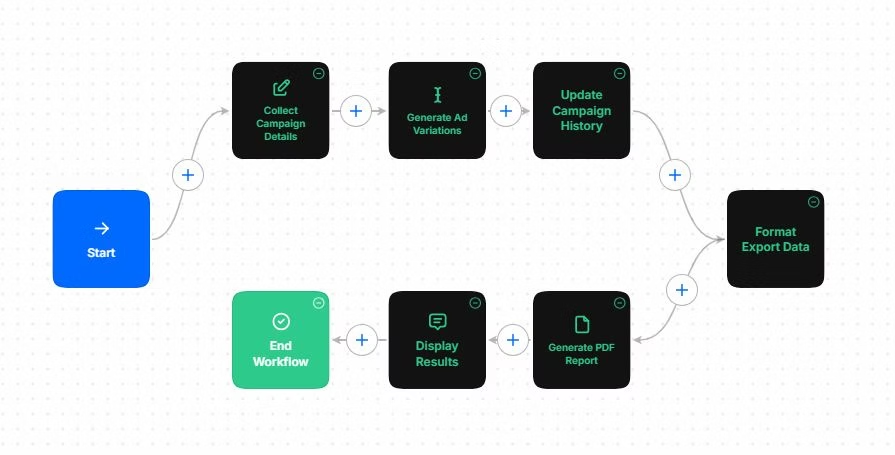
Creating an AI Worker: Step-by-Step Process
- Initial Setup
- Access the Mind Studio dashboard
- Click “Create AI Worker”
- Use natural language to describe your desired functionality
- Provide detailed requirements for better outputs
- Architecture and Workflow
- Review the generated architecture
- Examine system prompts and variables
- Verify custom functions and workflow steps
- Accept and build or reject and modify
- Key Components
- Start trigger options (on-demand, scheduled, email, browser extension)
- User input collection
- AI model selection (with cost considerations)
- Test case generation
- Data source integration
- Testing and Deployment
- Preview functionality
- Debug for errors
- Publish the worker
- Share with team members
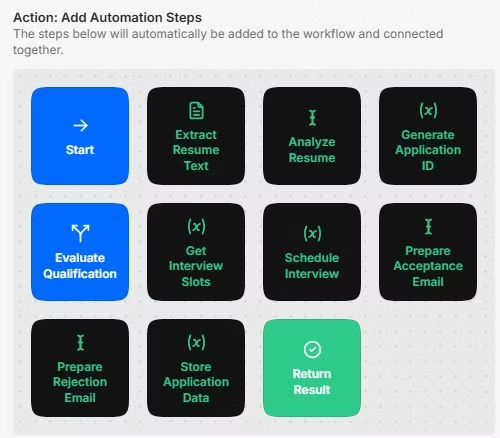
Advanced Features and Capabilities
- Data Integration
- Upload company policies
- Include guidelines and documentation
- Enhance AI learning with custom data
- Collaboration Features
- Share workers within organization
- Copy remix URLs for external sharing
- Set access levels (use-only or edit access)
- Model Selection
- Choose from various AI providers (Amazon, Google, Meta, OpenAI)
- Compare costs between different models
- Adjust parameters like temperature and response size
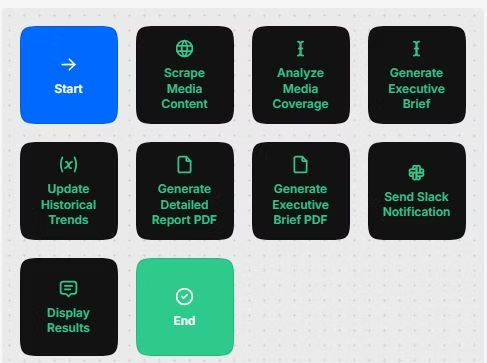
Best Practices for Implementation
- Problem-First Approach
- Identify specific business challenges
- Design AI workers around concrete solutions
- Focus on measurable outcomes
- Testing and Iteration
- Use the built-in profiler
- Generate test cases
- Debug thoroughly before deployment
- Cost Management
- Monitor LLM usage costs
- Choose appropriate models for specific tasks
- Balance capability with budget
Mind Studio represents a significant advancement in democratizing AI implementation for businesses. Removing the coding barrier and providing a complete platform for AI worker creation enables organizations of all sizes to use AI for process automation and efficiency improvements. The platform’s flexibility in integrating with existing systems and its ability to handle custom data makes it a valuable tool for businesses looking to enhance their operations through AI automation.
For businesses interested in implementing AI workers, Begine Fusion offers services to help with the implementation process and maximize the value of Mind Studio’s capabilities.
From the automation of simple tasks to the creation of complex AI-driven workflows, the platform provides the tools and flexibility to achieve your business objectives without requiring extensive technical expertise. Schedule a call with us.
Keep reading
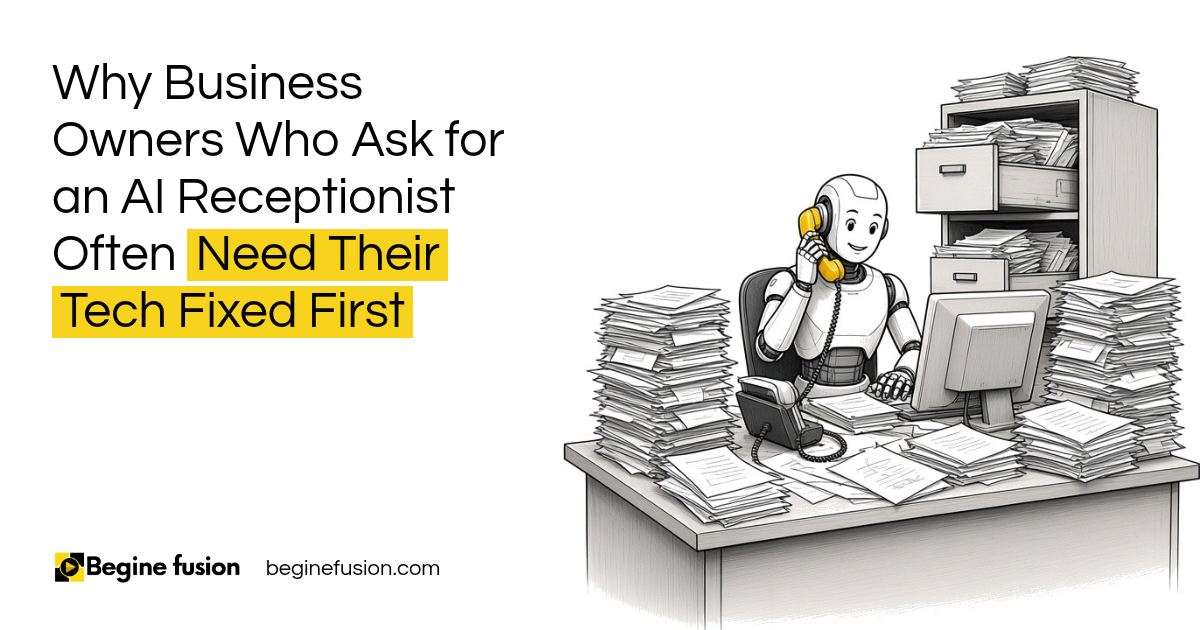 AI ReadinessWhy Business Owners Who Ask for an AI Receptionist Often Need Their Tech Fixed FirstA business owner asks for an AI receptionist and the office runs on paper with no backups. What to check before adding AI, and where AI fits after that.
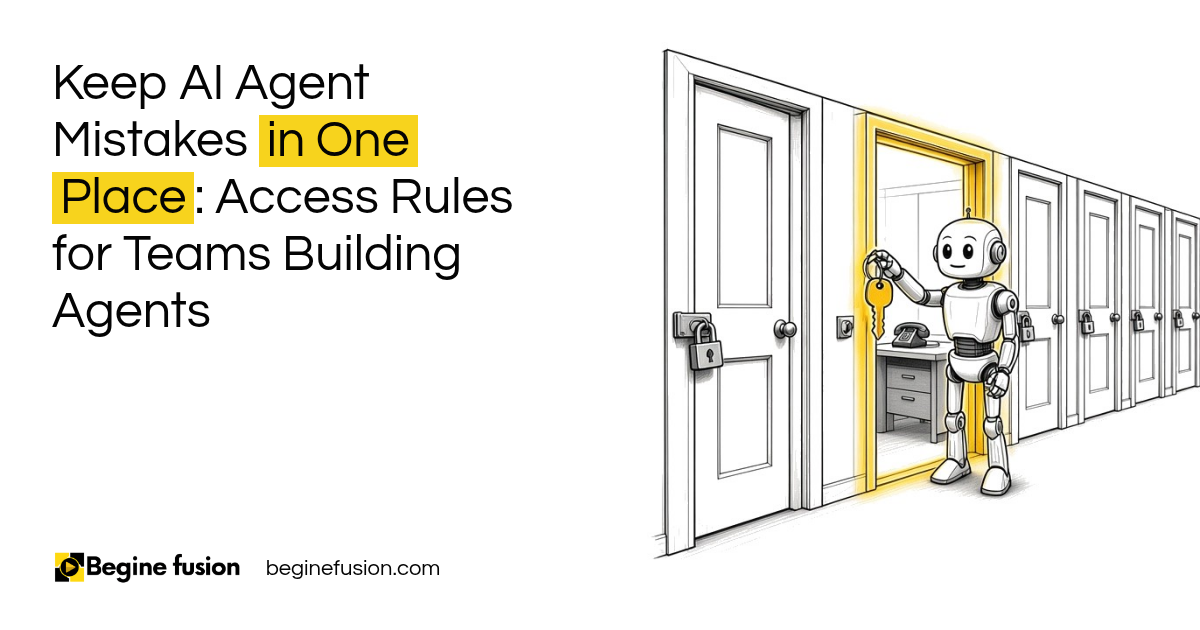 AI AgentsKeep AI Agent Mistakes in One Place: Access Rules for Teams Building AgentsA sales agent does not need your design tool. How to set read, write, data scope, approval and rate limits for each AI agent, and split access by domain.
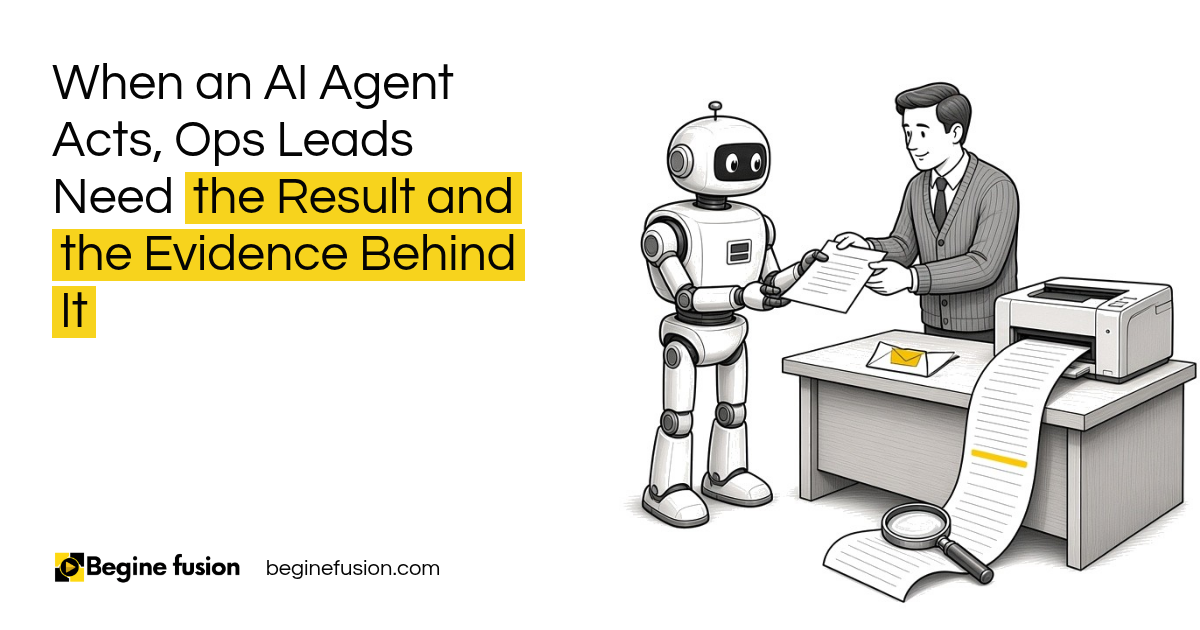 AI AgentsWhen an AI Agent Acts, Ops Leads Need the Result and the Evidence Behind ItWhen someone asks who did that and the answer is an agent, you need a record. What to log each time an agent acts, and how the log earns it more work.
More resources
- ToolboxAI Tech ToolboxA curated set of tools for the work, with what each one does.
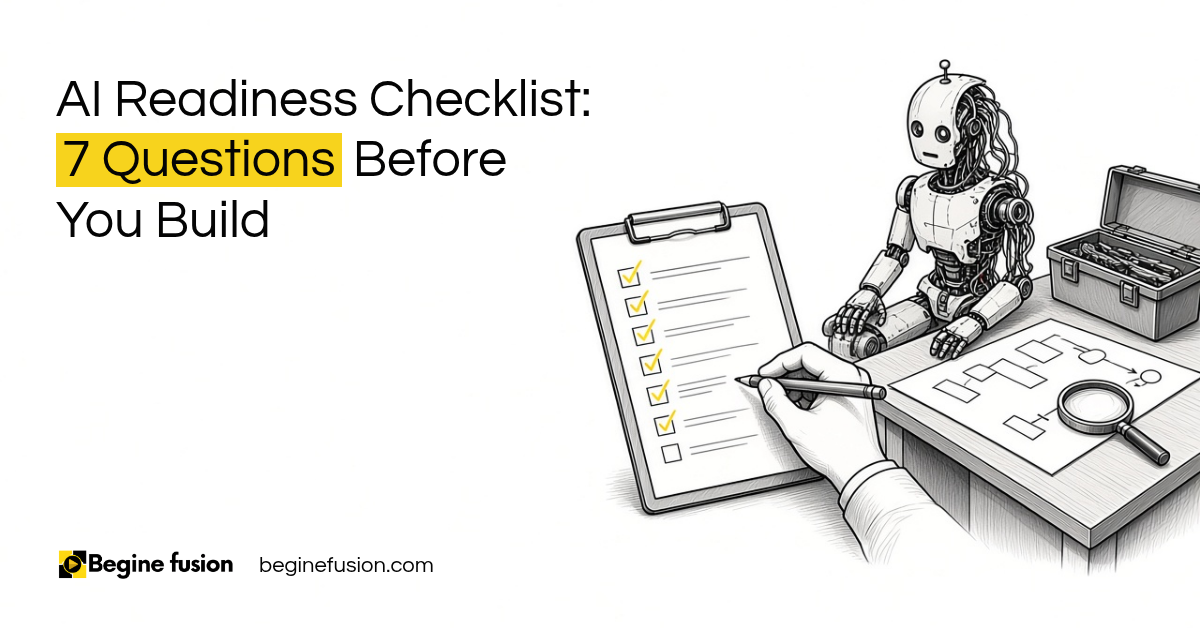 AI Readiness Checklist: 7 Questions Before You BuildSeven questions I ask before we build anything with AI. Count your yes answers, and the first one you mark not yet is the thing to fix first. Free download, made to print.