
TL;DR
- The first request is often AI: an AI receptionist, or an agent to handle onboarding.
- Once we ask questions: the real problem usually turns up somewhere else, like paper forms, no backups or a website that is connected to nothing.
- Fix the technology issue first: then bring AI in where it helps.
- AI is one of the tools that solves business problems: what people care about is their problem being solved.
Somebody can request AI, and their solution is not even AI.
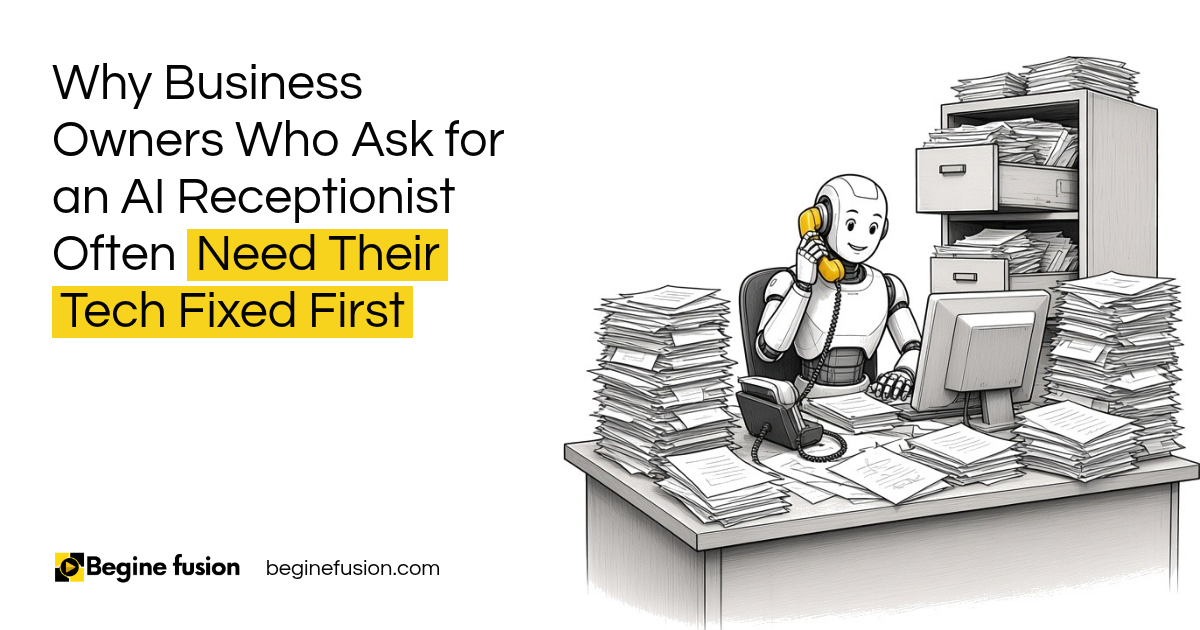
A business owner told us they wanted an AI receptionist to help answer phone calls. Sure, that is easy to build. So we had a meeting.
The office had one computer, running an operating system that stopped getting security updates years ago. Nothing was backed up anywhere. Reception had stacks and stacks of paper and a file cabinet full of it. Repeat clients were filling out the same paper form every time they came in. And there was an audit coming that the business was not ready for.
Whoever was on the desk was still able to take the calls. The phone was fine. The operation around it needed fixing.
What do people ask for first?
AI gets us in the door, because everybody is trying to not miss out on AI.
The request usually sounds like this: we want an AI receptionist, or we want an AI agent to handle onboarding. That is a fair place to begin the conversation. We can help with an AI agent for onboarding. While we do that work, we learn how the business runs day to day.
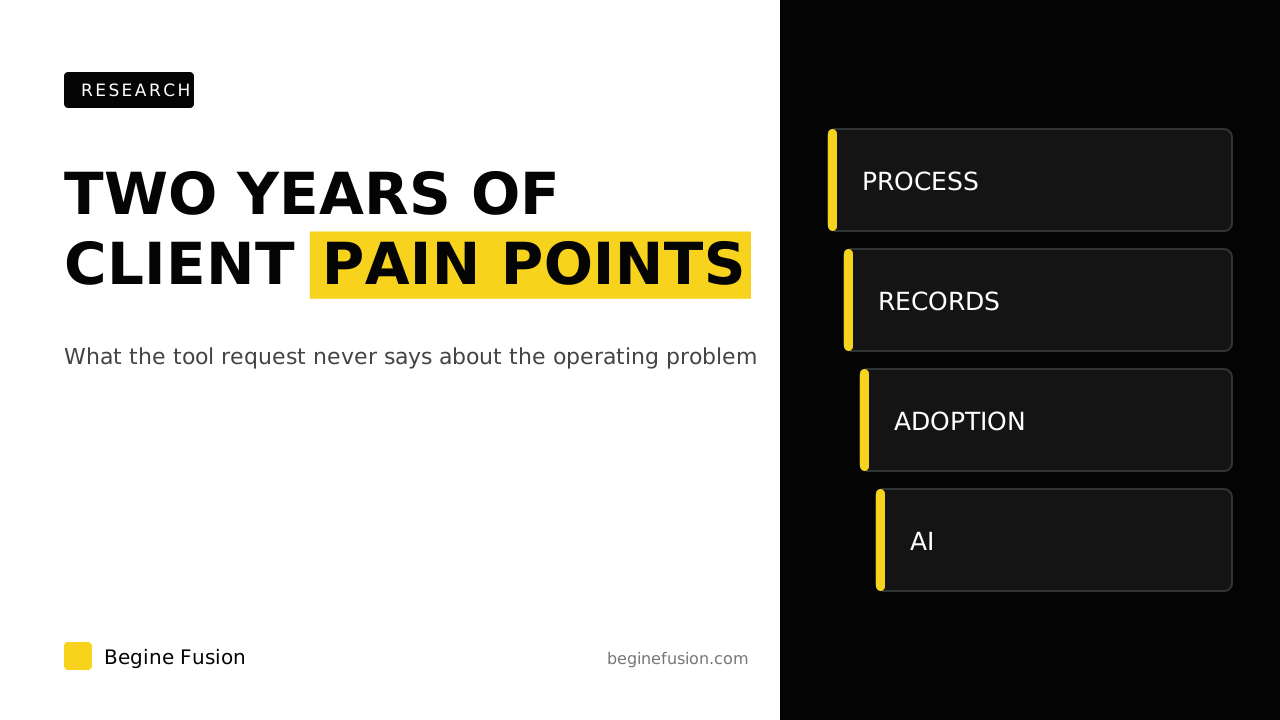
We found the same pattern across two years of our own delivery records. A technology request marks where the pressure became visible. It rarely describes the full problem. You can read that research in what we learned from mapping two years of client pain points.

What turns up once you ask questions?
The questions are plain. What tools do you use today? How are you handling this right now? What is working, and what is not?
The answers are where the real work shows up.
| The request | What often turns up when we look |
|---|---|
| An AI receptionist | Paper forms, no backups and an office computer that was a security risk |
| An AI agent for leads | A website that does not reflect the brand and is not connected to anything |
| AI for the back office | Accounting software on one desktop computer in the office |
| An AI agent for onboarding | Customer records kept in spreadsheets, a diary or on paper |
| Automation across the team | People who do not know there is a process they are meant to follow |
None of these is an AI problem. Each one would break the AI you put on top of it.
Key point: Ask what is working and what is not before you build anything. The request shows where it hurts, and the answers decide what gets fixed.

What gets fixed before AI?
So let us fix the technology issue there first.
For the business with the AI receptionist request, that meant moving everything on paper into digital and keeping backups in different places. It meant updating the office computer, because the old one was a security risk. Then a tablet at the front desk, so clients fill in their details once, the first and last time.
If your paper files are moving into a cloud drive: Try Zoho WorkDrive.
When all of that is done, then we can start talking about AI.
The same goes for the bigger pieces. If your leads are not landing anywhere, you need to set up a CRM that catches every lead before an agent can follow up on them. If your security is weak, an AI tool connected to your systems makes the gap bigger.

Where does AI fit once the basics work?
AI is one of the elements. It sits alongside the CRM you need for your processes and the change management that gets your people using it. What AI does well is help all of those things happen faster and better.
Once the records are digital and the website is connected, AI has something to work with. That is often in the back office, where it reads and drafts. Your clients never have to talk to it. If you want ideas there, read how to use AI where clients do not want to talk to it.
People are already used to software. You log in somewhere and you do one thing. So instead of handing people agents to manage, we build them applications with the agents running inside. Sometimes all they need to see is the reports or the outputs.
For more on why a better tool does not fix the system around it, read tools vs. systems.
Why we never wanted to be an AI agency
This is the reason I always say we should not be calling ourselves AI consultants or an AI agency. We provide more solutions than AI.
We can help you fix your whole tech stack. We can help you manage your endpoints and your cyber security, build your CRM or build a custom app. We are solving your business challenges with technology, and AI is one of that tech.
Some of the solutions we deploy will be AI. But people say AI, and what they care about is their problem being solved. How we do it matters less to them.
If you sell AI services yourself, this is worth thinking about. Doing one AI project and walking away is hard to sustain, and the client is left with a tool sitting on top of the same problems.
What changes in how the work runs
The AI you add runs on records that exist in one place, are backed up and are kept current. When something goes wrong, you are fixing the AI, instead of discovering the paper problem underneath it.
Your team is working in systems they already know how to use, so the AI arrives as one more step inside them. And the conversation with whoever builds it moves from which AI tool to buy to which problem to solve first.
Takeaways and next steps
- The AI request tells you where the pressure is. It rarely tells you the whole problem.
- Ask what tools you use today and what is and is not working before you build.
- Fix the technology issue first, starting from the paper and the backups.
- Then put AI where it helps, often in the back office.
- AI is one tool among many. The goal is the problem solved.
To check your own setup before you add AI, read how to audit a business software stack.
Common mistakes when the first request is AI
1. Building exactly what was asked for.
Why it fails: The AI receptionist goes live on top of paper forms and no backups.
Better approach: Ask what is working and what is not before you quote.
2. Treating the phone as the problem.
Why it fails: Calls get answered faster and the operation behind them stays broken.
Better approach: Look at what happens after the call is answered.
3. Connecting AI to an unsupported office computer.
Why it fails: An old operating system becomes a way into everything the AI can reach.
Better approach: Update the computers and set up backups first.
4. Leaving client records on paper.
Why it fails: The AI has nothing to read, and repeat clients keep filling out the same form.
Better approach: Move the records into one digital system before adding AI.
5. Handing staff a set of agents to manage.
Why it fails: People struggle to work out what each agent does.
Better approach: Build the agents into an application they log in to, with the reports they need.
Frequently asked questions
Do I need an AI receptionist?
Maybe. First check whether the calls are the problem. If whoever is on the desk can take them, the bigger issue is often the paperwork, records or systems behind the desk.
What should I fix before adding AI to my business?
Move paper records into one digital system, set up backups in more than one place, update unsupported computers and make sure your website is connected to where leads go.
Why do AI projects stall in businesses with paper records?
The AI has nothing reliable to read or write to, so it ends up working around the same manual steps it was meant to remove.
Is AI the only technology a business needs?
No. AI is one of the tools. Your CRM, website, accounting software and security all need to work for AI to help.
Where does AI usually help first once the basics are fixed?
Often in the back office, where it reads and drafts work that people then check.
Why does Begine Fusion not call itself an AI agency?
Because we solve business challenges with technology, and AI is one of that technology. Many clients need their tech stack, security or CRM fixed before AI can help.
Glossary
- Tech stack
- All the software and hardware a business runs on, from computers to the CRM.
- Endpoint
- Any device that connects to your business systems, such as a laptop, phone or tablet.
- Backup
- A copy of your data kept in a separate place, so you can recover it if a device fails.
- AI receptionist
- An AI tool that answers phone calls or messages and books or routes them.
- Change management
- The work of getting people to adopt a new system and keep using it.

 AI Readiness Checklist: 7 Questions Before You Build
 The Agent Never-Do List