
TL;DR
- For any action that matters: store the result and the evidence the agent used to produce it.
- Record every run: what started it, which model and prompt version, which tools and records it touched, what it tried, what it finished and what went wrong.
- Rate each action by its consequences: spending money, changing records and sending something to a client need detailed logs and a person's approval.
- A change log: it shows you when the rules your agents follow were changed, so you can review what changed.
- More room to act: give an agent that only once it is fully logged and you have watched it work.
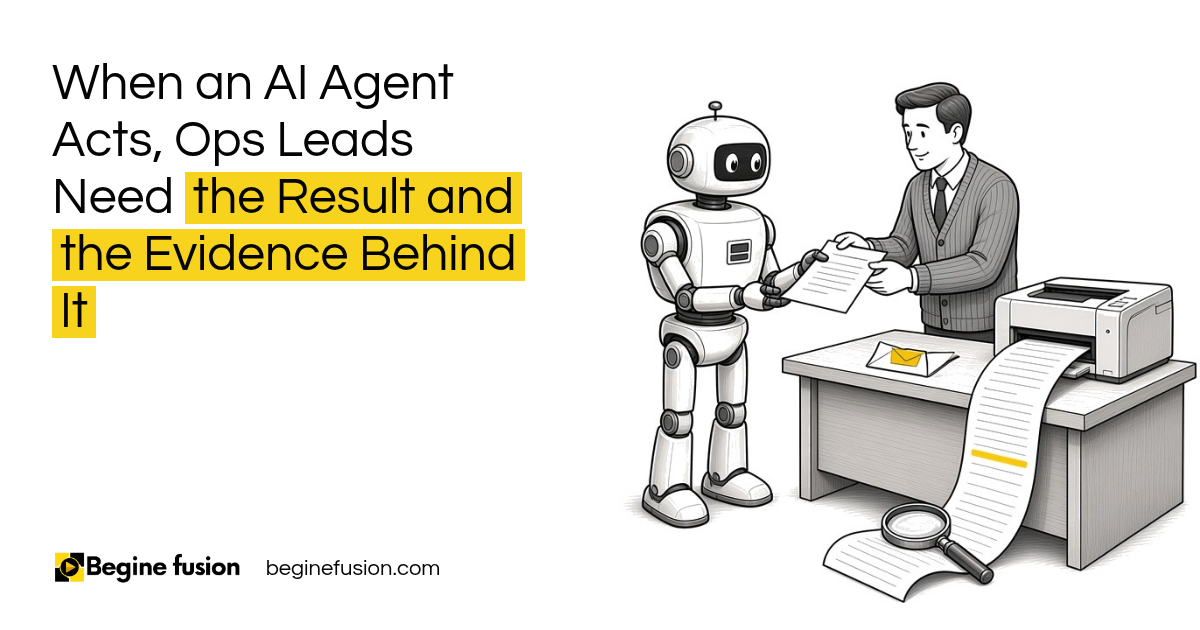
Somebody on your team opens a client record and something has changed. Who did that? It was an agent. What did it do? What exactly happened?
If nobody can answer those questions, nobody can answer for the agent either.
For any high impact system, you need to store both the result and the evidence used to produce it. All these things need to be in a system that tracks and captures them. Below is what to record and which actions need the most of it.
What should you record every time an agent acts?
Record this for every meaningful run. It is what lets you understand what has happened in your system.
| What to record | What it answers |
|---|---|
| Run ID and the user or trigger that started it | Who or what set it off |
| Start time and end time | When it ran |
| Model and prompt version | Which instructions it was following |
| Tools used and records accessed | What it touched |
| Actions attempted and actions completed | What it tried and what went through |
| Approval and validation results | Who signed off and what was checked |
| Errors and retries | Where it struggled |
| Cost and the final outcome | What it spent and where it ended |
Record the prompt version. When someone edits the instructions, the agent behaves differently, and you need to know which version produced which result.
Which actions need the most evidence?
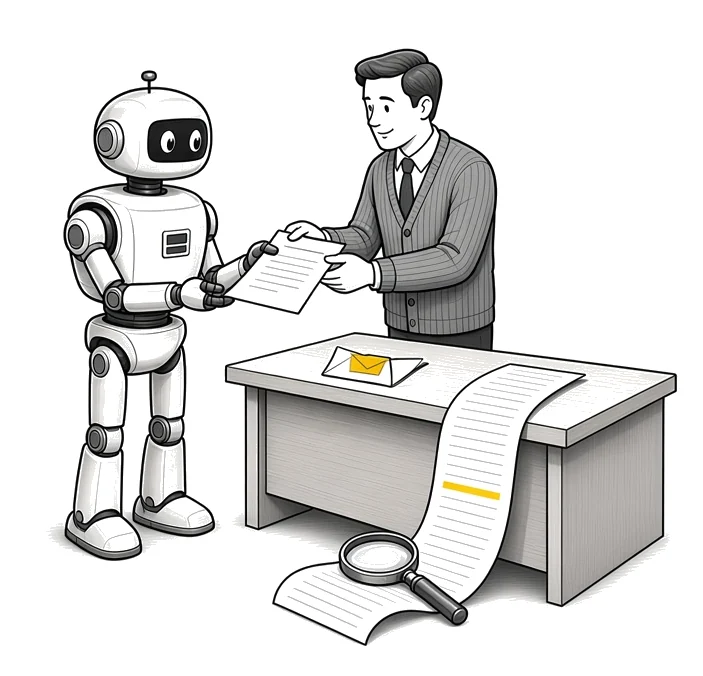
Some actions carry more weight than others. Consequential actions include:
- Spending money
- Sending something out to your clients
- Changing or deleting records
- Making legal commitments
- Changing who has access
- Publishing something externally
If an agent does any of these, you need explicit permissions, validation, human approval and detailed logs. Then rollback and recovery in case anything gets deleted by accident.
Rate the consequences of each action, then decide the controls.
| Risk | Examples | Controls |
|---|---|---|
| Low | Formatting, summarizing, sorting, internal recommendations | Automated checks and standard logging |
| Medium | Drafting external emails, updating records that are not critical, routing customer requests | Confidence thresholds, actions you can reverse, a person reviews the exceptions, detailed logs |
| High | Payments, deleting records, changing access, legal commitments | A person approves, least access, a complete audit record and a way to roll back |
Key point: For anything high impact, store the result and the evidence used to produce it. The result tells you what happened, and the evidence behind it tells you why.
For the bigger question of how much work an AI should be allowed to do, read assistance vs. autonomy.
Where does the evidence come from?
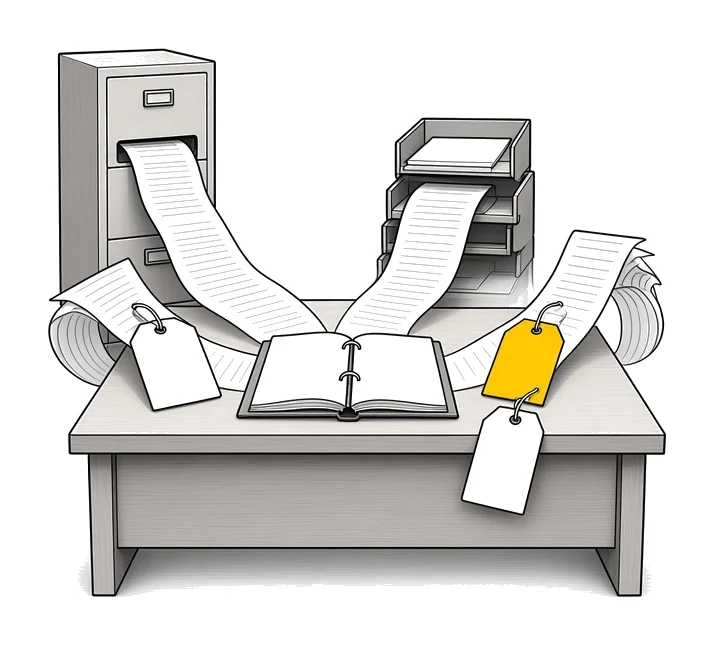
An agent reasons over what it retrieves. The moment that evidence comes from more than one system, you need to keep track of where each piece came from.
When it pulls from your CRM and your email at once, the record should:
- Keep the source of each piece of evidence
- Record when each piece was retrieved
- Respect the permissions on each source
- Flag evidence that conflicts or has gone stale
This is also where handoffs go wrong. When one agent passes work to another, evidence can get dropped along the way, so it pays to hand off a complete package between agents.
What does a change log tell you?
In the AI operating system we build for clients, there is an output log. You can see the time the agent ran, what it did, what the output was and whether there was an error. There is an activity log as well.
Then there is the change log for the rules your agents follow: your data handling rules and your escalation triggers. If anything changes, it is recorded. When something has changed, the system brings it up and says, go and review what has changed.
That matters because an agent can start behaving differently without anybody touching the agent. Somebody edits a rule and the outputs shift. The change log is how you find out. You can read more about the AI operating system.
How much can an agent do without a person watching?
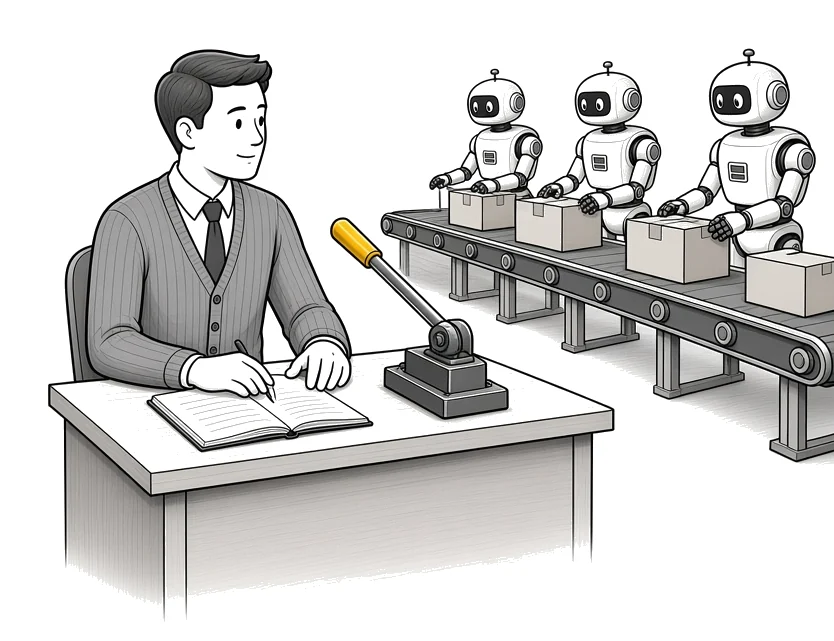
The record is what lets you give an agent more room. There are a few ways a person can stay involved:
- Human in the loop. AI prepares, a person approves, the system executes.
- Human on the loop. The system runs on its own, logs activity, and a person reviews what is happening and steps in when needed.
- Human over the loop. People set the policies, thresholds, permissions and escalations, and the system works inside them.
- Human out of the loop. The agent acts with no review.
Human on the loop only works because everything is logged. You are not going to use it at the very first stage of setting up your AI systems.
For an agent to run with no review at all, five conditions must hold: low risk, reversible, well tested, tightly constrained and fully logged. Four out of five does not qualify.
Increase autonomy gradually. Do not go from stage one to fully autonomous. You want to retain control over these agents all the time. In one system we built, you can see what each agent has scheduled and what is pending. If an agent goes rogue, there is a kill switch that stops everything running live.
Deciding where a person checks the work is how you run AI agents without approving every step. Two more pieces sit next to the record: each agent should get only the access its job needs, and you should write down what each agent must never do.
What it looked like for one investment firm
We built an AI client profiling platform for an investment firm. Three agents read a client’s onboarding answers and produce a profile and a playbook.
The scores are calculated by fixed rules, so every client is classified the same way against the same criteria, and the risk decisions are easy to justify. Every generated profile lands in a review and approve queue. Leadership signs off before anything is delivered. The platform keeps an audit log.
What changes in how the work runs
When a client asks why they got a recommendation, you can show them what the agent used and who approved it. When an output looks wrong, you open the run and see the prompt version, the records it read and the step that failed.
You stop asking who did that. And because every run is on record, you can let the agents you trust take on more.
Takeaways and next steps
- For anything high impact, store the result and the evidence used to produce it.
- Record every run: the trigger, the model and prompt version, the tools and records, what was tried and what was done.
- Rate each action by its consequences and match the controls to it.
- Keep a change log for the rules your agents follow.
- Increase autonomy gradually, and only for work that is fully logged.
To see how this fits into a full AI system, read the AI systems playbook.
Common mistakes when logging AI agents
1. Logging only the final output.
Why it fails: You can see what happened and cannot tell why.
Better approach: Store the evidence the agent used next to the result.
2. Not recording the prompt version.
Why it fails: Somebody edits the instructions and nobody can explain why the results changed.
Better approach: Record the model and prompt version on every run.
3. Treating every action the same.
Why it fails: Low risk work gets slowed down while high risk work goes through with a thin record.
Better approach: Rate each action by its consequences and set the controls to match.
4. Losing track of where evidence came from.
Why it fails: The agent mixes an old file with a new one and nobody can see which was which.
Better approach: Keep the source and the time for each piece of evidence.
5. Giving an agent full autonomy too early.
Why it fails: Mistakes reach clients before anyone sees them.
Better approach: Have a person approve at first, then widen as the logs show the agent can be trusted.
6. Having no way to stop a running agent.
Why it fails: When something goes wrong, it keeps going.
Better approach: Build a kill switch that stops everything running live.
Frequently asked questions
What is an AI agent audit trail?
A record of every run an agent makes: what triggered it, which model and prompt it used, which tools and records it touched, what it did and the evidence it used.
What should I log when an AI agent takes an action?
The run ID and trigger, start and end time, model and prompt version, tools used, records accessed, actions attempted and completed, approvals, validation results, errors, retries, cost and the final outcome.
Which AI agent actions need human approval?
Consequential ones: spending money, sending something to a client, changing or deleting records, legal commitments, changing access and publishing externally.
Why record the evidence and the result?
The evidence shows why the agent produced that result, so you can check the reasoning when a client or your team asks.
What is a change log for AI?
A record of every change to the rules and instructions your agents follow, with the date, so you can review what changed when outputs shift.
When can an AI agent run without human review?
Only when the action is low risk, reversible, well tested, tightly constrained and fully logged. All five must hold.
Glossary
- Audit trail
- The record of what an agent did, when it did it and what it used, kept so anyone can review it later.
- Evidence
- The records, files and messages an agent used to produce a result.
- Prompt version
- The specific version of the instructions an agent was running when it produced a result.
- Change log
- A dated list of changes to the rules and instructions an AI system follows.
- Human on the loop
- The system runs on its own while a person watches the logs and steps in when needed.
- Kill switch
- A control that stops every running agent at once.
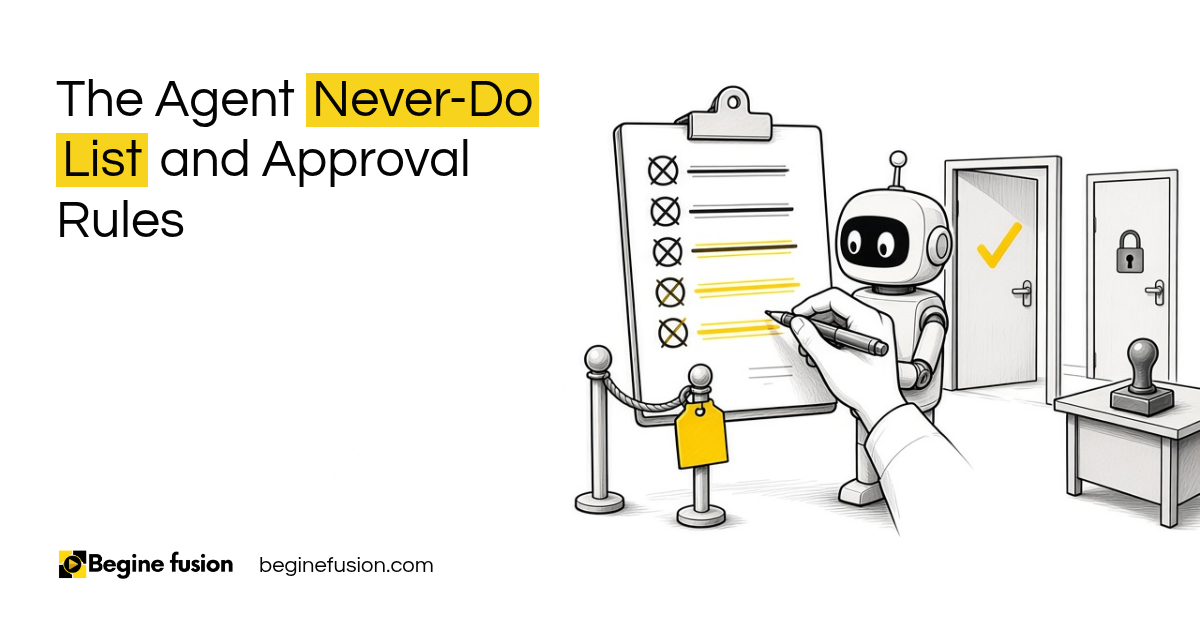 The Agent Never-Do List
 AI Readiness Checklist: 7 Questions Before You Build