
TL;DR
- Each agent gets the tools it needs: to do its job, and that is it.
- For every tool, define five things: read permission, write permission, data scope, approval limits and rate limits.
- Split agents by domain: the sales agent can use your CRM. It has no reason to open your support desk or your design tool.
- Split the authority too: one agent can propose, another can review, another can act.
- The same rule applies to your team: if someone does not need access to something, they do not get it.
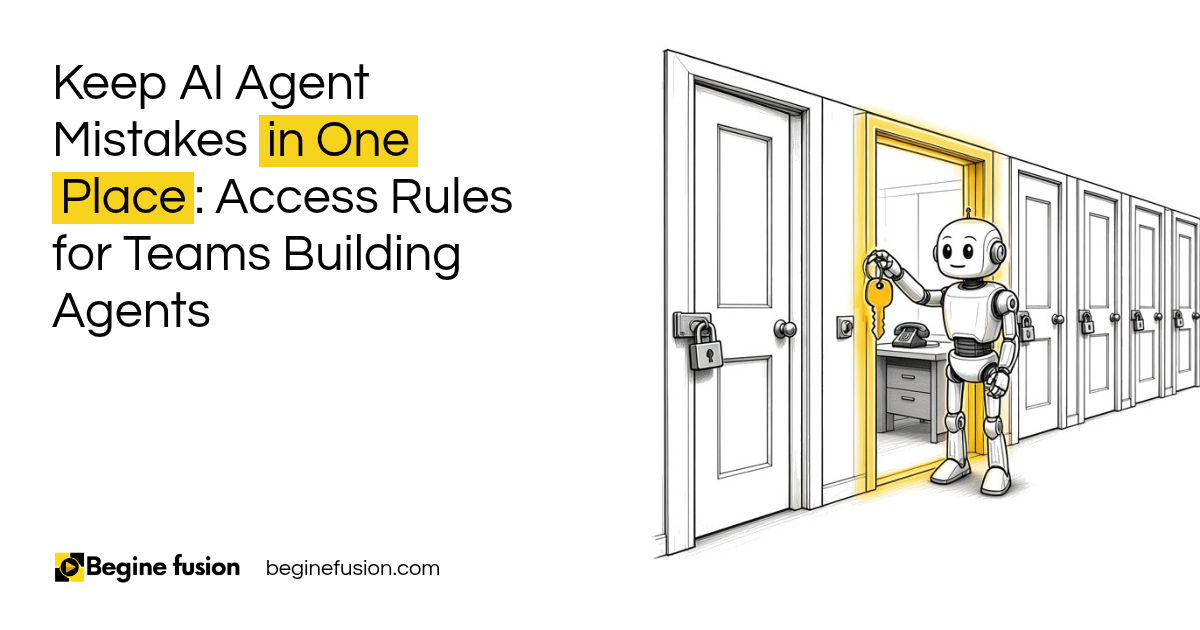
A sales agent does not need access to your design tool. Or to your website, to create web pages.
That sounds obvious. It is also easy to skip when you are trying to get an agent working. Instead of giving one agent access to everything, you try to minimize the level of access.
Agents should receive the minimum authority required. Your agent should not have full and total authority. Each agent needs access to the tools it needs to do its job, and that is it. Below is how to define that access for each tool and how to split it between agents. Your team follows the same rule, and that part comes after.
Why should each agent get only the access it needs?
When an agent can reach everything, one mistake can reach everything too.
Giving an agent broad access to your systems and records is one of the patterns I tell people to avoid. A sales agent that reads the wrong instruction should only be able to touch sales records. If it can also edit your website and send from your finance inbox, one bad run becomes a problem everywhere it can reach.
Least access also keeps your data where it belongs. A client’s financial details have no business passing through the agent that drafts your social posts.
Key point: Define what each agent needs access to, and the permissions it needs on each one. Everything else stays closed.

What do you define for each tool?
For each of the tools an agent can use, you need to define five things.
| Permission | What it answers |
|---|---|
| Read permission | Which systems, records, fields and customers can it see? |
| Write permission | Which actions can it take, and which systems do they change? |
| Data scope | Which slice of the data is in bounds, for example one region or one client list? |
| Approval limits | Above what amount or impact does a person have to approve? |
| Rate limits | How many times can it act in an hour or a day before it stops? |
Then decide how far the agent can go on its own. There are levels to it: it can propose, draft, simulate, ask for approval or execute. Most agents should stop at drafting or proposing for anything that changes a record a client will see.
Ask one more question for every write permission: can this action be reversed? If it cannot, it needs a lower limit and a person approving it.

How do you split access between agents?
Split by domain. The finance agent does not need access to things related to sales. The sales agent does not need things related to support. A sales agent working on sales can have access to your CRM. It does not need your support desk.
When you build this way, a router decides which specialist agent owns each request and which permissions apply. If a sales request gets routed to support, or a finance request ends up with sales, you know there is an issue, because the agent receiving it does not have the access to act on it.
You can split the authority within one job as well. One agent can review, another one can act, another one can propose. The agent that drafts a refund does not approve it.
Agents also pass work to each other, and each handoff is a place where access can leak. That is why it helps to hand off a complete package between agents and nothing more.

Does the same rule apply to your team?
Yes. The first question in any security setup is who has access to what.
You have different team members and different units. You might have only one super admin, then different admins for different places. People in each unit get access to only what they need. If someone does not need access to something, we do not give them access.
The same goes for agents your team uses. In the systems we set up, you can decide that one person can use a set of agents and another person can use only one. You restrict that access per person, the same way you restrict it per agent.
Then the basics still apply: two-factor login for everyone, and a check on who still has admin rights when someone changes roles. For what this looks like when AI agents arrive inside the CRM your team already uses, read AI agents are now inside Zoho CRM.
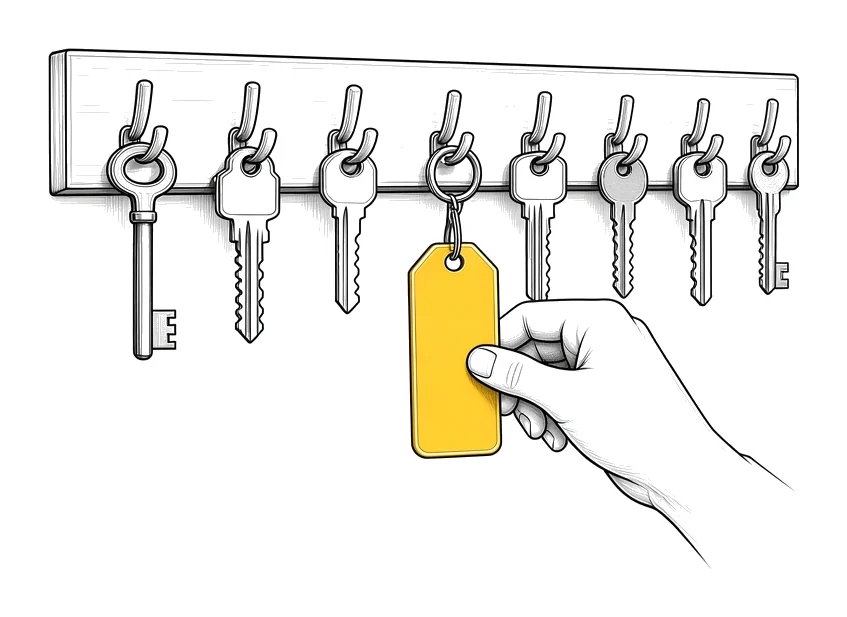
If you are setting up roles in a new CRM: Try Zoho CRM.
Where does least access fit with the other controls?
Access is one control among several. Changing who has access is itself a high risk action, so it needs a person approving it and a record of the change.
Least access works best when you also write down what each agent must never do. The access list says what an agent can reach. The never do list says what it must not attempt even inside that reach.
Then keep evidence of what your agents did, so you can see whether an agent ever tried to reach something outside its scope.
For the bigger question of how much an agent should do on its own, read assistance vs. autonomy.
What it looked like for one investment firm
We built an AI client profiling platform for an investment firm. It is a secure web application with authentication, role-based access, dashboards, a human approval queue and audit logging.
AI drafts, people decide. Every generated profile lands in a review and approve queue, and leadership signs off before anything is delivered to a client.
What changes in how the work runs
When an agent gets something wrong, the damage stays inside the one domain it can reach. You fix one area instead of checking every system it could have touched.
New agents get set up from a written list of what they can read and write, so adding one does not mean opening up the rest of the business. And when someone on your team changes roles, their access changes with them.
Takeaways and next steps
- Each agent gets the tools its job needs, and that is it.
- Define read, write, data scope, approval limits and rate limits for every tool.
- Split agents by domain, and split proposing, reviewing and acting between them.
- Treat a change in access as a high risk action.
- Apply the same rule to your team.
To see how access fits into a full AI system, read the AI systems playbook.
Common mistakes when setting agent permissions
1. Giving one agent access to everything.
Why it fails: One bad run can change records across every system it can reach.
Better approach: List the tools each agent needs and close the rest.
2. Setting access per system and stopping there.
Why it fails: The agent can read every field and every customer in a system it only needed one corner of.
Better approach: Define the data scope as well as the system.
3. Leaving out approval limits.
Why it fails: The agent can take a large or permanent action with nobody looking.
Better approach: Set the amount or impact above which a person approves.
4. Leaving out rate limits.
Why it fails: An agent stuck in a loop sends the same message hundreds of times.
Better approach: Cap how many times it can act in an hour or a day.
5. Letting the agent that proposes also approve.
Why it fails: Nobody checks the work before it goes through.
Better approach: Give proposing and approving to different agents or to a person.
6. Locking down agents and leaving your team wide open.
Why it fails: A shared admin login reaches everything the agents cannot.
Better approach: Give each person only the access their role needs, with two-factor login.
Frequently asked questions
What is least access for AI agents?
Each agent gets only the tools, records and permissions its job needs. Everything else stays closed.
What permissions should I define for an AI agent?
For each tool: read permission, write permission, data scope, approval limits and rate limits. Then how far it can go on its own, from proposing to executing.
Should one AI agent have access to all my systems?
No. Split agents by domain so a sales agent works in your CRM and has no access to your support desk, your finance records or your design tool.
How do I split work between agents safely?
Use a router that sends each request to the right specialist agent, and give proposing, reviewing and acting to different agents or to a person.
Does least access apply to employees too?
Yes. People in each unit get access to only what they need, with as few super admins as possible and two-factor login for everyone.
Is changing an agent's access a high risk action?
Yes. A person should approve it, and the change should be recorded.
Glossary
- Least access
- Giving an agent or a person only the access their job needs and nothing else.
- Data scope
- The part of a system's data an agent is allowed to use, such as one region or one client list.
- Approval limit
- The amount or impact above which a person has to approve an agent's action.
- Rate limit
- A cap on how many times an agent can act in a set period.
- Router
- The part of an AI system that decides which specialist agent handles each request.
- Super admin
- The account with full control of a system. Keep as few as possible.
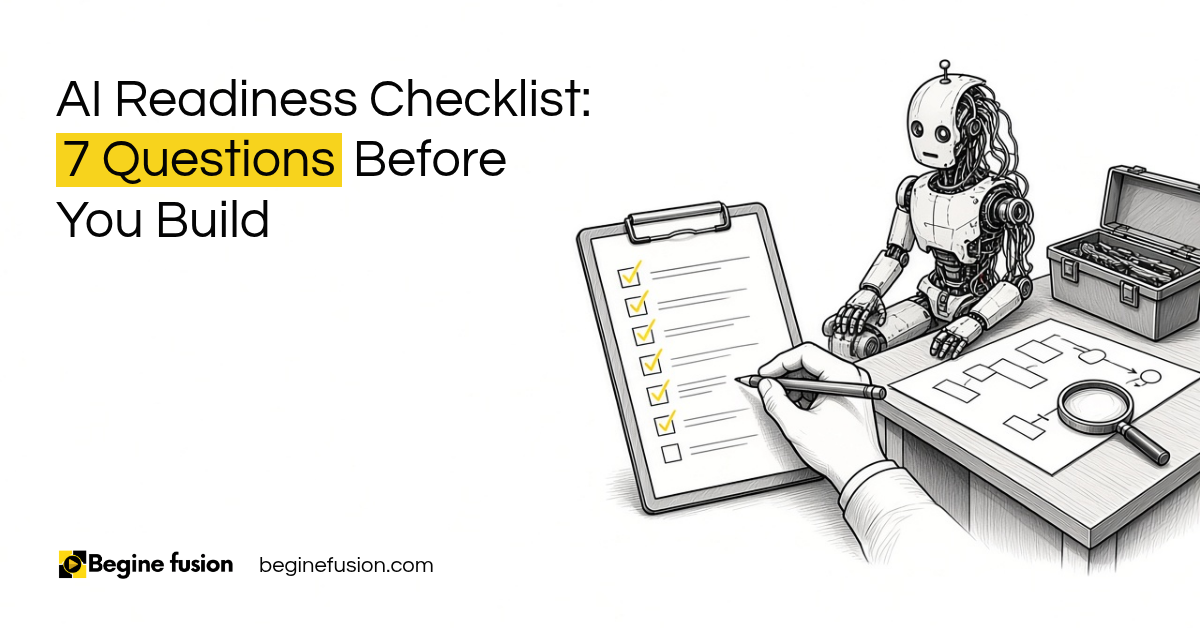 AI Readiness Checklist: 7 Questions Before You Build
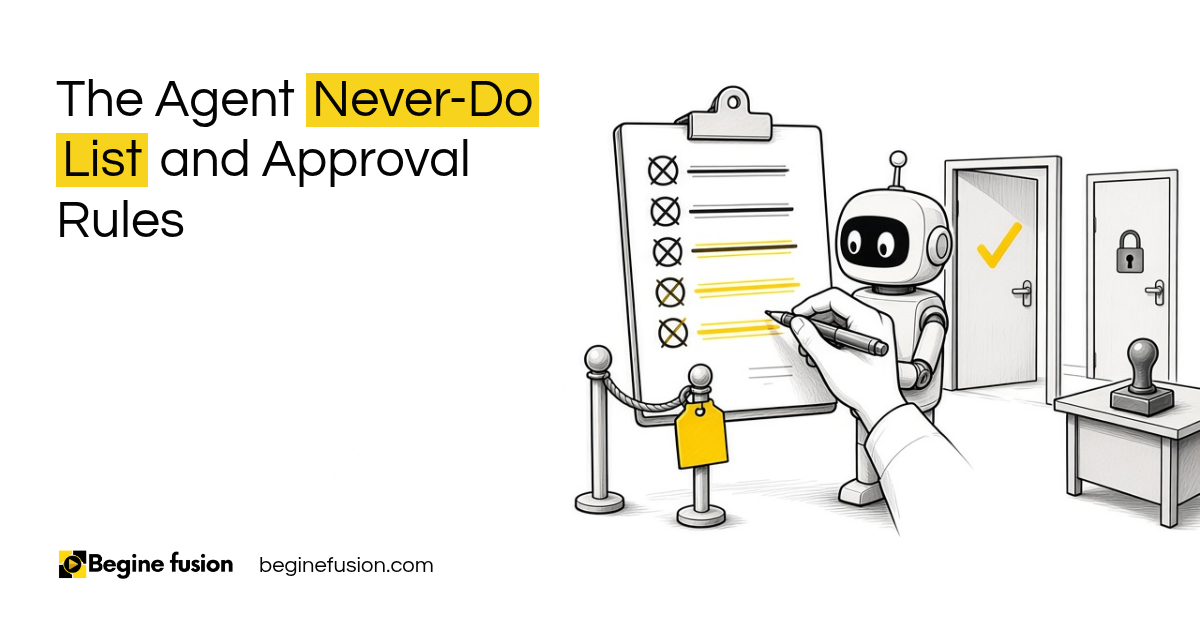 The Agent Never-Do List