
TL;DR
- Sort first: the AI reviews each request and decides where it goes.
- Escalate on more than one channel: send an email, send a text, follow up with a phone call.
- Set a time limit: if nobody acknowledges the escalation in, say, four hours, escalate again.
- Low confidence goes to a person: in sales, billing and finance, a human reviews what the AI is unsure about.
- Set the rules up front: confidence thresholds, fallback routes and rules for sensitive categories.
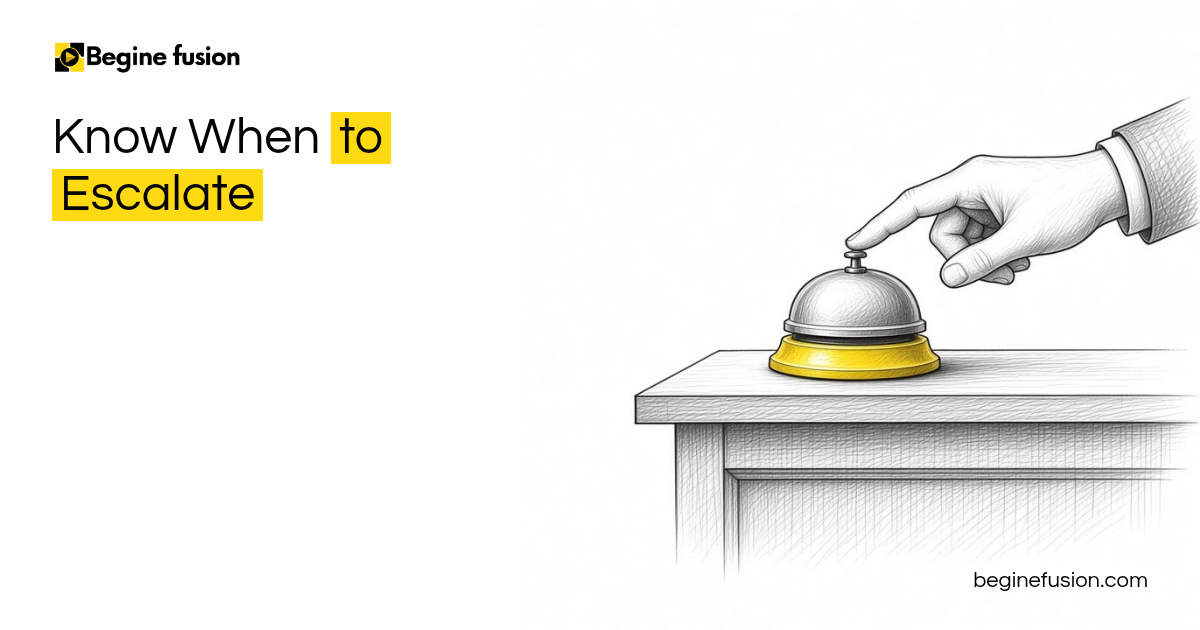
Sometimes the AI can resolve things all by itself. Other times you need a human being to get involved, and the system has to know which is which. That decision is escalation, and you design it before the system goes live.
Sort each request as it comes in
Say you receive a support request from your client. It comes in through your chatbot, your email or your portal. The AI reviews it and decides: can we send them to read some documents, can they fill out a form, or do we escalate this now to a senior engineer to figure out what the issue is.
The same goes for requests that fall into clear categories. Somebody wants to open an account: is it a personal account or a business account. Category A follows sequence A. Category B follows sequence B.

Escalate on more than one channel
When something needs to be escalated, escalate it properly. Send an email, send a text message, and follow up with a phone call to the person.

Set a time limit, then escalate again
If nobody acknowledges the request for escalation within four hours, the system escalates again. The four hours is an example. Pick the limit that fits the request.
Send low-confidence work to a person
Your sales, your billing and your finance are good examples. If there is something with low confidence, something the AI is unsure about, let a human review it. Our post on keeping a human in the loop covers how that review fits into the system.

Follow up on the proposal, then tell the account manager
Take a proposal system. The proposal goes to the client and the CRM is updated. The system monitors for the client’s response. If there is no response, it sends a follow-up email, a follow-up text and a follow-up call. After that, it escalates to the account manager to review: this person has not responded to the proposal we sent.

Set the rules before it runs
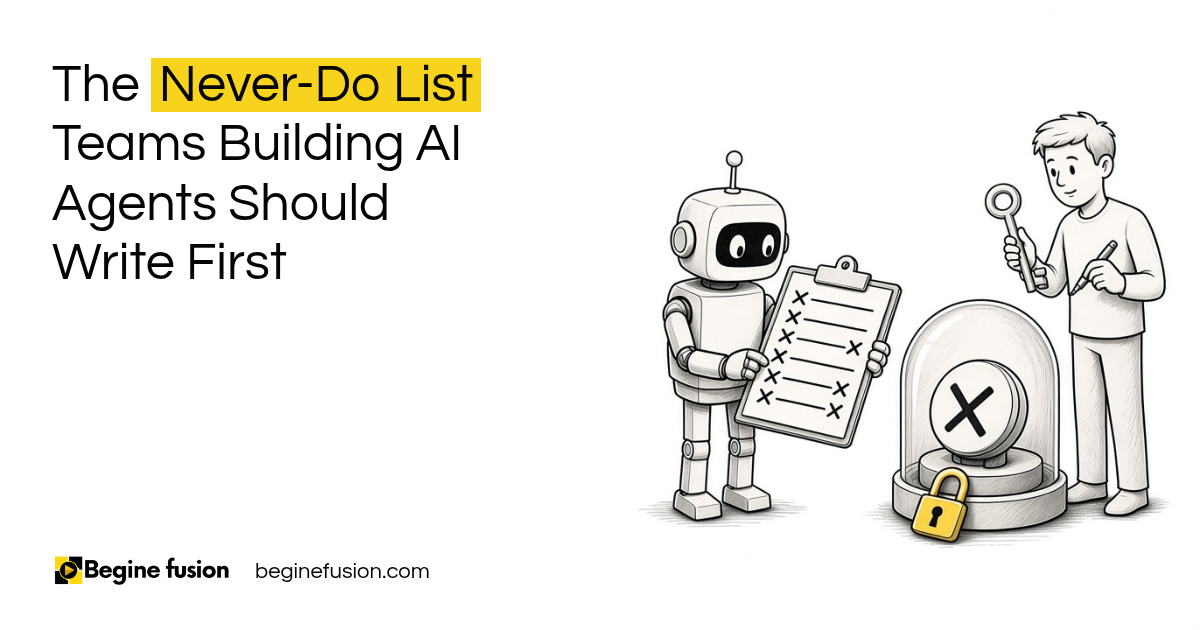
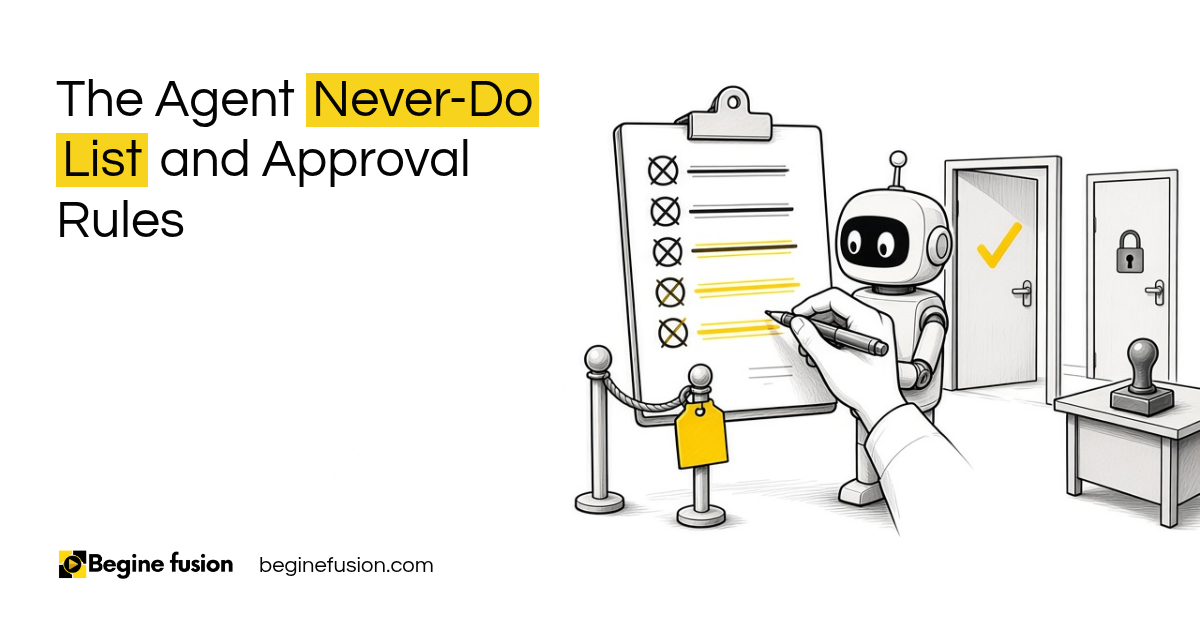
Your controls go in at the design stage: the confidence thresholds, the fallback routes, the routing logic and the rules for sensitive categories. Our post on the AI agent never-do list covers the things an agent should never do on its own.
Takeaways and next steps
- Have the AI sort each request as it comes in.
- Escalate by email, text and phone call.
- Set a time limit, and escalate again when nobody acknowledges.
- Send low-confidence work in sales, billing and finance to a person.
- Write the confidence thresholds, fallback routes and sensitive-category rules before the system goes live.
Common mistakes with AI escalation
1. Escalating on one channel only.
Why it fails: One email sits unread and the request waits.
Better approach: Send an email, send a text and follow up with a phone call.
2. Escalating once and stopping.
Why it fails: Nobody acknowledges it and the client waits.
Better approach: Set a time limit and escalate again.
3. Letting the AI act on low-confidence work.
Why it fails: Mistakes reach sales, billing or finance.
Better approach: Send low-confidence items to a person to review.
Frequently asked questions
What is escalation in an AI system?
The point where the AI hands a request to a person because it needs a human to get involved.
How should an AI system escalate?
Send an email, send a text message and follow up with a phone call.
What if nobody responds to the escalation?
Set a time limit, for example four hours, and escalate again.
Which work should go to a person?
Anything low confidence, especially in sales, billing and finance.
What rules should I set up front?
Confidence thresholds, fallback routes, routing logic and rules for sensitive categories.
Glossary
- Escalation
- Handing a request from the AI system to a person.
- Confidence threshold
- The level of certainty below which the AI sends work to a person.
- Fallback route
- Where a request goes when it fits no category.
- Account manager
- The person responsible for a client relationship.

 The Agent Never-Do List
 AI Readiness Checklist: 7 Questions Before You Build