
TL;DR
- The trigger: something must start the agent's work. It can be on demand, on a schedule, an email, a form, a webhook or a system event.
- Level one: you go in and type, and the AI answers. The connection waits for you.
- Level two: an agent that runs on a schedule, with its instructions and triggers, and does the work while you are away from your desk.
- The four parts: trigger, processing, execution and delivery.
- One example: a form submission starts the agent, it checks the request against the business rules, updates the CRM and emails the business for approval.
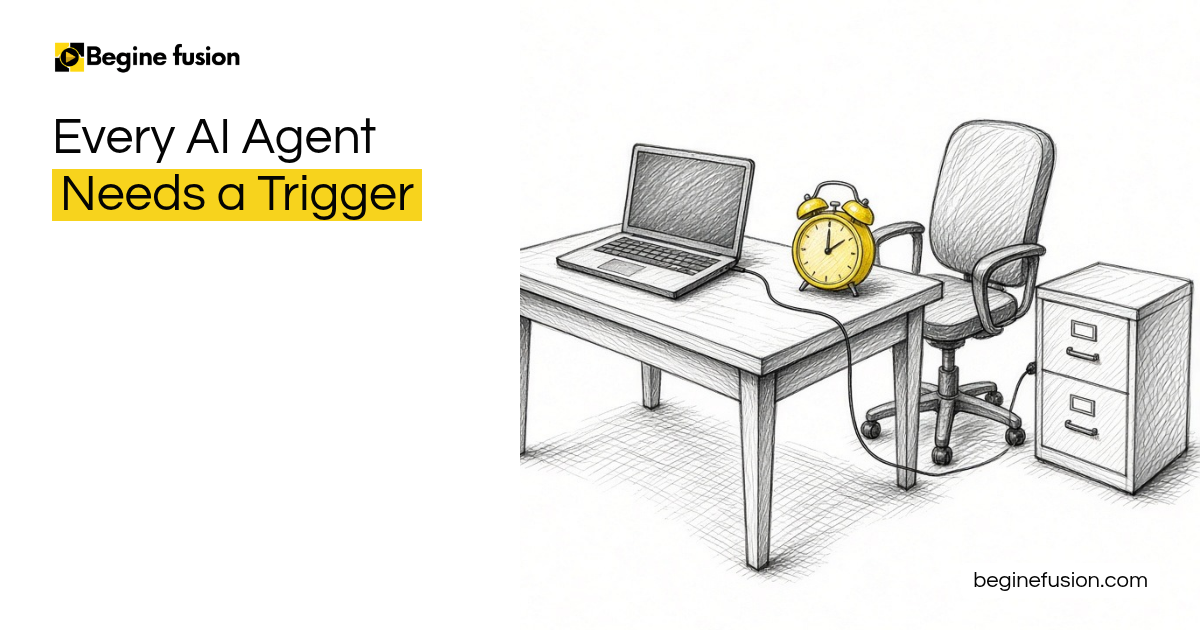
When you build an AI agent, you need a trigger. Something must start that agent’s work.
Something must start the agent’s work
An agent can be triggered on demand, when you ask it to run. It can run on a schedule. It can be triggered by an email, a form, a webhook, a message or a system event.
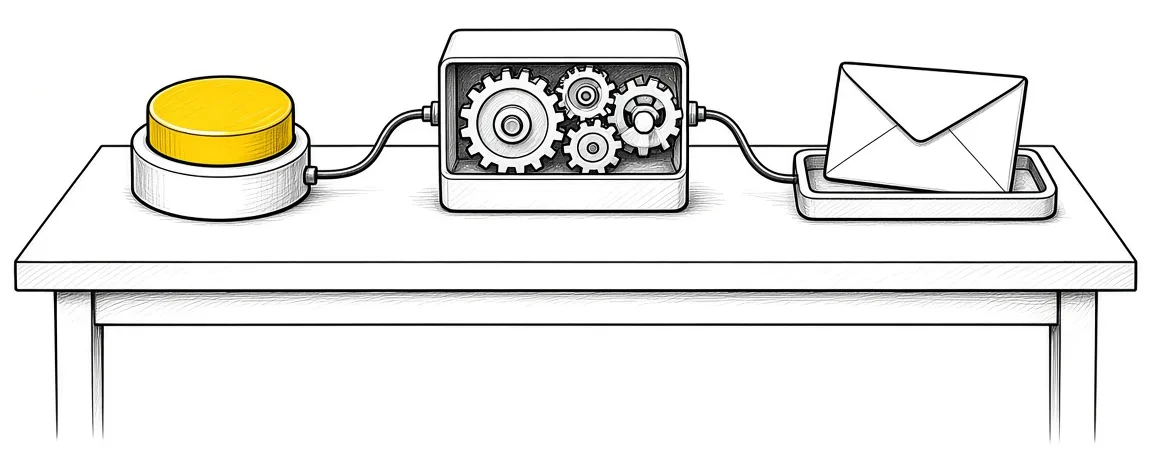
When that trigger happens, a couple of things follow. The reasoning engine analyzes the trigger and determines the required action. Our post on using a notification email as the trigger goes through one trigger in detail.
Level one: you type, and it answers
I separate this into level one and level two. Level one is you going in there and typing. You say: look at what I have right now and tell me what you need to do. You send the request, and the AI does the work and comes back.

The rules you created go in as the instructions, and you trigger it when you want to use it. What you have at level one is the connection. Until you type, the connection waits.
Level two: it runs while you are away from your desk
Level two is an agent that runs on a schedule and has all the necessary instructions and triggers, and it is connected to your tools. It does those things for you when you are away from your desk.

That agent is separate from the chat window where you type. It is built on an agent platform. Our post on building one AI agent first covers which one to build.
Trigger, process, execute, deliver
After the trigger comes the processing layer. That is where the agent checks the work against the knowledge you give the agent, such as your own documents or outside sources, and the models do the reasoning.

Execution comes next. When the AI has run and needs to act on what it found, you connect your tools: your email, your CRM, and any connectors or integrations. The agent accesses the systems connected to it, processes the data and generates the output.
Delivery is the last part. The result might be a completed task, an updated system, generated content or a notification being sent.
An example: a form starts the agent
In one example, the user submits a form, and that starts the agent. In the processing layer, it checks the request against the business’s pricing book and its rules for which jobs to take and which ones are high priority.
For execution, we connected the CRM to that agent, because it needs to pass information to a platform. For delivery, the business gets an email: a request has been processed, please take a look at it and approve or reject it. A lead is created inside the CRM so they can follow it. After the estimate goes to the prospect, a series of emails follows until the prospect responds.
Those are the main things you want to have inside your agent. Our post on the rules an agent follows covers what to set before it runs.
If you are building your first agent with a trigger: Try MindStudio.
If you want an agent that runs on a schedule: Try Lindy AI.
Takeaways and next steps
- Every agent has a trigger that starts its work.
- The trigger can be on demand, a schedule, an email, a form, a webhook or a system event.
- At level one, you type and the AI answers.
- At level two, the agent runs on a schedule while you are away from your desk.
- Each agent has four parts: trigger, processing, execution and delivery.
Common mistakes with AI agent triggers
1. Calling a chat connection an agent.
Why it fails: The connection waits for you to type before anything happens.
Better approach: Give the agent a trigger, such as a schedule, a form or an email.
2. Leaving the knowledge out of the processing layer.
Why it fails: The agent has only the request to go on.
Better approach: Give it your rules, such as a pricing book and which jobs are high priority.
3. Stopping at the output.
Why it fails: The work sits with the agent and the business hears about it late.
Better approach: Plan the delivery: an email for approval, a CRM record and the follow-up emails.
Frequently asked questions
What is a trigger for an AI agent?
The thing that starts the agent's work. It can be on demand, on a schedule, an email, a form, a webhook or a system event.
What is the difference between level one and level two?
At level one, you go in and type, and the AI answers. At level two, an agent runs on a schedule with its instructions and triggers, while you are away from your desk.
What happens after the trigger?
The processing layer checks the work against your knowledge, execution uses your connected tools, and delivery sends the result.
Which tools does the agent connect to?
Your email, your CRM, and any connectors or integrations it needs to pass information.
What does delivery look like?
A completed task, an updated system, generated content or a notification, such as an email asking the business to approve or reject.
Glossary
- Trigger
- The event that starts an agent's work, such as a schedule, an email or a form submission.
- Processing layer
- The part of an agent that checks the work against your knowledge and rules.
- Execution
- The part of an agent that acts through your connected tools.
- Webhook
- A message one system sends to another when an event happens.

 The Agent Never-Do List
 AI Readiness Checklist: 7 Questions Before You Build