
TL;DR
- What it must never do: write that before you write what an agent should do. The prohibited actions matter even more.
- Only the tools it needs: give each agent the data its job needs, with read or write permission, approval limits and rate limits set.
- How much it can decide alone: set it in tiers, with the point where a person signs off.
- When it must stop: write that down, with who it calls for help and what it must record.
- Keep control: least privilege, cost and step limits, an audit log, rollback, human override and a kill switch, all designed before production.
When teams start building an AI agent, they start with the task. What should the agent do?
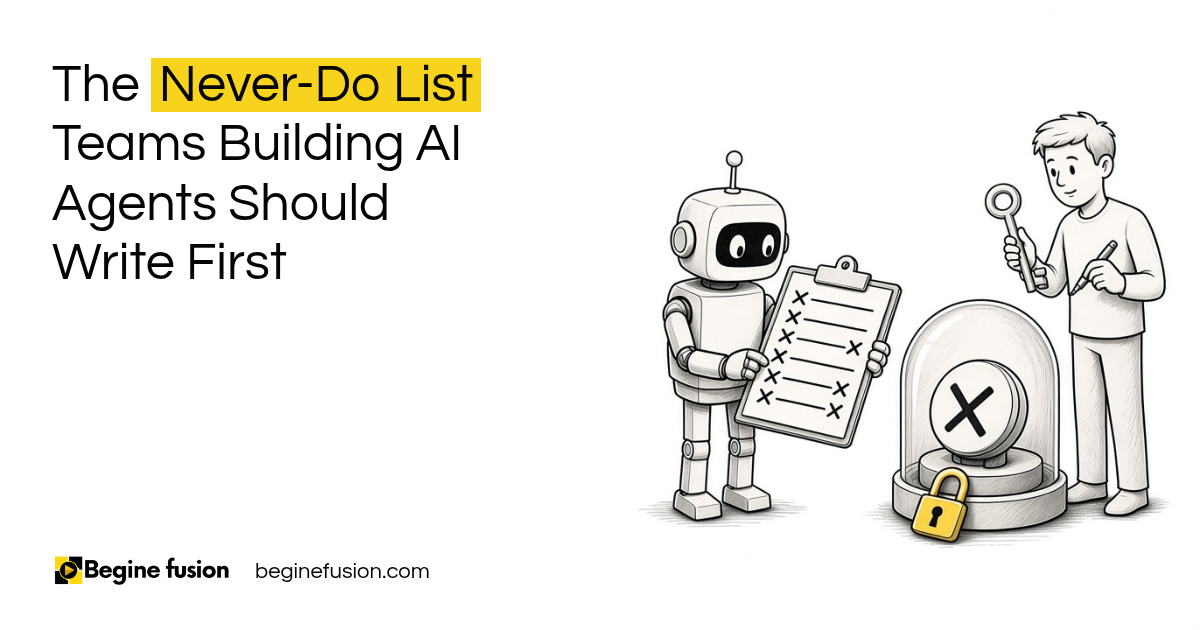
I ask a different question first. What must the agent never do?
The prohibited actions are even more important than what it needs to do. In this post I am going to walk through the never-do list I write with teams, in the order I write it.
Why write what the agent must never do first?
Because the tasks are the easy part. Everybody knows what they want the agent to do.
What they have not thought through is what happens at the edges. The email it should never send. The record it should never delete. The payment it should never approve.
If those are written down first, every other decision gets easier. You know which tools to give it, how far it can go and when it has to stop.
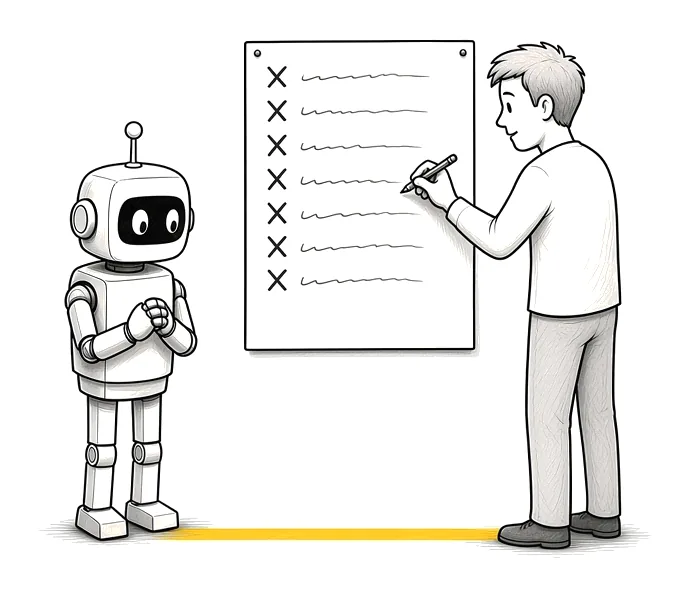
Start with the never. List the actions the agent is never allowed to take before you list its tasks. Every other limit follows from that list.
Which tools and data should the agent get?
Only the ones it needs for its job.
For every tool, define the read permission, the write permission, the data scope, the approval limits and the rate limits.
You should not give every agent all access to everything. A sales agent does not need access to your design tools or your website. If it only needs to read emails, give it permission to read emails instead of writing them.
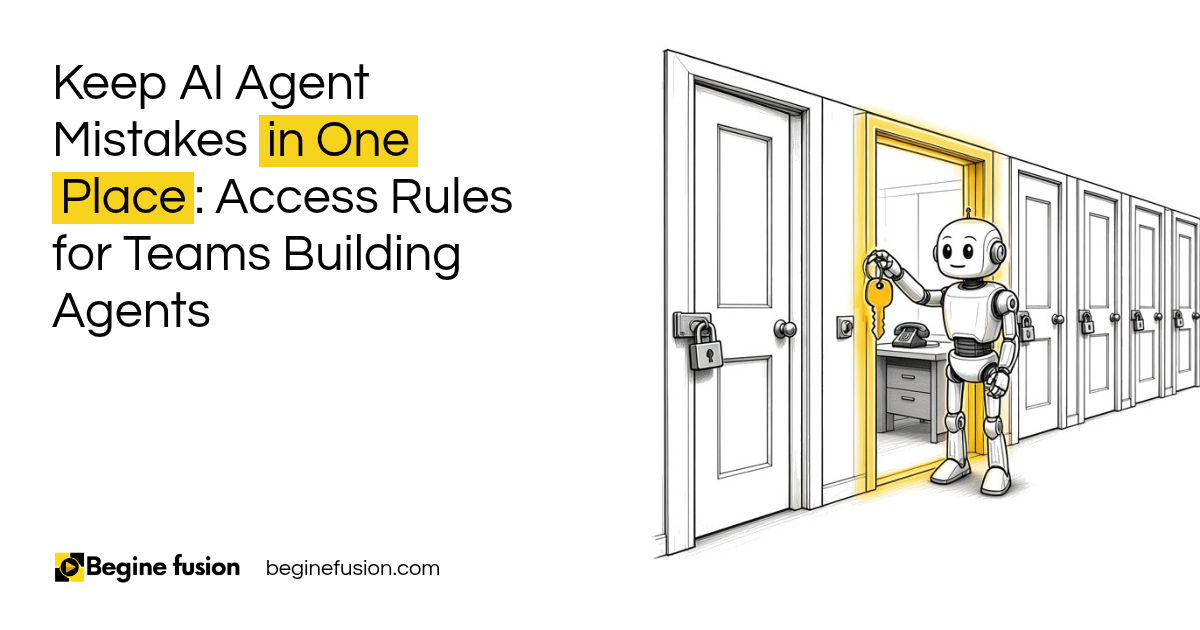
This is called least privilege. The agent gets the smallest set of access that lets it do the job. I explain how much work to hand an agent in Assistance vs. Autonomy. I have also written about access rules for teams building agents.
Least access for the job. For every tool, write down read or write, which data, the approval limit and the rate limit. Everything else stays locked.

How much can the agent decide on its own?
Set it in tiers, and write the tiers down.
Take refunds as an example. Say your refund rule is this: under $50, the agent can refund automatically. Above that, it needs a person’s approval. Above $250, it goes to the finance manager. Those numbers are an example. Put your own in.
The same setup works for other jobs. When I let an agent fill in applications for me, the rule is that it submits nothing without my approval. Same setup if I want an agent to buy something for me.
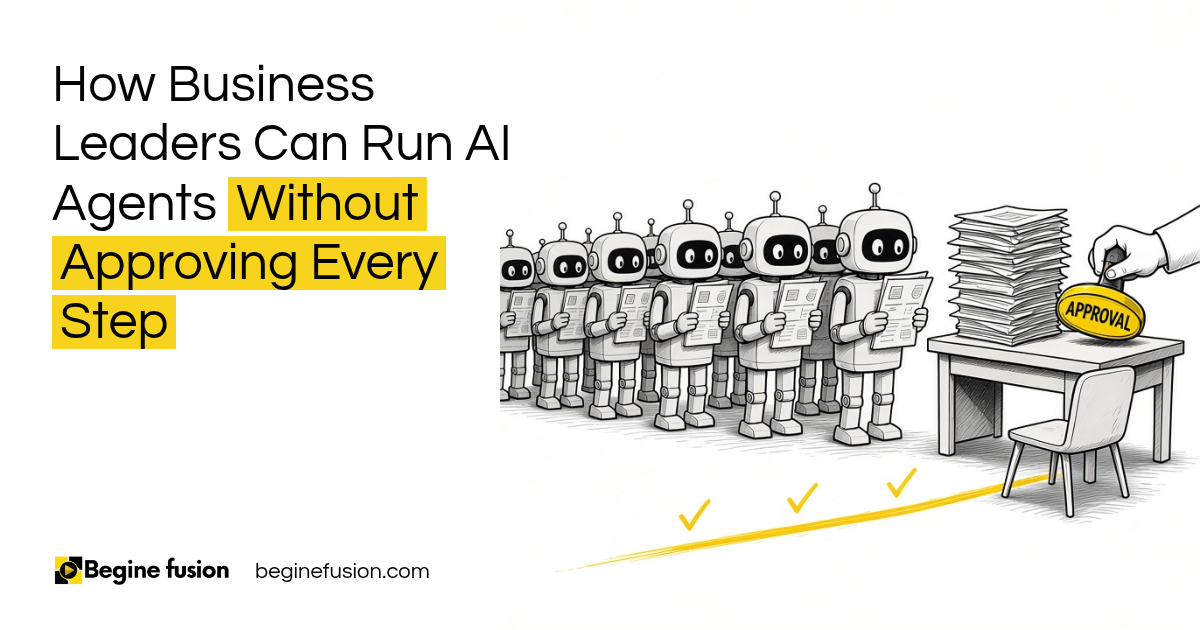
I have also written about how to run AI agents without approving every step.
Write the tiers. For every decision the agent makes, set the amount or the risk where it stops deciding and a named person takes over.
When must the agent stop and ask for help?
Every agent needs stopping conditions. You don’t want it to run unlimited loops.
Set the limits: a cost limit, a time limit, a step limit and a retry limit. When it hits one, it stops.
Then set the escalation point. When the agent is stuck, unsure or outside its limits, it requests the help of a human. Write down which human, and how the agent reaches them.
Stop, then escalate. Cost, time, step and retry limits tell the agent when to stop. The escalation point tells it who to call.

What must the agent record?
Everything you would need for audit purposes.
What it was asked to do. What it read. What it changed. What it sent. When it stopped, and why. Who approved what.
With that record, you can check its work, find the mistake when something goes wrong and roll it back. I have also written about the evidence an agent should leave behind.
Log every action. If the agent did it, there is a record of it, with enough detail to check it and undo it.
Who keeps control once the agent is live?
You do. You want to make sure that you retain control over these agents all the time.
These are the production controls I set before an agent goes live:
- Least privilege access and tool restriction
- Cost limit, time limit, step limit and retry limit
- Escalation to a named person
- An audit log and a rollback procedure
- Human override and a kill switch
Some teams ask when they can take the human out of the loop completely. My answer is five conditions, all at once: low risk, reversible, well tested, tightly constrained and fully logged.
Design failure recovery and escalation before production deployment, before the first incident.
Control before launch. Override, kill switch, audit log and rollback are set up before the agent goes live, with one person who owns them.

What does this look like in a live project?
In a published AI sales intelligence case study for a safety products distributor, three agents research territories and prepare outreach for sales reps.
The rule was written before anything was built. Every agent output requires rep review before use. AI generates, humans decide. No automated sending, no unsupervised outreach, no exceptions.
The pilot ran for six weeks, with mandatory human review checkpoints. All outputs require human review and approval before sending.
The rule came first. The never-do line in that project was “no automated sending”. The agents were designed around it.
How do we write the never-do list with a team?
We start with the never. We sit with the team and list every action the agent must never take.
Next we go through each tool: read or write, which data, approval limits and rate limits.
Then we set the tiers for decisions, the stopping conditions, the escalation point and what gets recorded.
Last, we set up the production controls and name the person who can switch it off. If you are earlier in the process, the difference between a prompt and an agent is in Prompting vs. Agentic Workflows. When the agent is ready to hand over, I have also written about what goes in the handoff package for an AI agent.
Takeaways and Next Steps
If I was setting this up with your team this week, this is what I would do:
- I would write what the agent must never do, before its tasks.
- Every tool would get read or write, data scope, approval limit and rate limit.
- Decisions would get tiers, with a named person above each one.
- I would set cost, time, step and retry limits, and the escalation point.
- Every action would be logged, with a way to roll it back.
- One person would own the override and the kill switch before launch.
Common Mistakes
1. Starting with the tasks
The tasks are the easy part. The never-do list is what keeps the agent safe.
2. Giving every agent access to everything
A sales agent does not need your design tools or your website. Give each agent only what its job needs.
3. Write access when read is enough
If the agent only needs to read emails, it should not be able to send them.
4. No stopping conditions
Without cost, time, step and retry limits, an agent can run in loops.
5. No named person for escalation
“Ask a human” is not enough. Write down which human and how the agent reaches them.
6. Planning recovery after the first incident
Set up the audit log, rollback, override and kill switch before production.
Frequently asked questions
What is a never-do list for an AI agent?
It is the written list of actions an agent is never allowed to take, set before it goes live. It comes before the list of tasks.
What is least privilege for AI agents?
It means each agent gets only the tools and data its job needs, with read or write permission, data scope, approval limits and rate limits set for each.
What are stopping conditions?
They are the limits that make an agent stop: a cost limit, a time limit, a step limit and a retry limit. When it hits one, it stops and escalates.
What is an escalation point?
It is the named person the agent asks for help when it is stuck, unsure or outside its limits.
What is a kill switch for an AI agent?
It is a way for a person to stop the agent immediately. It is set up, with an owner, before the agent goes live.
When can a human be taken out of the loop?
Only when the task is low risk, reversible, well tested, tightly constrained and fully logged, all at once.
What should an AI agent log?
What it was asked to do, what it read, what it changed, what it sent, when it stopped and who approved what.
Glossary
- AI agent: An AI tool that takes actions in your systems as well as answering questions.
- Never-do list: The written list of actions an agent is never allowed to take.
- Least privilege: Giving each agent only the access its job needs.
- Approval limit: The amount or risk level above which a person has to approve.
- Stopping conditions: Cost, time, step and retry limits that make an agent stop.
- Escalation point: The named person an agent asks for help.
- Audit log: The record of everything the agent did, kept for checking and rollback.
- Kill switch: A way for a person to stop the agent immediately.
 The Agent Never-Do List
 AI Readiness Checklist: 7 Questions Before You Build