
TL;DR
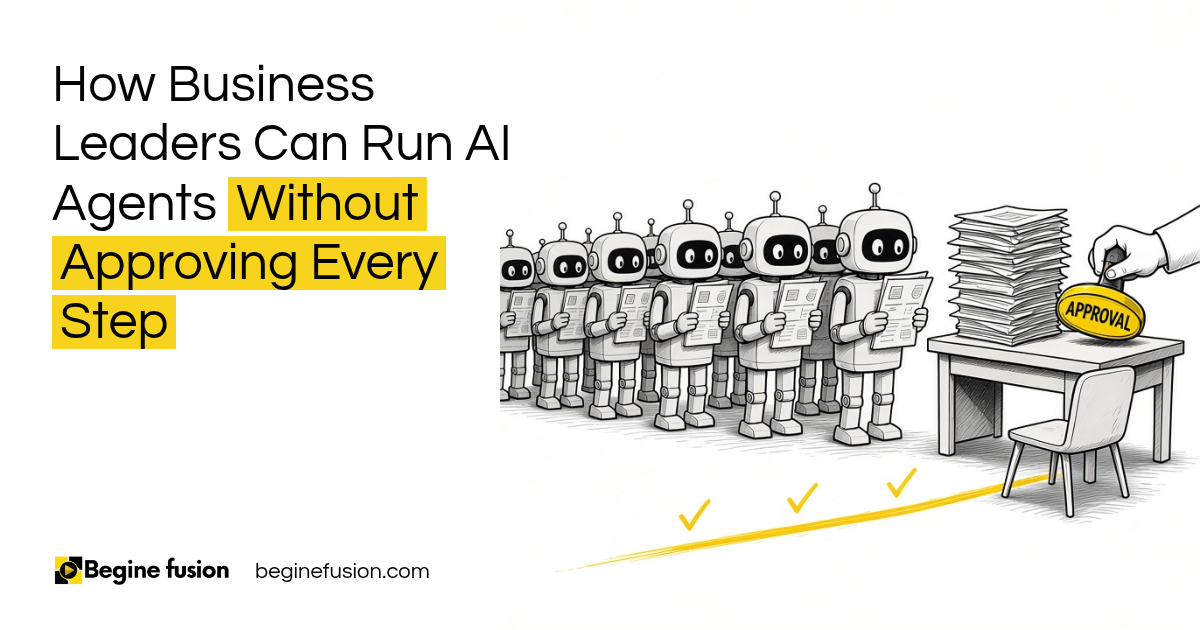
- Every step waiting on a person: the person becomes the bottleneck when every action an AI agent takes waits for approval.
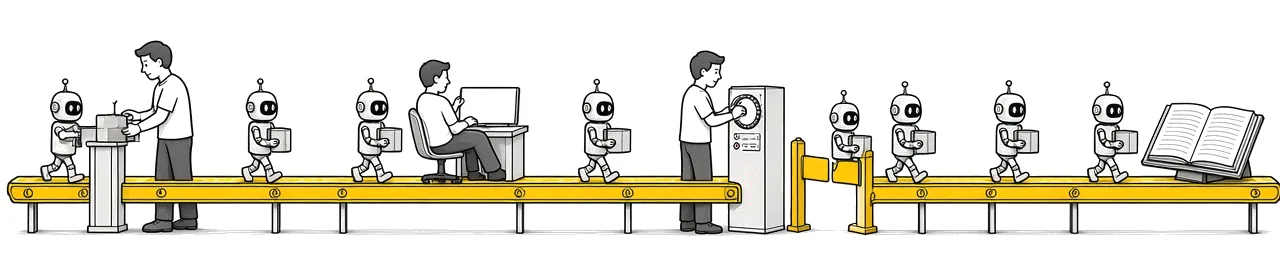
- Four ways to oversee an agent: human in the loop, human on the loop, over the loop and out of the loop.
- A person still approves: anything that goes to clients, moves money, makes a legal commitment or cannot be undone.
- Reversible, high volume work: it can run and log, with written thresholds and alerts.
- No human review at all: only when the action is low risk, reversible, well tested, tightly constrained and fully logged.
We’ve all heard about human in the loop. Believe me, there are other ways to set up human oversight on an AI system, and a lot of teams have not heard about them yet.
Human in the loop means the system pauses and waits for a human being. AI prepares, human approves, system executes.
That is the right call for some steps. When every action an agent takes needs somebody to check it off, we now become the bottleneck.
In this post I am going to break down the four ways you can set up human oversight, the kind of work each one is for, and how we decide this when we map a process for a business.
What happens when every AI agent action waits for a human?
You set up an AI agent to help your team get more done. Then, to be safe, you put a human approval on every step.
The agent pulls the details from an invoice and waits. It drafts the email and waits. It updates the record and waits.
So in the essence of trying to create an AI system that would help you improve productivity, if every action now waits for a human being in order to be completed, then it actually defeats the purpose.
The agent finishes its part in seconds. Then the work waits until somebody gets to it, and that person now has a pile of approvals on top of their normal job.
One approval on every step. If a human has to check off every action an AI agent takes, that human becomes the bottleneck, and the agent saves you very little time.

How do you match the oversight to the risk of the action?
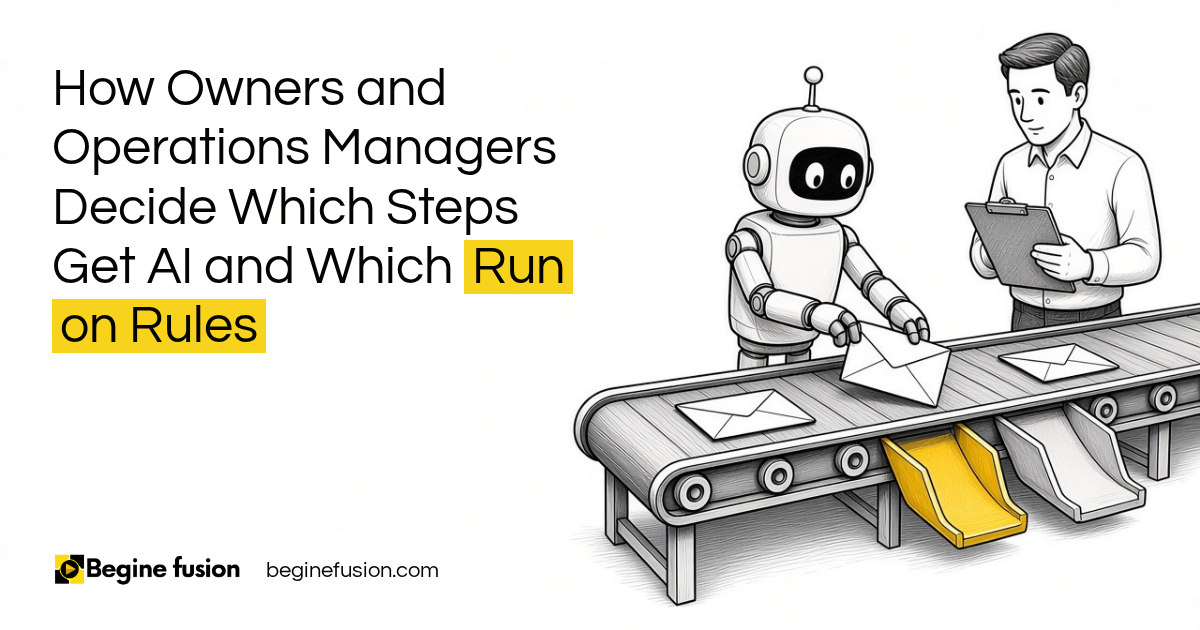
You need to classify whatever it is you are trying to do. Go through each action the agent takes and ask two things. How much damage does it do if it goes wrong? Can you reverse it?
Then you pick the level of oversight for that action. Some actions need a human in the loop. A lot of them can run with a human on the loop or over the loop.
I wrote about sorting these gates by what you can undo in AI for client onboarding, and about how much work AI should be allowed to do in Assistance vs. Autonomy. Here are the four levels I use.
Human in the loop
The system pauses and waits for a human being. AI prepares, human approves, system executes.
Use this for external communications, financial transactions, legal commitments, destructive actions, sensitive record changes and high impact decisions.
A proposal or an estimate is a good example. The system drafts it and sends it to somebody to review. When the person is done reviewing, they click approve and it goes out to the client.
If they say, I need to edit some more things, it goes back one step, does the edit and comes back to them again. The whole draft does not start over.
Human on the loop
The system runs automatically while the human supervises. The system executes, logs the activity, and the human reviews what is happening. The human only steps in when needed.
Use this for high volume operations and reversible actions. Things where, if the agent makes a mistake, you can reverse it without much damage.
You also need a mature process and reliable alerts, so if something goes wrong you get notified about it. You are not going to use this at the very first stage of setting up your AI systems.
Human over the loop
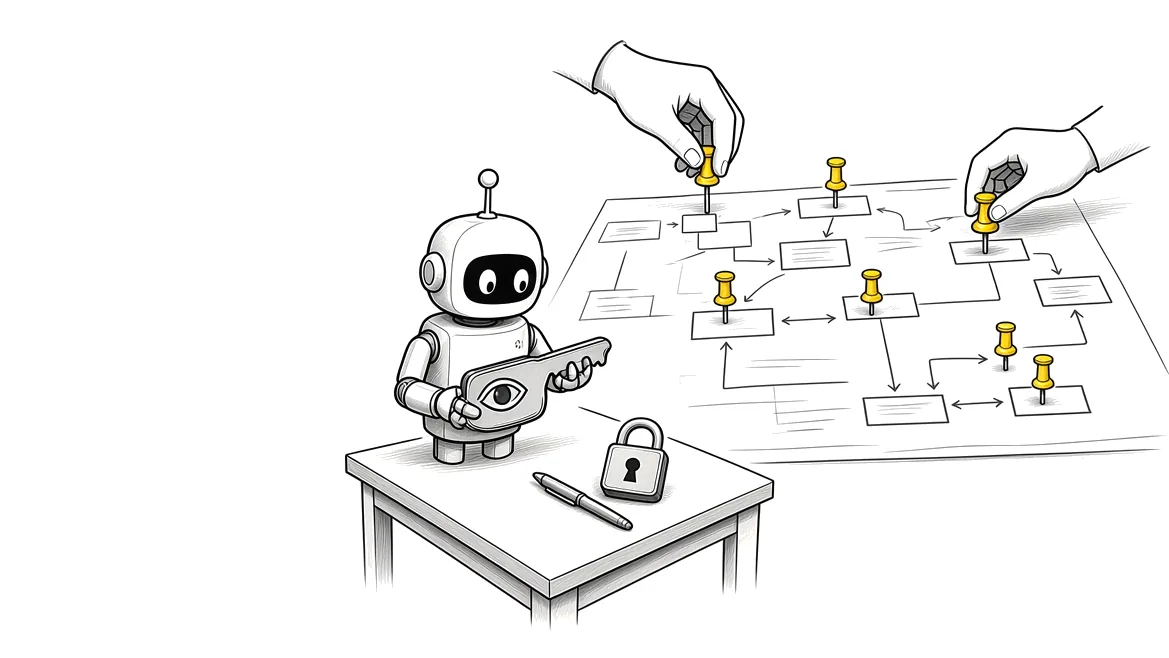
Humans govern the policies, the thresholds, the permissions and the escalations. The agent works inside them.
Take refunds as an example. A refund below $50 goes through automatically. Between $50 and $250 it needs a supervisor’s approval. Above $250 it needs the finance manager.
You use this when the system has to operate at scale without anyone reviewing every action. Confidence thresholds fit here too. If there’s something that is low confidence, something the AI is not sure about, let a human have a review of that one.
Human out of the loop
The AI acts with no real time human review. This is your autonomous system.
Only use it when five conditions hold: the action is low risk, reversible, well tested, tightly constrained and fully logged for auditing.
All five have to be there. Four out of five does not qualify a use case. The steps you already know can run as plain rules.
Four levels of oversight. Human in the loop is one of four options. On the loop, over the loop and out of the loop let the agent keep working while a person still sets the limits and gets the alerts.
How do we decide where the human goes?
When we are doing process mapping for a business in FusionMap, this is what we work through:
- What the process is, step by step.
- The dependencies: who has inputs, what the output is and how many people are involved in the process.
- What each action touches. Records, customers, money, compliance, or several systems at once.
- Whether the action can be reversed if the agent gets it wrong.
- The thresholds: the amounts, the confidence levels and who gets each escalation.
- The permissions. Read versus write is a big one. If the agent only needs to read emails, it should only have access to read emails, and writing emails to people stays off.
Based on all of that, we know exactly when to bring in a human in the loop and where the other three fit.
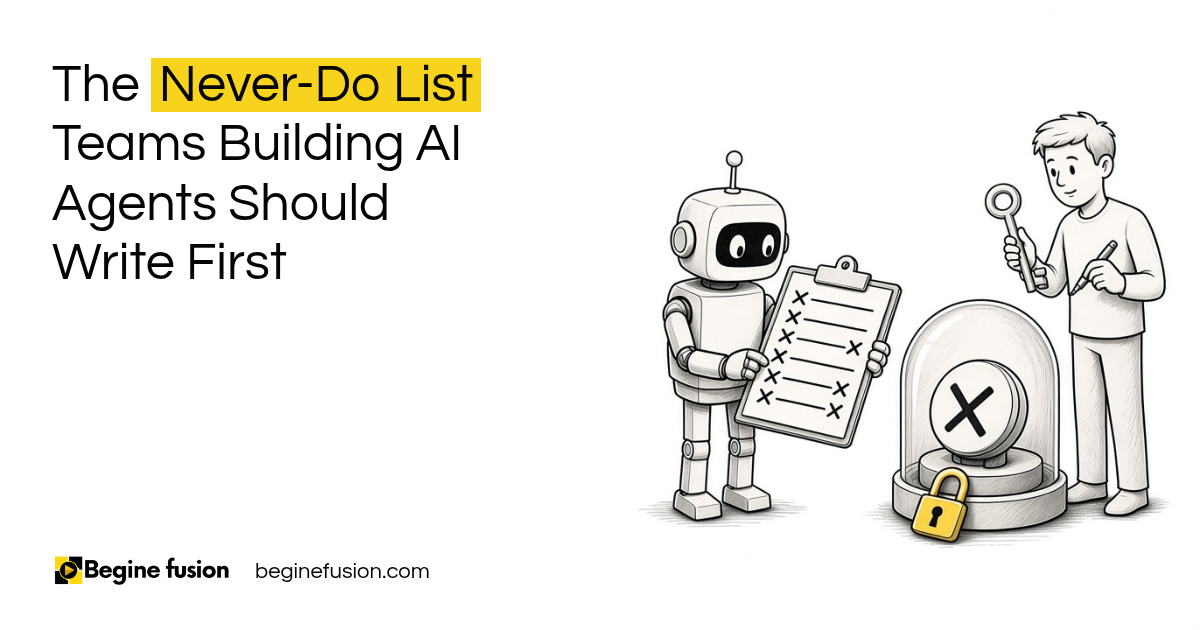
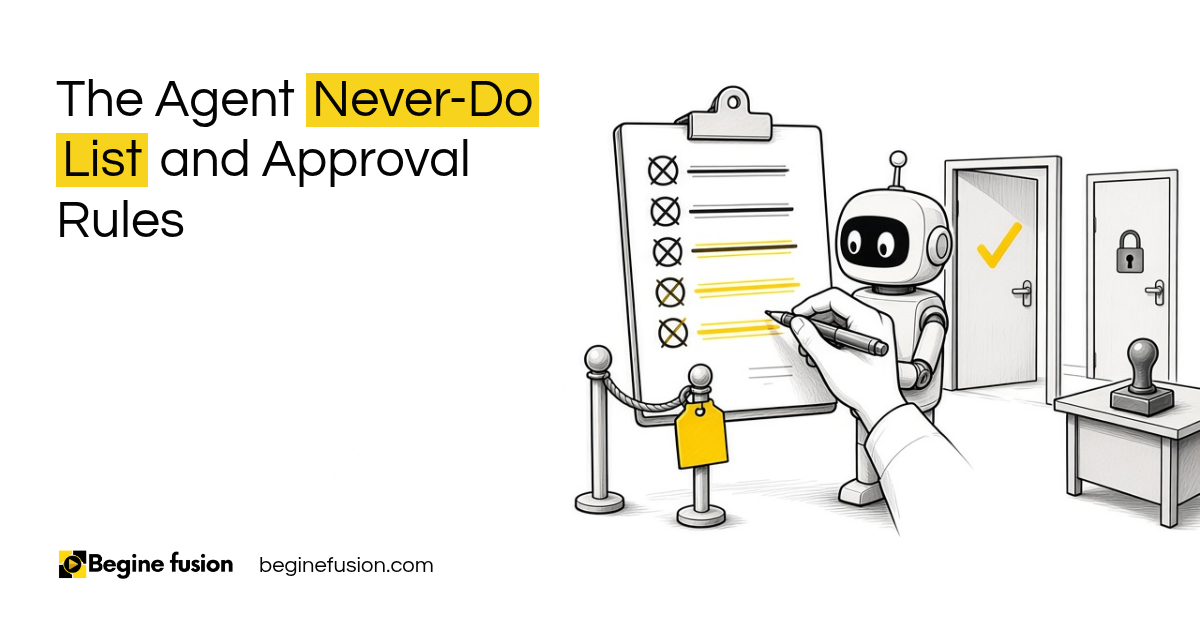
Then we test it, evaluate the output of the agent and keep updating it, because data keeps coming in and policies change. The list of what the agent must never do gets written before any of this.
What changes for the team when it is set up this way?
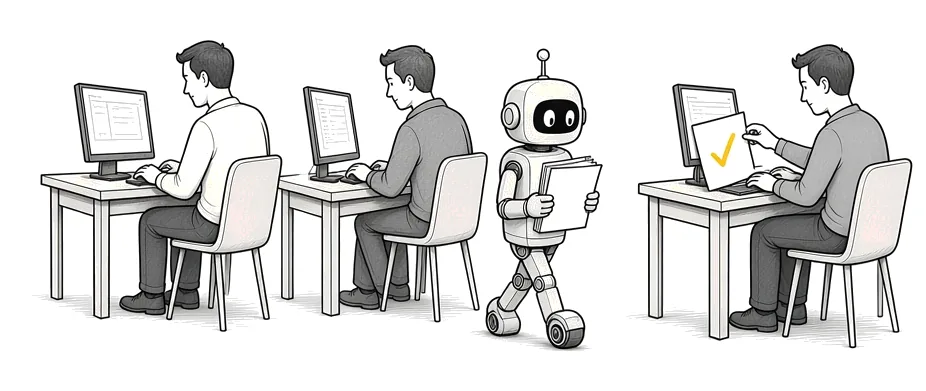
When it is set up this way, the staff on a day to day do not have to interact much with the agent.
If it is set up on a schedule where it helps them deliver stuff, all they need to do is receive what the agent is sending them. A person gets involved where somebody needs to approve something the AI is doing, or provide more information.
You can see this in one of our published case studies, the AI estimating agent for a renovation contractor. The rates were locked in before any application code, and the price comes from those rates.
A person reviews the price before it is sent. Live jobs go through the AI estimating agent.
Approval where the risk is. People approve the high impact actions, like external emails, payments and legal commitments. Lower risk work runs, gets logged, and comes to a person when something looks off or the AI is not sure.
Takeaways and Next Steps
If I was looking at your setup this week, this is what I would do:
- I would take one AI process you already have running and write down every action the agent takes.
- Next to each action, I would mark whether it can be reversed and what happens if it goes wrong.
- Anything going out to clients, anything with money or legal commitments, and anything destructive keeps a human in the loop.
- The high volume work you can undo moves to human on the loop, once the alerts are working.
- I would write the thresholds down, the amounts and who gets the escalation. That is your human over the loop.
- Human out of the loop only comes in when all five conditions hold.
If you want to see where the agent produces the work and the person still owns the decision, I covered that in Assembly vs. Judgment.
Common Mistakes
1. Putting a human approval on every step to be safe
- Why it fails: The person approving becomes the bottleneck and the agent saves very little time.
- Better approach: Classify each action by risk and only pause on the high impact ones.
2. Moving to human on the loop on day one
- Why it fails: On the loop needs a mature process and reliable alerts. Early on, you have not seen yet how the agent behaves.
- Better approach: Run it with a human in the loop first, test it, then move the reversible steps on the loop once you trust the alerts.
3. No written thresholds
- Why it fails: Every edge case ends up back with a person, so you are approving everything again.
- Better approach: Set the amounts and confidence levels, like the refund bands, and name who gets each escalation.
4. Turning on human out of the loop when only four of the five conditions hold
- Why it fails: If one is missing, say there is no full log, you cannot audit what happened or undo it.
- Better approach: All five conditions, or keep a human on the loop.
5. Giving the agent write access it does not need
- Why it fails: An agent that only needed to read emails can now send them to people.
- Better approach: Set read versus write permissions for each action.
6. Restarting the whole draft every time the reviewer asks for a change
- Why it fails: Every revision runs the full job again and the approval queue keeps growing.
- Better approach: Build the approval as a step the agent can pause on and resume, so a revision goes back one step only.
7. Letting the agent act on low confidence cases
- Why it fails: The AI is not sure, and it goes ahead anyway.
- Better approach: Send low confidence cases to a person for review and let the rest run.
Frequently asked questions
What is human in the loop in AI?
The system pauses and waits for a human being before it acts. AI prepares, human approves, system executes. It is the right setup for external communications, money, legal commitments and anything you cannot undo.
What's the difference between human in the loop and human on the loop?
In the loop, the human approves before the action happens. On the loop, the system runs automatically and logs everything, and the human supervises and steps in when an alert comes up.
What is human over the loop?
The human sets the policies, the thresholds, the permissions and the escalations, and the agent works inside them. A refund under $50 goes through, a bigger one needs a supervisor, and above that it goes to finance.
When can an AI agent run with no human review at all?
Only when the action is low risk, reversible, well tested, tightly constrained and fully logged. All five have to hold.
How do I know which steps need approval?
Map the process step by step. For each action, look at what it touches, whether you can reverse it, and how much damage it does if it goes wrong. High impact or irreversible actions get a human approval.
Does removing approvals make AI less safe?
Moving an action out of human approval keeps it safe when the controls move with it: alerts, thresholds, permissions, confidence checks and a full log. The person still decides the limits. They just stop checking every single step.
What's the biggest mistake companies make with human in the loop?
Putting it on every step. If every action waits for a human being in order to be completed, it defeats the purpose of having the agent.
Glossary
- AI agent: An AI system that takes actions in your tools, like sending an email, updating a record or processing a refund.
- Human in the loop: The system pauses and waits for a person to approve before it acts.
- Human on the loop: The system acts on its own and logs everything, and a person supervises and steps in when needed.
- Human over the loop: A person sets the policies, thresholds, permissions and escalations, and the system works inside them.
- Human out of the loop: The system acts with no real time human review. Only for low risk, reversible, well tested, tightly constrained and fully logged actions.
- Confidence threshold: The level of certainty the AI needs before it acts on its own. Below it, the case goes to a person.
- Escalation: Sending a case to a named person when it passes a threshold or the AI is not sure.
- Reversible action: An action you can undo without much damage if the agent gets it wrong.
 The Agent Never-Do List
 AI Readiness Checklist: 7 Questions Before You Build