
TL;DR
- Access by need: the very first part is who has access to what. People in different units get access to only what they need.
- Groups: put people in groups with permissions like read, write, read only and delete. Take someone out of the group to take the access back.
- People are the weakest link: 2FA on every login, a VPN for remote work, and MFA on board members' phones.
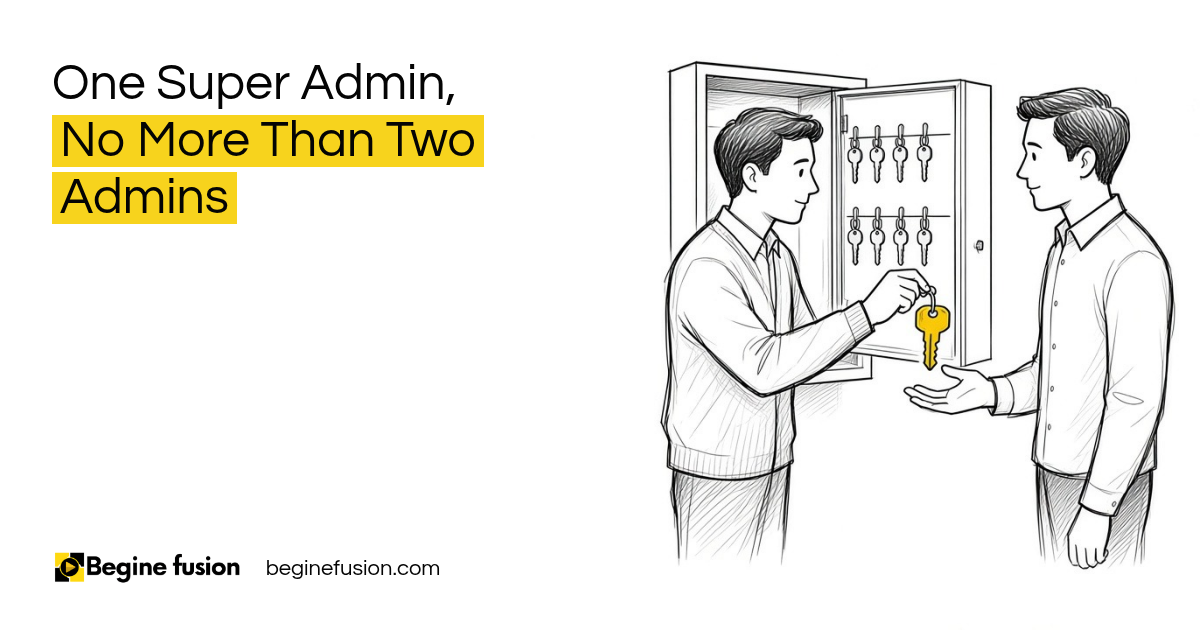
- Admin roles: one super admin and no more than two admins. Admins can delete a module, so keep that status to two or three people.
- Documented changes: every change has a request, an approval and a record before it is made.
The very first part of security in a CRM is who has access to what.
Give people access to what they need
You have different team members and different units. People in different units get access to only what they need. If people need no access to something, they get none.
The same goes for AI agents. You can say, “I want this person to have access to only these agents,” and give another person access to one agent. We wrote about giving AI agents the least access they need.
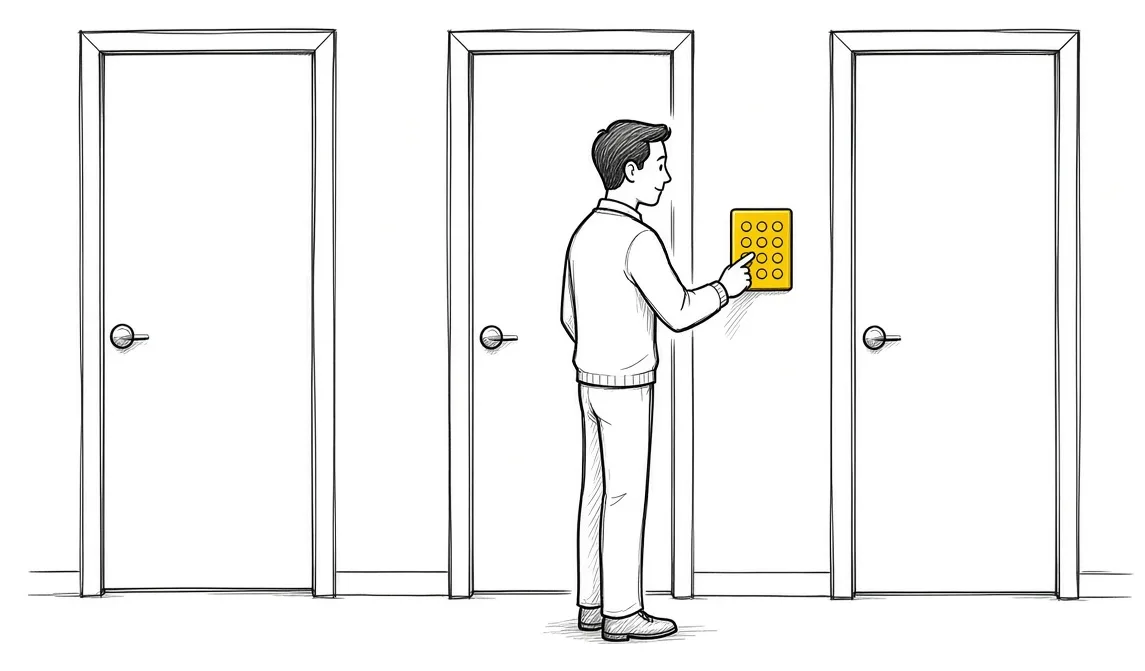
Put people in groups. The permissions on the group, like read, write, read only and delete, pass to everyone in it. When you want to take back the access, take the person out of the group. You can change those things whenever you want.
Board members get their own folder. Share the folder link with just them. However you want to manage access, if staff have no need to see the board member files, they get no access to that folder.
The weakest link is human beings
Then login. People have 2FA on everything. If people work remotely and the company uses a VPN, make sure staff are logging in with the VPN.
The weakest link in security is human beings. Somebody can take their work laptop to a public cafe and log in there. The enforcement of security is done at the human level. Board members need login credentials and MFA on their phones too.

One super admin and no more than two admins
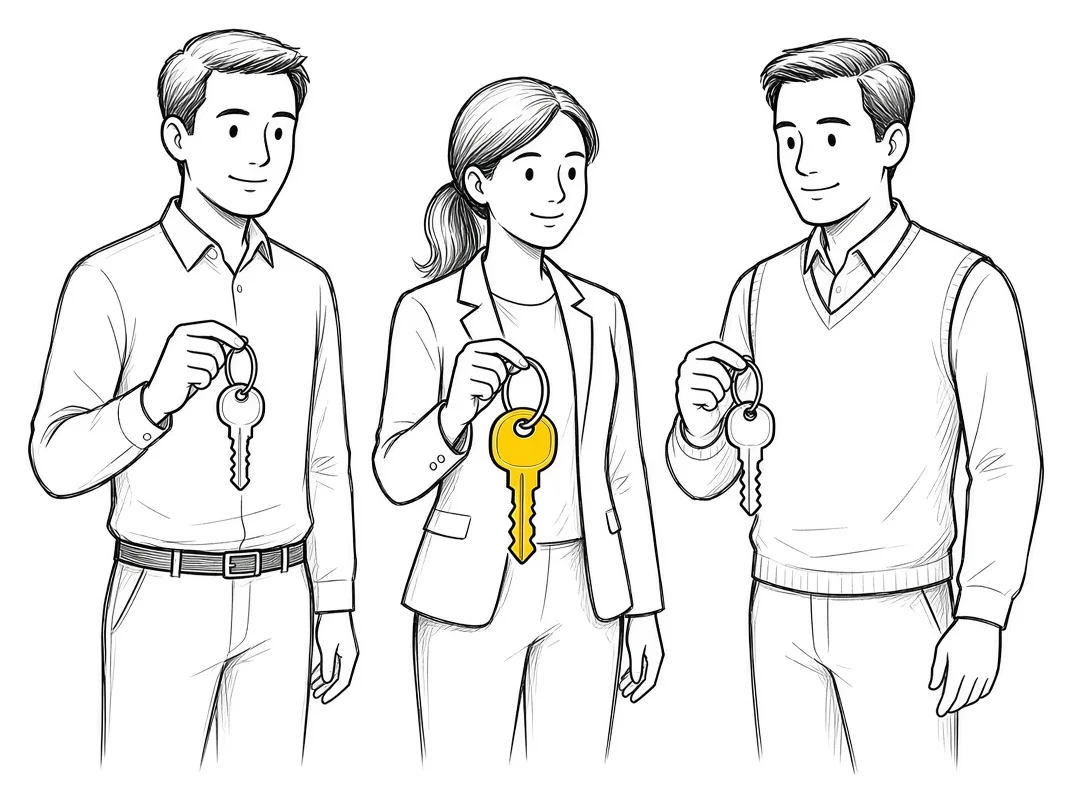
The structure I recommend is one super admin and no more than two admins. If the super admin is on vacation or out of the office, an admin fills in until they get back.
The super admin has the access to change and do anything in the back end. The super admin is the owner, and no other admin can delete them. It’s like God mode in a video game.
Admins have some of those rights as well. With admin status you can change things and delete stuff, even a whole module. So admin is supposed to be just two or three people.
Our CRM implementation guide covers how roles fit into setup.
If you are setting up the roles in a new CRM: Try Zoho CRM.
Document every change
Structural changes are done by the super admin. That way the super admin has the history of changes made and the requests that came in. People only change things through that structure.
Any change an admin needs to make, they document as well. There needs to be some kind of structure for how changes will be made. Users request something. Here is what needs to change. Then approval goes to the owner before those changes are made.

Then train people based on their need, on what they do daily.
Takeaways and next steps
- Decide who has access to what, by unit and by need.
- Put people in groups and take them out to take access back.
- Turn on 2FA, and use a VPN for remote work.
- Keep one super admin and no more than two admins.
- Document every change with a request and an approval.
- Train people based on what they do daily.
Common mistakes with CRM access
1. Giving everyone admin status.
Why it fails: Anyone can delete a module or change important settings.
Better approach: One super admin and no more than two admins.
2. Changing settings with no record.
Why it fails: Nobody can trace what changed or why.
Better approach: Document the request and the approval before the change.
3. Leaving logins on a password alone.
Why it fails: The weakest link is human beings, on any laptop in any cafe.
Better approach: 2FA on every login and a VPN for remote work.
Frequently asked questions
How many admins should a CRM have?
One super admin and no more than two admins, so two or three people with admin status in total.
What happens when the super admin is away?
An admin fills in until they get back. Structural changes wait for the super admin.
How do we remove someone's access?
Take them out of the group. The group's permissions go with it.
Can we limit which AI agents a person can use?
Yes. You can give one person access to some agents and another person access to one.
How do board members get their files?
A folder shared with just them, with login credentials and MFA on their phones.
Glossary
- Super admin
- The owner account. It can change anything in the back end, and no other admin can delete it.
- Admin
- An account that can change settings and delete records or modules. Keep it to two or three people.
- Group
- A set of users who share the same permissions, such as read, write, read only and delete.
- 2FA or MFA
- A second check at login, usually a code on your phone.


 Minimum Sales System Checklist: Before You Buy AI
 The Company Vault Checklist: One Folder Every AI Tool Reads