
TL;DR
- The basics: when you are at ground zero, build the few things you need right now and keep them basic.
- Connect: a CRM connected to your website and your forms, so every inquiry flows in.
- Follow up: from the moment somebody inquires, you can follow up, track and monitor everything.
- Context: your knowledge base and business context are basics too.
- The path: map your customer path before anyone configures your CRM.
A business at ground zero often expects a big, heavy setup. Based on what we learn about your scale of operations, the setup you need right now is basic.
Begin from ground zero
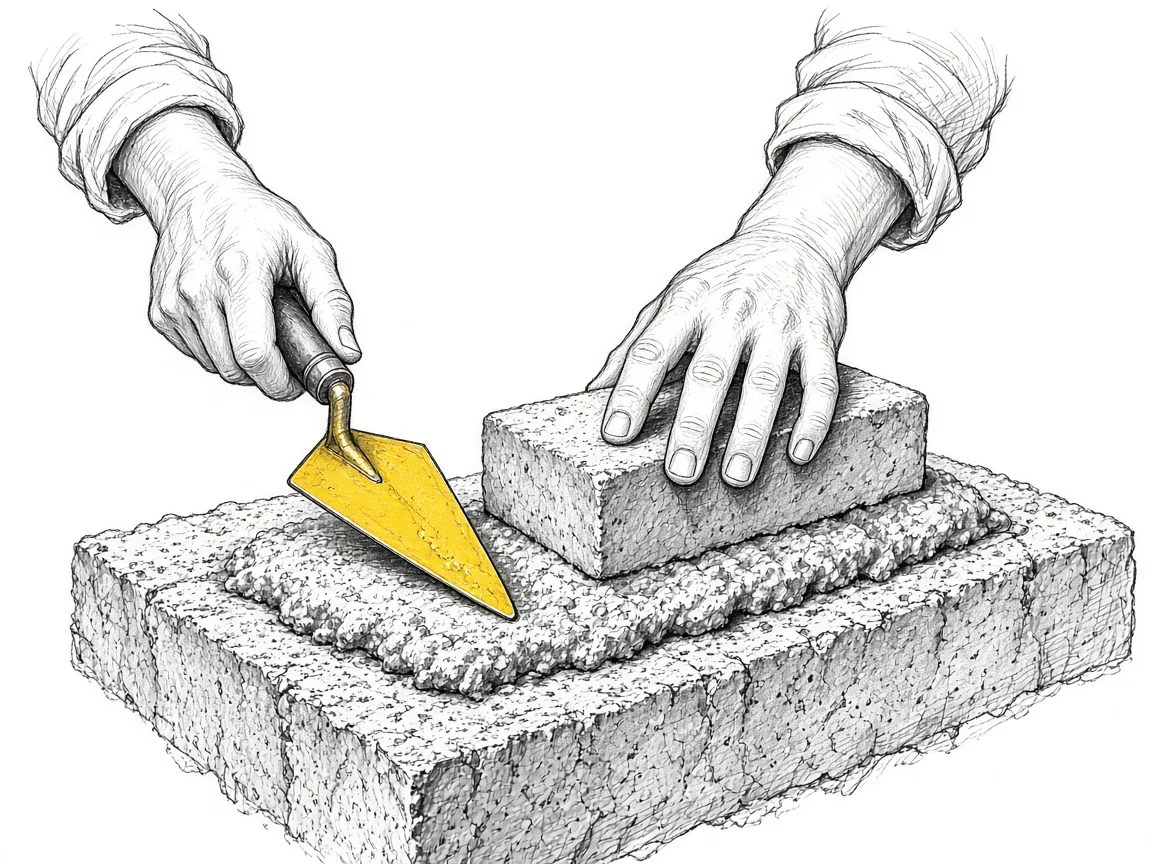
What you need at this point is an MVP approach: the most important things you need right now. It stays basic because you are building from ground zero. You want the things that get you going quickly, and those first automations.
Connect your CRM to your website and forms
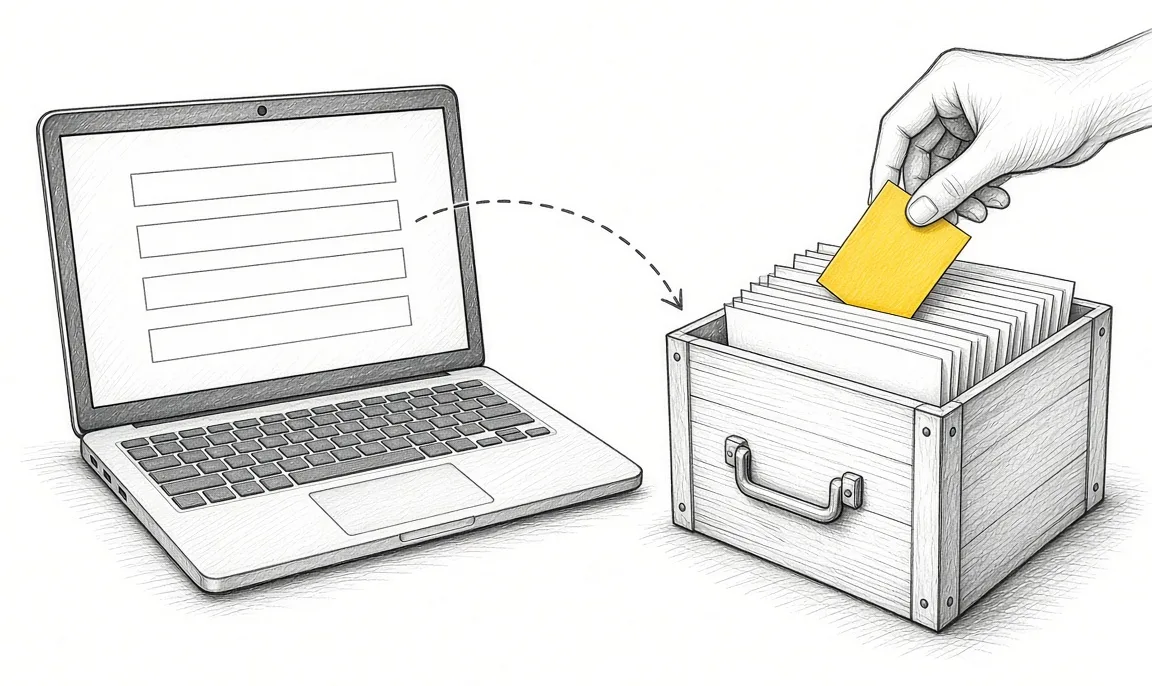
One of the most basic pieces is having a CRM. You connect it to your website and your forms so the flow runs on its own. Our post on the CRM as your sales system foundation covers why the CRM comes first.
If you need the form on the website: Try Zoho Forms.
If you are still picking the CRM: Try Zoho CRM.
Follow up, track and monitor everything
Take your acquisition and your sales process. From the moment somebody inquires, it goes into the CRM. From there you follow up with them, and track and monitor everything.
Keep the setup simple for now
A simple setup is enough at this point. From the information you share with us, we get a clear picture of the setup you need, and it stays light.
Your business context is a basic too
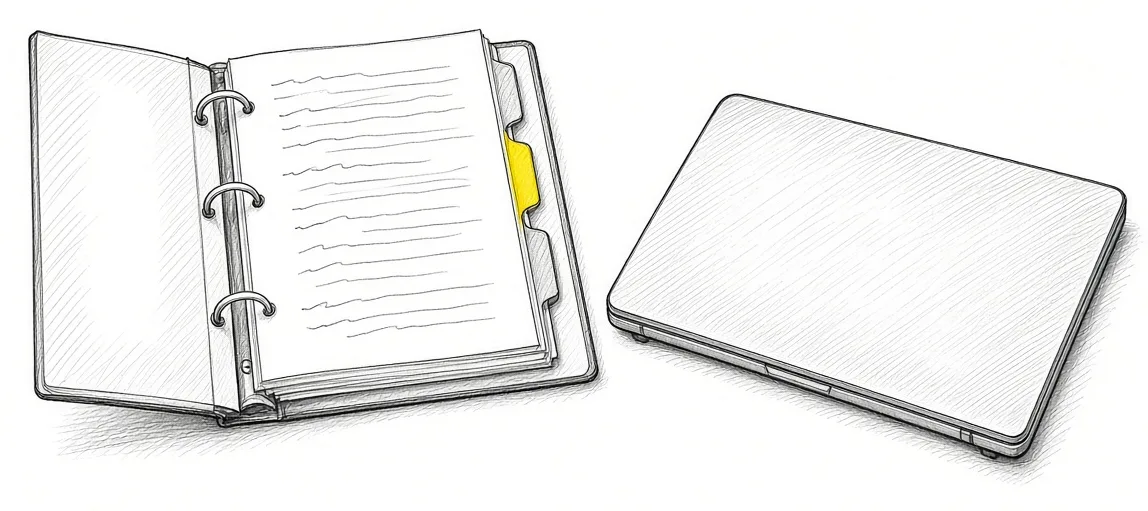
The basic things include the work you are already doing: putting your knowledge base and your business context in place. Every question that comes up, and the answers you put down, go into it. Our posts on keeping your business context in one folder and giving AI your business context show how.
Map the customer path before the CRM
Next, you map out your customer path. That is a basic too, because it needs to be mapped out before anybody deploys or configures anything in your CRM.
Mapping your path answers a few questions. Where does your customer interaction begin? How does it flow until they buy? What happens after they buy? What are the inputs and outputs you need with them along the way?
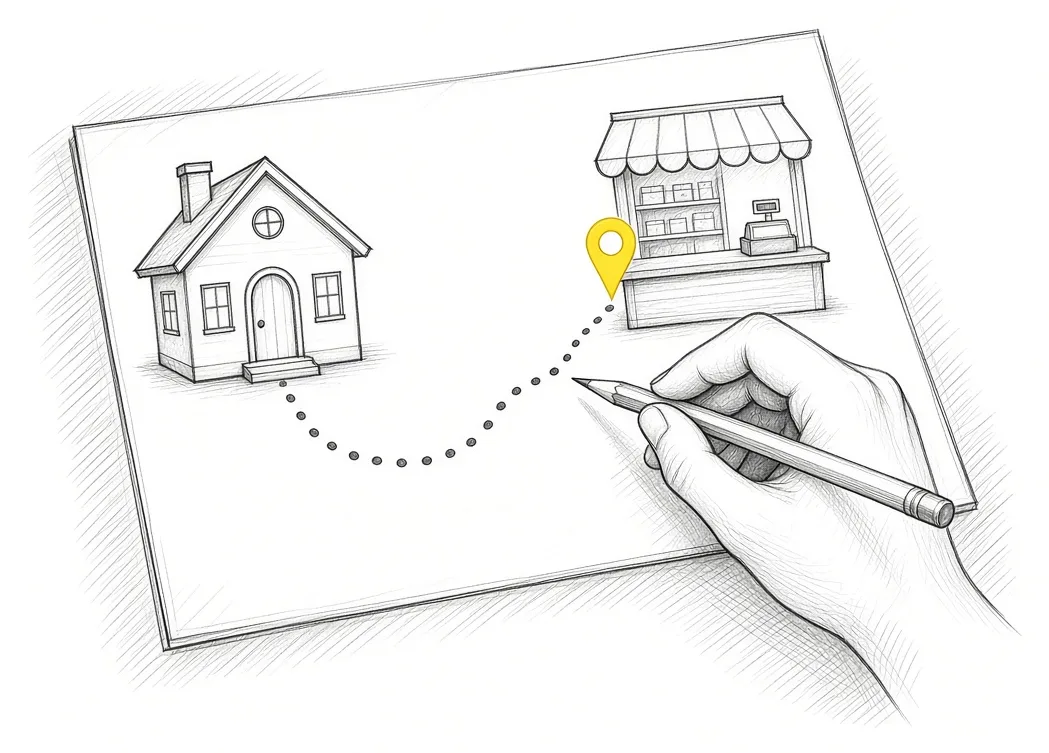
A good foundation to get going
Put together, the context, the mapped path and a connected CRM are a good foundation to get you going with everything you need to do next.
Takeaways and next steps
- At ground zero, build the few things you need right now and keep them basic.
- Connect a CRM to your website and your forms so every inquiry flows in.
- Follow up, track and monitor everything from the first inquiry.
- Put your knowledge base and business context in place; they are basics too.
- Map your customer path before anyone configures the CRM.
Common mistakes when building the basics
1. Planning a big, complex setup on day one.
Why it fails: It takes longer and costs more than the stage of the business needs.
Better approach: Build the most important things you need right now, and keep them basic.
2. Running inquiries through email and memory.
Why it fails: Follow-ups slip and nobody can see where each lead stands.
Better approach: Connect a CRM to your website and forms, then follow up, track and monitor.
3. Configuring the CRM before the customer path is mapped.
Why it fails: The setup follows guesses about how customers move.
Better approach: Map where the interaction begins, how it flows to the sale and what happens after.
Frequently asked questions
What does a business at ground zero need first?
The most important things for right now: a CRM connected to your website and forms, plus follow-ups.
Do we need a complex configuration?
A simple setup is enough at this point. It gets you going quickly.
Why is business context a basic?
Your knowledge base and business context hold the answers your system and your team work from.
Why map the customer path before the CRM?
The CRM setup should follow how your customers move, from first contact to the sale and after.
What does the customer path cover?
Where the interaction begins, how it flows until they buy, what happens after, and the inputs and outputs along the way.
Glossary
- MVP
- Minimum viable product: the smallest version that does the job you need right now.
- CRM
- Customer relationship management software, the system that holds your customer and sales data.
- Customer path
- The steps a customer takes from first contact through the sale and after it.
- Business context
- The written facts about your business, offers and processes that people and AI work from.
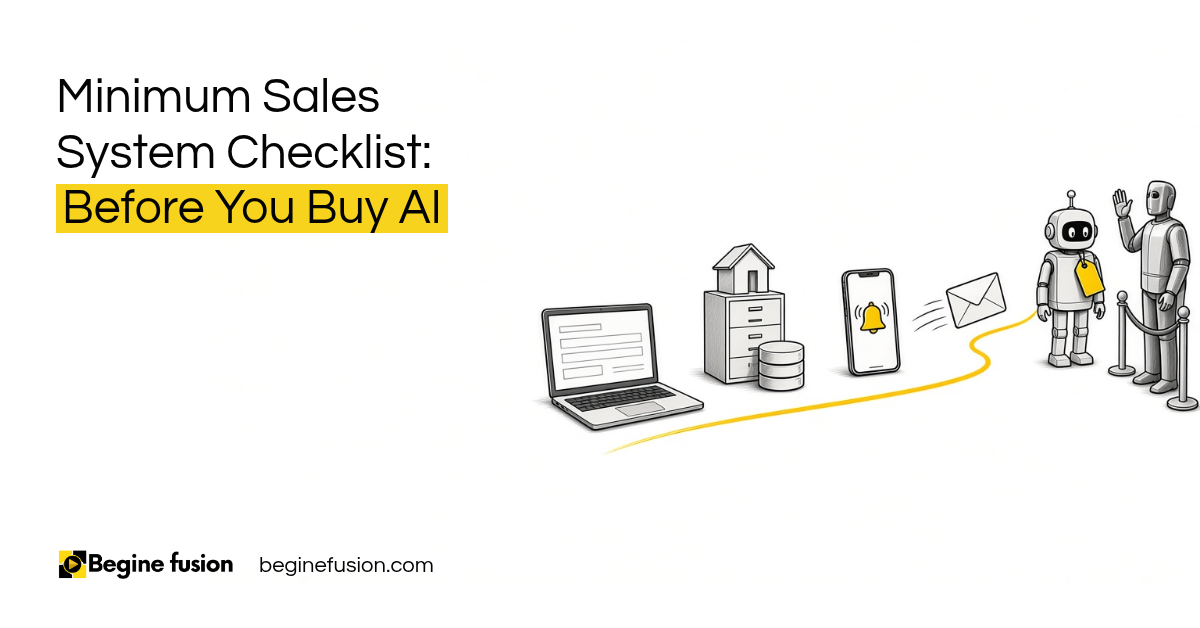 Minimum Sales System Checklist: Before You Buy AI
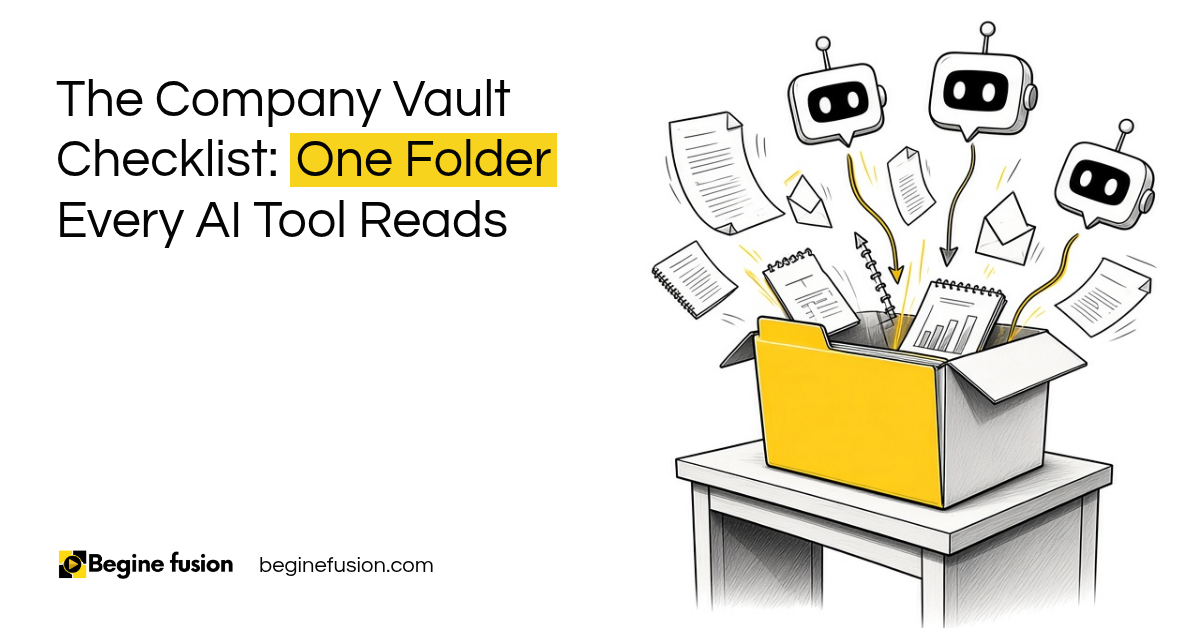 The Company Vault Checklist: One Folder Every AI Tool Reads