
TL;DR
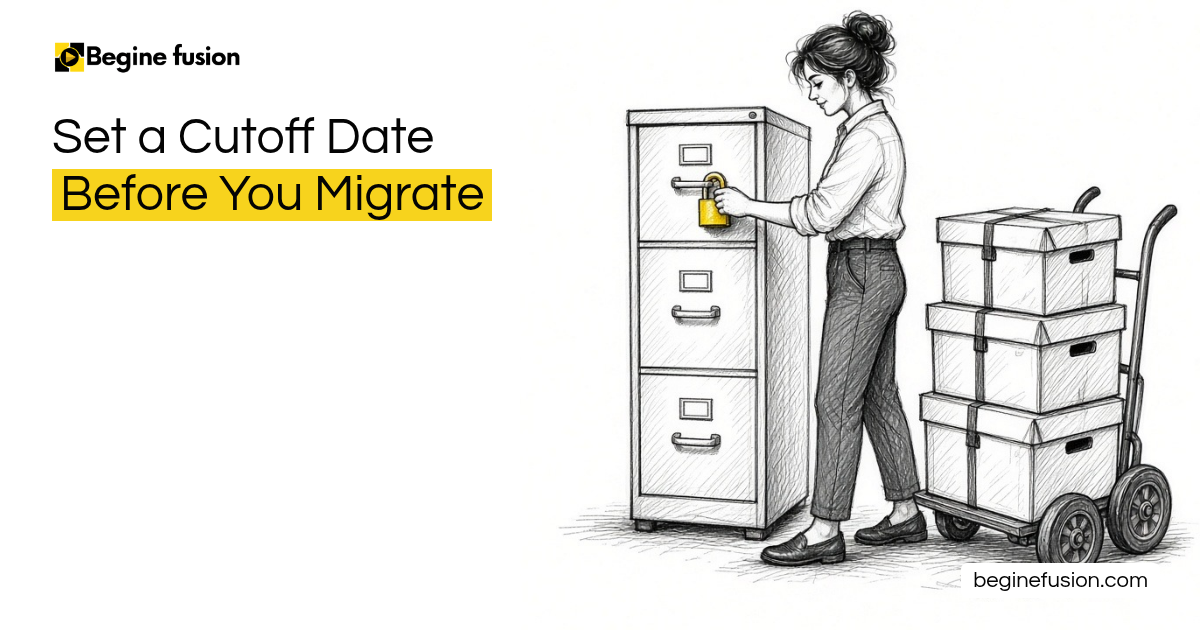
- Cutoff date: pick one date when you export all the data from the old system and bring it into the new one. From the next day, everyone uses the new platform.
- Friday to Monday: export on Friday, use the whole weekend for the imports, and by Monday everything is ready.
- Your template: ask for the export in the template you agreed on, with the same fields and columns, so the data comes in ready to review.
- Data freeze: once the export is taken, everyone stops entering data into the old system. Anything new goes on paper until the import is done.
- Train first: finish the trainings before the cutoff, so people can start on Monday.
When you move to a new CRM, there comes a day when you stop using the old system. We set a cutoff date where we export all the data you currently have in the old system and bring it into the new CRM. From the next day, you start using the new platform.
Pick the cutoff date
The plan for a migration and go-live comes down to one question first: when do we pick as the date? Once all the trainings are finished, we set the date for the import.

The cutoff period is there so we can move all the data in. At that point, we want everyone out of the old system.
Export on Friday, import over the weekend
Most likely we do the export on a Friday, in the morning or the afternoon. That way people have stopped working in the old system, and we use the whole weekend to do all the imports.
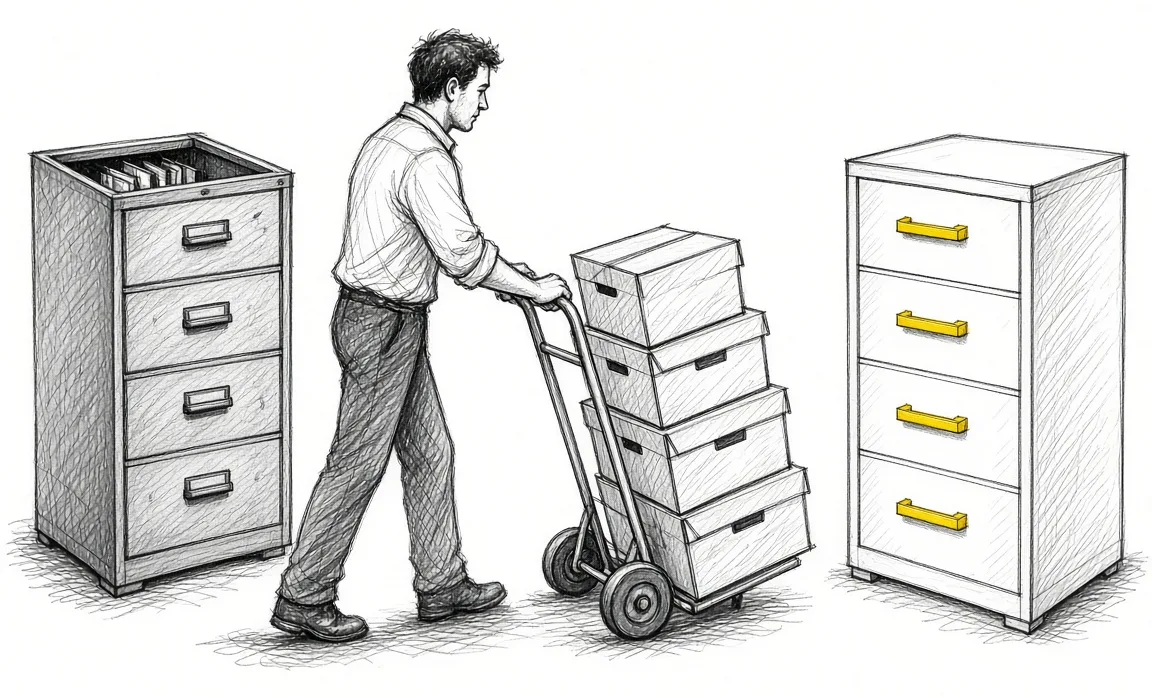
By Monday, everything is ready and people are already trained to use it. When they come in on Monday, they start using the platform.
Ask for the export in your template
The key question for whoever holds the old system is whether they can export the data in the template you want. Agree on the fields and columns that matter before the cutoff.
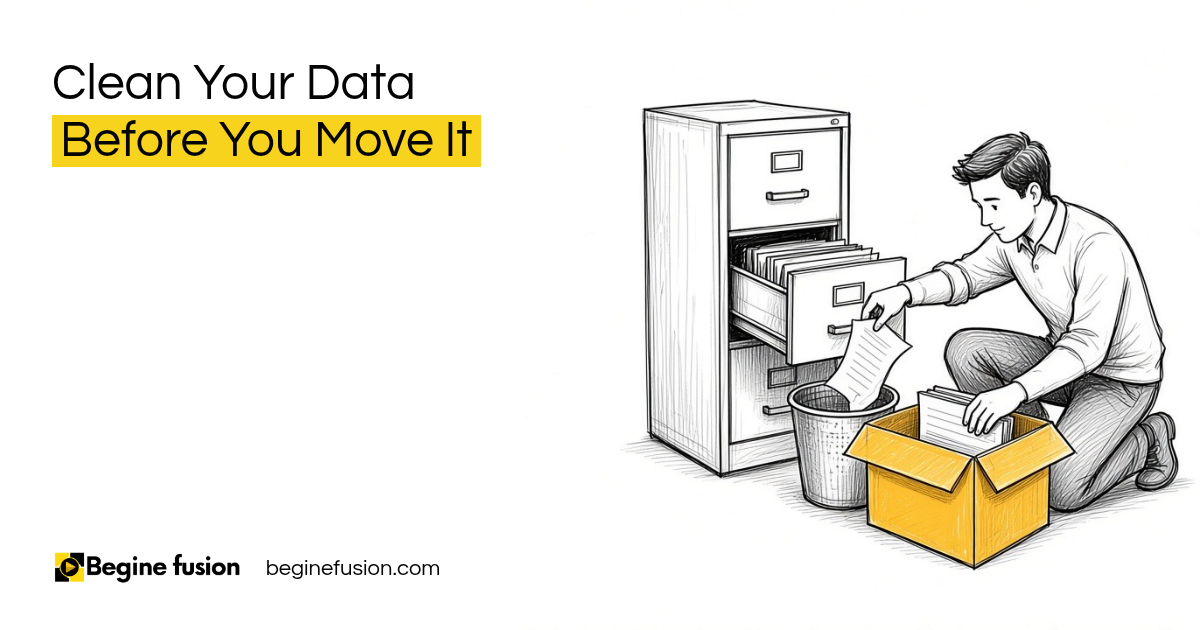
If the export comes in that same format, with those fields and columns, it saves you the cleanup and the field mapping. You can use the data as it is, review it for correctness and import it. If the data needs that whole cleanup again, add more days to the plan, and those are more days with the old system frozen. Our post on cleaning your data before a migration covers that work.
Freeze the old system and keep notes on paper
Once you have the export, you do a data freeze, so people stop entering more things into the old system. Anything new in that window, they can document by hand on paper.

When the import is done, they enter those notes into the new system. If someone still has something to put in during the freeze, they hold it until then.
Train before Monday
Training comes before the cutoff. By the time the data is moving, everyone has finished their training and knows the new platform.

Changes that leave the main data and the way people use it alone can run alongside the go-live. Once the data is in, you can still make changes. Our post on making your CRM the single source of truth covers why the CRM is the one source for your data after that.
The same cutoff works for your knowledge base
The cutoff works the same way when you gather your business knowledge into one folder. You are still going to be doing work while it happens. There is a cutoff where you say, this is everything I worked on up to here. From then on, you work in that folder.
The idea is to keep things about your business in one place, so at every point the AI can refer back to it. That folder becomes your number one knowledge base, readable by AI and readable by people. Our post on owning your business data covers why the export belongs to you.
If you are picking the CRM you are moving to: Try Zoho CRM.
Takeaways and next steps
- Pick one cutoff date for the move from the old system to the new one.
- Export on Friday, import over the weekend and start on Monday.
- Ask for the export in your agreed template, with the same fields and columns.
- Freeze the old system after the export and keep new notes on paper.
- Finish the trainings before the cutoff.
- Use the same cutoff when you move your business knowledge into one folder.
Common mistakes with a migration cutoff
1. Leaving the old system open during the import.
Why it fails: New records land in the old system after the export and are left behind.
Better approach: Freeze the old system after the export and keep new notes on paper.
2. Taking whatever export format comes out.
Why it fails: The data needs cleanup and field mapping again, and the freeze runs longer.
Better approach: Ask for the export in your agreed template, with the same fields and columns.
3. Training people after the go-live.
Why it fails: Monday arrives and people still work the old way.
Better approach: Finish the trainings before the cutoff date.
Frequently asked questions
What is a cutoff date in a migration?
The date when you export all the data from the old system and bring it into the new one. From the next day, everyone uses the new platform.
Why export on a Friday?
People have stopped working in the old system, the whole weekend is there for the imports, and by Monday everything is ready.
What happens to work during the freeze?
People document anything new by hand on paper and enter it into the new system after the import.
Why ask for the export in a template?
With the same fields and columns, the data skips the cleanup and field mapping. You review it for correctness and import it.
Can we still make changes after go-live?
Yes. Once the data is in, you can still make changes.
Glossary
- Cutoff date
- The day the old system stops and the data moves to the new one.
- Data freeze
- The window after the export when everyone stops entering data into the old system.
- Field mapping
- Matching each column in the old data to the right field in the new system.
- Go-live
- The day people start working in the new system.


 The Company Vault Checklist: One Folder Every AI Tool Reads
 Minimum Sales System Checklist: Before You Buy AI