
TL;DR
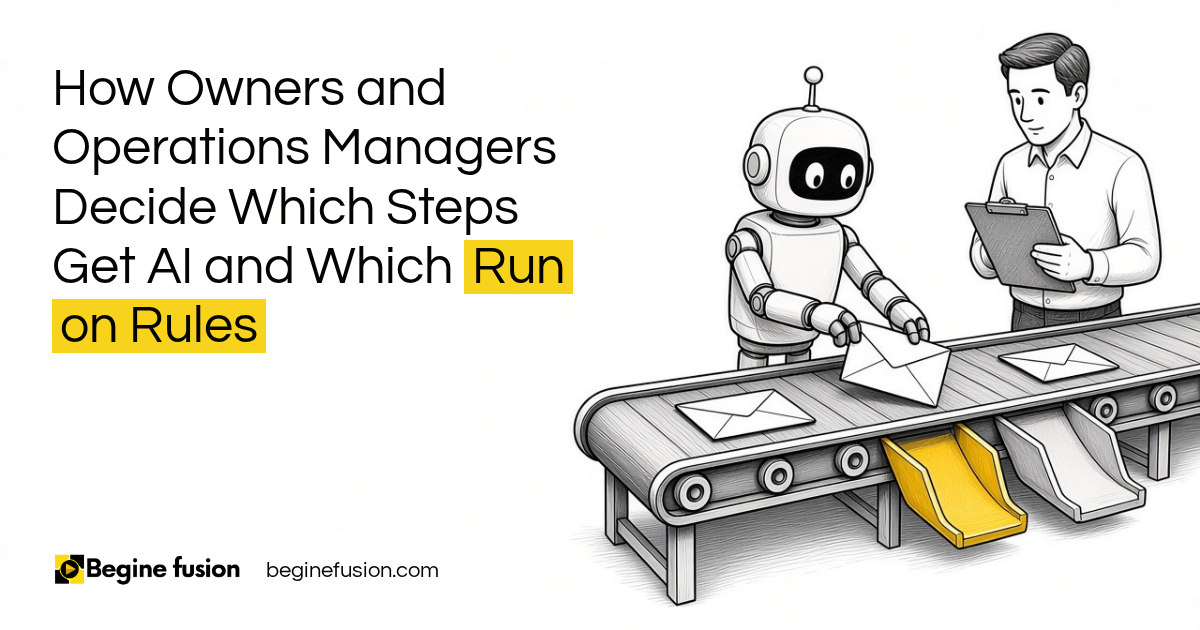
- If you know a process: the steps can run on rules. A form goes to the CRM and an email goes out, with no AI involved.
- Steps that need judgment or language understanding: that is where AI belongs, such as sorting a support request or summarizing a meeting.
- Even then, AI is one step: it sits inside the process, with a rule-based check after it.
- An agent that decides its own path: it carries more risk, so it gets more room only when the evidence supports it.
- How the work should run: we decide that before we talk about which model or tool to use.
An owner asked me on a call whether everything we build has AI in it.
The honest answer is that a lot of it does not. Automation can be done without AI. Before AI came, we were already doing automation, and that still solves a lot of problems.
Why does a known process not need AI?
A form on your website is a good example. Somebody submits it, the form goes to your CRM, and when it hits the CRM an email goes out to them. All of that can be done without AI.
The rule I work from is simple. If you know the process, rules run it. If X happens, A and B need to happen, and C and D follow.
So when a business has a problem, we are looking for the best way to solve that problem. If you just need a regular automation, there is no point in putting AI in there.
Key point: When the steps are known, rules run them the same way every time, and you can point at the rule that did it.

Where does an AI step belong inside the process?
AI earns its place where a step needs judgment or adaptation. Reading a message and working out what it means is a good example.
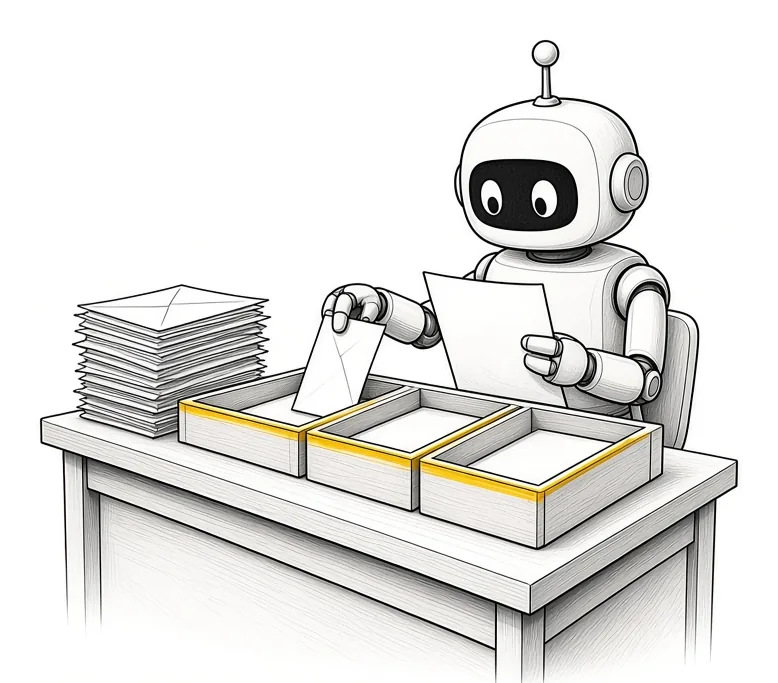
A support request shows how this works. It comes in through a chatbot, an email or your portal. The AI reviews it and works out what kind of request it is. Maybe it needs a fix right now. Maybe the person can be sent to read some documents or fill out a form. Or maybe it needs to go to a senior engineer straight away.
The rest of that flow is still rules. The request comes in, the AI does its one task, a rule-based check looks at the result, and the result gets stored. AI sits inside the process as one step amongst several.
The same pattern works when the process is predictable and one or more steps need language understanding. Invoice extraction, meeting summaries, lead qualification and document categorization all fit here.
When does an agent get more room to decide?
Then there is the agent that owns the goal and decides its own path. It makes a plan and works through it. There is a great deal of risk in that, and all your processes should not run this way.
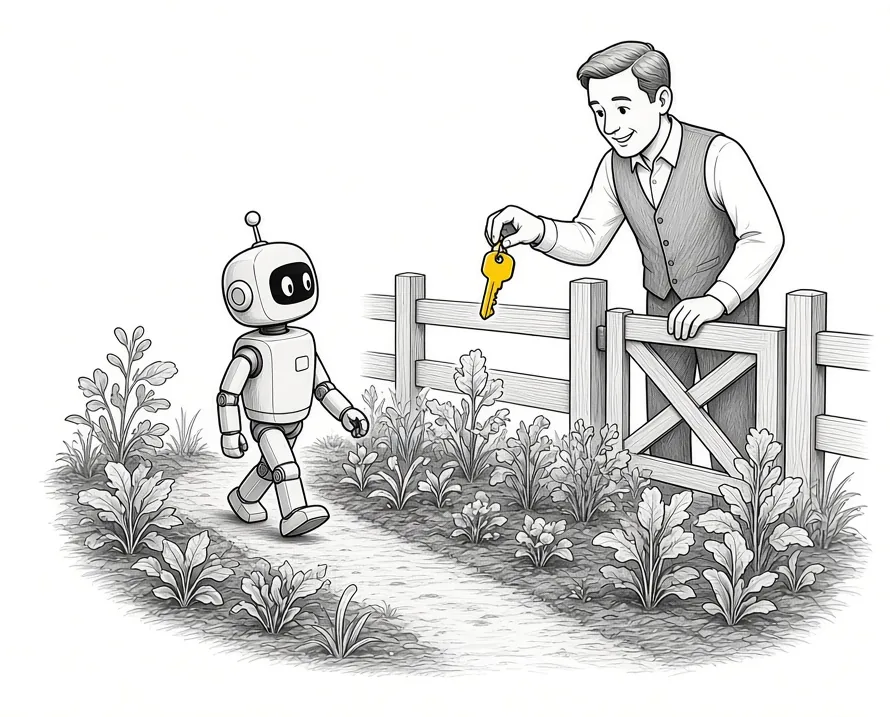
We use that kind of autonomy only where the value justifies the extra risk and complexity. And we increase autonomy only when evidence supports it.
That evidence comes from watching the work. We start with a few people using it and human review on every output, measure how often it gets things right and how often somebody has to step in, and widen the agent’s room from there. Rule-based tests run first, before any model checks another model’s work.
Key point: An agent earns more room to decide from what it has done, one step at a time.
How do we decide before picking a tool?
A lot of people focus on the models first. In my experience, it does not matter much which one you pick at this stage.
Your starting point is how the work should be executed. Whether the solution needs an agent at all comes after that. If you use a rule-based workflow, there is no agent involved, because it is just a workflow.
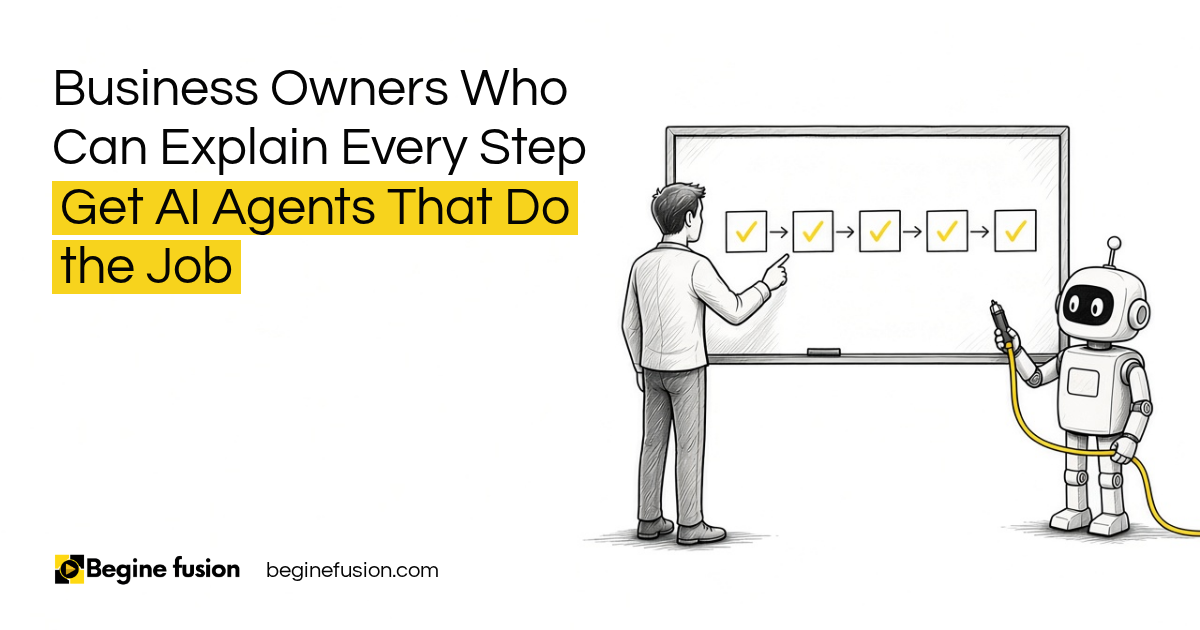
So we start with the business process and use the simplest way to run it that can reliably complete the task. It does not need to get overly complicated. We write the process down step by step, mark the steps that need judgment, and leave the rest on rules.
That is the work of FusionMap. Getting the steps written down first is the same idea I covered in my post on explaining a process before you automate it.
How the work runs differently
Before this kind of mapping, AI tends to get added to the whole process at once, and nobody can say which part made a decision. After it, the known steps run on rules, AI handles the steps that need judgment, and a person approves anything that matters before it goes out.
Our published case studies are built this way:
- On the AI client profiling engine, scoring is deterministic and rule-based, so classifications are consistent and easy to defend. Fixed rules calculate the scores, AI adds the narrative and insight, and every output passes through human approval before it reaches a client.
- On the AI estimating agent, the contractor’s rates were locked in before any application code, the price comes from those rates, and a person reviews the price before it is sent.
I wrote more about the line between a prompt and a workflow in prompting versus agentic workflows.
Takeaways and Next Steps
When an owner brings me a process to automate, these are the questions I ask:
- Can you write the steps down in order?
- Which of those steps need somebody to read, judge or decide?
- What rule checks the result of each AI step?
- What would an agent need to show before it gets more room?
If you can answer the first one, most of that process can run on rules. FusionMap is where we write the process down, and FusionBuild is where we build it. For automations that need no AI at all, I covered CRM automation separately.
Common Mistakes
1. Putting AI in a process that is already known
- Why it fails: You add cost and variation to steps that rules could run the same way every time.
- Better approach: We run known steps on rules and keep AI for the steps that need judgment.
2. Picking the model first
- Why it fails: The conversation turns into a tool comparison before anyone knows how the work runs.
- Better approach: We start with the business process and pick tools after.
3. Letting the AI step stand on its own
- Why it fails: A wrong answer goes straight into your records.
- Better approach: A rule-based check follows the AI step before anything is stored or sent.
4. Giving an agent full autonomy on day one
- Why it fails: An agent that decides its own path carries a great deal of risk.
- Better approach: We widen its room only when the evidence supports it.
5. Building more than the task needs
- Why it fails: Every extra moving part is one more thing to test and maintain.
- Better approach: We use the simplest way of running the work that reliably gets it done.
Frequently asked questions
Does every automation need AI?
No. A form that goes to your CRM and triggers an email can run on rules. AI belongs at the steps that need judgment or language understanding.
What is the difference between a workflow and an agent?
A workflow follows steps you defined. An agent owns a goal and decides its own path to it.
Where does AI fit inside a workflow?
As one step amongst several, such as reading a support request and sorting it, with a rule-based check after it.
When should an agent get more autonomy?
When the evidence supports it. We start with human review, measure how often it gets things right and how often somebody steps in, and widen its room from there.
Which AI model should we use?
That comes after the process is mapped. The starting point is how the work should be executed.
How does Begine Fusion decide which steps get AI?
We write the process down in FusionMap, mark the steps that need judgment, and run the rest on rules.
Key terms
- Rule-based workflow
- A set of steps that runs the same way every time from fixed rules, with no AI involved.
- AI step
- One step inside a workflow where AI reads, sorts or writes, with rules before and after it.
- Agent
- AI software that owns a goal and decides its own path to reach it.
- Autonomy
- How much an agent is allowed to decide and do without a person approving it.
- Rule-based check
- A fixed test that looks at an AI result before it is stored or sent.
- Human review
- A person checking the output before it reaches a client or a record.
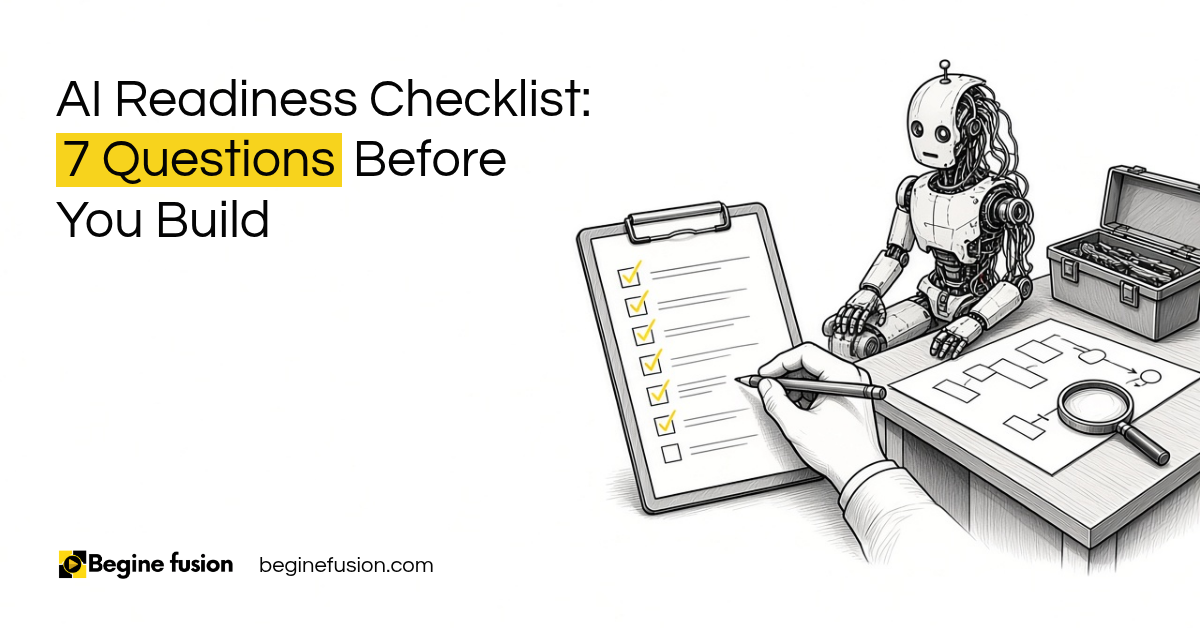 AI Readiness Checklist: 7 Questions Before You Build
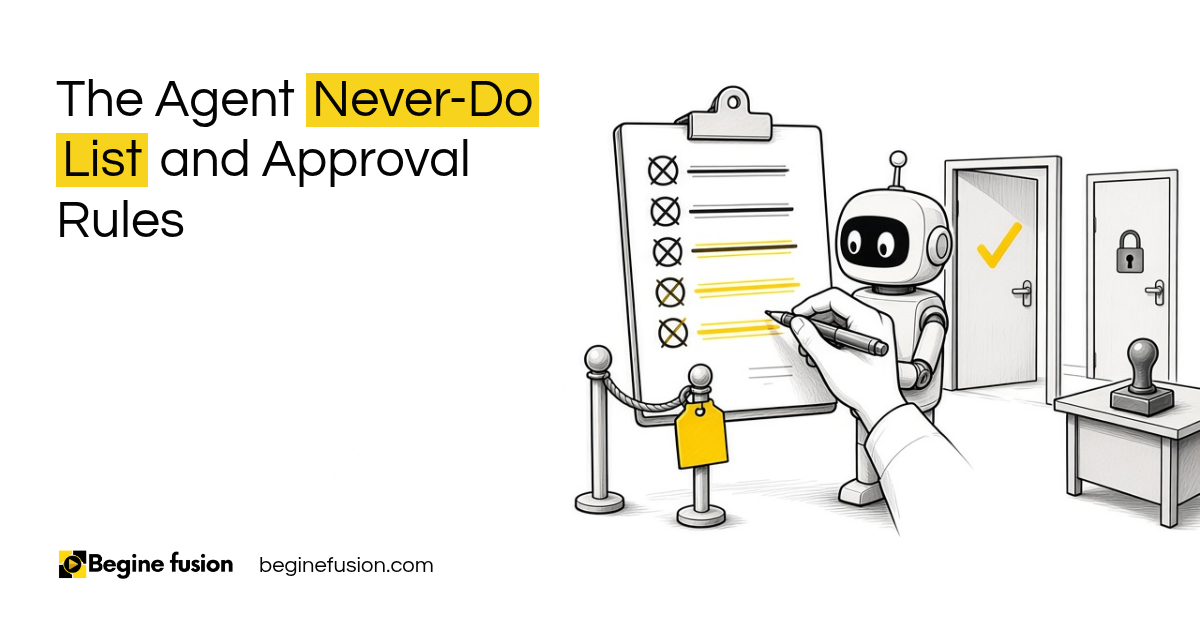 The Agent Never-Do List