
TL;DR
- Single source of truth: your CRM captures all your data for your clients, your prospects and your leads.
- Every interaction: your emails, your task list and your phone calls all happen within the CRM, so the activity gets captured.
- Send email from the CRM: connect your email so a sent message saves under the client record.
- One shared base: everybody has access to the CRM, so nobody has to share a list with anybody.
- Other systems pull from it: when a record is created in your CRM, the next system pulls it and does not create it again.
When we set up a CRM with a team, I tell them early that every interaction with a client has to happen within the CRM. Your emails, your task list, your phone calls, everything.
That way the activity is captured, and anyone who opens the record can see what happened.
Every interaction happens inside the CRM
If your team uses Microsoft or another email for clients, that’s fine. We connect it to the CRM. What that means is people send their emails through the CRM, and don’t go back to the inbox to get comfortable. When you press send, the email is saved under the client file as part of the client record.
Phone calls go in the same place. When the call is done, you log it using drop-down items. You can even schedule a call within the CRM, for example a call to each client once every quarter.
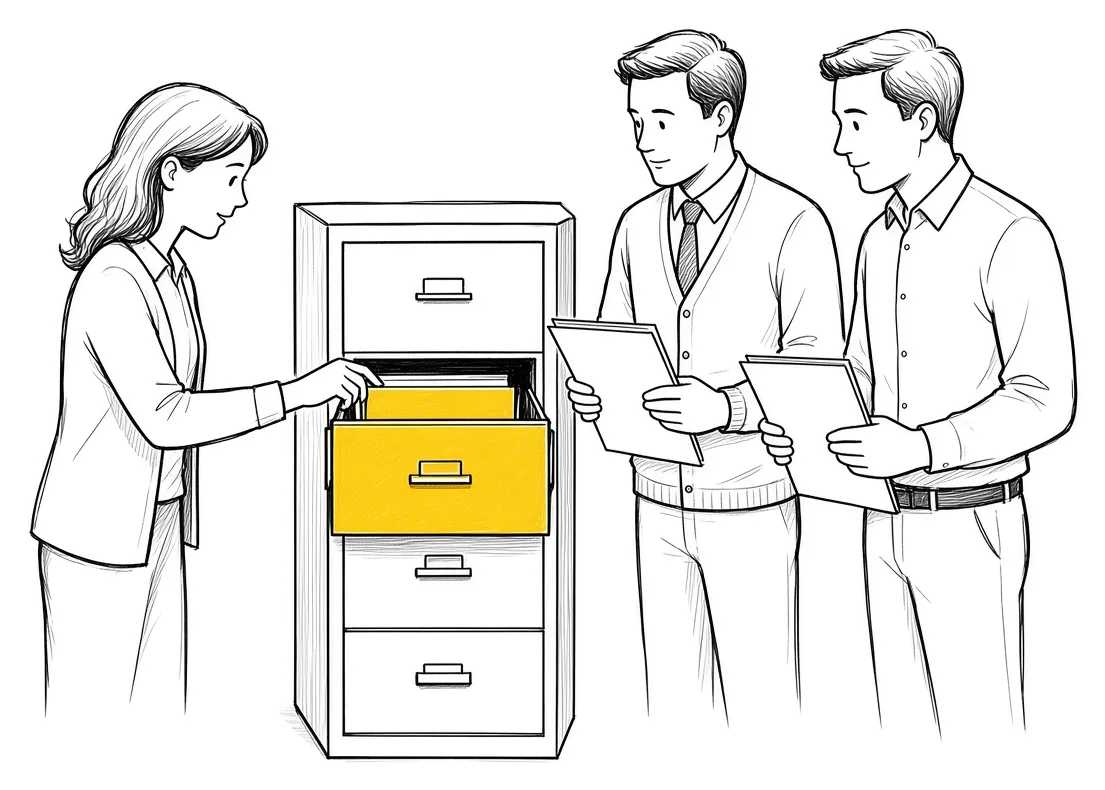
One shared base for the whole team
Everybody has access to the CRM. You don’t need to share anything with anybody.
If you have a separate list somewhere that is important, put the list into the CRM. Then everybody has access to that list.
If you want to send an email to multiple people from inside the CRM, you select those people and click send email. Pick the template you want and the from address it is going to come from, then click send. The email goes out, and every one of those records shows it was sent.
Everything about a client in one place
When we map out a process that happens by hand, we are taking whatever happens in the company physically and putting it inside the CRM. It acts as your database. You can see your meetings, your calls, your deals, your documents, quotes, invoices, whatever it is that’s related to this client. It is inside one place, and it connects to your marketing campaigns as well.
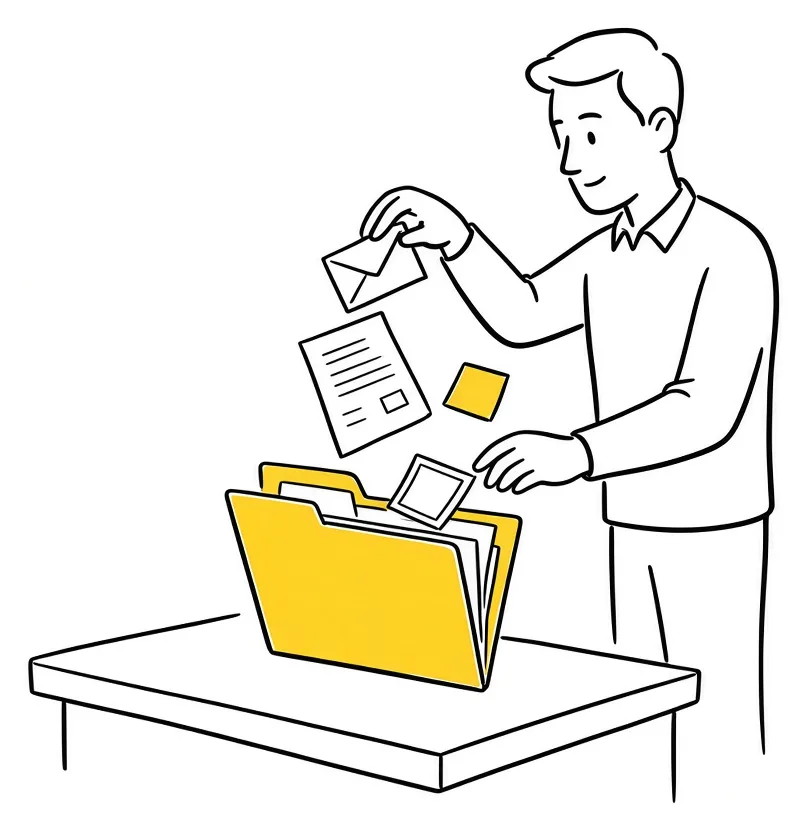
Here is how that looks with an estimate request. Somebody fills out the form on your website, and you get a notification. At the same time that person’s details are created inside your CRM. The estimate is saved in that record. When you click save and send, the email is saved into your CRM as well.
So your CRM is your single source of truth, capturing all your data for your clients, your prospects, your leads and everything. We wrote about how fast to reply to an estimate request, and the reply runs from this same record.
If you are still picking the CRM: Try Zoho CRM.
Other systems pull from the CRM
The CRM you get has the basic functionality. You need to go in and do the customizations, and every other system works with your CRM so there is no duplication.
When a record is created in your CRM, the other system does not create that record again. It pulls it. Your CRM is the main source of truth for your client database and anything related to them.

Reminders and reports come from the records
Because the activity is in the CRM, you can set rules on it. Within that same CRM, if the estimate goes out on day one and the person doesn’t respond within 24 hours, an email goes out to remind them.
You can also define what recent engagement means for you, one month or less or three months or less, and put it as a condition in the CRM. If clients have not been contacted within that time, the CRM generates the report or sends a reminder to the people who need to contact them.

What changes in how the work runs
Anyone who opens a client record sees the emails, the calls, the quotes and the tasks. Nobody has to ask a colleague what was said or dig through a personal inbox. Reminders and follow ups run from the record, and the next system pulls the client from the CRM instead of somebody typing it in again.
Takeaways and next steps
- Connect your email to the CRM and send client emails from there.
- Log every call when it ends, and schedule the next one in the CRM.
- Put any important list into the CRM so the whole team has it.
- Have every other system pull client records from the CRM.
- Set your follow up and engagement rules on the records.
For the basics, our guide on what a CRM is covers what it does. We also wrote about why a CRM is the foundation of your sales system and why the CRM comes before the AI.
Common mistakes with a CRM
1. Sending client emails from a personal inbox.
Why it fails: The conversation never reaches the client record.
Better approach: Connect your email and send from the CRM.
2. Keeping an important list in a separate spreadsheet.
Why it fails: Only the person who has the file can use it.
Better approach: Put the list into the CRM so everybody has access.
3. Typing the same client into a second system.
Why it fails: The two records drift apart.
Better approach: Have the other system pull the record from the CRM.
4. Logging calls later, from memory.
Why it fails: Calls go unlogged and the record has gaps.
Better approach: Log the call when it ends, using the drop-down items.
Frequently asked questions
What does single source of truth mean for a CRM?
Every interaction, email, file and record for your clients, prospects and leads is captured in the CRM, so it is the one place the team checks.
Should my team send emails from the CRM?
Yes. Connect your email to the CRM so every sent email is saved under the client record.
How does the team share contact lists?
Put the list into the CRM. Everybody with CRM access can then use it and send a group email from it.
How do I avoid duplicate client records across systems?
Make the CRM the main source of truth and have the other systems pull records from it.
Can the CRM remind us to contact clients?
Yes. Define what recent engagement means, set it as a condition, and the CRM sends a reminder or generates a report.
Glossary
- Single source of truth
- The one system that holds the full, current record for each client.
- Client record
- The page in the CRM with everything about one client: emails, calls, deals, documents, quotes and invoices.
- Activity logging
- Recording each email, call and task against the client record.
- Duplication
- The same client created as separate records in more than one system.
- Engagement rule
- A condition in the CRM, such as no contact in three months, that triggers a reminder or report.


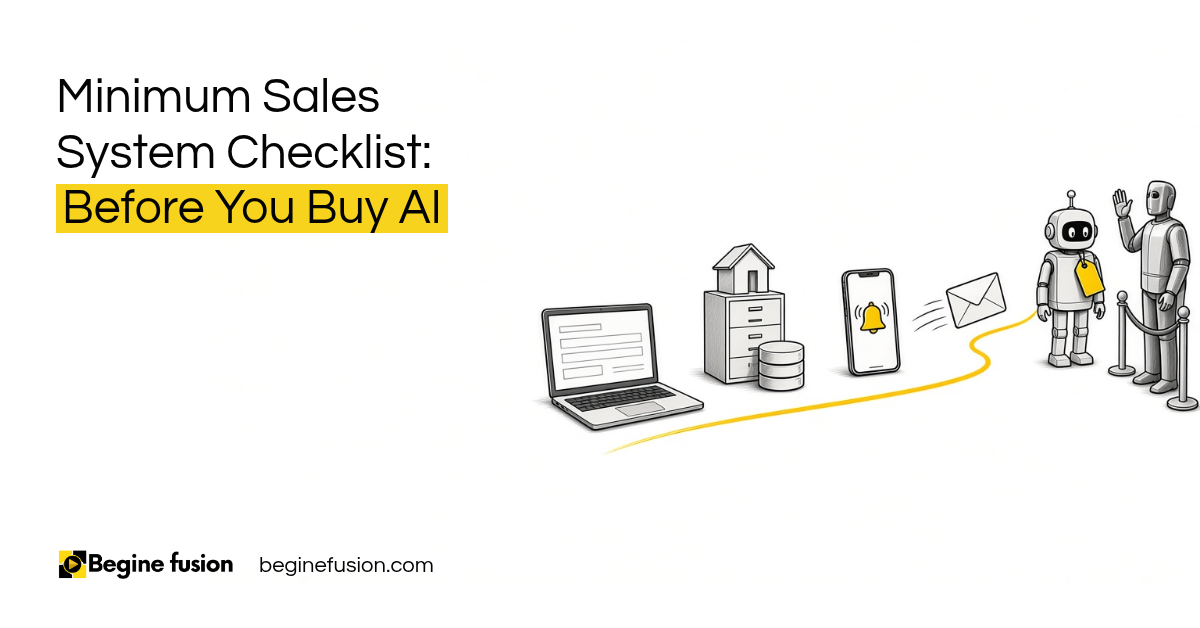 Minimum Sales System Checklist: Before You Buy AI
 The Company Vault Checklist: One Folder Every AI Tool Reads