
TL;DR
- Your permissions: the first check is whether you are able to export the data that is inside your system.
- If you cannot: the person who controls it has to be available, so the request goes in ahead of time.
- The fields you need: you send a table of the fields you need, so nobody has to export the entire database.
- The database owner writes the query: they export exactly what you need into a CSV file.
- The last time: once your data is in a system you control, you go there and export it yourself.
Getting your own data out of a system can be a struggle when only one person is able to do it. Every report and every move to a new system waits on that person.
When one person holds your data
If you need your data and the only way to get it is to go to one person, you wait on their time. That person may be someone outside your business who set the system up years ago.

The first question is about access.
The permissions you have
There are two things here. One is to confirm what permissions you have within the system, if you are able to export your data that is inside the system. If you can, then you do that when you need the data.
If you cannot, then it means that person has to be available to do it for you. Our post on who gets admin access in your CRM covers how to set roles so this does not repeat.
The request goes in ahead of time
When someone else has to pull the data, you make the request to them ahead of time. You tell them, we will need this data by this date, and this is what we need: names, types and IDs.
That way they can pull the required data when it suits them, and you are not waiting on the day.
A table of the fields you need
What you need from the database is specific fields, so you send a table of all the fields you need.

You can go through each part of the system and make a list of the fields you want to carry over. If there are fields that are not useful, they are left out of that list.
The people who control the database write the query
For me, the best way is for the people that have control of the database to do it. They can write a script or a query and export whatever we need, particularly what we need, into a CSV file.
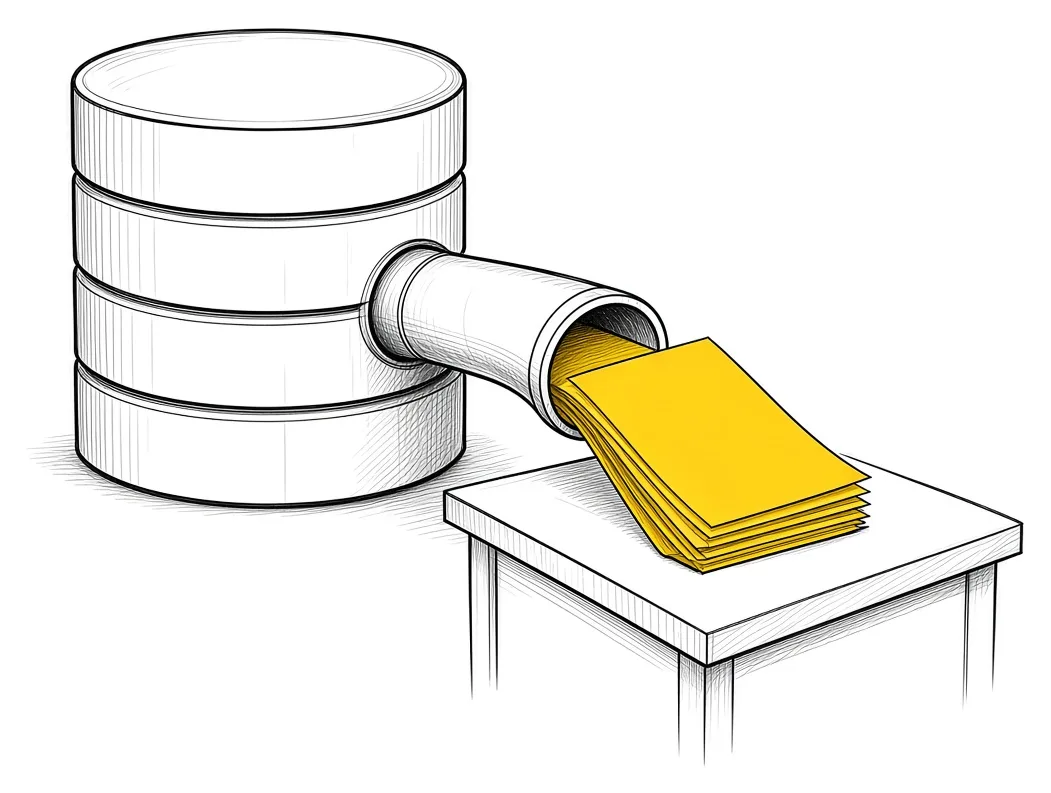
That is easier than trying to figure out how to restore a database and export fields from it yourself.
The data gets reviewed and cleaned
When the export comes back, you make sure the data is clean. You go through it and review everything there before it goes into the new system. Our post on cleaning your data before a migration walks through that step.
The last time anybody has to do this
Once the data is in a system you control, this is going to be the last time anybody has to do this. Anytime from now, if you need your data, you do not need to go to anyone. You go there and export it, and you are good.

You can also set up predefined reporting templates that you export yourself, or have them sent at an interval to a particular person or a group of people.
If you are moving your records into a CRM: Try Zoho CRM.
Our post on keeping every client in one record covers why one system for that data matters.
Takeaways and next steps
- The first check is whether you can export the data inside your system yourself.
- If you cannot, the request goes in ahead of time with a date.
- A table of the fields you need keeps the export to specific fields.
- The people who control the database write the query and export a CSV file.
- The export gets reviewed and cleaned before it goes anywhere.
- You can set up reports you export yourself, or have them sent on a schedule.
Common mistakes when getting your data out
1. Asking for the entire database.
Why it fails: You get far more than you need and someone has to sort it.
Better approach: A table of the specific fields you need.
2. Asking on the day you need it.
Why it fails: You wait on someone else’s time.
Better approach: A request made ahead of time, with a date.
3. Trying to restore a database yourself.
Why it fails: It takes longer than having the owner run a query.
Better approach: The people who control the database write the query and export it.
Frequently asked questions
How do I know if I can export my own data?
Confirm what permissions you have within the system. If you are able to export, you can do it whenever you need the data.
What if only one person can export it?
You make the request to them ahead of time, with the date and the fields you need.
Do I need the whole database?
Usually you need specific fields, so you send a table of those fields.
Who should write the export query?
The people that have control of the database. They can write a script or query and export exactly what you need.
How do I stop this from happening again?
Once the data is in a system you control, next time you go there and export it yourself.
Glossary
- Export
- Pulling data out of a system into a file you can use elsewhere.
- Query
- A request written for a database that returns only the records and fields you ask for.
- CSV file
- A plain spreadsheet file where each row is a record and commas separate the fields.
- Permissions
- The settings that decide what each person is allowed to see and do in a system.
 The Company Vault Checklist: One Folder Every AI Tool Reads
 Minimum Sales System Checklist: Before You Buy AI