

TL;DR
- Before it closes: when a conversation needs another meeting, book it while you are both still on the call.
- Stage: whether you need another meeting depends on the conversation and the stage of the sale.
- Calendars: check both calendars right then, see what you have next week, and accept the calendar invite.
- Next steps: send the meeting's next steps soon after, and set a target such as within one hour.
- Easy to join: pick a meeting tool the other person already knows, to reduce the friction of joining.
Here is something I also practice. When a conversation needs another meeting, look at the calendars together while you are both still on the call. Accept the calendar invite, and you already have the next meeting before this one closes. That is a good strategy to put in place.
It depends on the stage of the sale
Every call is different. Whether you need another meeting depends on what that conversation is and what stage the sale is at.
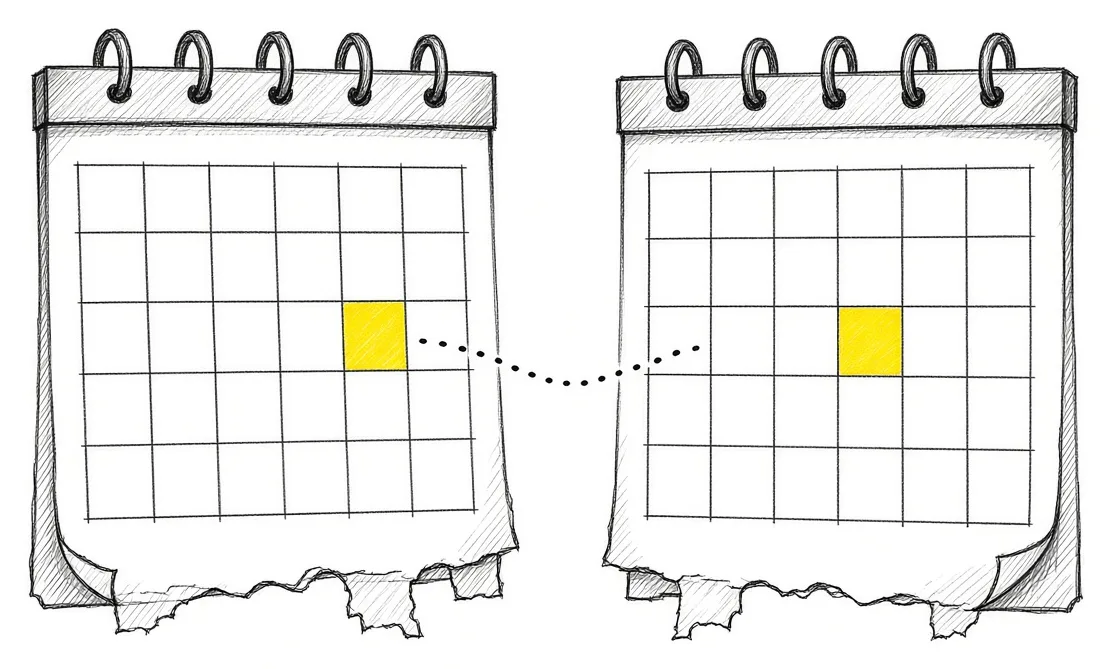
When the next step is clear, say it out loud: we are going to need another meeting to talk about this. That is the moment to book it. Our post on the questions in your sales process covers how to know where a buyer is in the sale.
Check the calendars together on the call
Say it plainly: let’s take a look at our calendars right now and see what we have for next week. Pick a time that works for both of you.
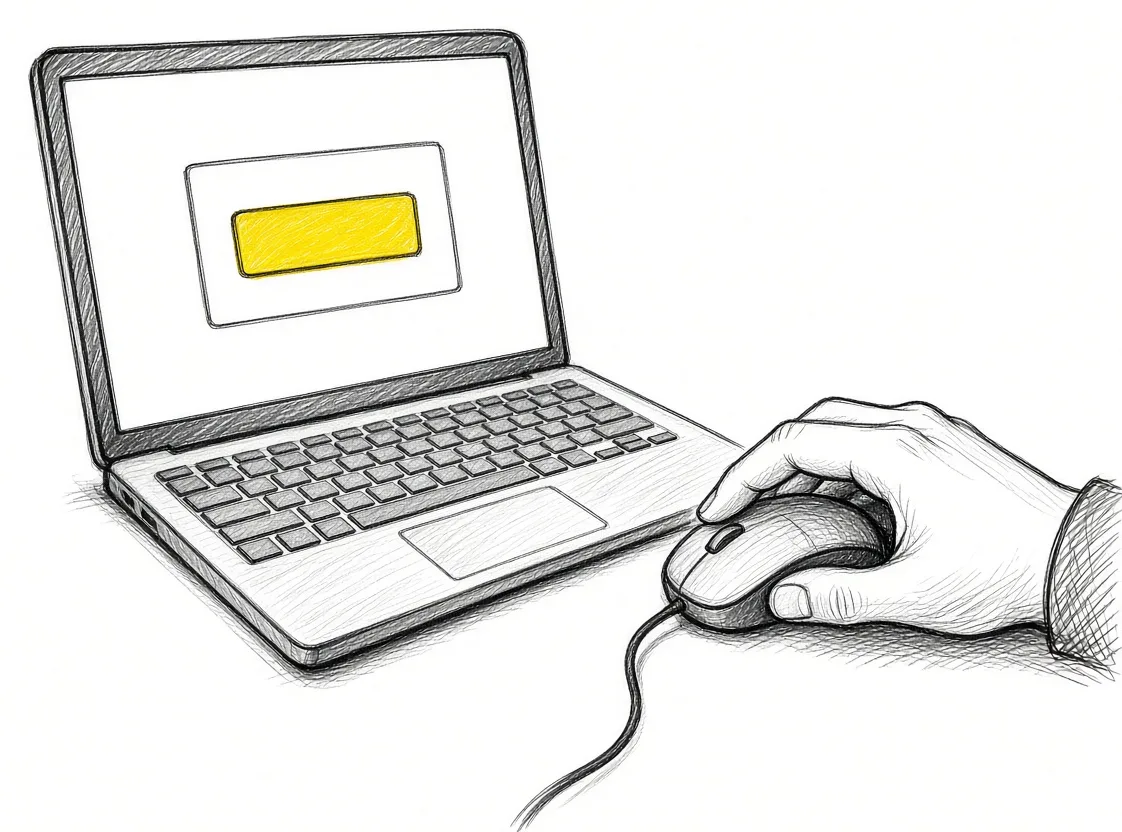
Send the invite while you are still talking and have them accept it on the call. The next meeting is on both calendars before this one ends. The follow-up email that asks for a time stays out of it.
Send the next steps soon after
After the meeting, send the responses and next steps to the client. If the client asks for a proposal, set an objective for how fast it goes out, such as within one hour after the meeting.

After that, measure it. If you wanted to send proposals within an hour after every meeting, are you hitting that mark? If you are missing it, find the issue: the setup, or the people who need more training. Our post on one button after the discovery call covers a tool that sends the follow-up for you, and our post on estimate request response time covers why speed matters.
Make the meeting easy to join
I always want to reduce the friction people have in trying to join meetings. People are familiar with Zoom, Teams or Google Meet, and many already have a Google account.

If you are meeting somebody for the first time, use a tool they already know, so joining is easy for them. With people who already use the same platform as you, such as Zoho, meet on Zoho Meeting, because they have it, you have it and you are both used to it.
If your clients already work in Zoho: Try Zoho Meeting.
Takeaways and next steps
- When a conversation needs another meeting, book it before the call ends.
- Whether you need one depends on the conversation and the stage of the sale.
- Check both calendars together, pick a time and accept the invite on the call.
- Send next steps soon after, set a target such as one hour, and measure it.
- Use a meeting tool the other person already knows.
Common mistakes with booking the next meeting
1. Ending the call with “let’s find a time”.
Why it fails: The next meeting waits on a chain of emails.
Better approach: Check both calendars on the call and accept the invite right then.
2. Booking another meeting for every call.
Why it fails: Meetings pile up where a short email would do.
Better approach: Book the next one when the conversation and the stage call for it.
3. Sending a first-time contact a meeting tool they have to set up.
Why it fails: Joining takes effort and the meeting starts late.
Better approach: Use a tool they already know for first meetings.
Frequently asked questions
When should I book the next meeting?
Before the current call ends, while you are both still on it.
How do I book it on the call?
Open both calendars together, see what you have for next week, send the invite and have them accept it right then.
Does every call need a next meeting?
It depends on the conversation and the stage of the sale.
How fast should next steps go out?
Set your own objective, such as a proposal within one hour after the meeting, and measure whether you hit it.
Which meeting tool should I use?
For a first meeting, a tool the other person already knows. With people on the same platform as you, that platform's meeting tool.
Glossary
- Calendar invite
- A meeting request sent to someone's calendar that they accept or decline.
- Stage of the sale
- Where a buyer is in the path from first contact to signed deal.
- Next steps
- The actions both sides agree to after a meeting.
- Friction
- Anything that makes a step harder or slower for the other person.


 The Back-Office AI List for Owners Whose Clients Want a Person
 AI Readiness Checklist: 7 Questions Before You Build