
TL;DR
- Ask before you build: if we don't understand your process and the pain point, whatever comes out at the other end is not going to solve your problem.
- Volume and wins: how many new contacts do you generate in a week or a month, and walk me through your last wins.
- The whole path: from that very first interaction until they become a paying client, what exactly happens, and what happens next?
- The data: what you collect, how you store it, who has access and how it is updated.
- Answer them yourself: the full list is at the end of this post, so you can write your answers down before anyone builds anything.
Before we set up a CRM, a follow-up sequence or an AI agent for a sales team, I share my screen and go through a set of questions about the sales process.
We do not have to rush through everything. We have to get it right.
This is a problem of how we help you solve the problem inside your organization. The answer might be one platform, something else, or a mix of a platform and an AI tool. We decide that after the questions.
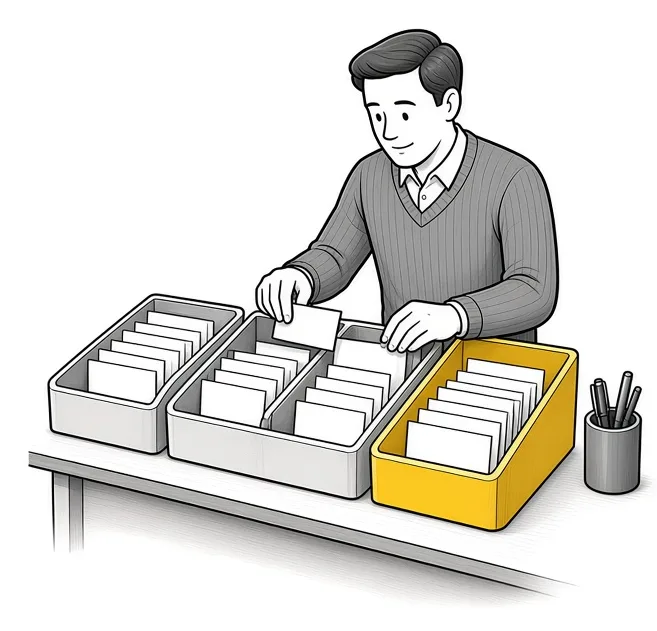
How many contacts come in, and how many become clients?
I start the call with numbers, because they show how much the process has to carry.
| Question | What the answer tells me |
|---|---|
| How many new contacts do you typically generate in a week or a month? | How much the follow-up has to handle. |
| Walk me through your last wins. | The path a real client took, in your words. |
| What is the conversion rate from contacts to qualified leads to closed clients? | Where people drop off. |
| What information do you have access to in the field? | What can be captured on the spot, from a phone. |
| How often do you run targeted campaigns? | Whether the list needs segments. |
What happens from the first interaction to a paying client?
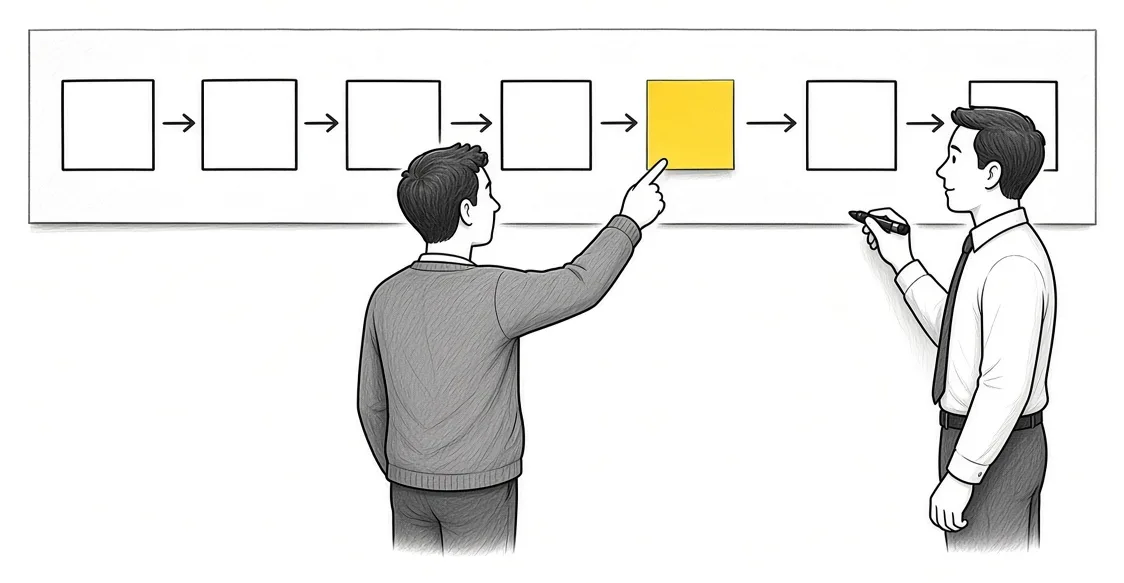
This is the question I spend the most time on. From that very first interaction up until they become a paying client, what exactly happens in that process?
Then I keep asking. You have done the follow-up meeting. You have sent more information. What happens next?
The timing questions come up here too:
- When you meet with them, do you want to send an email immediately, the next day, or wait some days?
- At what point do you convert your leads to accounts? Is it after they have signed documents?
Every answer becomes a step in the map.
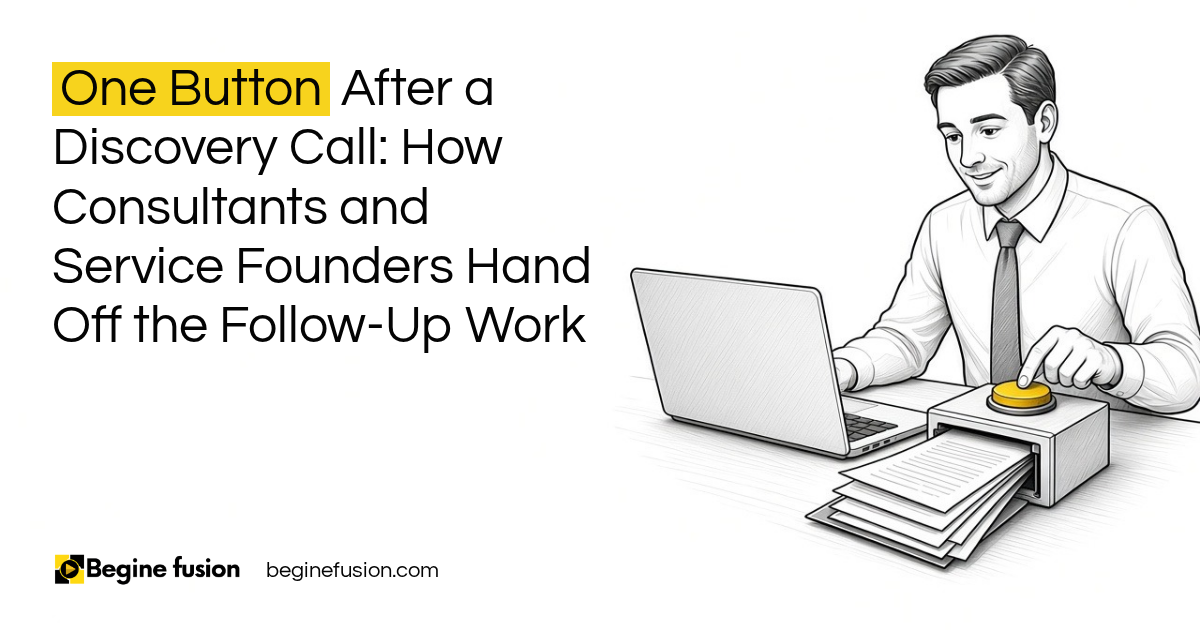
Before any of it gets automated, we explain each step before we automate it. Then the parts that repeat after every call can go to one button after the discovery call.
How often does each step run, and who does it?
For each step in the process I ask how often it is done. Daily, weekly, monthly or ad hoc.
Then I ask who does what. We capture your processes and understand the flow, so by the time we give you an implementation plan it covers everything you need. Moving a CRM from one platform to another is rarely the only need. The CRM has to connect to your website and your email too.
| Step | How often | Who does it |
|---|---|---|
| New enquiry comes in | Daily | Whoever checks the inbox |
| Follow-up email after a meeting | After every meeting | The person who met them |
| Monthly report on new leads | Monthly | Operations |
| Targeted campaign to a segment | Ad hoc | Marketing |
That table is an example. Yours will have different steps, and filling it in is the work.
Where does the data go?
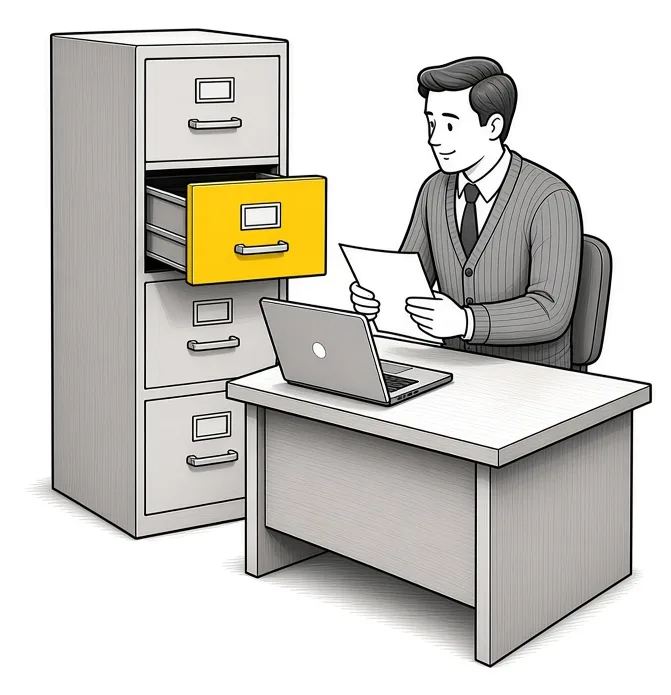
The data questions are the ones that decide the CRM setup.
- How do you currently manage the data across that process?
- What information do you collect from them?
- How do you store it right now?
- Who has access to it, and how is it updated?
When the answer is a spreadsheet on one laptop, or a list in somebody’s email, nobody else on the team can see it. Everything about the client should end up in one record. We wrote about that in what a CRM is, and about why a team needs one CRM record for every lead before adding AI.
What do you want to see on your dashboard?
I ask this one near the end: what are the things you want to see on your dashboard?
The answer tells me which numbers matter to the business leader. If you want to see conversion by source each month, the CRM has to record the source on every lead from day one. If you want to see how long deals take to close, it has to record the dates.
Working back from the dashboard tells me what the system has to capture.

The full list to answer before your first call
Write your answers down. You don’t need software for this, a notebook works.
- How many new contacts do you typically generate in a week or a month?
- Walk through your last wins. How did each one find you?
- What is your conversion rate from contacts to qualified leads to closed clients?
- What information do you have access to in the field?
- How often do you run targeted campaigns?
- From the very first interaction until they become a paying client, what exactly happens?
- After the follow-up meeting, what happens next?
- When you meet someone, do you email them the same day, the next day or a few days later?
- At what point does a lead become an account?
- How often is each step done: daily, weekly, monthly or ad hoc?
- Who does what at each step?
- What information do you collect, how do you store it, who has access and how is it updated?
- What do you want to see on your dashboard?
What changes in how the work runs
The build is planned around your process. The CRM stages match the steps you described, the follow-up timing matches what you said you want, and the dashboard shows the numbers you asked for.
Once the path from first contact to paying client is written in one place, everyone on the team can see it, including the gaps.
Takeaways and next steps
- Get the process right before you choose the platform.
- Count your contacts and your conversions, and walk through your last wins.
- Map every step from the first interaction to a paying client, and keep asking what happens next.
- Write down how often each step runs and who does it.
- Ask where the data goes and who can see it.
- Decide what you want on your dashboard, then make sure the system records it.
If you have tried a CRM before and it did not stick, read why CRM implementations fail.
Common mistakes when mapping a sales process
1. Choosing the CRM before mapping the process.
Why it fails: The tool decides how you sell, and the steps that don’t fit get done outside it.
Better approach: Answer the questions first, then pick the platform that fits the answers.
2. Mapping only up to the first meeting.
Why it fails: The follow-up and the conversion to a client are where leads go quiet.
Better approach: Keep asking what happens next until the person is a paying client.
3. Guessing the conversion numbers.
Why it fails: You can’t see where people drop off.
Better approach: Pull the numbers from your last wins and your list of contacts, even if it takes an afternoon.
4. Leaving the data questions to the end of the project.
Why it fails: Client details stay in personal inboxes and spreadsheets that nobody else can open.
Better approach: Ask how data is stored, who has access and how it is updated during the mapping.
5. Building a dashboard after go-live.
Why it fails: The fields you need were never captured.
Better approach: Decide what you want on the dashboard before the CRM is set up.
Frequently asked questions
What questions should I ask about my sales process?
How many contacts come in, how many become clients, what happens from the first interaction to a paying client, how often each step runs, who does it, and where the data is stored.
How do I map my sales process?
Walk through your last wins one by one. For each, write down every step from the first interaction to payment, and keep asking what happens next.
What is a conversion rate in sales?
The share of contacts who move to the next stage. I ask for it from contacts to qualified leads to closed clients.
When should a lead become an account in a CRM?
That depends on your business. Some teams convert when documents are signed. Decide the point and write it down so everyone converts at the same step.
Do I need to pick a CRM before mapping my process?
No. Map the process first. The platform can be one tool, another tool or a mix with an AI tool.
What should a sales dashboard show?
What you asked for during the mapping, such as leads by source or time to close. The CRM has to record those fields from the start.
Glossary
- Sales process
- Every step from the first interaction with a person to the point they become a paying client.
- Conversion rate
- The share of contacts that move from one stage to the next, such as qualified lead to closed client.
- Lead
- A person or business that has shown interest and has not bought yet.
- Account
- The record for a business that has become a client, converted from a lead at a point you choose.
- Process mapping
- Writing down each step, how often it runs, who does it and where the data goes, before anything is built.
- Dashboard
- A screen in the CRM that shows the numbers the business leader chose to track.
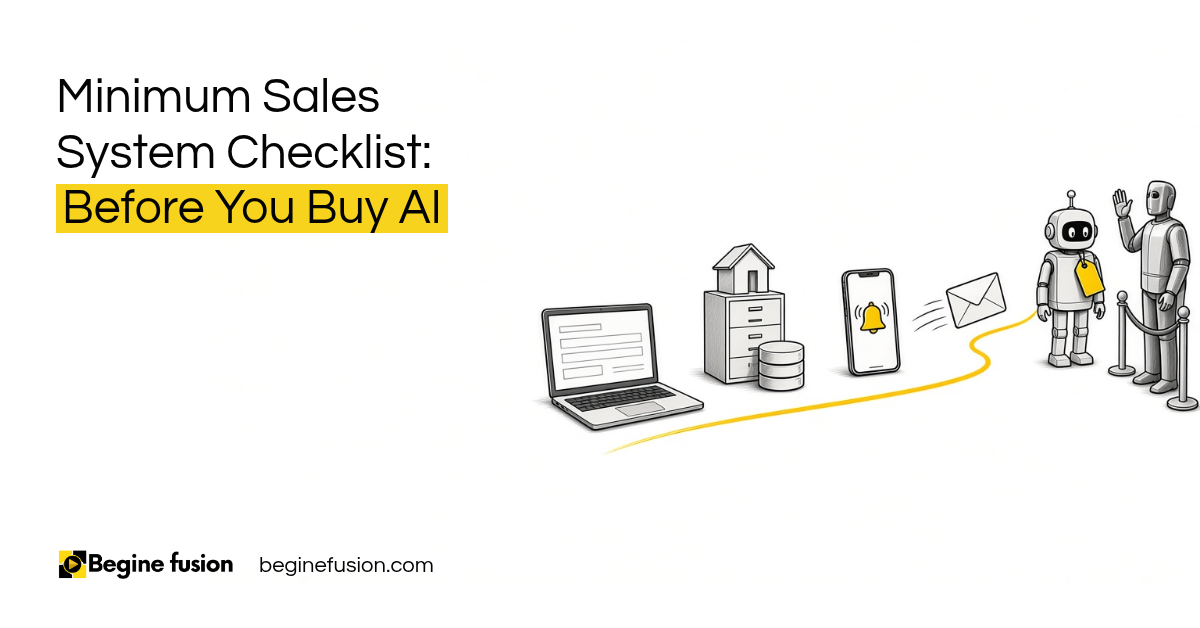 Minimum Sales System Checklist: Before You Buy AI
 The Company Vault Checklist: One Folder Every AI Tool Reads