
TL;DR
- After a discovery call: there is a list of things to send, like a recap, a follow-up email and a proposal with pricing.
- One button: we built a post-discovery pipeline that pulls the meeting transcript and drafts all of those deliverables in one pass.
- A person reviews everything: before it goes to the client, because AI can make mistakes and a proposal carries your pricing and terms.
- When the proposal goes out: the CRM record updates, and if the client goes quiet a follow-up cadence picks it up.
- The button is the last piece: mapping what happens after each type of meeting comes first.
I know how long it took me in the past to create proposals. The call would end, and then the real work started.
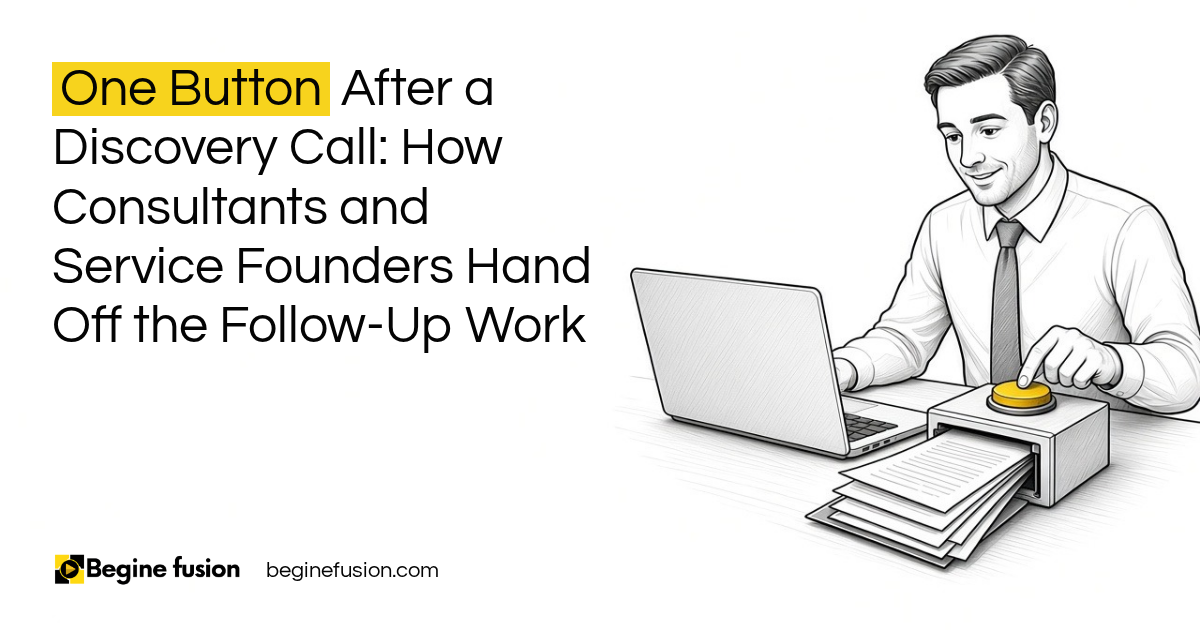
Today, when a discovery call finishes, I press one button and the work that needs to happen after the meeting is drafted and waiting for me.
What has to happen after a discovery call?
Every consultant and service founder has the same list. After a meeting I need to send a follow-up, I need to send a proposal, and I need to send a recap. Internally I also want to know how the meeting went.
That list depends on the type of meeting. A normal discovery call, where somebody is just trying to inquire, has different next steps from a project check-in. So the first question we ask a business is simple. What happens next after a meeting is done?
Most of the time the answer is only in the founder’s head. The transcript stays in the meeting recorder, and the proposal starts from a blank page a day or two later.
Key point: The follow-up work after a call is the same list every time, which means it can be written down and handed off.

What does the one button produce?
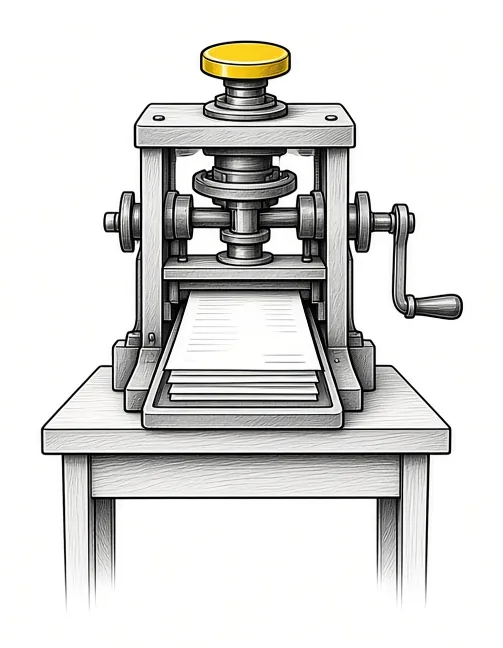
The meeting recorder is connected to the system, so when a meeting ends the transcript is available. The post-discovery pipeline pulls that transcript and runs the full post-discovery process in one pass.
It produces a discovery analysis, a client meeting summary, a follow-up email and a proposal with pricing. All deliverables are created in one pass, and everything that needs to happen after the meeting is done.
There is an internal piece too. A framework analyzes how the meeting went. In a discovery session I should be the one talking less, so it points out those kinds of things, and that feeds back into the system so it keeps getting better over time.
In my own setup I press the button by hand to save on AI cost. It can also run on its own: when a transcript is available, the process runs and sends me an email with everything.
Who reads it before the client does?
What we always suggest is a human in the loop. Anytime AI creates something, a person reviews it before it goes out to a client. AI is good enough to do all those things, and it can still make mistakes.
Review takes far less time than writing. Before, you had to do all those things yourself. Now you read through it, mark what has to change, and you are done.
The review rule can depend on what the document is. A quick internal email may not need a close read. A customer document or a proposal that has your pricing and terms and conditions always gets one. Sorting your outputs this way shows you exactly what you can take off your plate and what stays with you.
Key point: The AI drafts everything, and a person approves anything with your pricing or your name on it before the client sees it.

What happens if the client goes quiet?
The meeting recorder can be connected to your CRM, so the transcript of that meeting is saved under the prospect’s record. The moment the proposal goes out to a client, the status on that record changes.
If you do not have a meeting recorder yet: Try MeetGeek.
After the deliverable is sent, you are expecting feedback from the person you just met with. If that feedback does not come, an automation needs to happen. If they have not replied after 24 hours, another email goes out, or a task gets created to follow up with a call or a text message.
That is the difference between a prompt and a system. The prompt writes the email. The system knows the proposal went out, knows nobody replied, and makes sure somebody follows up.
Preparing for the meeting is the other half of this. Meeting prep that is ready before the day starts is covered in my post on having meeting prep ready before the day starts.
How the work runs differently
Before a setup like this, the follow-up waits until the founder finds a free hour, and the proposal starts from scratch. After it, the drafts are ready when the call ends, a person reviews them, and the CRM tracks what was sent and what needs a nudge.
Our published case studies follow the same pattern:
- On the AI sales intelligence platform, AI generates research, profiles and drafts, including personalized email drafts and call scripts for each prospect. The rep reviews and approves everything before use. AI generates, humans decide.
- On the AI estimating agent, a person reviews the price before it is sent, and the follow-up sits on that record.
Which outputs need a person’s sign-off is its own question, and I went through it in my post on which AI work needs a person’s approval. I also wrote about using AI for proposal development.
Takeaways and Next Steps
These are the questions I would bring to your own post-call process:
- What do you send after each type of meeting?
- Where does the transcript go when the call ends?
- Which documents carry your pricing or terms and always need your review?
- What happens when a client does not reply?
Once those answers are written down, the button is the easy part. FusionBuild is where we build the pipeline and connect it to your CRM. The Systems Readiness Assessment shows what is already in place, and CRM automation covers the follow-up cadence on its own.
Common Mistakes
1. Sending AI drafts straight to the client
- Why it fails: AI can make mistakes, and a proposal carries your pricing and terms.
- Better approach: A person reviews anything client-facing before it goes out.
2. Writing the follow-up a day later
- Why it fails: The details fade and the client waits.
- Better approach: The drafts are produced as soon as the transcript is available.
3. Treating every meeting the same
- Why it fails: A discovery call and a project check-in need different next steps.
- Better approach: We map what happens after each type of meeting first.
4. Leaving the transcript in the meeting recorder
- Why it fails: Nobody can find it later, and the CRM record has no history.
- Better approach: The transcript is saved to the prospect’s record in the CRM.
5. Stopping at the proposal
- Why it fails: A proposal with no reply sits until somebody remembers it.
- Better approach: The CRM status changes when it goes out, and a follow-up cadence starts if nobody replies.
Frequently asked questions
What does a post-discovery pipeline produce?
A discovery analysis, a client meeting summary, a follow-up email and a proposal with pricing, all in one pass from the meeting transcript.
Does it send anything to the client automatically?
It can, and we suggest it does not. A person reviews anything AI creates before it goes out to a client.
Does it have to be triggered by hand?
No. It can run whenever a new transcript is available and email you the drafts. Running it by hand keeps AI costs down.
Which outputs need review?
Anything that carries your pricing, terms or conditions, and anything a client will read. A quick internal note may not need a close read.
What happens if the client does not reply?
The CRM knows the proposal went out. After a set time, such as 24 hours, another email goes out or a task is created for a call or a text.
How does Begine Fusion build this?
We map what happens after each type of meeting, then build the pipeline in FusionBuild and connect it to your CRM and meeting recorder.
Key terms
- Discovery call
- The first conversation with a prospect to understand what they need.
- Post-discovery pipeline
- A set of steps that turns a meeting transcript into the deliverables that follow the call.
- Meeting recorder
- Software that records a call and produces a transcript.
- Human in the loop
- A person reviews AI output before it reaches a client.
- Follow-up cadence
- A set of timed emails, calls or tasks that runs when a client has not replied.
- CRM record
- The entry for a prospect or client in your CRM, which holds the transcript and the proposal status.
 The Back-Office AI List for Owners Whose Clients Want a Person
 AI Readiness Checklist: 7 Questions Before You Build