
TL;DR
- Where it is now: your data and documents are stored in different places, on hard drives and in different people's inboxes.
- The most important part: if we do not capture the whole data, the AI system cannot function.
- Every format counts: videos, PDFs and slide decks get converted into a format AI can easily understand, which also saves tokens.
- Structure: a relational database and a knowledge graph, so related documents show up together.
- Asking: to find something, all you have to do is ask.
Before an AI system can search your business, answer questions or run a process, it needs all of your data.
Your data is in different places
Wherever your data or documents are stored, in different places, on hard drives, in different people’s inboxes, we bring that data together.

That is the first job. Every place your business keeps information has to be part of it.
Capturing the whole data is the most important part
This, I must say, is the most important aspect of any AI system. We do not mind spending a lot of time trying to capture all that data, because if we do not have the data, the AI system cannot function.
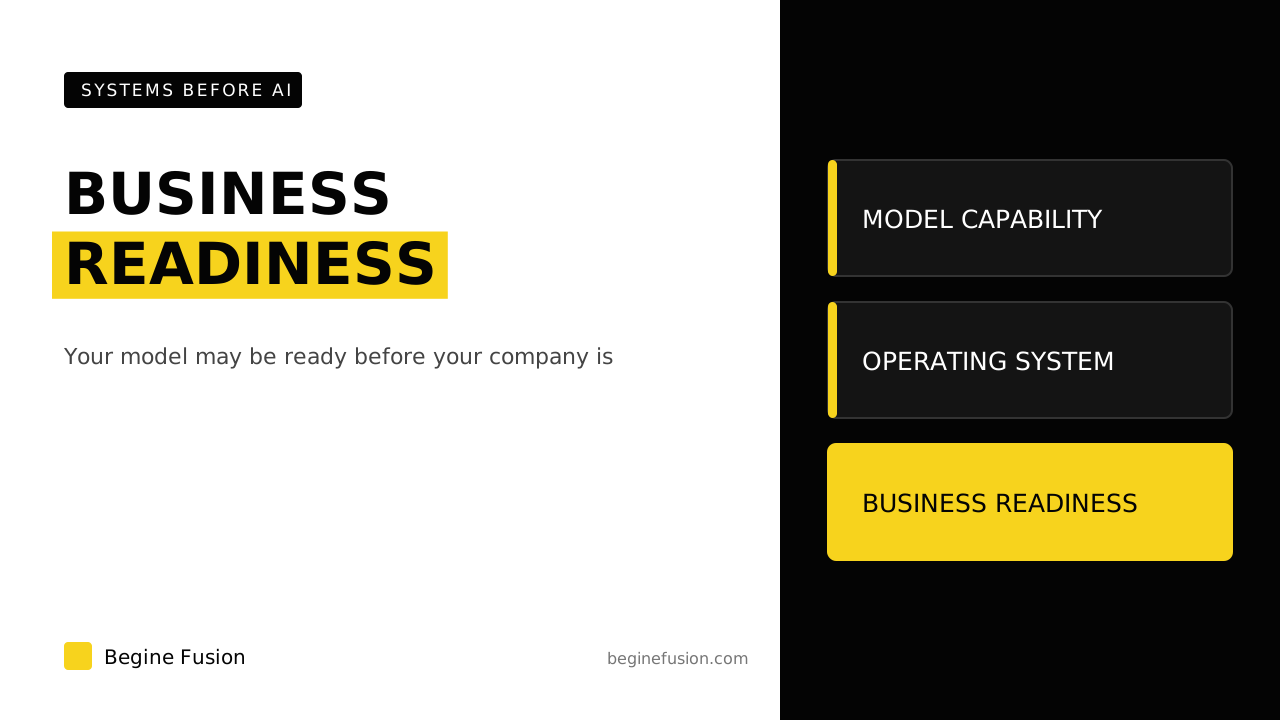
If you are checking whether your business is ready for AI, this is the place to look first.
Every format can be converted
You will have different formats: videos, PDFs, slide decks. That is not a problem. We convert all that data into a format AI can easily understand, and that saves a lot of tokens as well.
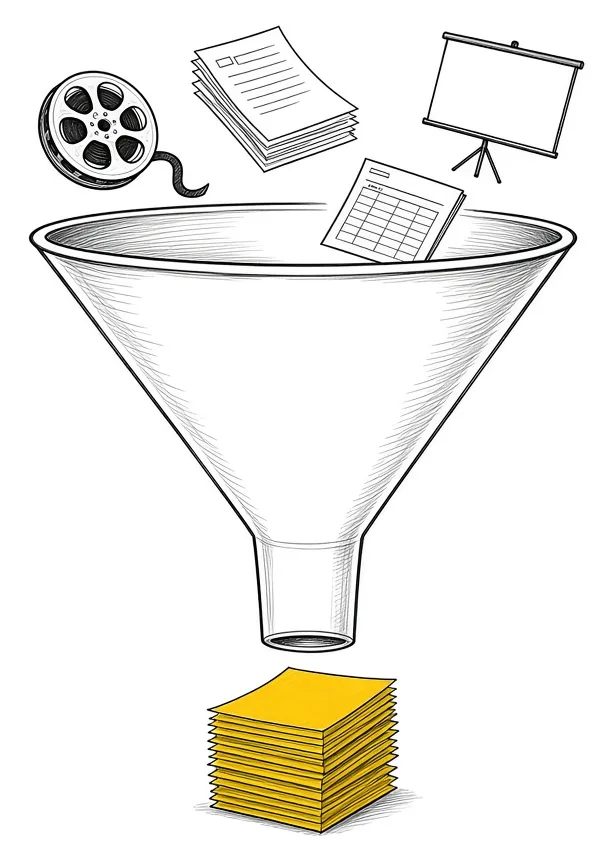
Our post on keeping one folder for your business walks through the conversion to markdown step by step.
Related documents show up together
Once the data is captured, we put it in a proper structure: a relational database, then a knowledge graph as well. If somebody selects one document, any related document shows up too, and you can see what the relation is.
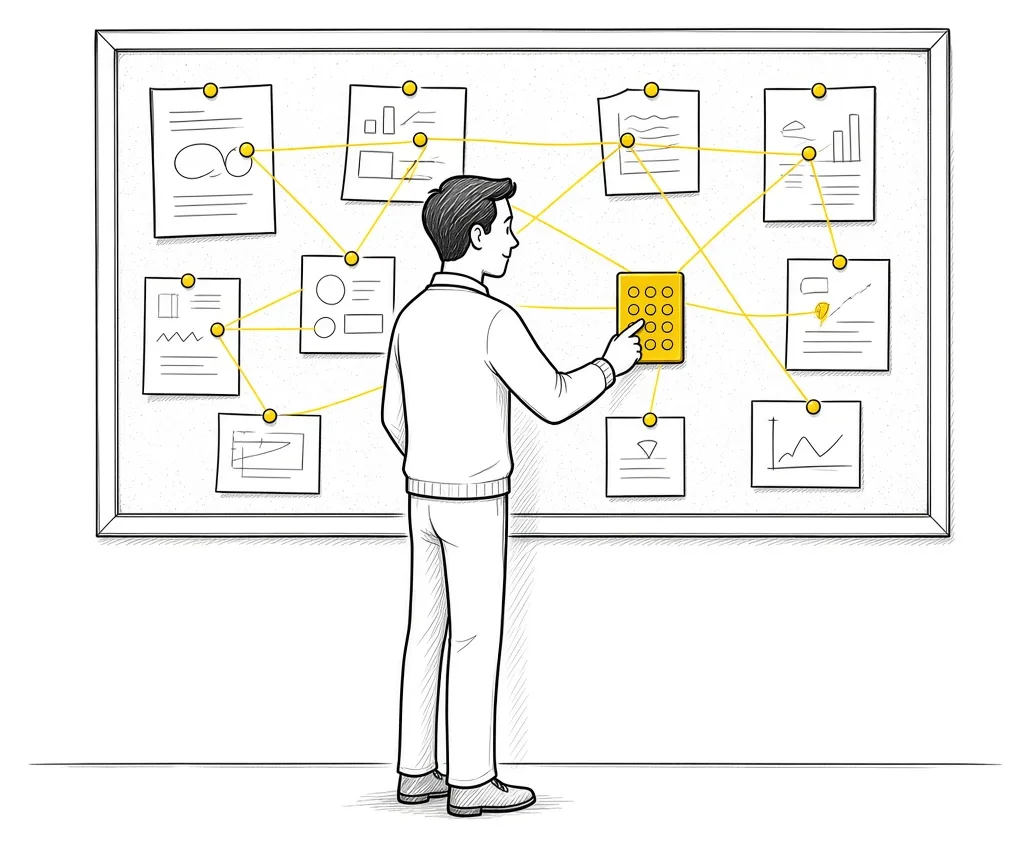
If your client data is already in a CRM, the system pulls it from there and does not create the record again. Your CRM stays the main source of truth for your client database. Our post on your CRM as your single source of truth goes deeper on that.
All you have to do is ask
If you need to search for something in that data, all you have to do is ask. You ask the knowledge base and it pulls up what you need.

Our post on using AI for knowledge management covers more ways to use it.
Each run makes the system better
When the system has run, there are learnings it picks up. The approved learnings get baked into the knowledge base, and the next process starts with what was learned from the previous one. That gives you a system that gets better with each run.
Each action can be traced as well. Each AI run can be traced to the AI that did it, who did it and what happened in the system. Our post on recording the evidence behind every AI agent action covers that side.
Takeaways and next steps
- Your data is stored in many places, including hard drives and inboxes, and every one of them counts.
- The whole data gets captured before anything is built on top of it.
- Videos, PDFs and slide decks get converted into a format AI can easily understand.
- A relational database and a knowledge graph let related documents show up together.
- Your CRM stays the main source of truth for client data.
- Approved learnings go back into the knowledge base after each run.
Common mistakes with AI data
1. Building the AI system on part of the data.
Why it fails: If the AI does not have the data, it cannot function.
Better approach: Time spent capturing all of it first.
2. Leaving videos, PDFs and slide decks out.
Why it fails: The AI cannot easily understand them as they are.
Better approach: Each one converted into a format AI can easily understand.
3. Creating client records twice.
Why it fails: You get duplicates between the CRM and the AI system.
Better approach: Client data pulled from the CRM as the main source of truth.
Frequently asked questions
What is the most important part of an AI system?
Capturing the whole data. Without the data, the AI system cannot function.
What about videos, PDFs and slide decks?
They get converted into a format AI can easily understand, which also saves tokens.
How do related documents show up together?
The data goes into a relational database and a knowledge graph, so the relations between documents are stored.
How do I search it?
You ask. The knowledge base pulls up what you need.
Does the system get better over time?
Approved learnings from each run get baked into the knowledge base, so the next process starts with them.
Glossary
- Knowledge graph
- A map of how your documents, clients and records relate to each other.
- Relational database
- A structured store where records link to each other, such as a client to their documents.
- Tokens
- The units AI reads text in. A format AI can easily understand uses fewer of them.
- Source of truth
- The one system whose record wins when two systems disagree.
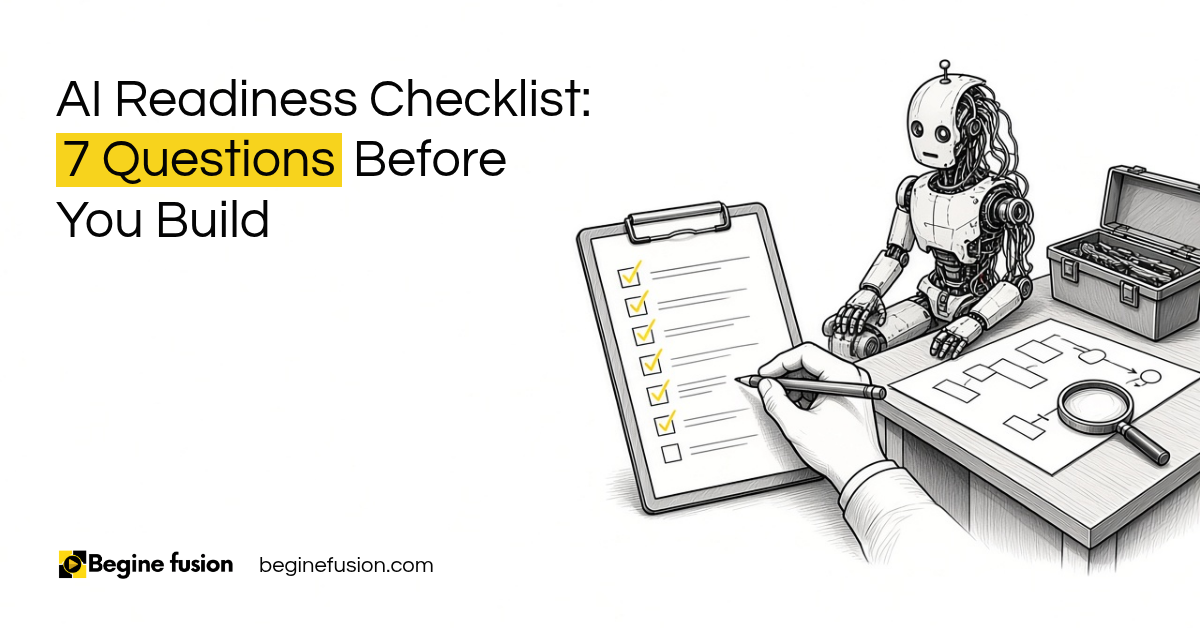 AI Readiness Checklist: 7 Questions Before You Build
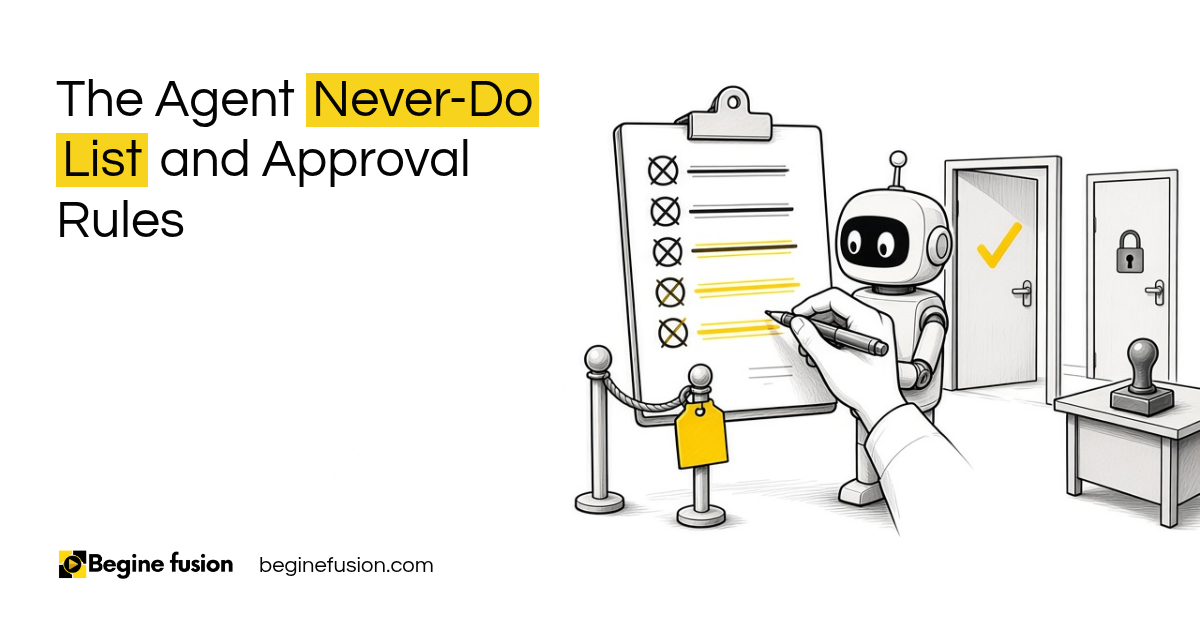 The Agent Never-Do List