
TL;DR
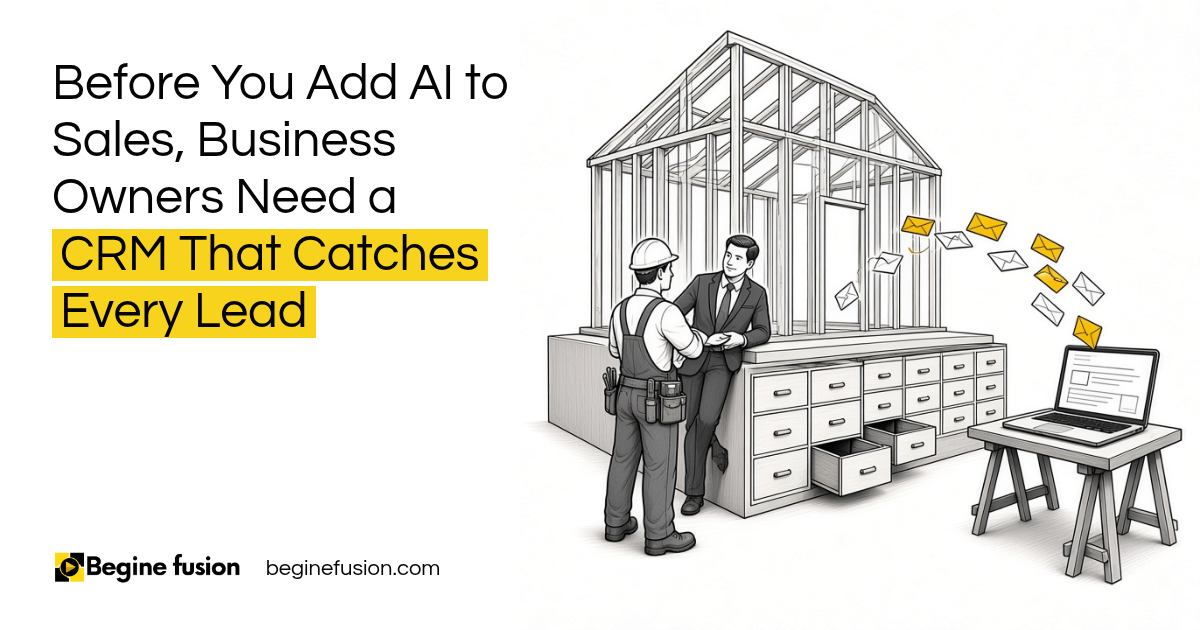
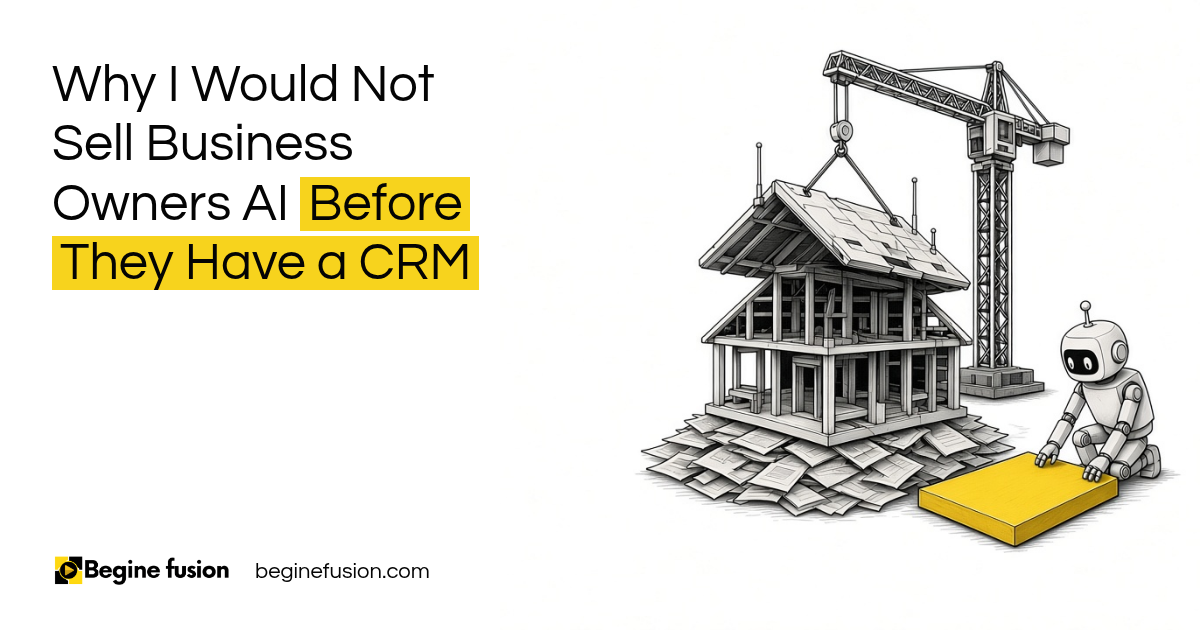
- A CRM is the foundation of your sales system: running sales without one is like trying to build a house without a foundation.
- At the minimum: your sales system connects your website to your CRM. Then automations inside the CRM drive the process.
- Every lead becomes a record: follow up happens on that record, so nobody has to remember to call.
- Tag where each lead came from: then you know which marketing is working.
- AI comes after this: it needs the record and your pricing to work from.
In a workshop with business owners, I asked everybody what tools they use. Only one person mentioned a CRM.
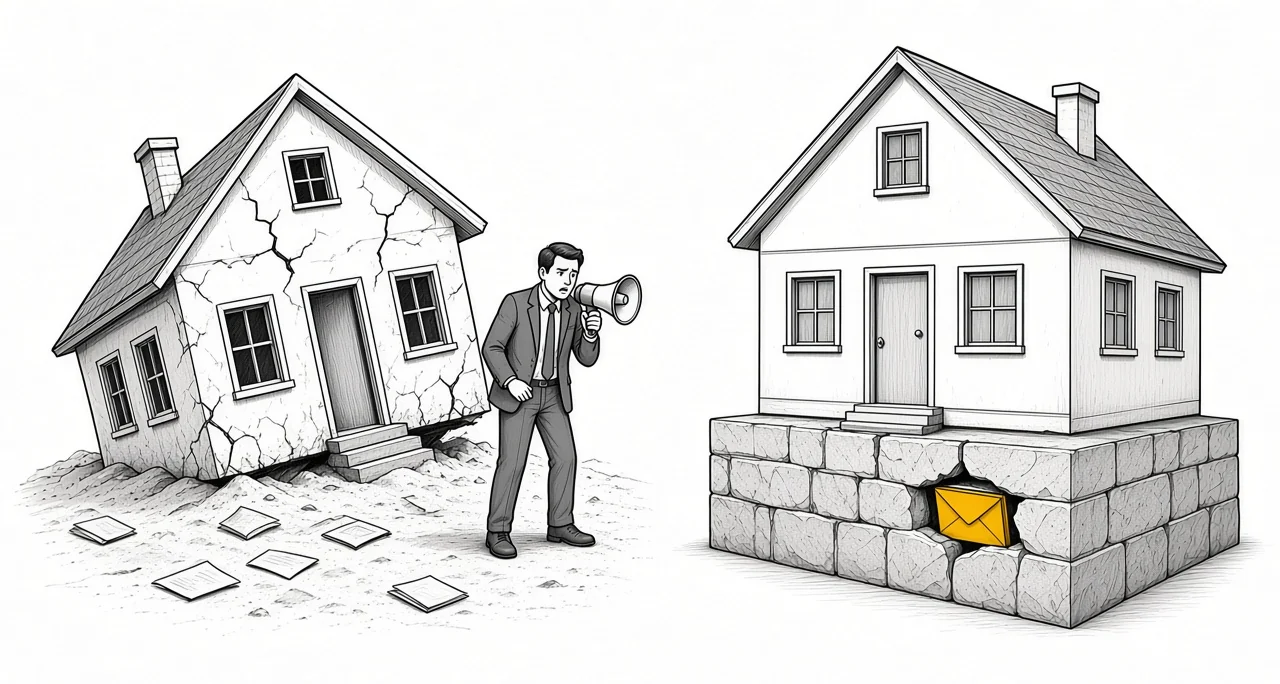
CRM is critical to your sales system. If you do not have a CRM, it’s like trying to build a house without a foundation.
A lot of owners put money into marketing before they have anywhere to catch the leads. Below is what the foundation looks like, and why AI comes after it.
Why does a sales system need a CRM first?
Your sales system starts with demand generation and lead generation. That part is marketing. Its job is to bring people to you.
The CRM is where you catch them. Every person who reaches out becomes a record, and everything that happens with them is on that record.
Without it, leads are spread across your inbox and a spreadsheet. Somebody accepts a proposal and nobody notices for two days.
New to it? Read what a CRM is. If you already run sales on a spreadsheet, read six signs you have outgrown it.
If you are still picking the CRM: Try Zoho CRM.
What is the minimum sales system?
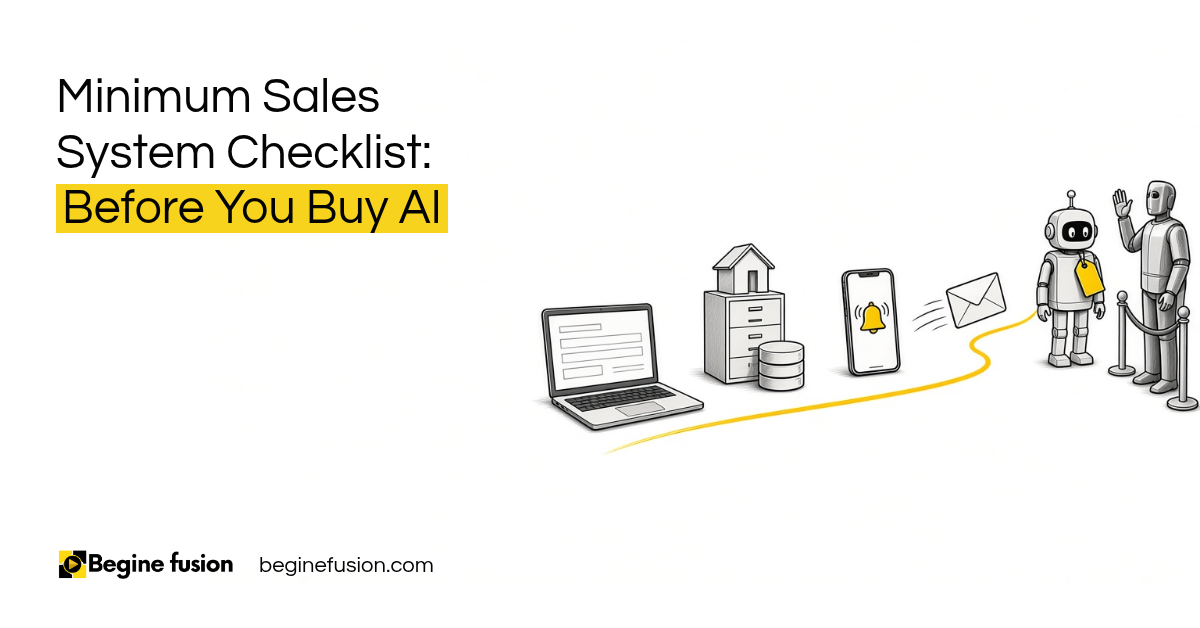
Your sales system, at the minimum, connects your website to your CRM. Then it enables automations inside your CRM to drive the process.
That is four pieces:
- A form or chat on your website
- A CRM that creates a record for every lead
- An alert to you when something comes in
- A follow up that goes out from the CRM
Your website is very important here. Somebody does research on you before they reach out. If they cannot find a way to ask, they leave.
If you run ads, the same thing works. Connect your ads to your CRM, so the leads from the ads come straight into it. Then the automations in your CRM handle whatever has to happen next. Here are the steps to connect your CRM to Meta Business Suite.
One more thing. Please never buy leads. The people on a bought list never asked to hear from you.
Key point: If it did not happen in the CRM, nobody can see it. A lead that only exists in your inbox cannot be followed up or handed to anyone else.
What happens when a lead comes in?
Let me paint you a picture of a system we deployed for a client.
Somebody goes on the website and asks for an estimate. They can fill out a form or talk to a chat box that fills out the form for them.
When they click submit, a few things happen at the same time. A record gets created in the CRM as a lead. An email goes out to them. An email goes out to you: something is here for your review. Then they get enrolled in a cadence for follow up.
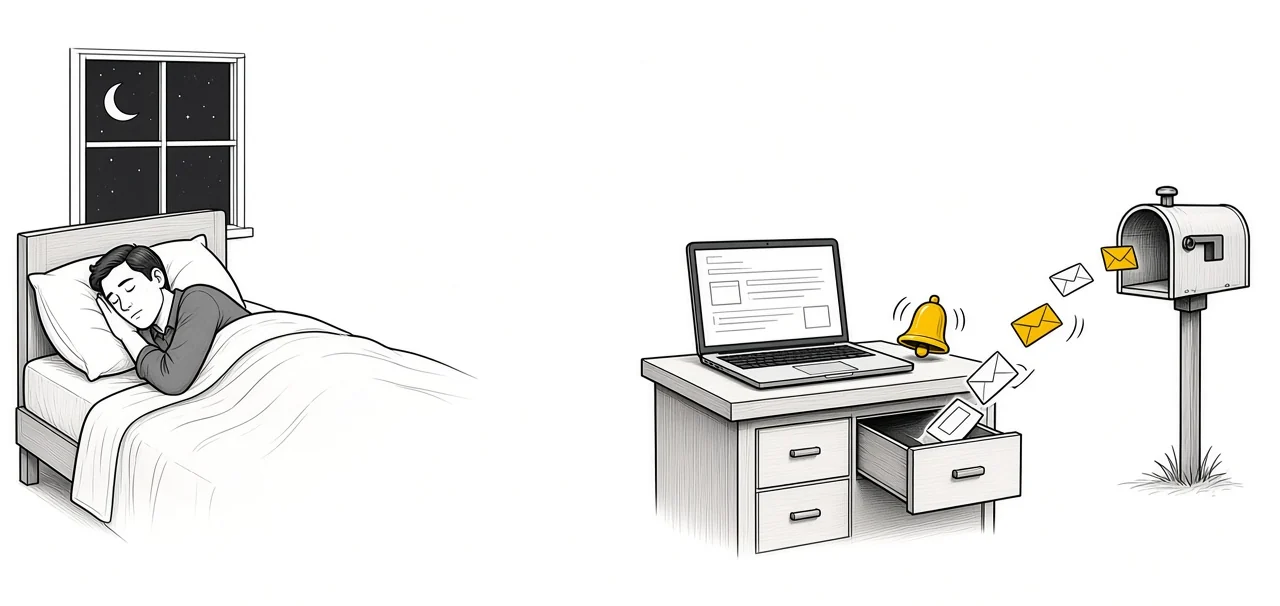
If the person does not respond by tomorrow, another email goes out, until the process is finished. You can go off to sleep and the follow up kicks in. You don’t need to remember to follow up with those people.
If you need the web form that feeds the CRM: Try Zoho Forms.
What stages should a sales pipeline have?
Here is a scaled down version of our own process.
- The lead is captured.
- Qualification. If it passes, it goes into discovery.
- Discovery. A call is booked and we meet with them.
- Diagnose. What do they need?
- The proposal is sent.
- Closed as won.
- Payment, then onboarding.
Between closed and onboarding, the accounting software comes into play. A trigger happens: the customer has accepted the proposal, please create the invoice and send it with everything else they need. The invoice gets generated in the customer’s record in the accounting software, which is connected to the CRM. Reminders go out if the payment has not come in before onboarding.
Every one of those is a touch point with your client. Somebody has accepted your proposal. How long does it take you to send the invoice? Is it coming in your brand?
For more on what the CRM can send for you, read improving client follow up with CRM automation.

Do you know where your leads come from?
You need to know where people are coming from. You need to know if a piece of content is working for you or not.
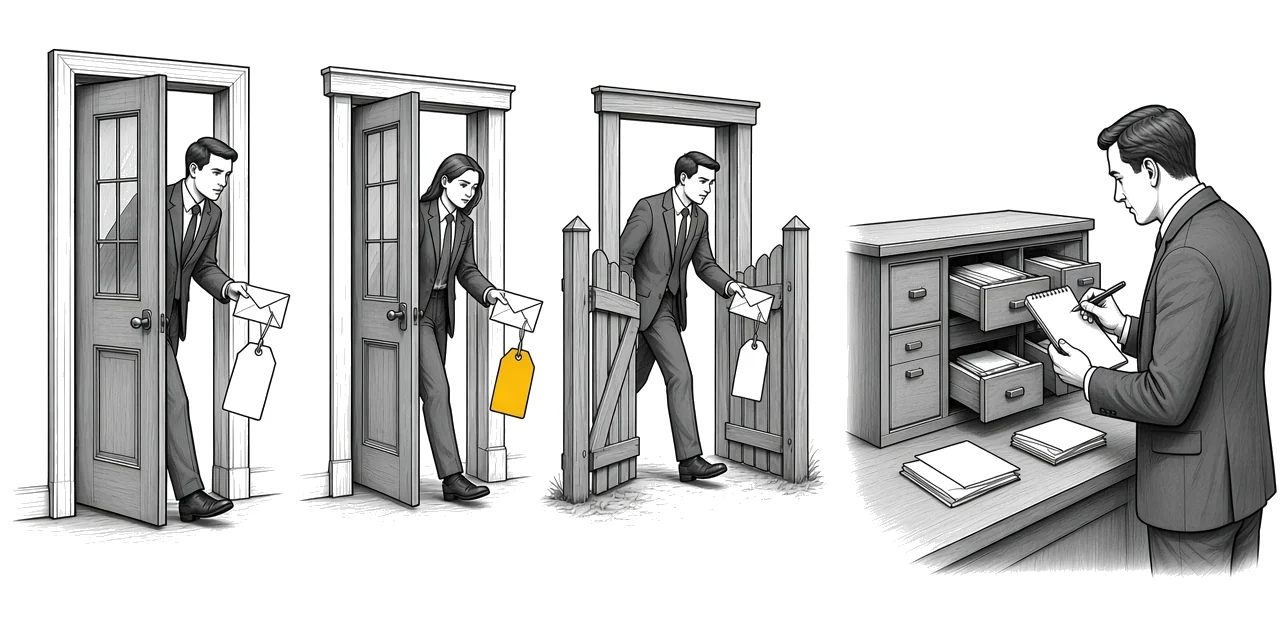
Tag every lead with its source. By the time you run your numbers for the month, you can say: we got five leads from LinkedIn, two from Google and one from a referral.
Then look at the lead to conversion timeline. How long does it take to convert one lead from when they first reach you to when they move to the next stage?
All of that comes from the CRM. You cannot answer it from an inbox. A good first test is knowing where your last customer came from.
Where does AI come in?
AI comes after the foundation, and it works on top of it.
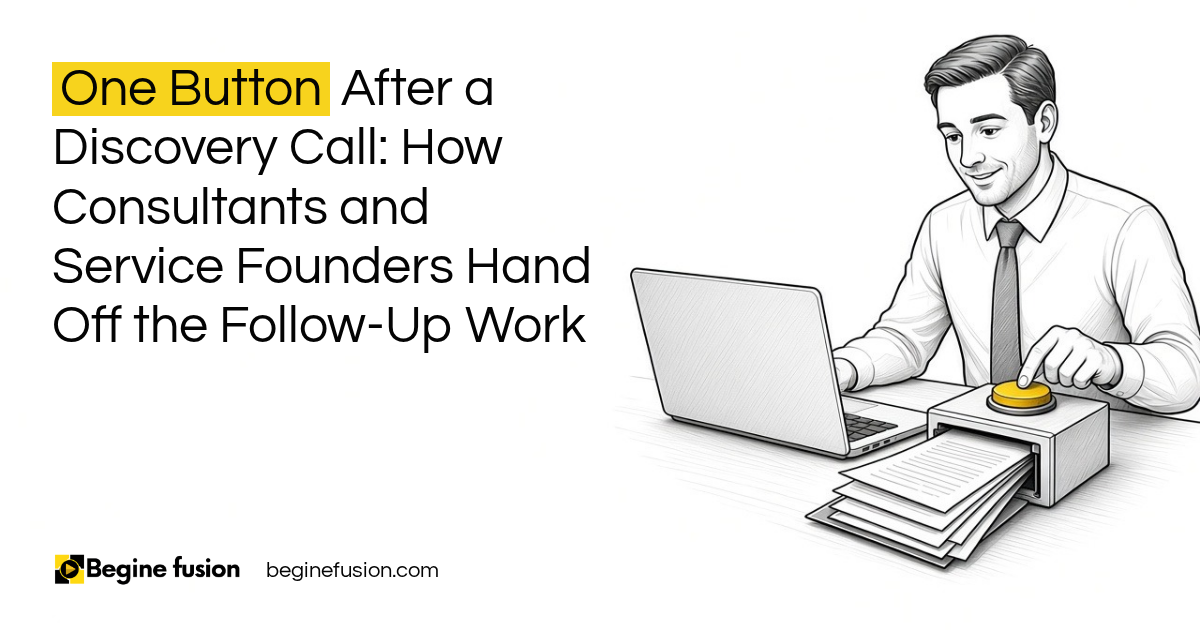
In the estimate system above, when the submission comes through, the AI reviews it. With the data on your pricing, your fees and your services, it generates an estimate. It does not go out to the customer. It comes to you first. You review it, click approve and send, and it goes out.
This works because the system has your pricing. Without your pricing, it cannot help you generate an estimate.
That is why the order matters. The record and the pricing come first, and AI comes after the CRM. Once it is in place, there is a lot of AI you can use in the back end, and you decide where a person checks the work.
What it looked like for one contractor
We built the CRM and an AI estimating agent for a construction contractor. Before, estimates went out and stopped. Follow up depended on someone remembering to call, and visitors reached the website and left without asking for a price.
Now every enquiry lands as one record, and the follow up is on that record. A form and a conversation both price the job, from rates the contractor locked in before any code was written. A person reviews the price before it is sent.
What changes in how the work runs
Every lead lands in one place. You get told when something comes in, and the follow up goes out even when you are asleep.
When somebody accepts a proposal, the invoice goes out from their record. At the end of the month you can see where your leads came from and how long they took to close. And when you add AI, it has something to work from.
Takeaways and next steps
- A CRM is the foundation of your sales system.
- At the minimum, connect your website to your CRM and let automations drive the follow up.
- Every lead is a record. If it did not happen in the CRM, nobody can see it.
- Tag the source of every lead and watch how long leads take to convert.
- Write down your pricing. AI cannot estimate without it.
If you are choosing one now, read how to choose a CRM. To map your own sales process before you build, look at FusionMap.
Common mistakes when setting up a CRM
1. Spending on marketing before there is a CRM.
Why it fails: Leads come in and have nowhere to go.
Better approach: Set up the CRM and connect the website first, then turn up the marketing.
2. A website form that only sends an email.
Why it fails: The lead stays in one inbox and nobody else can see it.
Better approach: The form creates a CRM record and alerts you at the same time.
3. Following up from memory.
Why it fails: A proposal is accepted and nobody notices for two days.
Better approach: The CRM sends the follow up on a cadence until the person responds.
4. Not tagging the lead source.
Why it fails: You cannot tell which marketing brings you clients.
Better approach: Every lead gets a source tag when it is created.
5. Buying lead lists.
Why it fails: You email people who never asked to hear from you.
Better approach: Build demand with your own website and content.
6. Adding AI before your pricing is written down.
Why it fails: The AI has nothing to estimate from.
Better approach: Write down your rates first. The AI works from them.
Frequently asked questions
Why do I need a CRM before using AI in sales?
AI needs a record of each lead and your pricing to work from. The CRM holds the record. Your pricing has to be written down.
What is the minimum sales system for a service business?
A website form or chat connected to a CRM. Every lead becomes a record, you get an alert and a follow up goes out from the CRM on a cadence.
What stages should a sales pipeline have?
A common setup is lead captured, qualification, discovery, diagnose, proposal sent, closed as won, then payment and onboarding.
How do I know which marketing brings in leads?
Tag every lead with its source when the CRM creates the record. At the end of the month, count leads by source.
Can my CRM send follow up emails automatically?
Yes. Once a lead is created, the CRM can enroll it in a follow up cadence that keeps going until the person responds.
Should I buy lead lists?
No. Bought lists are people who never asked to hear from you. Build demand through your own website and content.
Glossary
- CRM
- Customer relationship management software. The system that keeps a record of every lead and client and everything that happens with them.
- Sales system
- The tools and steps that take a person from first contact to paying client.
- Lead source
- Where a lead came from, such as LinkedIn, Google or a referral.
- Follow up cadence
- A set of follow up emails or tasks that go out on a schedule until the person responds.
- Pipeline stages
- The steps a deal moves through, such as qualification, discovery and proposal.
- Lead to conversion timeline
- How long it takes a lead to move from first contact to the next stage or to closing.
 Minimum Sales System Checklist: Before You Buy AI
 The Company Vault Checklist: One Folder Every AI Tool Reads