
TL;DR
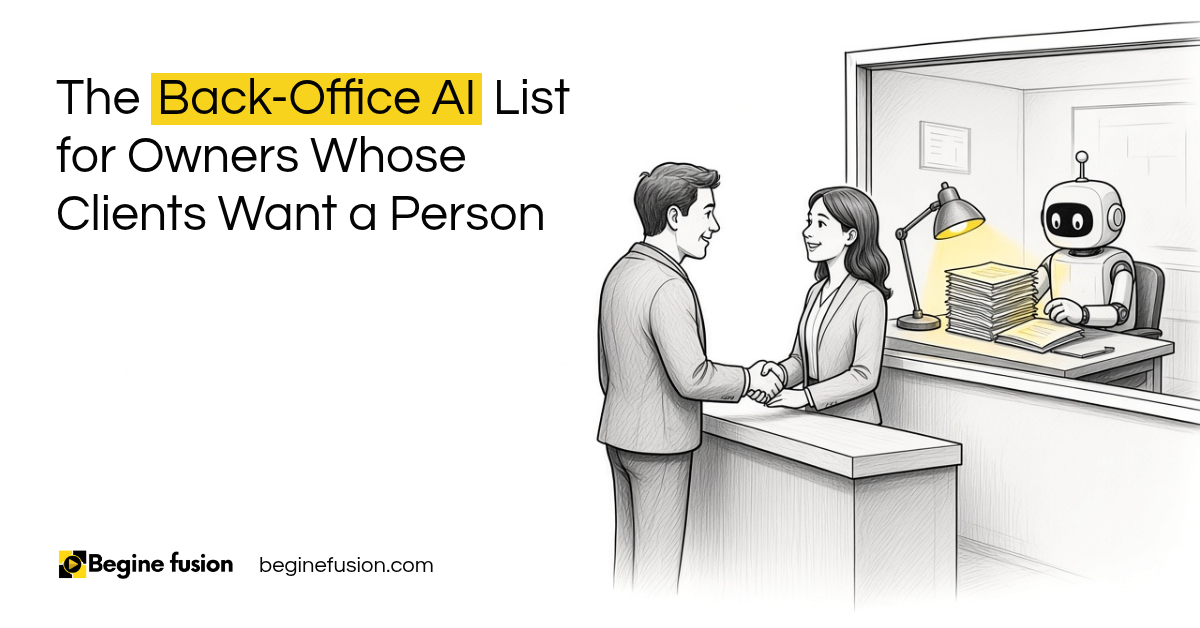
- Some clients do not want to speak with an AI agent: that is fine. You can use AI in the back end of your business, where the client never talks to it.
- Good places to start: your reports, your sales calls, your proposals and your CRM.
- It goes to your team first: a proposal or report the AI drafts gets reviewed by somebody before it goes to a client.
- What the AI cannot see: people still put that in, like a change request a client made out loud in a meeting.
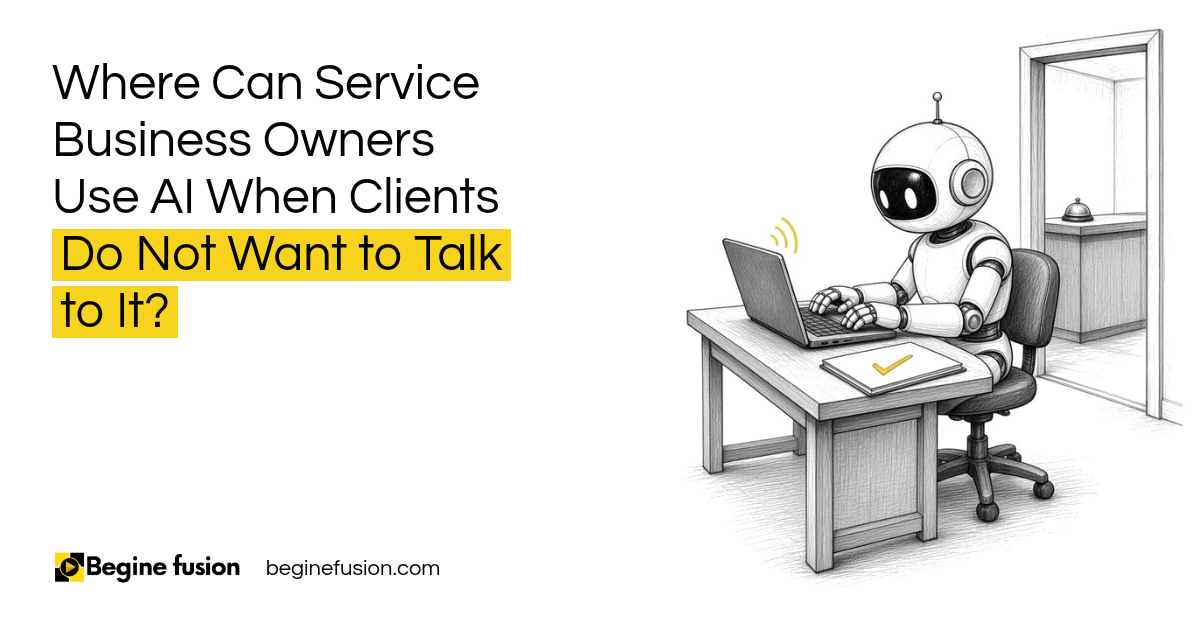
We’ve had companies tell us: no, our clients must not know that we are talking to AI. We don’t want to have AI.
So that’s fine.
If a client speaking with an AI agent is not something your clients want right now, then use AI in the back end. Below are the places I would look first, and how we use it ourselves.
What does using AI in the back end mean?
You can put AI in different places within your business. The front is where the client talks to you. The back end is everything your team does to deliver the work.
So what are the things within your process? Maybe you need to deliver reports. Maybe you need to analyze your sales calls. Maybe it is your proposals.
Whatever it is, that is where the AI goes. The client gets the report, the proposal or the follow up. They talk to your people, and your people have the AI working behind them.
It has to be a case by case basis. It all boils down to what your need is. For a wider view of where AI fits in a services firm, read the guide to AI in professional services.

Where do you put AI in the back end first?
The first place to look is the work your team repeats every week. These are the places I see most often:
- Weekly reports on projects and clients
- Notes and analysis from sales calls
- Proposal drafts from a client request
- Lead scoring, lead qualification and follow ups in your CRM
- Prep before you meet somebody
Pick the one that takes your team the most time.
If you are not sure your business is ready, what AI can do and what your business is ready for are two separate questions.
Key point: The client talks to your people. The AI works behind your team. The client gets the output after somebody has checked it.
How does AI help with your sales calls?
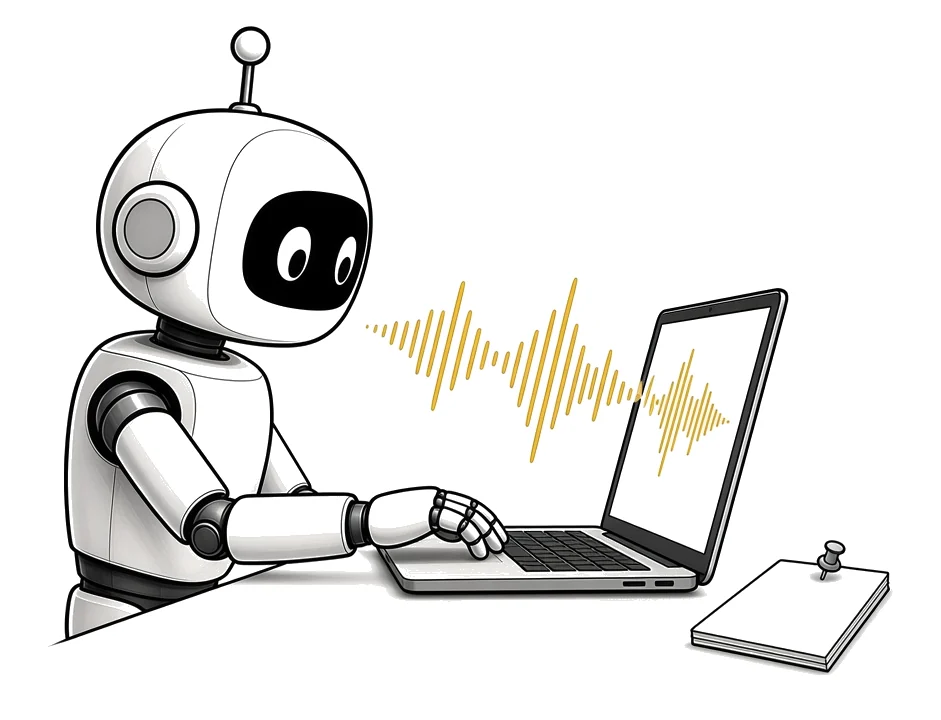
If you are going on a sales call with a client, it is always advisable to do it with an AI note taker, because you don’t want to go there and take notes.
After the meeting, the AI note taker helps you analyze everything and gives you the detail. If you have a framework you use to score the call, you can get your proposals to clients faster, and it shows you understand what their pain points are.
I’ve seen that analyzing sales calls is one of the biggest helps for sales teams. The AI can say, hey, you spent so much time talking about a particular objection. When that objection comes up, this is what you say. This is what you do.
Before I get into a meeting with anybody, an agent runs and tells me what their personality type is. I know if they want to get straight to the point. I know if they want numbers put in front of them. That agent has my meeting prep done before I wake up.
Can AI write your proposals?
Let’s say your team receives an RFP or a client request for a service proposal.
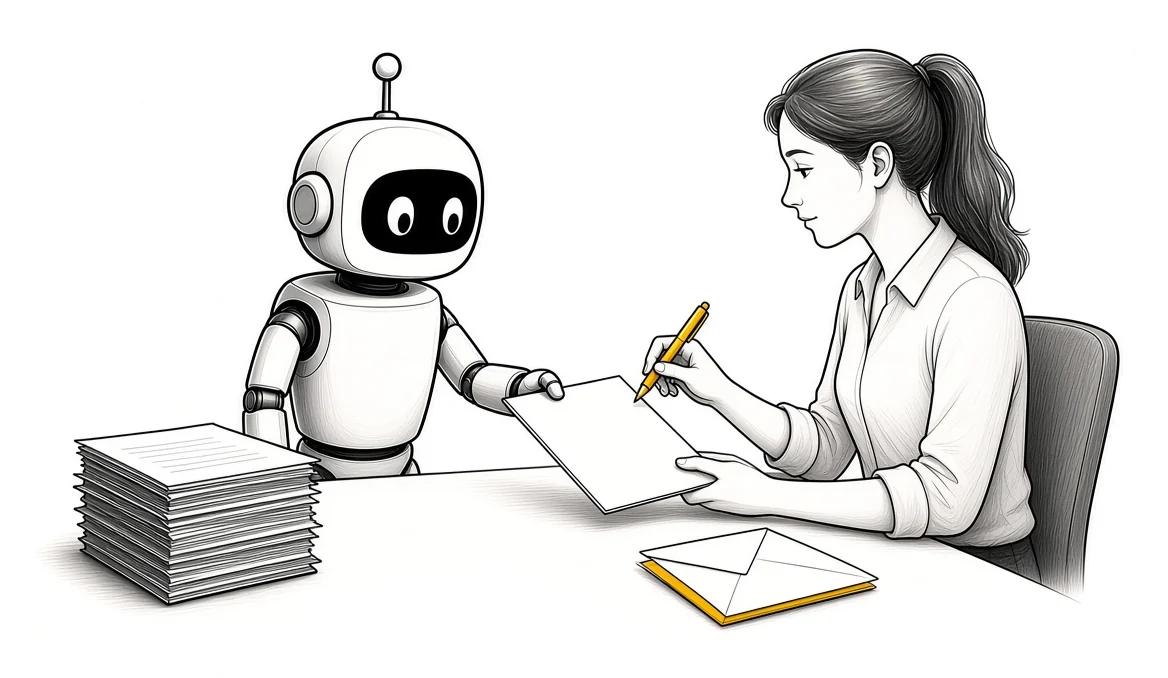
AI agents extract what the requirements are. They review the past projects you’ve done, estimate the effort, generate the proposal draft, calculate pricing margins, compare team bios and create the project timeline.
Then it sends the draft to the team. You don’t want to send it directly to the client, because you always want a human in the loop. Somebody reviews what the AI has done before you send it out.
The team reviews it, the partner is told about the submission deadline and the CRM is updated.
Once you decide where a person checks the work, you can run AI agents without approving every step.
How do we use AI for project reports?
Here is one we use right here. Internally we have a project management agent that runs every week. It checks the projects we have on the ground, creates a report for each of them and sends it to us: this is the project report for the week.
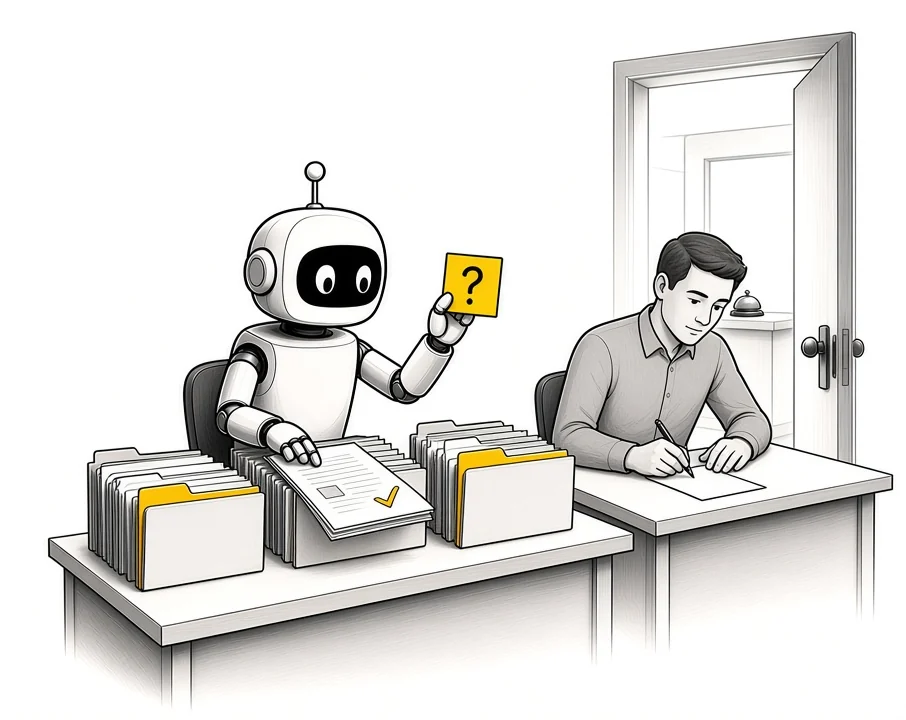
It can also ask for more information. If it needs more, it sends you an email or a chat: hey, I need more information about this project to generate the report.
Finding updates is a function project managers have always spent time on. The agent does that part.
The part of putting the details in still needs people. If a client asks for a change in a meeting and it never came in by email, the AI cannot scan an email to get it. Somebody needs to go and put it in: change request, we are working on it, assigned to this person.
What about AI in your CRM?
How are you currently using AI within your CRM?
The CRM is where a lot of the back end work can happen. Lead scoring. Lead qualification. Reminders to follow up with your existing clients about something. Analyzing your entire sales cycle.
None of that needs the client to talk to an AI. They get a better timed follow up from a person who knows where things stand.
For this to work, the CRM has to be set up properly first. That means a CRM that catches every lead before any AI. For a Zoho example, read Zoho CRM and sales process automation.
If you are still picking the CRM: Try Zoho CRM.
What it looked like for one sales team
In one published case, we built three AI agents inside the sales process of a safety products distributor. One researches contacts. One builds a personality profile of each prospect. One drafts outreach and call scripts in the rep’s voice.
The prospects never talk to an agent. Every output goes to the rep for review before it is used, and nothing is sent automatically.
AI can also help at the front, once your clients are open to it. Often AI is what gets us in the door.
What changes in how the work runs
Your clients keep talking to your people. Behind them, the reports, the call notes, the proposal drafts and the CRM follow ups are being prepared by AI.
Your team spends its time reviewing and deciding. They walk into a meeting already knowing who they are talking to, and a proposal goes out after somebody has read it.
Takeaways and next steps
- If your clients do not want to talk to AI, use it in the back end.
- Look first at the work your team repeats every week.
- Sales calls are a good first place: notes, analysis and objection coaching.
- AI drafts proposals and reports. A person reviews them before a client sees anything.
- People still put in what the AI cannot see.
To see which AI uses fit your industry, look at AI use cases by industry. To map your own process before you build, look at FusionMap.
Common mistakes with AI in the back end
1. Deciding you cannot use AI because clients do not want to talk to it.
Why it fails: The team keeps doing the reports, notes and drafts by hand.
Better approach: AI goes into the back end, where the client never talks to it.
2. Sending an AI proposal draft straight to the client.
Why it fails: Mistakes reach the client with your name on them.
Better approach: The draft goes to the team. Somebody reviews it before it goes out.
3. Trying to do everything at once.
Why it fails: Nothing gets finished and the team stops trusting it.
Better approach: Pick the one thing your team repeats the most.
4. Expecting the AI to know about changes made in a meeting.
Why it fails: Reports go out missing the change the client asked for.
Better approach: Somebody puts the change request in, and the agent reports on it.
5. Analyzing sales calls without a framework.
Why it fails: You get a summary and nothing you can act on.
Better approach: Score each call against the framework you already use.
Frequently asked questions
Can I use AI if my clients do not want to talk to AI?
Yes. Use it in the back end, on work like reports, sales call analysis, proposal drafts and CRM follow ups. The client keeps talking to your people.
What is the best first place to use AI in a service business?
Look at the work your team repeats every week. For many teams that is analyzing sales calls or writing weekly reports.
Should AI send proposals to clients?
No. The AI drafts the proposal and sends it to your team. A person reviews it before it goes to the client.
Can an AI agent write project status reports?
Yes. An agent can check your project management tool every week, write a report per project and ask for more information by email or chat when it needs it.
What can AI not do in project reporting?
It cannot see what it was never given. A change request made out loud in a meeting has to be put in by a person.
How does AI help with sales calls?
An AI note taker records the call, then the analysis scores it, shows the pain points and points out where an objection took too long.
Glossary
- Back end
- The work your team does to deliver for a client, away from where the client talks to you.
- AI note taker
- A tool that joins a call, records it and writes up the notes.
- Human in the loop
- A setup where a person reviews what the AI has done before it goes out.
- Lead scoring
- Ranking leads in your CRM by how likely they are to buy.
- RFP
- A request for proposal, where a client asks firms to send a proposal for a piece of work.
- Change request
- A client asking for something different from what was agreed in the project.
 The Back-Office AI List for Owners Whose Clients Want a Person
 AI Readiness Checklist: 7 Questions Before You Build