
TL;DR
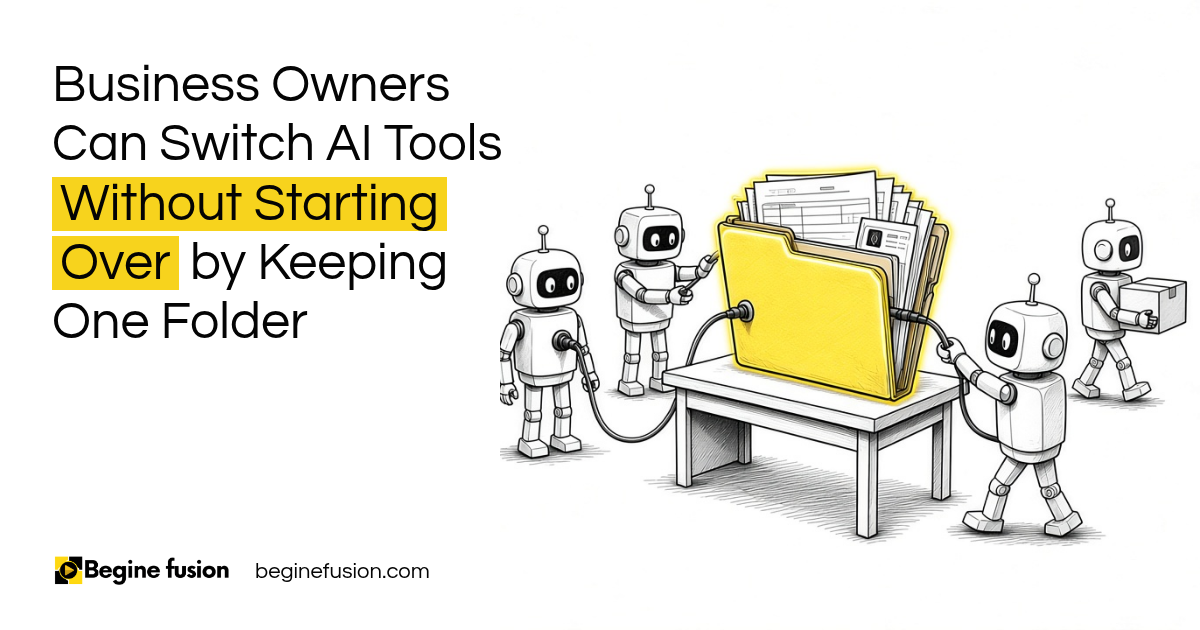
- Context spread everywhere: business context is spread across different AI chats, email and drives, so owners keep copying and pasting the same things.
- One folder, the company vault: bring everything about your business into it.
- Markdown in the folder: have AI convert it all into markdown, sort it and keep every new document you create in that folder.
- Every chat outside that folder: you are losing your business context.
- Switching AI tools: you point the new one at the folder and it still knows your business.
I can’t overemphasize how much your knowledge base matters when you start using AI in your business. If you don’t get that right, every other thing you try to do with AI does not work well.
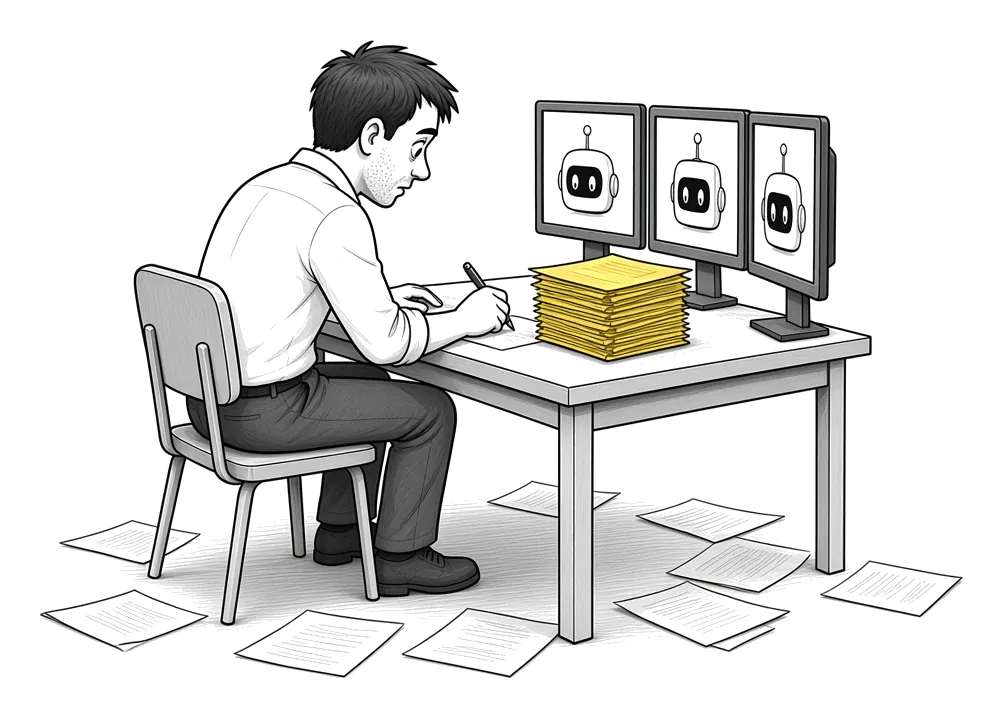
Here is what I see when I sit with business owners. They have one context in ChatGPT, another in Claude, some in a project somewhere, and the rest in their email and their drive. None of it is in one place.
So they end up copying something from one place and pasting it into another place. Every time they try a new tool, they start explaining the business from zero.
In this post I am going to walk through the folder I get every business to build first, what goes into it, and what happens when you change tools.
Why does your AI keep forgetting your business?
Because the context is in the chat, and the chat belongs to whichever tool you were using that day.
You open a new chat, and it does not know your pricing. You try a different AI, and it does not know your clients, your services or how you write. You paste in a pitch deck again.
The people who get good output from AI are the ones who gave it a lot to work with. If you do not put enough data in, the output is not going to be good.
I covered what the AI needs to know about your business in another post. This one is about where you keep it so you never lose it.
Context in one place. When your business context is spread across chats and tools, every new tool starts from zero and you end up copying and pasting the same things into each one.
What is a company vault?
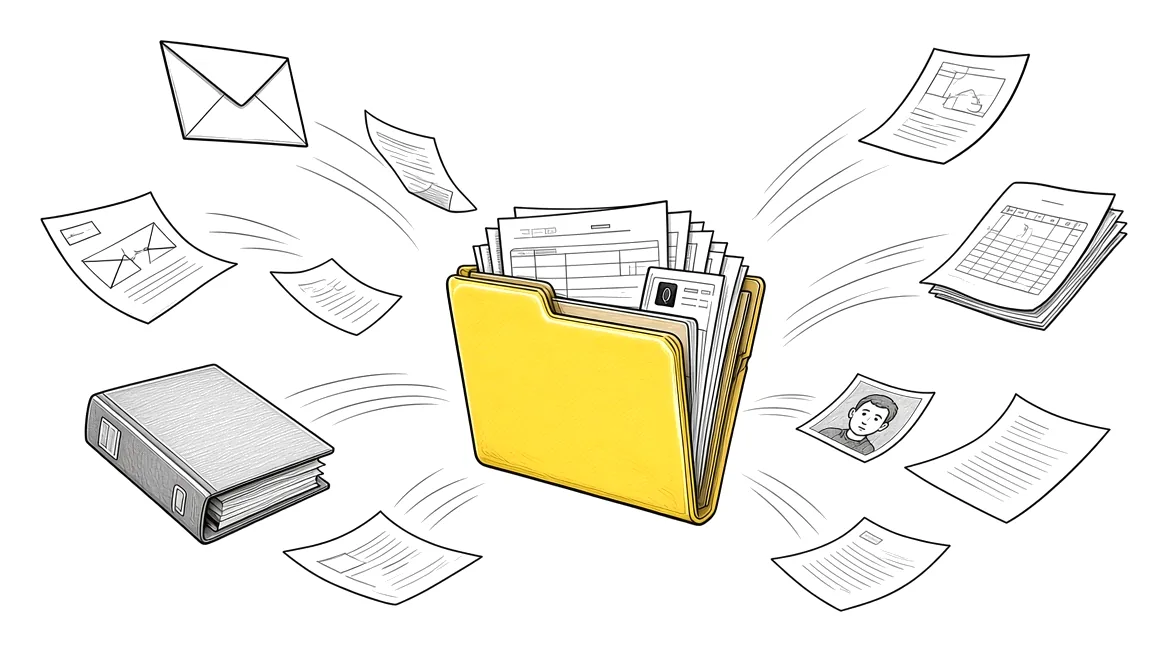
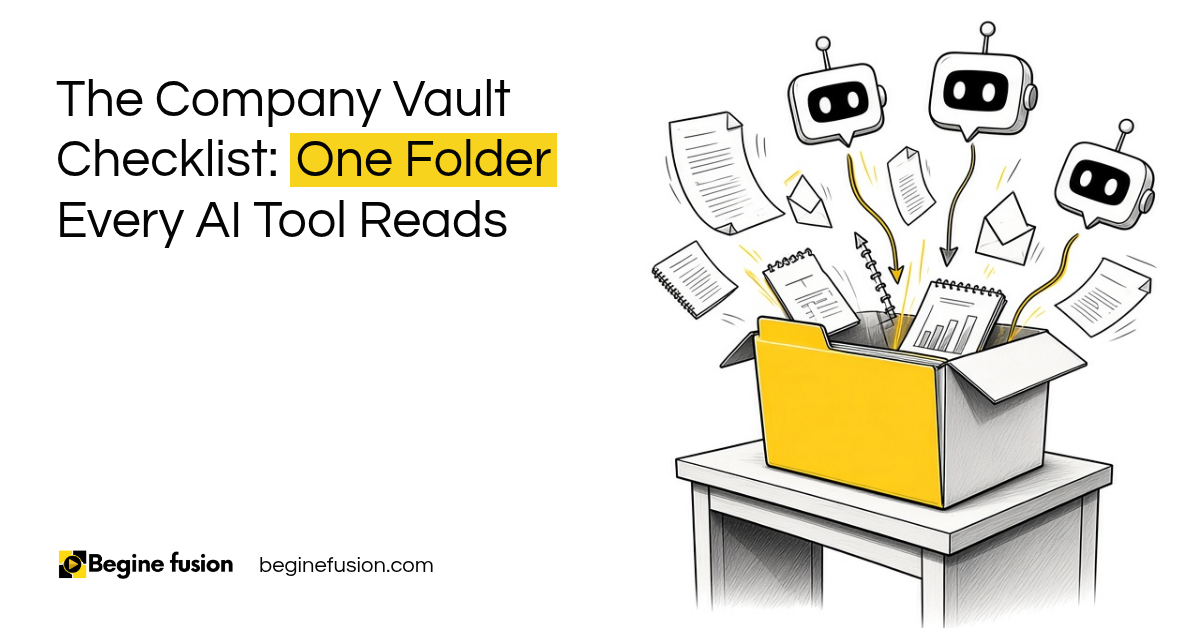
It is one folder that holds everything about your business. I call it the company vault. You can call it whatever you want.
Any pitch deck, any PDF, any PowerPoint, any doc. If it’s in your email, if it’s in different folders in different places, we put it all together in one location, because we build from there.
Your own bio goes in there too. You are the one running the business, and you want the AI to know who you are.
If you have two companies, you can have two subfolders in the vault. The AI can tell them apart and still know the same owner runs both.
I go deeper on why firms struggle to find their own knowledge in AI for Knowledge Management.
How do you build the folder?
The AI does the heavy lifting here, and you check what it did.
Bring everything in
We make a local folder on your laptop that your AI can access, and copy in every document you have about the business. Your exported chat history from the AI tools you have been using goes in as well. That is a lot of context you already built.
Convert it to markdown
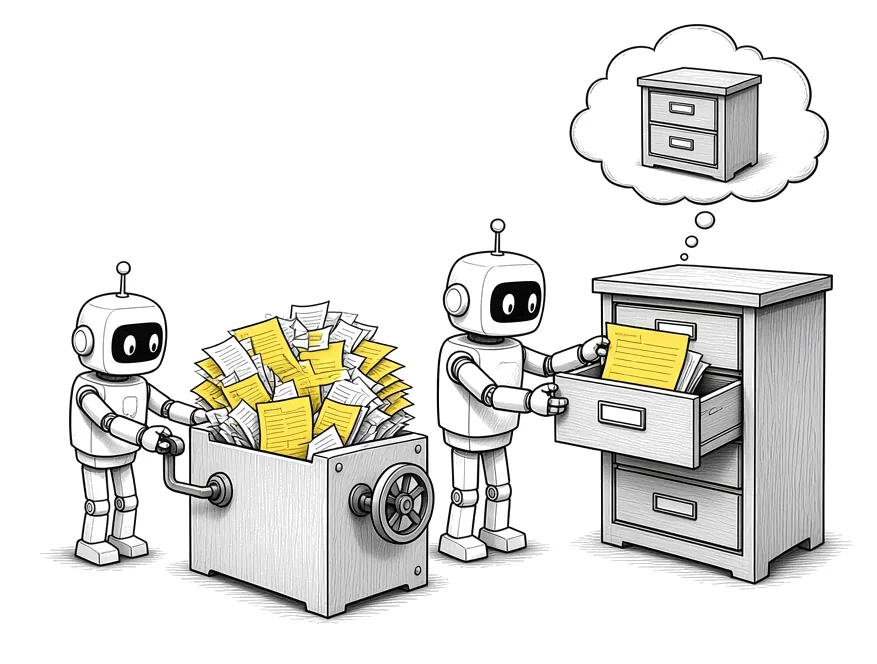
Word and Excel are not the perfect format for AI. Markdown is the preferable format, because it gives all your documents a common format that any AI can read.
You ask the AI to convert all your company documents into markdown files, take an inventory of what is there and arrange it into the right folders.
Sort it and clean it up
The AI classifies the documents. I usually begin with the sales folder, because that is where most owners have the most material. Then it finds duplicates, links documents that relate to each other and writes a map of the vault so you can see what is where.
Keep a backup
The local folder is what your AI reads. We sync it to the drive you already pay for, Google Drive, Zoho WorkDrive or OneDrive, so you have a backup. If you want to read and edit the files yourself, a markdown editor like Obsidian makes that easy.
Let the AI do the sorting. Bring every document into one local folder, have the AI convert it to markdown, sort it and map it, and sync the folder to the drive you already use as the backup.
If you do not have a cloud drive yet: Try Zoho WorkDrive.
What changes in how you work once the folder exists?
From that point, any document you create for your business gets created in that folder. A proposal, a price sheet, a new service description. Every one of them adds to what the AI knows about the business.
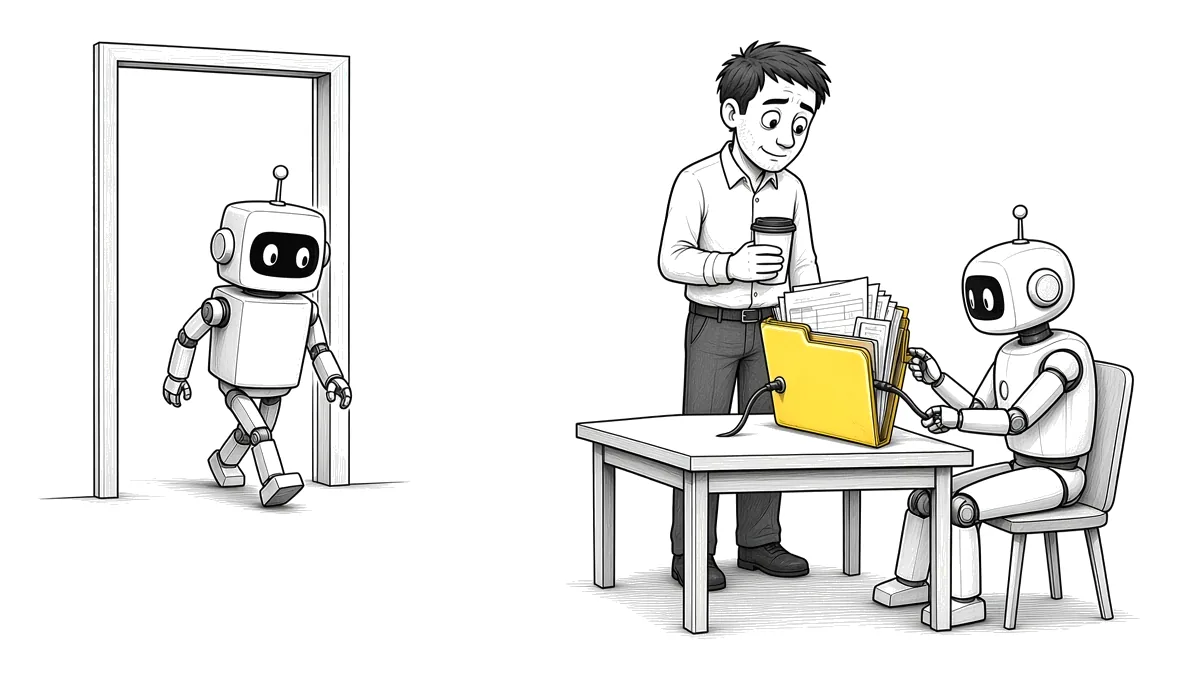
Every chat with your AI that happens outside of that folder, you are losing your business context. So you connect the folder to your AI tool and do the work from inside it.
When we already have context about a business, all I have to do is point the AI at the folder and ask what I need.
Under the hood, this is what AI is anyway. It’s all a bunch of files and folders and instructions and scripts and prompts. The files and folders are the part you can keep on your own drive.
What happens when you switch AI tools?
If tomorrow you are not using ChatGPT anymore, it does not matter which platform you use next. You point it at that folder and it still knows everything about you and your business.
I’m not going to spend more than one minute setting up a fresh AI tool, because the context is already built.
I did this with my own notes. We moved 6,453 notes from 293 Evernote notebooks into markdown files on my own drive, with the same notebooks and the same tags. The write-up is in our published case study, Migrating 6,453 Notes to an AI-Ready Knowledge System.
Owning your context is the same idea as owning how your AI tools connect to each other. I wrote about that side in Vendor Dependency vs. Owned Orchestration.
The folder stays when the tool changes. The AI tool can change any time. If your business context is in a folder you own, the next tool reads the same folder and you skip the setup.
Takeaways and Next Steps
If I was setting this up for your business this week, this is what I would do:
- I would make one folder on your laptop and call it your company vault.
- Every document about the business goes in, plus your bio and your exported chat history.
- I would have the AI convert everything to markdown, sort it beginning with sales, and write a map of the vault.
- The folder syncs to the drive you already pay for.
- From then on, every new document for the business gets created inside that folder.
- The AI tool you use connects to the folder, whichever tool that is this year.
If you want to see how this fits with the rest of your setup, our AI infrastructure page shows how we build it with businesses.
Common Mistakes
1. Keeping a different context in every AI tool
Each tool knows a piece of the business and none of them knows all of it. You end up pasting the same pitch deck into every chat.
2. Uploading Word and Excel files as they are
Word and Excel are not the perfect format for AI. Once they are converted to markdown, every document reads the same way.
3. Putting in too little
If you do not put enough data in the folder, the output is not going to be good. The proposals, the price sheets and the emails that explain how you work all count.
4. Leaving yourself out
You run the business. Your bio, how you talk and what you care about belong in the folder too.
5. Creating new documents somewhere else
A proposal written in a random chat is context you lose. New documents for the business get created inside the folder.
6. Having the folder only in the cloud
Your AI needs a local folder it can read. The cloud drive is the backup.
Frequently asked questions
What is a company vault for AI?
It is one folder that holds everything about your business: documents, pitch decks, price sheets, your bio and your exported chat history, all converted into markdown so any AI tool can read it.
Why markdown instead of Word or PDF?
Markdown is plain text with simple formatting. It gives all your documents a common format, and every AI tool reads it well. Word and Excel are not the perfect format for AI.
Do I have to convert all my files by hand?
No. You ask the AI to convert your documents into markdown, take an inventory, sort them into folders, find duplicates and write a map of what is there. You check its work.
Where should the folder be kept?
On your laptop, where your AI tools can read it, and synced to the cloud drive you already use, like Google Drive, Zoho WorkDrive or OneDrive, as the backup.
What happens to my business context if I stop using ChatGPT?
If your context is in the folder, nothing is lost. You point the next AI tool at the same folder and it knows your business from the first chat.
Can I keep two businesses in one vault?
Yes. Give each business its own subfolder inside the vault, and keep your own bio at the top level.
How is this different from uploading files into a ChatGPT project?
A project keeps the files inside one tool. The folder is yours, on your own drive, and any tool you connect to it can read the same files.
Glossary
- Business context: Everything an AI needs to know to work for your business: services, prices, clients, how you write and who you are.
- Company vault: One folder that holds all of that context, in a format any AI tool can read.
- Markdown: Plain text with simple formatting marks. Files end in .md and open in any text editor.
- Inventory: A list of every document in the vault, made by the AI when it converts your files.
- Vault map: A short file that tells you and the AI what is in each folder.
- Local folder: A folder on your own laptop, which your AI tools can read directly.
- Sync: Keeping the local folder copied to a cloud drive so you have a backup.
- Chat history export: The file an AI tool gives you with all your past chats, which you can add to the vault.
 The Company Vault Checklist: One Folder Every AI Tool Reads
 Minimum Sales System Checklist: Before You Buy AI