
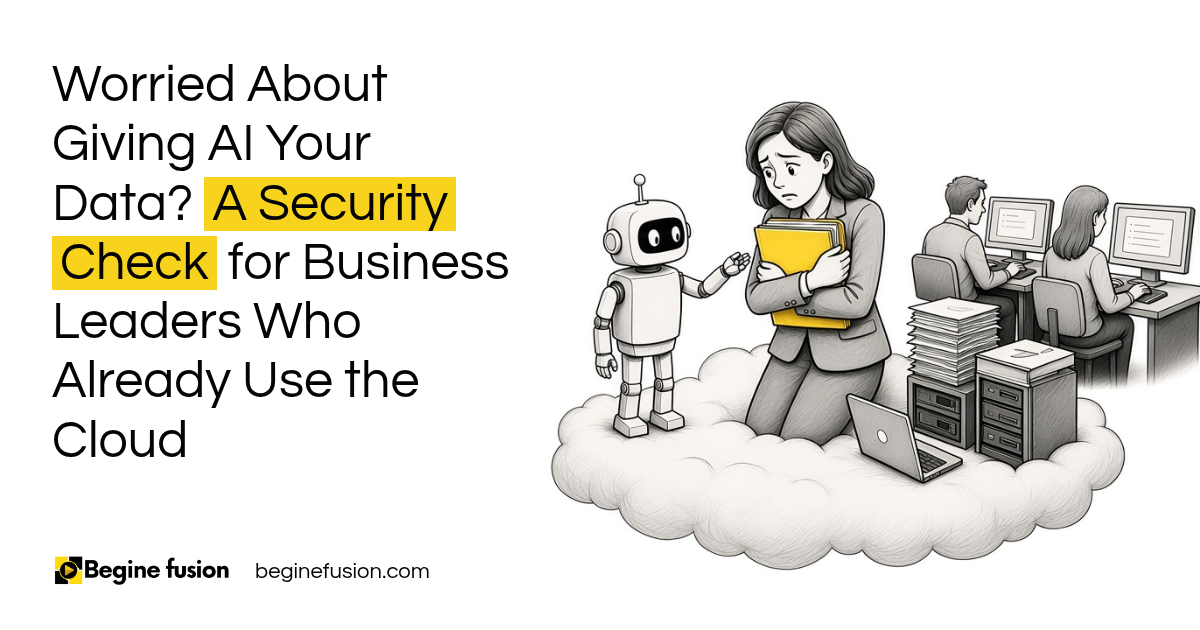
TL;DR
- Your cloud is rented: so are your email and your laptop. You trust them because you put security in place, and AI is another technology tool, so the same thinking applies.
- Your staff are already using AI: the question is which tool, on which account and with which data.
- Three safer ways: enterprise versions, APIs, and a layer that takes personal details out before anything goes out.
- Your own private model: it is a lengthy project, so if it is outside your core business, start with the first three.
- Vendor terms change: check each vendor's current terms before you sign up, and again when you renew.
When I talk to business leaders about AI, the first worry is almost always the same. “I don’t want to give my data to AI.”
I understand that worry. So I ask a few questions back.
Your cloud infrastructure, did you build it yourself? Your laptop, did you build it yourself? Your email, did you build it yourself?
In this post I am going to walk through why that question matters, and the security check I run before a business puts its data into an AI tool.
Did you build your cloud yourself?
The answer is almost always no.
All the things you are using to run your services, you are renting. Your files sit on somebody else’s servers. Your email runs on somebody else’s system. Your laptop runs somebody else’s software.
You still feel secure, and you have reason to. You chose vendors with good terms. You set up passwords, access rights and backups. You implemented security systems.
Same thing applies to AI. AI is another technology tool. You check it the same way you checked your cloud and your email.
Rented, with security in place. Most of your business already runs on rented technology. You trust it because of the checks you put around it, and AI gets the same checks.

Is your team already using AI?
Here is the part leaders miss. While the company is still deciding, their staff are already using ChatGPT and other AI tools.
They paste in an email to rewrite. A report to summarize. A spreadsheet to clean up. Often on a personal account, with nobody checking what goes in.
So the real choice is between AI used on tools you chose and checked, and AI used on whatever each person signed up for.
Find out first. Ask your team which AI tools they use and for what. That list is the starting point for your security check.

What are the safer ways to use AI with your business data?
There are three ways I explain to leaders. Each one comes with the same rule: read the vendor’s current terms, because terms change.
1. The enterprise version. The big AI tools have business and enterprise plans. Many of them state that they do not train their models on your data. Your team gets the tool, under an account the company controls.
2. The API. Your systems can connect to the AI models through an API instead of a chat window. Many providers state they do not use API data for training, and they set how long they keep it. Check how long, and where.
3. A layer that removes personal details. Middleware sits between your systems and the AI. It takes out personal identifying information, like names, phone numbers and account details, before anything goes out. The AI works on the rest.
These can be combined. A common setup is the enterprise version for staff, and the API with the middleware layer for anything that touches customer records. I explain why the layer you own matters in Vendor Dependency vs. Owned Orchestration.
Pick the path, then read the terms. Enterprise plans, APIs and a redaction layer each lower the risk. None of them replaces reading what the vendor says today.
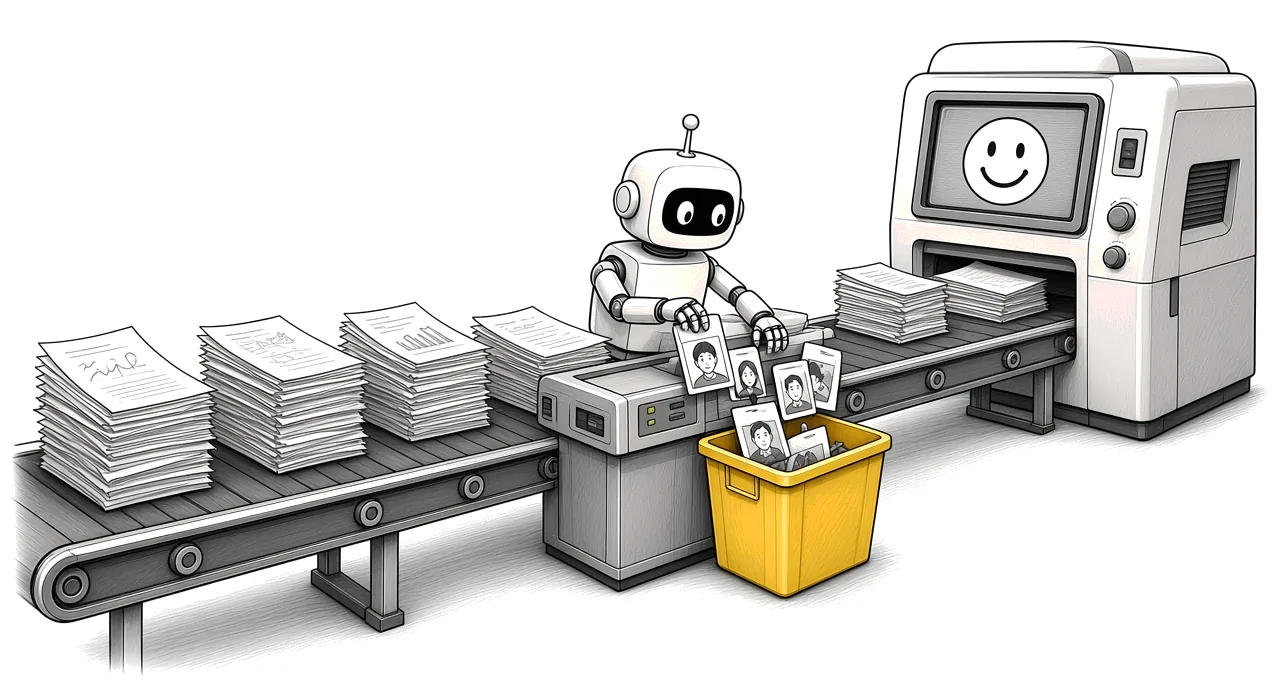
Should you build your own private AI model?
Some leaders ask about running their own private model, on their own servers or on rented graphics processors in the cloud.
It can be done. It is a lengthy project, with hardware, setup, testing and people to keep it running.
My advice is simple. If building AI models is outside your core business, leave it to the companies whose core business it is. Put your effort into how the AI connects to your business and what it is allowed to see. Our AI Infrastructure page covers how we set that up.
Your core business first. A private model is an option for a few. For most businesses, the first three paths give the protection they need sooner.

What should you check before your team uses an AI tool?
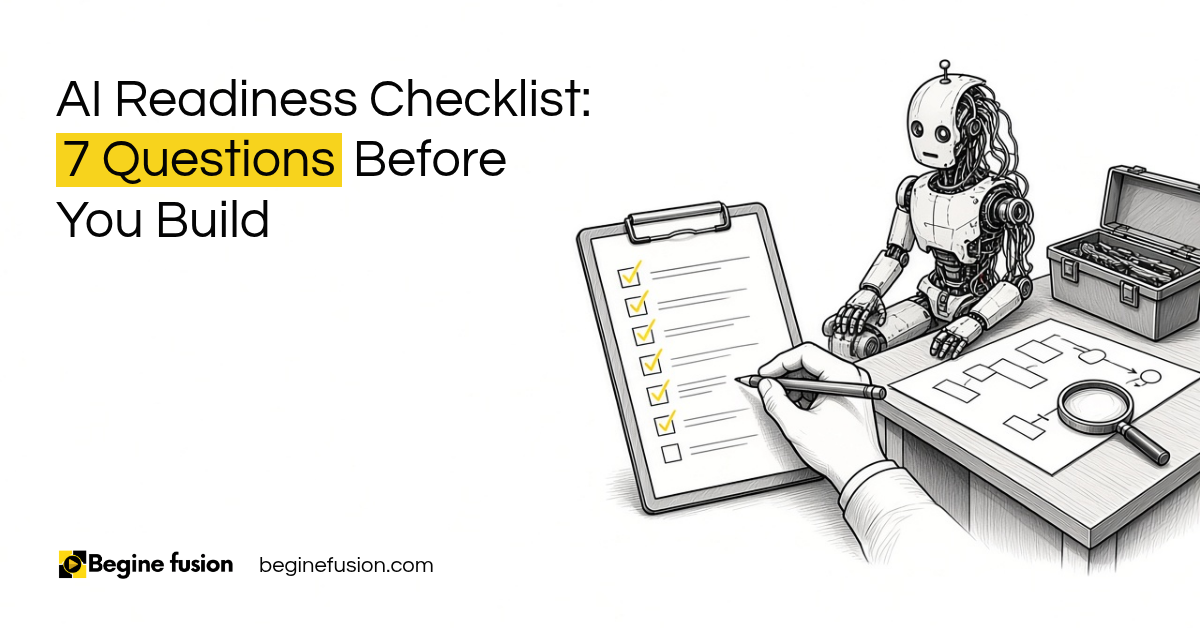
This is the check I run. Seven questions, in this order:
- Which AI tools is your team using today, and on whose account?
- Does the vendor’s current plan say it trains on your data?
- How long does the vendor keep what you send, and where?
- Who in your company can see what goes in and what comes out?
- Which data should never go in: customer records, personal details, contracts, finances?
- Is there a layer that removes personal details before data leaves your systems?
- Who in your company owns this list and reviews it when vendors change their terms?
If you work in a regulated industry, the rules on top of this are getting stricter. I wrote about that in AI Governance in Financial Services.
Seven questions, one owner. The check is only useful if someone in the company owns it and runs it again at every renewal.
How do we run the security check with a business?
We start with the list of what your team already uses. Then we go through the seven questions for each tool, with the vendor’s current terms open.
Next we sort your data. What can go into an AI tool as it is, what needs the personal details taken out, and what stays out.
Then we set up the paths: business accounts for staff, API connections for systems, and the redaction layer where customer data is involved. We write down which tool can see which data, and who owns the list.
The same thinking runs through how we judge whether a business is ready for AI. I wrote about that in AI Capability vs. Business Readiness. Once the tools are checked, the next step is keeping your business context somewhere you own. I cover that in why your AI business context belongs in one folder you own.
Takeaways and Next Steps
If I was setting this up for your business this week, this is what I would do:
- I would ask your team which AI tools they use, on which accounts, and for what.
- Every tool would get the seven questions, with the vendor's current terms open.
- Staff would move to business accounts the company controls.
- Anything touching customer records would go through the API with a layer that removes personal details.
- I would write down which data never goes into any AI tool.
- One person would own the list and review it at every renewal.
Common Mistakes
1. Treating AI as different from every other tool you rent
Your cloud and email are rented too. You made them safe with checks. AI gets the same checks.
2. Banning AI and assuming that settles it
Staff often keep using it on personal accounts. You lose sight of what goes in.
3. Reading the vendor terms once
Terms change. Read them before you sign up, and again at every renewal.
4. Sending personal details when the task does not need them
Most tasks work without names, phone numbers or account details. Take them out first.
5. Starting with a private model
It is a lengthy project. For most businesses, enterprise plans, APIs and a redaction layer give protection sooner.
6. Leaving the list without an owner
Someone in the company has to own which tools are allowed and which data stays out.
Frequently asked questions
Is it safe to put my business data into AI?
It depends on the tool, the plan and the data. Use business plans or APIs whose current terms say they do not train on your data, take personal details out first, and keep sensitive records out.
Do AI tools train on my data?
Some free and personal plans may use what you type to improve their models. Many business plans and APIs state they do not. Check each vendor's current terms, because they change.
What is the difference between ChatGPT and the API?
ChatGPT is the chat app people use directly. The API is how your own systems connect to the same models, with terms and retention set for business use.
What is PII redaction?
It is taking personal identifying information, like names, emails, phone numbers and account numbers, out of data before it is sent to an AI tool.
Should my business build its own AI model?
For most businesses, no. It is a lengthy project. If AI models are outside your core business, use enterprise plans or APIs with the right checks instead.
How do I stop staff using personal AI accounts for work?
Give them a business account the company controls, tell them which data stays out, and make one person responsible for the list.
Glossary
- Cloud infrastructure: The servers, storage and software you rent from a provider to run your business.
- Enterprise plan: A business version of an AI tool, run under a company account with business terms.
- API: A connection that lets your own systems send work to an AI model directly.
- Data retention: How long a vendor keeps what you send, and where it keeps it.
- PII: Personal identifying information, like names, phone numbers, emails and account numbers.
- Redaction layer: Middleware that removes personal details before data leaves your systems.
- Private model: An AI model your company runs on its own or rented hardware.
- Shadow AI: AI tools staff use for work without the company knowing or checking them.
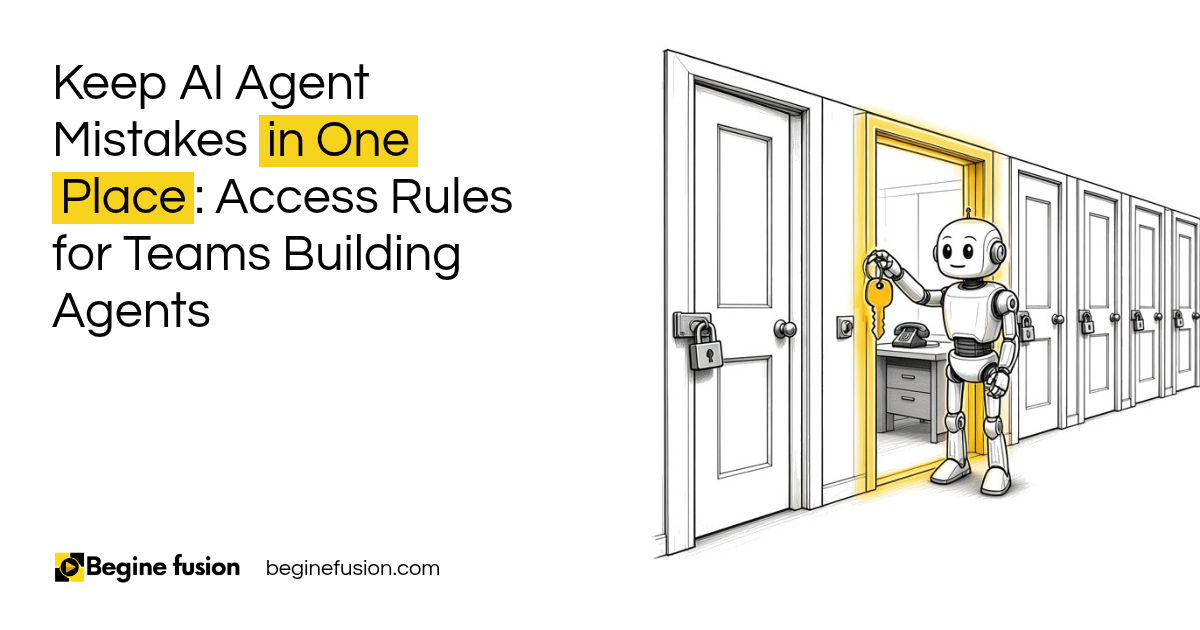
 AI Readiness Checklist: 7 Questions Before You Build
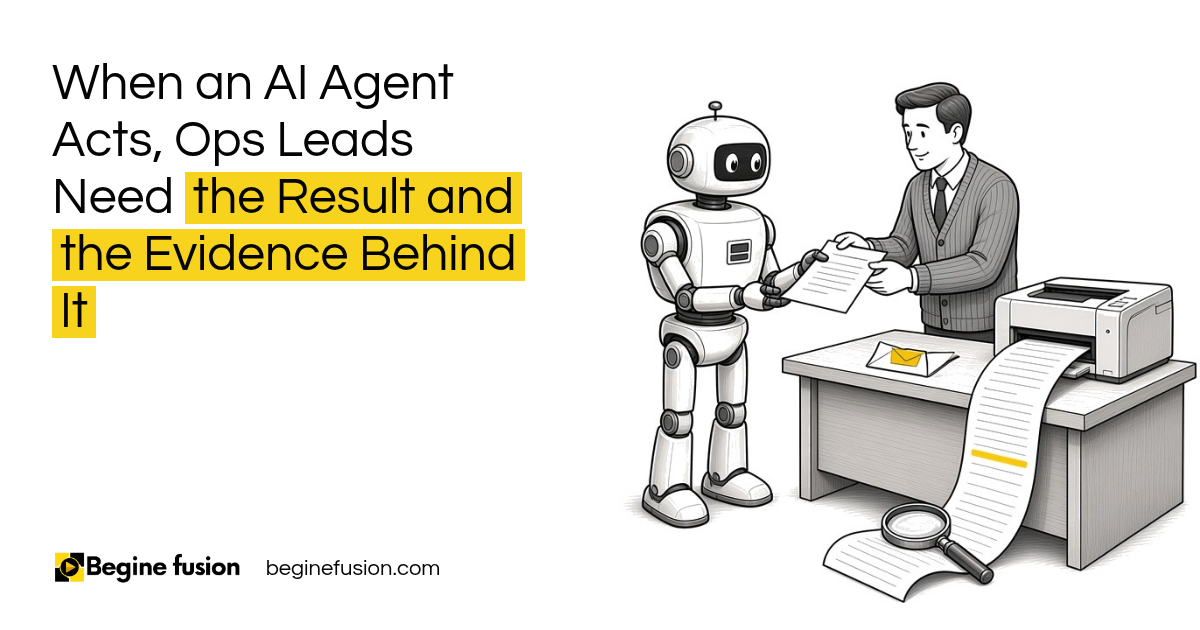
 The Agent Never-Do List