
TL;DR
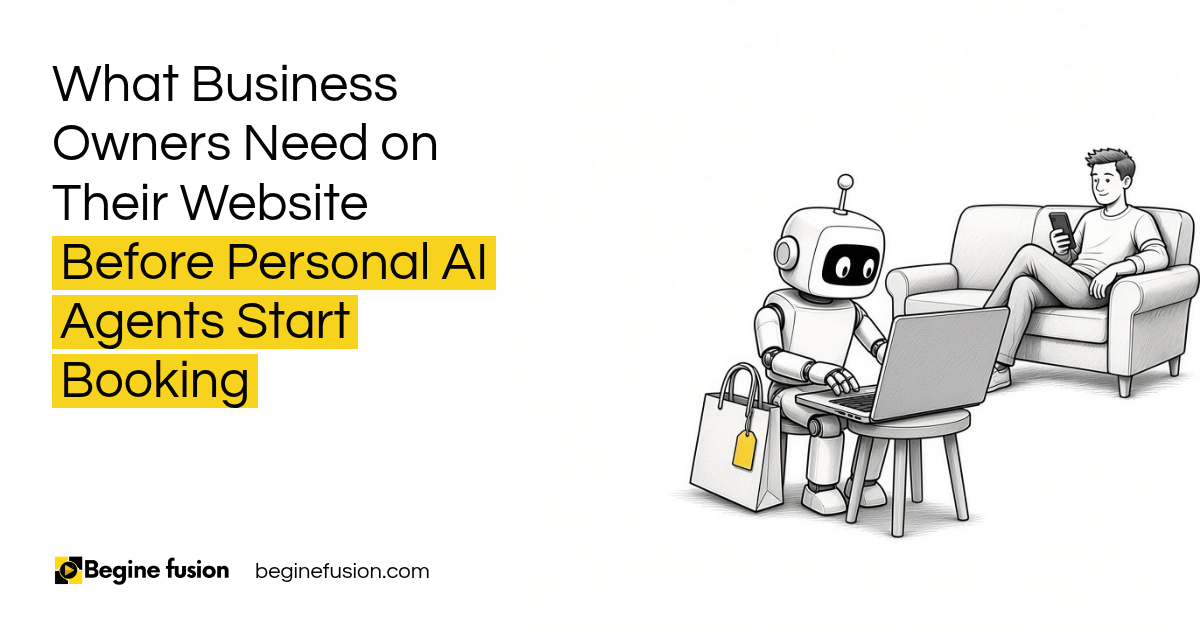
- Your next customer might be an agent: people are starting to send personal AI agents to find, compare and book things for them.
- Find, understand, take action: an agent has to do all three on your website.
- Information written out: websites built for people looking at pictures need the details in plain words and a form an agent can complete.
- Some agents will call: or email instead of clicking, and somebody, or something, has to answer.
- Get ready first: the people that do will reap the benefits.
We are no longer selling to only human beings. That is the line I keep coming back to when I talk to business owners about AI agents.
Today I can tell my own agent to find me a trip within a certain date at the best price, and go ahead and book it. Don’t exceed this price. Use this card. The agent goes out, searches, compares and fills in the forms.
So the question for your business is simple. When an agent shows up on your website on behalf of a customer, can it get the job done?
In this post I am going to walk through what an agent needs from your website, in the order it needs it.
Who is going to fill in the form on your website?
Your next customer might be an AI agent.
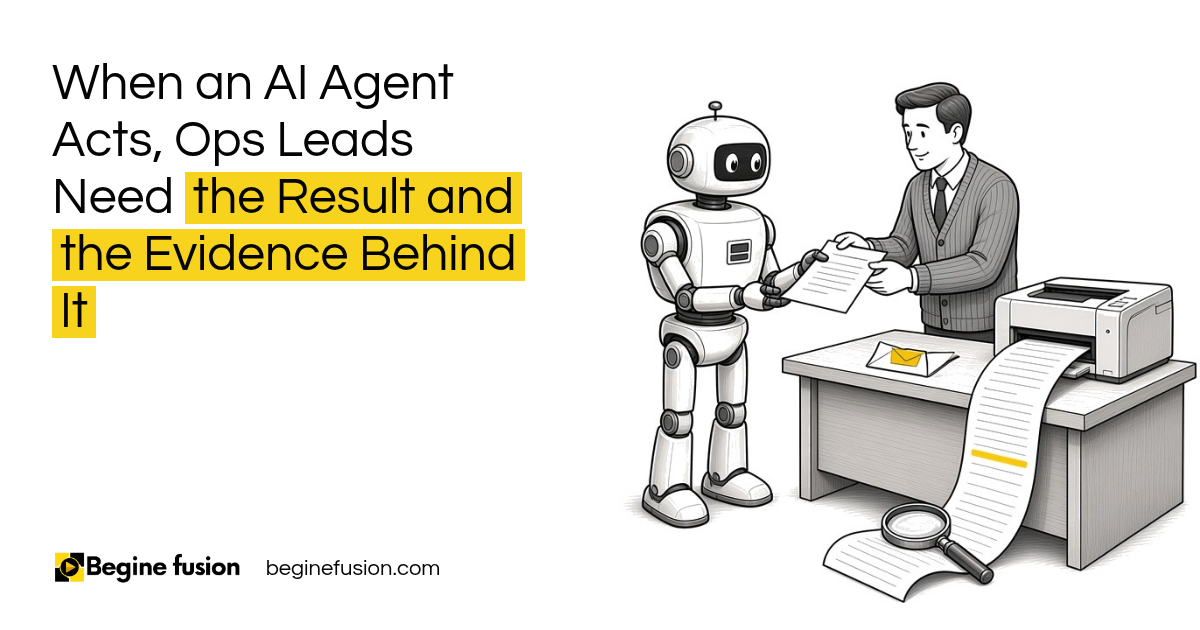
The agent works for a person. That person says what they want, sets the limits, and the agent goes online to find the business that fits. Then it does what the person would have done: reads the page, fills in the form, puts in the cart details and clicks on buy.
I have tested this with my own agent. My rule for it is that it does not send any application or submit anything without my approval. When I give the approval, it goes onto the website, fills out all the forms and submits them. I wrote about where the person stays in that loop in how to run AI agents without approving every step.
This is early. The people that do these things first will reap the benefits.
Two kinds of visitors. Your website now has two kinds of visitors: people, and agents acting for people. Both need to get from the first page to a finished booking.

How does an agent find your business?
The same way a person does, only faster. It searches. It reads the AI answers. It compares.
If someone tells their agent “find me the best accountant near me,” the agent goes out to search engines and to the AI tools, and builds a short list. If your business is missing from those answers, you are missing from the list.
That part of the work is about being found in search and in AI answers. I cover it in detail in the AI Digital Visibility Playbook.
Be in the answer. An agent can only book a business it can find. Your website, your listings and the way you describe your services decide whether you make the short list.
What does the agent need to understand what you do?
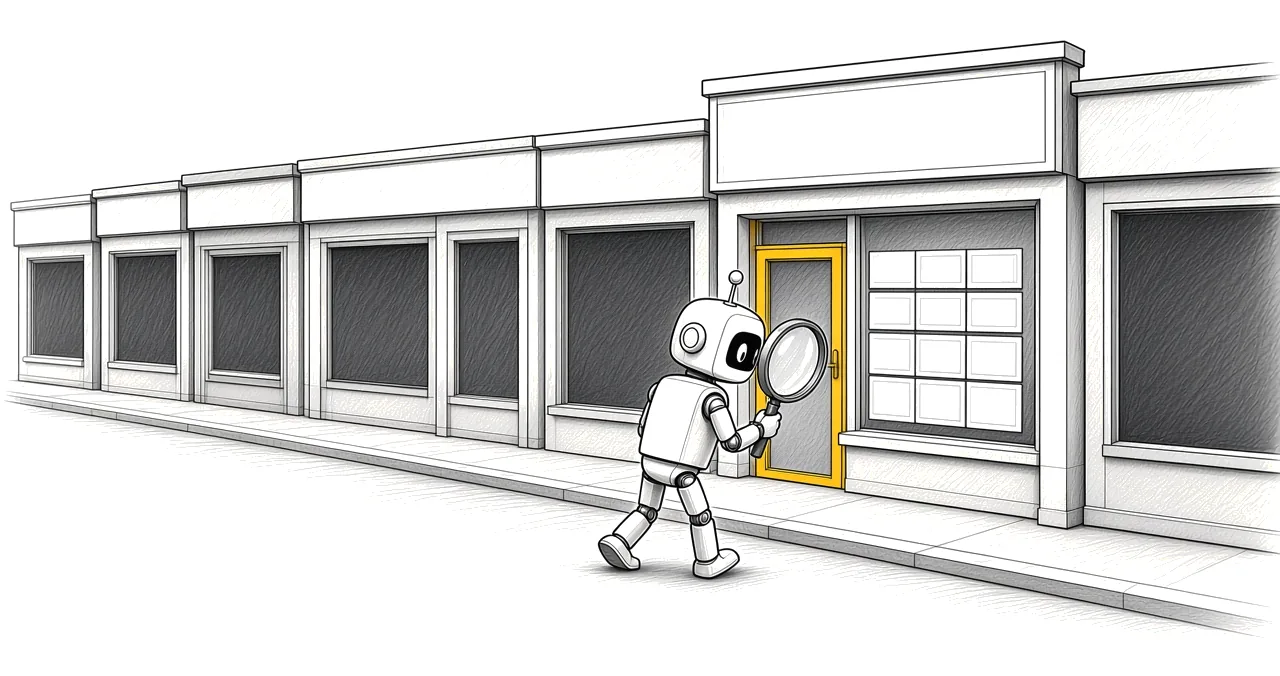
Once it lands on your website, the agent has to understand what you do and access the right information.
A person can look at a picture of your shop and get a feel for it. An agent reads. So the basics have to be written out in plain words on the page:
- What you sell or what service you offer
- Who it is for
- The price, or how the price is worked out
- Your hours and your location
- How to book, buy or get a quote
Behind the page, structured data helps the agent read the same facts without guessing. Your web developer will know it as schema markup.
Write it out. If a fact matters to the person buying, it has to be on the page as text an agent can read. Pictures and a nice design help people. Agents need the words.
What does an agent need from your website to take action?
This is the step most websites miss. The agent found you and understood you. Now it has to take action.
That means a form it can complete, a booking calendar it can use and a checkout it can finish. If the only way to book is to call during office hours, or to message you on one social app, the agent gets stuck.
The person also gave the agent limits. Don’t exceed this price. Only these dates. If your prices and availability are on the page, the agent can check them against its limits and go ahead.
And when the form is submitted, it has to land somewhere. The inquiry goes into your CRM with where it came from, and somebody gets an alert to follow up. Getting your website agent ready is one aspect, because behind the scene you have a whole infrastructure. I explain that part in What Is a CRM and in how to track where every customer comes from.
A form an agent can finish. Booking, quoting and buying have to work from the website itself, with the details the agent needs to stay inside its limits.

What happens when the agent calls instead of clicking?
Agents have phone numbers. They have email. Some of them will call your business.
So what happens when you don’t pick up your call? For a lot of businesses, that call goes to voicemail and the agent moves on to the next business on its list.
This is where an AI receptionist comes in. It answers the phone, answers the questions it is allowed to answer and books the appointment. With that in place, your business now can be open 24/7.
The same rule applies on your side as on the customer’s side. Your agent needs a list of what it can never do, written before it goes live. I go through that list in the never-do list teams building AI agents should write first.
Someone answers. When an agent calls or emails, your business needs a way to answer and book at any hour, with clear limits on what your own agent is allowed to say and do.

If you want to build the AI receptionist voice: Try ElevenLabs free.
How do we check a website for agents?
We go through your website the way an agent would, in the same three steps.
First, can an agent find you? We search for your service the way a customer would ask an AI tool, and see whether your business comes up.
Second, can it understand you? We read every page for the facts a buyer needs: services, prices, hours, location and how to book.
Third, can it take action? We try to complete the form, the booking and the checkout. Then we follow the inquiry to see where it lands, who gets the alert and how fast the follow-up goes out.
If you want to start on your own, our Agent Readiness page lays out what we look at. If you want the whole picture of your systems first, the Systems Readiness Assessment is where we begin.
Takeaways and Next Steps
If I was setting this up for your business this week, this is what I would do:
- I would search for your service the way a customer would ask an AI tool, and see if you come up.
- Every page would get the basics written out: what you offer, who it is for, price, hours, location and how to book.
- I would make sure a booking or a quote can be finished on the website itself, without a phone call.
- Every form would go into the CRM with its source, with an alert to the person who follows up.
- I would set up a way to answer the phone and email after hours.
- Your own agent, if you have one, gets a written list of what it must never do.
Common Mistakes
1. Building the website only for people looking at pictures
The design helps people. An agent reads the text. If the facts are only in an image, the agent cannot use them.
2. Hiding the price
The person gave the agent a price limit. With no price on the page, the agent cannot check it and may move on to a business that shows one.
3. Making the phone the only way to book
An agent can fill in a form at any hour. If booking needs a call during office hours, the agent gets stuck.
4. Letting the form go nowhere
The inquiry has to land in your CRM with its source, and somebody has to get an alert. A form that only sends an email to a shared inbox can sit there unanswered.
5. Missing the call
Agents have phone numbers. When nobody picks up, that customer goes to the next business on the list.
6. Giving your own agent no limits
An AI receptionist needs a written list of what it can never do before it answers a single call.
Frequently asked questions
What is a personal AI agent?
It is an AI tool that acts for one person. The person says what they want and sets the limits, and the agent goes online to search, compare, fill in forms and book.
Will AI agents book with my business?
People can already send agents to find and book things like trips within a date and a price. As more people do this, more of your inquiries will be filled in by an agent acting for a customer.
What does my website need for an AI agent?
Three things: a way to be found in search and AI answers, the key facts written out as text on the page, and a form, booking or checkout the agent can finish on its own.
What is schema markup?
It is structured data added behind your web pages that states facts like your business name, services, prices, hours and location in a format machines read without guessing.
What is an AI receptionist?
It is an AI that answers your phone or email, answers the questions it is allowed to answer and books appointments, so your business can respond at any hour.
Do I need a CRM to get ready for AI agents?
Yes. When an agent submits a form, the inquiry has to land somewhere with its source, and somebody has to get an alert to follow up. That is the job of the CRM.
Glossary
- Personal AI agent: An AI tool that acts for one person, within limits that person sets.
- Agent-ready website: A website an agent can find, read and complete a booking or purchase on.
- AI answers: The replies AI tools give when someone asks a question, often with a short list of businesses.
- Schema markup: Structured data behind a web page that states its key facts for machines.
- AI receptionist: An AI that answers calls and email, and books appointments within set rules.
- CRM: Customer relationship management system, the one place every inquiry and customer record lives.
- Lead source: Where an inquiry came from, recorded with the inquiry in the CRM.
- Never-do list: The written list of actions an agent is never allowed to take.
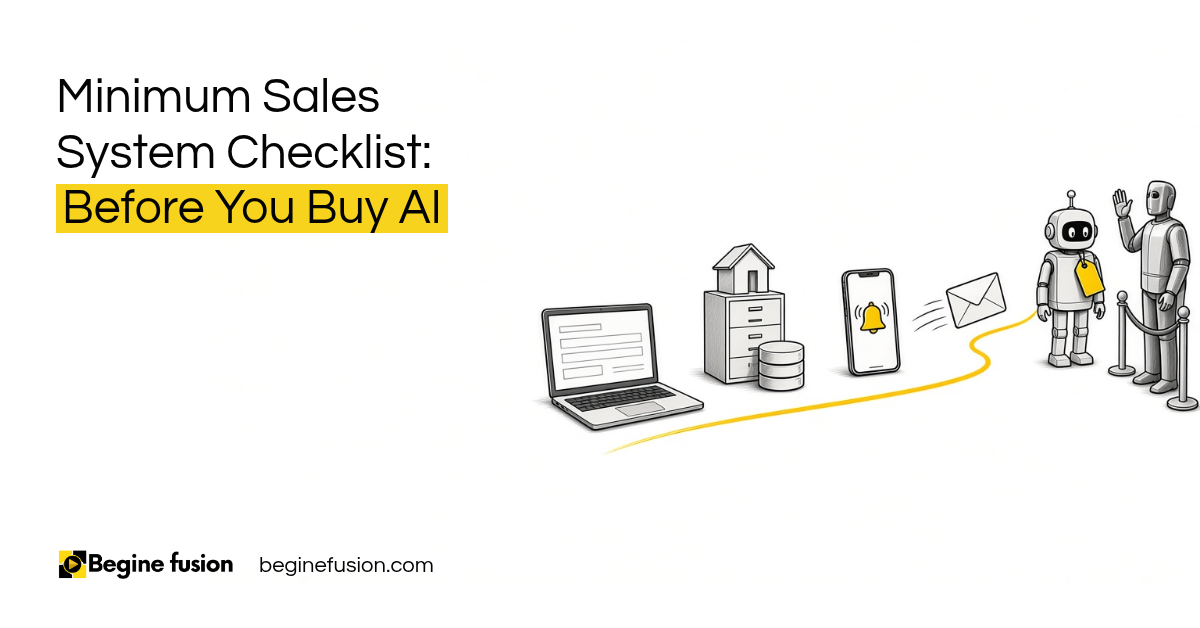 Minimum Sales System Checklist: Before You Buy AI
 The Company Vault Checklist: One Folder Every AI Tool Reads