
TL;DR
- Your last customer: if you are spending on marketing, you need to know where they came from.
- If you don't track it: you never know what's working.
- Its own tracked link: give every channel one, and use your website analytics.
- How did you hear about us: ask every new customer, and write the answer down in the same place.
- You are not going to be 100%: test your channels, double down on the ones that bring customers and cut the rest.
- Leads by source: every inquiry lands in your CRM with its source, so you can see leads by source every month.
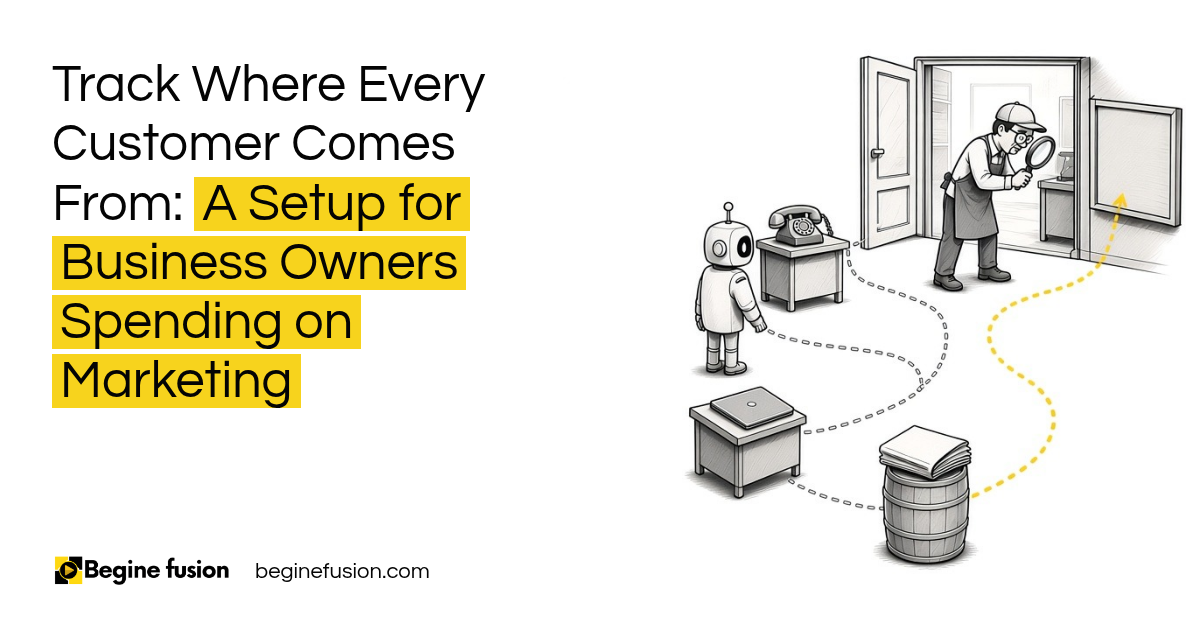
I ask business owners one question when they tell me they are spending on marketing.
Where was the last customer from?
Most of the time the answer is a guess. Maybe the website. Maybe a referral. Maybe the post from last month.
If you don’t track it, you never know what’s working. And you keep paying for the things that are not. In this post I walk through the setup I use so every customer comes in with a source.
Where did your last customer come from?
Start with that one customer. Then the one before.
If you can answer for both, with where they first saw you and how they reached you, you are ahead of most businesses I speak with.
If you can’t, the money you spend on marketing is a bet. You may be paying for five channels when two of them bring every customer.
Start with the last customer. If you cannot say where your last customer came from, fix that before you spend more on marketing.
Why does the source matter when you spend on marketing?
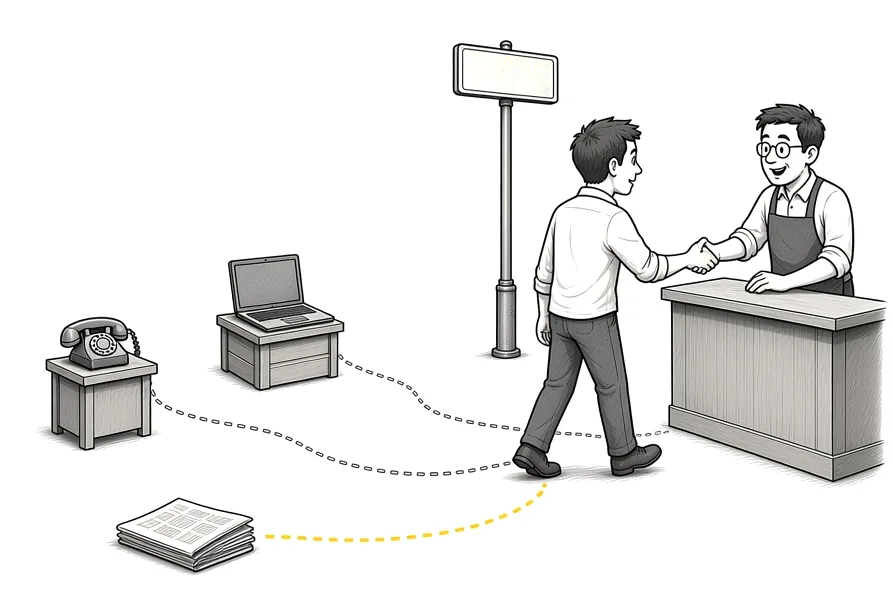
Because the source tells you where to put the next dollar.
Here is a made-up example. Say you spend the same amount on two channels. One brings 100 inquiries and the other brings 50. Without the source on each inquiry, they look the same on your bank statement. With it, you know which one to grow.
I explain the different ways to give credit to a channel in marketing attribution models.
The source decides the budget. Every inquiry with a source on it tells you where the next dollar of marketing should go.
How do you track where customers come from?
Use more than one method. Each one catches what the others miss.
First, your website analytics. It shows which sites, posts and searches sent people to you.
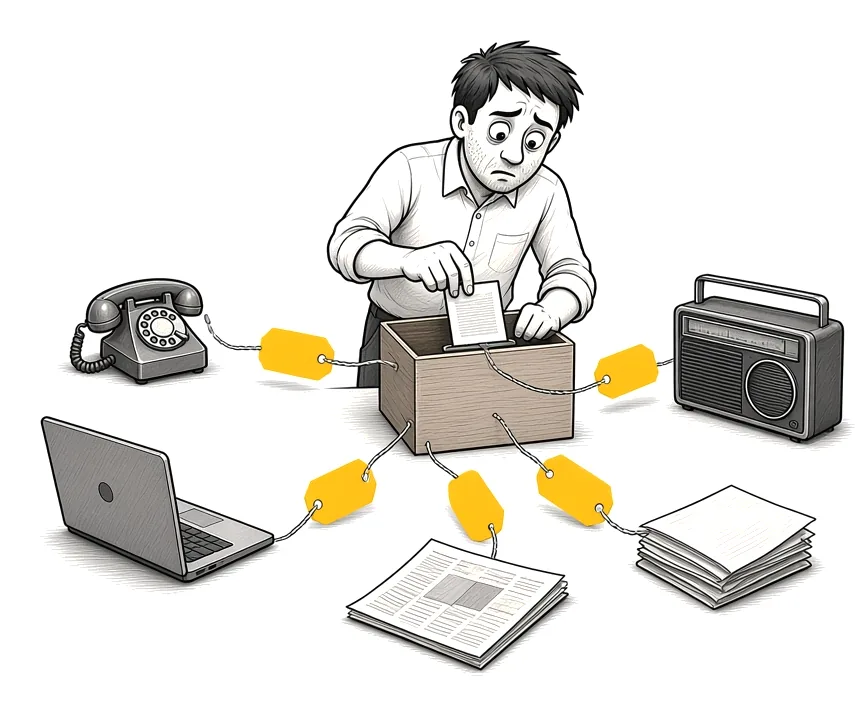
Second, tracked links. Use a different link for each channel. One for LinkedIn, one for Facebook, one for your email newsletter, one for the flyer. When someone clicks, you know which one it was.
Third, your booking and inquiry forms. Wherever people book or ask for a quote, the form records the source.
All three feed into one place, your CRM. If you are connecting Facebook and Instagram, I go through it in Steps to Connect Your CRM System to Meta Business Suite.
One link per channel. Every place you post gets its own tracked link, and every inquiry records the link it came from.
If you want call and form tracking by channel: Try WhatConverts.
What should you ask every new customer?
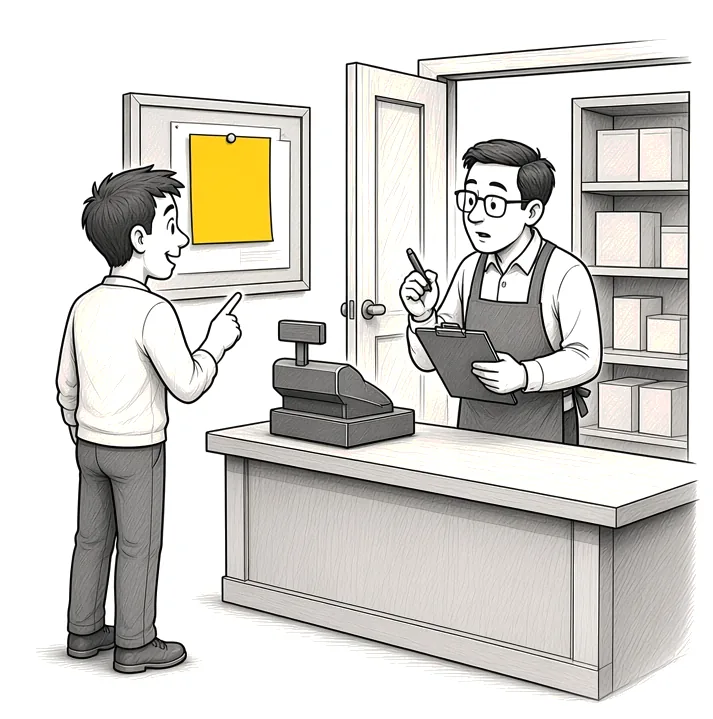
Ask them: how did you hear about us?
It is the simplest tracking you will ever set up. It also catches what links can’t, like word of mouth or a sign they drove past.
Ask it on the phone, at the counter and on every form. Write the answer down in the same field in your CRM every time, from a short list of options, so you can count them later.
Ask, then write it down. “How did you hear about us?” goes on every form and every call, and the answer goes into the same field every time.
Which channels should you double down on?
You are not going to be 100%. Some customers will see you in three places before they call. Some will forget.
That is fine. Close enough still shows you where the customers are coming from.
So test your channels. Run them for a set time with their own links and the question on every form. Then look at the leads by source. If three channels bring the customers, double down on those three and cut back on the rest.
I break down how leads move from first contact to sale in Lead Generation Structure.
Test, then double down. Run each channel with its own link for a set time, then put the money into the ones that bring customers.

How do we set up source tracking with a business?
We start by listing every channel the business uses, paid and free.
Then we give each channel its own tracked link and check that the website analytics is set up.
Next we add “How did you hear about us?” to every form and to the phone script, with the same short list of answers.
Then we make sure every inquiry lands in the CRM with its source. If you don’t have a CRM yet, start with What Is a CRM? and why I would not sell business owners AI before they have a CRM.
Last, we set up a report of leads by source, so the owner sees it every month. The rest of the CRM setup for sales is in the CRM foundation every sales system needs.
Takeaways and Next Steps
If I was setting this up with your business this week, this is what I would do:
- I would find out where your last customer came from.
- Every channel would get its own tracked link.
- "How did you hear about us?" would go on every form and every call.
- Every inquiry would land in the CRM with its source.
- I would run a test, then double down on the channels that bring customers.
- You would see leads by source every month.
Common Mistakes
1. Guessing where customers came from
A guess feels right until you compare it with the records. Track it.
2. One link for every channel
If LinkedIn, Facebook and email all use the same link, you cannot tell them apart. Give each its own.
3. Asking the question but not writing it down
If the answer stays in someone’s head, you cannot count it. Put it in the same CRM field every time.
4. Free text answers
“Google”, “google search” and “online” count as three answers. Use a short list.
5. Waiting for 100%
You will never get every source right. Close enough is enough to decide where the money goes.
6. Spending more before you test
Run each channel with tracking for a set time before you put more money in.
Frequently asked questions
How do I find out where my customers come from?
Use three methods together: website analytics, a tracked link for each channel, and asking every new customer how they heard about you. Record all of it in your CRM.
What is a tracked link?
It is a link with a tag on it that tells your analytics which channel the click came from. Each channel gets its own.
Should I ask customers how they heard about us?
Yes, on every form and every call. It catches word of mouth and offline channels that links miss.
What if customers do not remember?
You are not going to be 100%. Record what they say, and the pattern still shows you which channels work.
What is a lead source?
It is the channel an inquiry came from, recorded on the lead in your CRM.
How long should I test a marketing channel?
Long enough to see leads come in from it with its own link. Set the time before you start, then compare leads by source.
Do I need a CRM to track lead sources?
You need one place where every inquiry and its source are recorded. A CRM is the simplest way to keep it in one place.
Glossary
- Lead source: The channel an inquiry came from, recorded on the lead.
- Tracked link: A link tagged so your analytics knows which channel the click came from.
- Website analytics: The tool that shows which sites, posts and searches sent people to your website.
- CRM: Customer relationship management software, the one place your customer and inquiry records are kept.
- Attribution: Deciding which channel gets credit for a customer.
- Leads by source: A report that counts inquiries by the channel they came from.
- Channel test: Running a channel with its own tracking for a set time to see what it brings in.
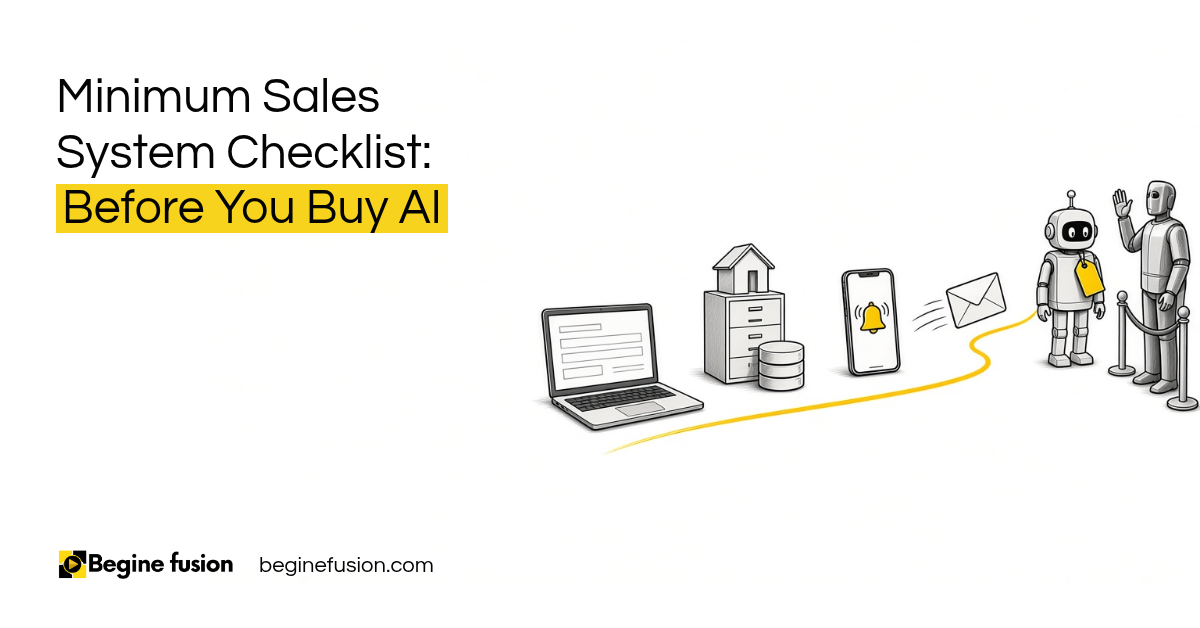 Minimum Sales System Checklist: Before You Buy AI
 The Company Vault Checklist: One Folder Every AI Tool Reads