
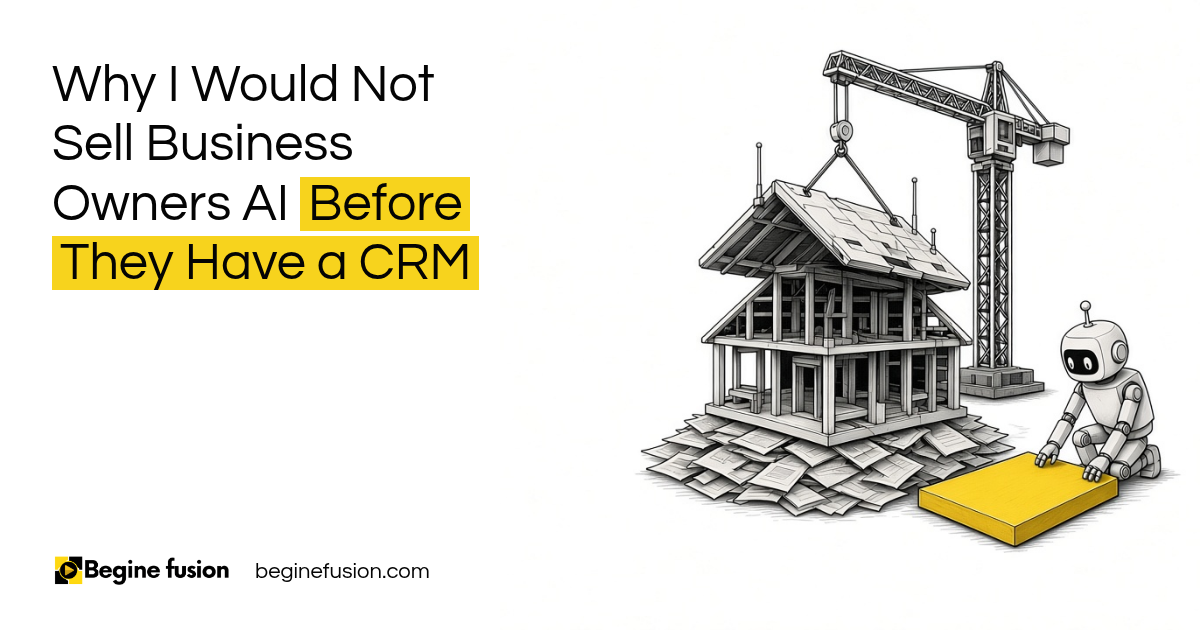
TL;DR
- AI works on your data: if your customer data is kept in Excel sheets, a diary and people's heads, the AI has nothing reliable to work from.
- A messy process: throw AI into it and it creates more problems, so fix the process, the steps and the basic automation first.
- The data you are missing: start by asking what it is today.
- Start with sales: a CRM for sales gives marketing data to work with, and the rest of the business after that.
- Single source of truth: your CRM becomes that, and then AI goes on top of it.
Some business owners come to me asking for AI. They have heard what it can do, and they want it in their business.
Then I ask how they run sales today. Sometimes the answer is Excel sheets. Sometimes the owner has a big diary. Sometimes it is pen and paper.
When that is the answer, I am not going to recommend an AI system. Sort out your basic technology needs first.
In this post I am going to explain why, and what I set up first.
Why would I turn down selling you AI?
I have spoken with businesses that have been running for 50 years with no basic CRM.
They are good at what they do. They have customers who trust them. But the customer information is kept in a diary, in a few spreadsheets and in the memory of the people who have been there longest.
If I sell that business an AI system, I am selling it something with nothing to work from. The AI cannot read the diary. It cannot ask the person who remembers.
So I tell them the honest thing. AI comes later. First we sort out the basics.
The basics come first. AI needs your data to work. A business that runs on diaries and spreadsheets needs a CRM before it needs AI.
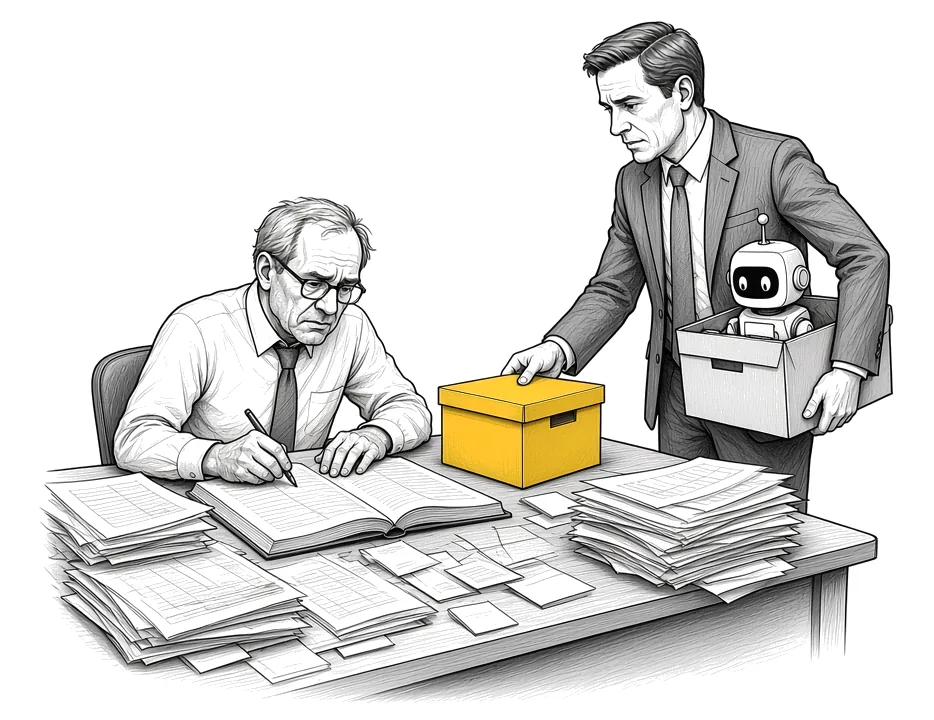
What happens when you throw AI at a messy process?
It makes the mess faster.
If leads come in through five places and nobody records them the same way, an AI tool will pick up that mess and repeat it. If the follow-up depends on someone remembering, the AI has no rule to follow.
The order I work in is the right processes, then the right steps for each one, then the right automation. Then we layer AI on top of it.
I wrote more about this in Tools vs. Systems. A better tool on a broken process gives you a faster broken process.
Process, steps, automation, then AI. Fix how the work runs before you add AI. Otherwise the AI adds problems on top of the ones you already have.
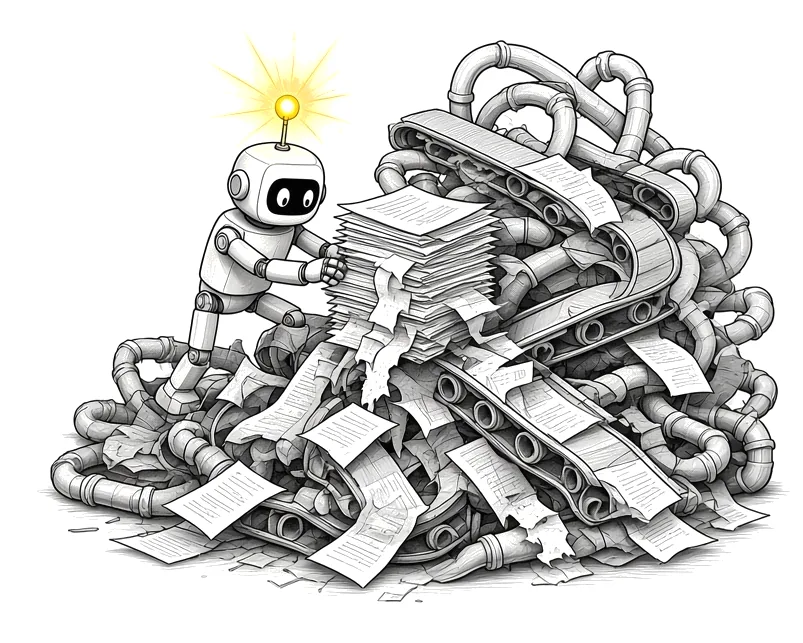
What data are you not capturing right now?
This is the question I ask every business owner. What data are you not capturing right now?
Usually it is a long list. Where the last customer came from. Which quotes went out and which ones were never followed up. Who called and never heard back. What each customer bought before.
If you don’t have a CRM, there is no data the AI can use. Every one of those gaps is something AI cannot help you with later.
The fix is practical. Pen and paper move into a basic system. A form goes onto the website. Every inquiry lands in one place. Basic automation sends the alert and the follow-up. I lay out that minimum setup in the CRM foundation every sales system needs.
Find the gaps first. List what you are missing today. That list tells you what the CRM has to capture before any AI goes in.
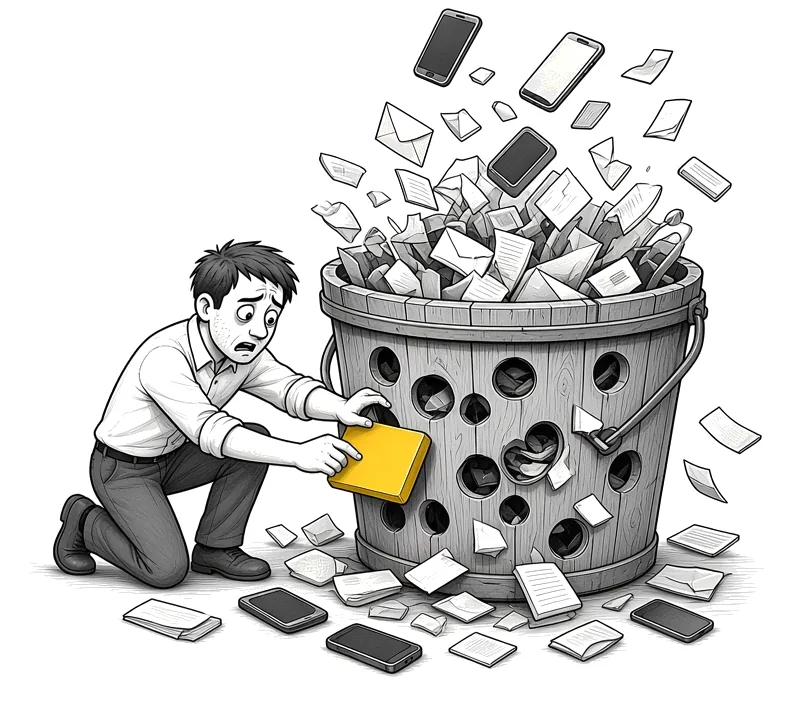
Why start with sales?
Because sales is where the money comes in, and where the data starts.
When sales runs through a CRM, marketing finally has data to work with. They can see which campaigns brought the leads that turned into customers. I cover that part in how to track where every customer comes from.
After sales and marketing, the same thinking moves to the rest of the business. HR, operations and finance can all run from the same records.
You do not have to fix everything at once. Start with sales first. Fix your CRM so that marketing can have data, and the others follow.
Sales first, then the rest. A CRM for sales is the first step. Marketing, HR and the rest of the business build on the same records.
What does a single source of truth look like?
Your CRM is your single source of truth.
You open up the customer record and you see everything. Every call, every email, every quote, every order and every note. Anyone on the team who opens the record sees the same thing.
In a published CRM case study, we moved more than 9,000 legacy records from the previous system and cleaned them before loading. The history now sits with the current work. Requests submitted on the website open the right process in the CRM. Judgement, exceptions and compliance decisions stay with staff, and the CRM records those decisions.
Moving old records is a project of its own. I explain how to do it without moving the mess in CRM Data Migration.
One record, everyone sees it. When the full history of each customer is in one record, the team works from the same facts, and so can the AI later.

When is a business ready for AI on top of the CRM?
When three things are true.
Every inquiry lands in the CRM with where it came from. The process is written down and the CRM follows it. The team uses the CRM every day, so the records are current.
Then AI has something to work from. It can draft the follow-up from the full history. It can summarize the account before a call. It can flag the quotes nobody followed up.
Clean data, clear process, daily use. When the CRM holds current records and follows a written process, AI can be added on top with something reliable to work from.
How do we set up the CRM before the AI?
We start with the question. What data are you not capturing right now? We list every place an inquiry comes in and every place customer information lives today.
Next we map the sales process as it runs, step by step, and agree what the CRM should record at each step.
Then we set up the CRM for sales: the form on the website, the record, the alert and the follow-up. We move the old records in after cleaning them.
Once the team is using it daily, we look at where AI fits on top. If you want to see where your systems stand first, the Systems Readiness Assessment is where we begin. If you are new to the idea, start with What Is a CRM.
If you are still picking the CRM: Try Zoho CRM.
Takeaways and Next Steps
If I was setting this up for your business this week, this is what I would do:
- I would ask what data you are missing today, and write the list down.
- Every place an inquiry comes in would go onto one list.
- The sales process would be mapped step by step, as it runs.
- Sales would move into a CRM first, with a form, an alert and a follow-up.
- Old records would be cleaned before they are moved in.
- AI would come after the team uses the CRM every day.
Common Mistakes
1. Buying AI before there is any data to use
AI works on your records. With no CRM, there is nothing reliable for it to read.
2. Putting AI on a process nobody has written down
The AI repeats the mess, faster. Fix the process and its steps first.
3. Trying to fix every department at once
Start with sales. Marketing, HR and the rest build on the same records after that.
4. Moving old records without cleaning them
Duplicates and old errors come with them. Clean before you load.
5. Setting up a CRM the team does not use
If the records are not current, the CRM is not your source of truth, and the AI will work from old facts.
6. Leaving customer history in one person’s head
When that person is away, the history is gone. Put it in the record.
Frequently asked questions
Do I need a CRM before I use AI?
For anything that touches your customers, yes. AI works on your data, and the CRM is where that data lives. Without it, the AI has nothing reliable to work from.
What is a single source of truth?
It is one place where the full, current record of each customer lives, so everyone on the team works from the same facts.
Can I use AI with Excel instead of a CRM?
You can use AI on a spreadsheet for one-off tasks. For sales, follow-up and customer history across a team, a spreadsheet does not hold the process or the history the way a CRM does.
Where should a business start with a CRM?
Start with sales. Capture every inquiry, record where it came from, and set up the alert and the follow-up. Marketing and the rest of the business build on that.
How long before we can add AI to the CRM?
When every inquiry lands in the CRM, the process is written down and the team uses it every day. That timing depends on the business.
What happens to our old records?
They are cleaned and then moved into the CRM, so the history sits with the current work.
Glossary
- CRM: Customer relationship management system, the one place every inquiry and customer record lives.
- Single source of truth: One place holding the full, current record of each customer.
- Customer record: Everything about one customer in one view: calls, emails, quotes, orders and notes.
- Process map: The steps a piece of work follows, in order, and who does each one.
- Basic automation: Simple rules that send alerts, create tasks and send follow-ups without someone remembering.
- Data migration: Moving old records from spreadsheets or an old system into the CRM.
- Lead source: Where an inquiry came from, recorded with the inquiry in the CRM.

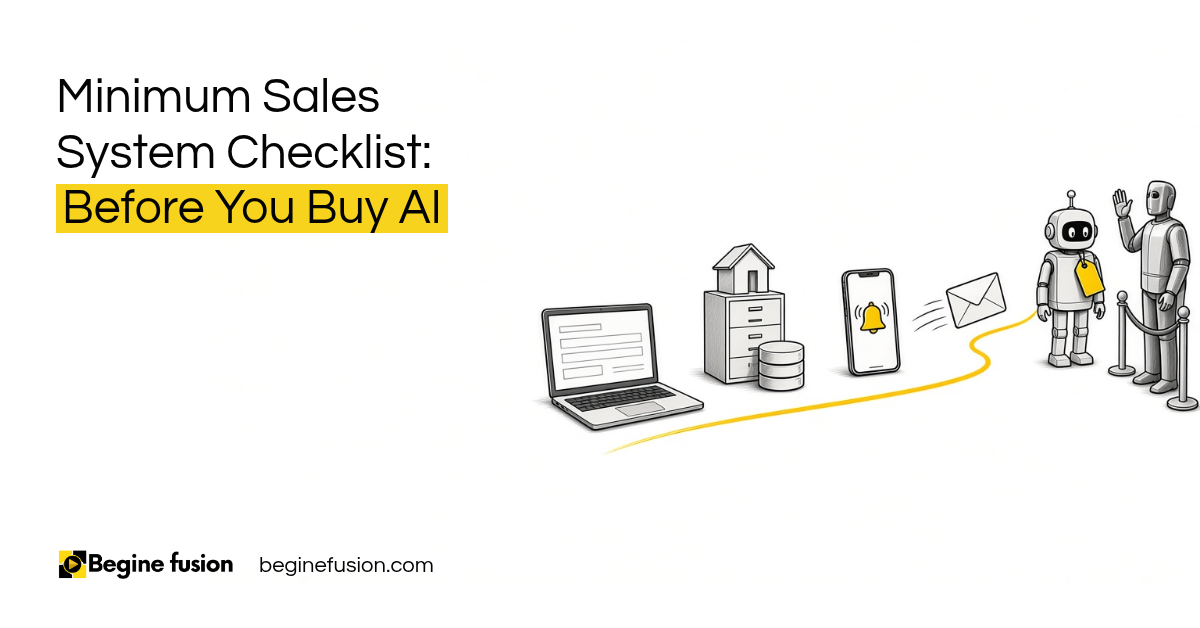 Minimum Sales System Checklist: Before You Buy AI
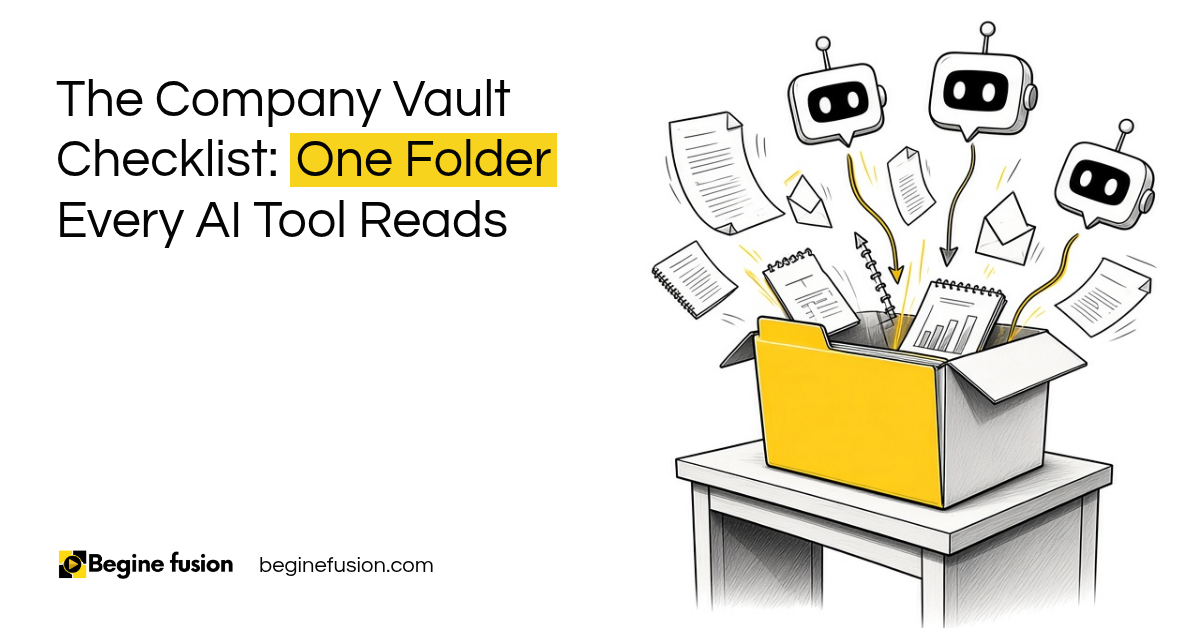 The Company Vault Checklist: One Folder Every AI Tool Reads