
Zoho CRM Workflow Automation: What to Build, and What It Costs You
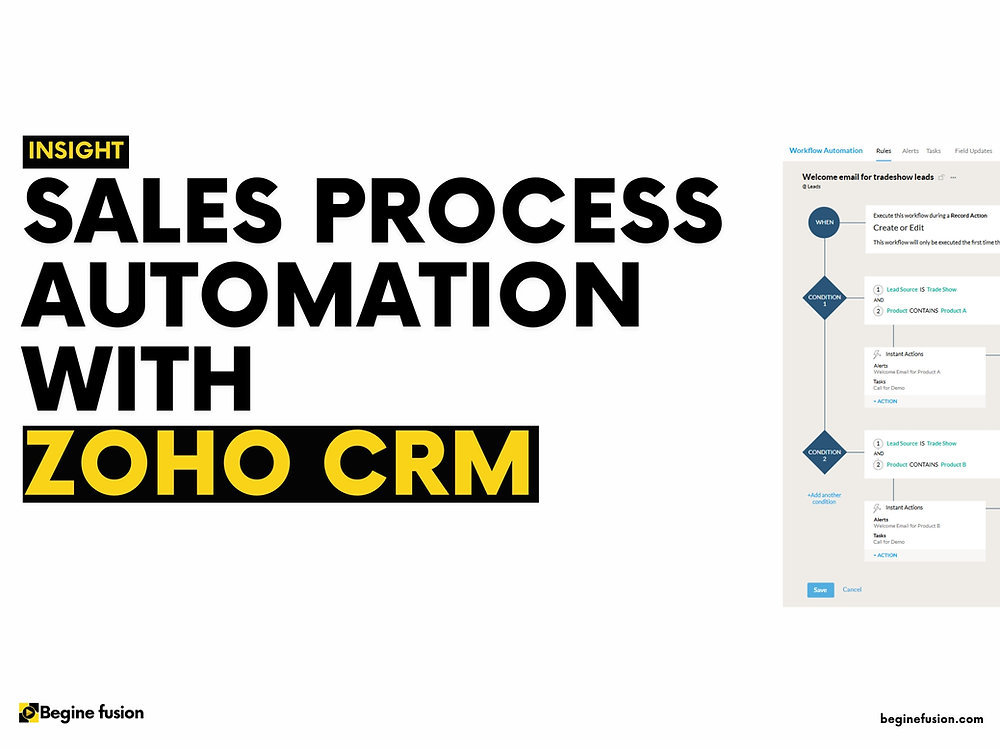
Automation in a CRM is usually sold as time saved. The more useful way to think about it is consistency: the thing happens the same way every time, including on the Friday when everyone is busy and the person who normally does it is not there.
Zoho CRM gives you several distinct automation tools, and they are not interchangeable. Choosing the wrong one is the most common reason an automated process becomes something people work around.
Earlier in the decision
This covers what Zoho CRM automates once it is in place. For what a CRM is, see what a CRM is. For what the options cost a Canadian buyer, the buyer's guide. For the configuration sequence, how to set up Zoho CRM.
TL;DR
- A workflow rule is a trigger, a condition and actions. Actions come in two kinds: instant, and scheduled relative to the trigger.
- The limits are per-edition and they bite. Five conditions per rule on Standard and Professional, ten on Enterprise and Ultimate. Design inside them.
- Blueprint is a different tool. Workflow rules react to what happened; a blueprint controls what is allowed to happen next. Use it only on a settled process.
- Automate assignment first. It is the highest-value rule in almost every deployment and the least controversial.
- Automated email has a daily cap tied to your edition and user count. Find yours before designing a nurture sequence around it.
- Every rule is a permanent thing to maintain. Forty rules nobody can explain is a liability, not an achievement.
The parts of a workflow rule
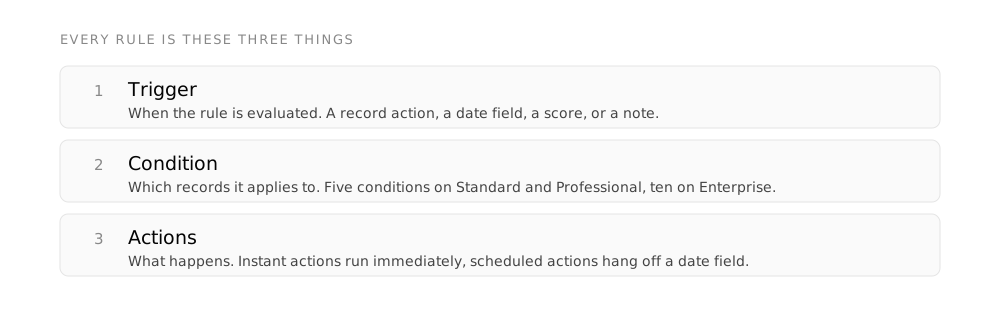
Zoho’s model is consistent and worth learning properly, because everything else builds on it.
The trigger decides when the rule is evaluated. Zoho offers several kinds: a record action, covering created, created or edited, edited, or deleted, then a date field value, a change in record score, a recommendation, and notes being created, modified or deleted. The edited variant can be narrowed to specific fields or to fields within a section, which is the difference between a useful rule and one that fires on every keystroke.
The condition decides which records qualify. This is where the per-edition limit lands: a maximum of five conditions each in the Standard and Professional editions, and ten in Enterprise and Ultimate.
The actions are what happens, in two categories:
Fire immediately when the rule matches. Email notifications, tasks, field updates, webhooks, custom functions, creating a record, notifications into Cliq, Slack or Webex, and conversions.
Fire at a defined time relative to the trigger. Email notifications, tasks, field updates, webhooks, custom functions and record creation. A maximum of five scheduled actions per rule.
Per rule, the instant action allowance is specific: up to five email notifications, five tasks, five field updates, one custom function, one webhook and one create-record action. Those numbers shape design more than people expect. A process needing two webhooks needs two rules, or a custom function.
Find your email ceiling before you design around it
Automated emails from workflow rules are capped daily, by a formula tied to your edition and user count. Zoho publishes it per edition, running from the number of users multiplied by fifty on the free and starter tiers up to users multiplied by a thousand on Ultimate, each with an absolute ceiling as well. A five-user Standard account is working within a much smaller daily allowance than a nurture sequence design tends to assume. Check yours before, not after.
Workflow rules versus blueprint
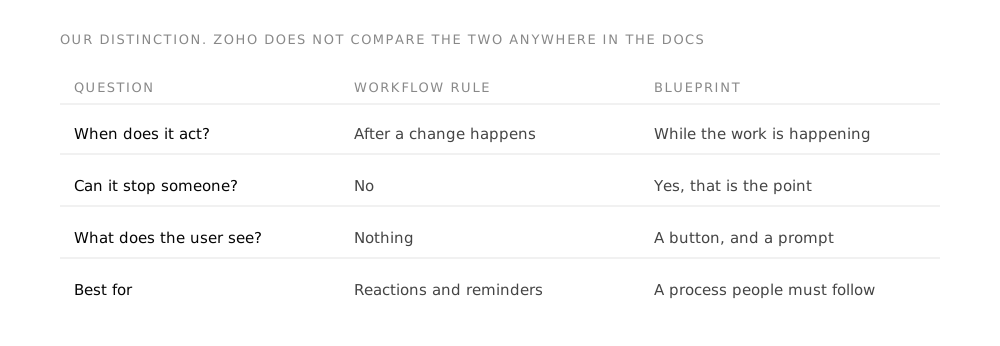
This is the distinction that decides whether automation helps or annoys.
Zoho describes a Blueprint as “an online replica of a business process”. It is built from States, where “each stage in a process is referred to as a State”, and Transitions, where a “Transition refers to the change of State in a process” and it “prescribes a set of conditions for the records to move from one state to another”. Each transition renders as a button on the record, so the available next steps are visible and everything else is not.
Each transition has three phases: before, controlling who may execute it and which records qualify; during, specifying what information the person must supply to complete it; and after, automating what follows.
The practical difference:
| Workflow rule | Blueprint | |
|---|---|---|
| Relationship to the process | Reacts to it | Enforces it |
| Visible to the user | Mostly not | Yes, as buttons on the record |
| Can it be bypassed | Not applicable, it just fires | No, that is the point |
| Right when | The process is stable or still moving | The process is settled and correct |
| Cost of getting it wrong | Edit the rule | The team works around the system |
Build workflow rules early. Build a blueprint after a quarter of real use, when you know where people go off-process and why. A blueprint deployed over a guess makes the guess mandatory.
The automations worth building first
In order of return, from what we see across deployments.
-
Assignment on creation
A new lead is routed to an owner immediately, by territory, source, product interest or round-robin. This is the highest-value automation in most deployments because unassigned records are the ones that go cold, and Zoho has dedicated lead assignment rules for exactly this.
-
The acknowledgement
An inbound enquiry gets a reply within seconds rather than within the working day. It is one instant email action and it changes what the person on the other end thinks of you.
-
Stage-entry tasks
A deal entering a stage creates the task that stage requires. This is how a process gets followed without anyone policing it, and it is the automation that most improves the quality of the pipeline data.
-
The gone-quiet alert
A scheduled action that fires when a deal has had no activity for a defined period. Time-based rather than event-based, which is precisely what a person is bad at noticing and a system is good at.
-
Field updates that remove typing
Setting a status, stamping a date, populating a derived value. Individually trivial, collectively the difference between a record people complete and one they abandon halfway.
-
The handoff notification
When a deal closes, the people who deliver it find out without anyone remembering to tell them. This is where a CRM stops being a sales tool and starts being an operations one.
Where CRM automation goes wrong
- Automating a process nobody has agreed on, which makes the disagreement permanent and much harder to see
- Building rules before the field structure has settled, so renaming a field breaks rules nobody remembers exist
- Triggering on "edited" without narrowing to specific fields, so the rule fires on every save
- Sending automated email to customers from rules that do not check whether a person has already replied
- Deploying a blueprint on a process the team has not yet run in the system
- Designing a nurture sequence without checking the daily email cap for your edition
- Accumulating rules nobody can explain, with no owner and no review
- Automating what should be deleted, when the fastest process improvement is usually removing a step, not scheduling it
The test before you build any rule
Write down the manual step it replaces, and who currently does it. If you cannot name the person and the step, you are not automating a process, you are adding one. That single question removes most of the rules that later become the forty nobody can explain.
Keeping it maintainable
Automation rots quietly. A rule that stops making sense does not error, it just keeps running.
- Name rules for what they do, not for when they were built. "Assign inbound web leads by territory" survives a change of staff; "Workflow 4" does not.
- Keep a one-line note per rule saying what manual step it replaced. This is the only thing that makes a future review possible.
- Review annually, alongside the CRM's own review. Look for rules whose trigger field no longer exists in the process and rules that have not fired in a year.
- One owner for automation. Not a department. Rules built by four people who cannot see each other's work produce conflicting field updates that are genuinely hard to diagnose.
- Test on a record you created for the purpose, not on a live deal. Field updates are not undoable in bulk.
Glossary
- Workflow rule
- A rule made of three parts: a trigger, a condition and one or more actions. It reacts to something that has already happened and cannot prevent anyone from doing anything.
- Trigger
- What causes the rule to be evaluated. Zoho supports record actions such as create, edit and delete, as well as date field values, record scores, recommendations and notes.
- Condition
- The filter deciding which records the rule applies to. Zoho allows five conditions per rule on Standard and Professional, and ten on Enterprise and Ultimate.
- Instant action
- An action that runs as soon as the rule fires. Email notifications, tasks, field updates, webhooks, custom functions and record creation are all available as instant actions.
- Scheduled action
- An action tied to a date field rather than to the moment the rule fires, so it can run days before or after a date on the record. A maximum of five can be created per rule.
- Blueprint
- A representation of the process itself rather than a reaction to it. It presents the next move as a button, can require information before a record advances, and can run actions after a transition completes.
- State and transition
- The two building blocks of a Blueprint. Each stage in the process is a State, and a Transition is the move between two States, carrying the conditions a record must satisfy to make it.
Frequently asked questions
How many workflow rules can we have in Zoho CRM?
Rule counts vary by edition and Zoho revises them, so the number to trust is the one in your own account rather than any figure in an article. The limits that most often constrain a design are the ones inside a rule: five conditions on Standard and Professional against ten on Enterprise and Ultimate, five scheduled actions per rule, and a per-rule instant-action allowance of five emails, five tasks, five field updates, one custom function, one webhook and one create-record. Design within those and the rule count is rarely what stops you.
Should we use a workflow rule or a blueprint?
Workflow rules for anything that should happen automatically in response to an event. Blueprint for a sequence people must follow in order, where skipping a step is a problem. The deciding question is whether you want to help or to constrain. If the honest answer is that the process is still being worked out, workflow rules only, because a blueprint over an unsettled process makes people work around the CRM rather than in it.
When should we build automation, before or after go-live?
A small amount before, the rest after. Assignment and acknowledgement are worth having from day one because they affect people outside the business. Everything else benefits from watching real use first, both because the process changes in the first month and because automation built over a structure that is still moving has to be rebuilt with it.
Can Zoho CRM automation reach systems outside Zoho?
Yes, through webhooks and custom functions, with one webhook allowed as an instant action per rule. That is enough for most integrations and it is a constraint worth knowing at design time rather than discovering halfway through. Custom functions carry an edition requirement in some contexts, and Blueprint's after-transition custom functions are noted as an Enterprise feature, so confirm availability on your own edition before designing around them.
Will automation reduce headcount?
That is the wrong thing to promise and we will not put a number on it. What automation reliably does is make a process consistent and remove the small recurring tasks that fragment someone's day. Whether that converts into fewer people or into the same people doing more valuable work is a decision the business makes, not an outcome the software produces. Anyone quoting you a percentage is quoting it about someone else.
What breaks automation most often?
Field changes. A rule referencing a field that gets renamed, repurposed or removed keeps existing and stops making sense, usually without anyone noticing until a report looks wrong. This is why the annual review matters and why one person should own the automation: a rename is safe when the person doing it can see what depends on the field.
Takeaways
- A workflow rule is a trigger, up to five or ten conditions depending on edition, and instant or scheduled actions with per-rule limits.
- Blueprint enforces a process rather than reacting to it. Deploy it only once the process is settled.
- Automate assignment first. Unassigned records are the ones that go cold.
- Check your edition's daily automated-email cap before designing any sequence around it.
- Before building a rule, name the manual step it replaces and the person who does it. If you cannot, do not build it.
- Name rules for what they do, note what they replaced, and give automation a single owner.
Sources
Zoho first-party documentation only, read 8 August 2026.
- Workflow rule structure, trigger types, instant and scheduled action types, the five-and-ten condition limits by edition, the per-rule action allowances, the five scheduled actions per rule, and the per-edition daily email formula: Zoho CRM online help, “Configuring Workflow Rules”
- Blueprint, States, Transitions and the before, during and after transition phases, including the Enterprise requirement on after-transition custom functions: Zoho CRM tutorials, “Blueprint Overview”
- Lead assignment rules: Zoho CRM online help, “Working with Leads”
No figure for time saved, cost reduced or headcount affected appears anywhere in this article. Every such figure available for CRM automation traces to vendor or consultancy marketing with no recoverable primary study behind it.
Zoho revises edition limits without notice. Verify against your own account before designing automation to the edges of them.
Keep reading
 CRMCRM for Professional Services: When the Person Selling Is the Person DeliveringIn a firm that bills time, pipeline and capacity are one constraint. What the client record has to hold, and how that maps onto Zoho CRM.
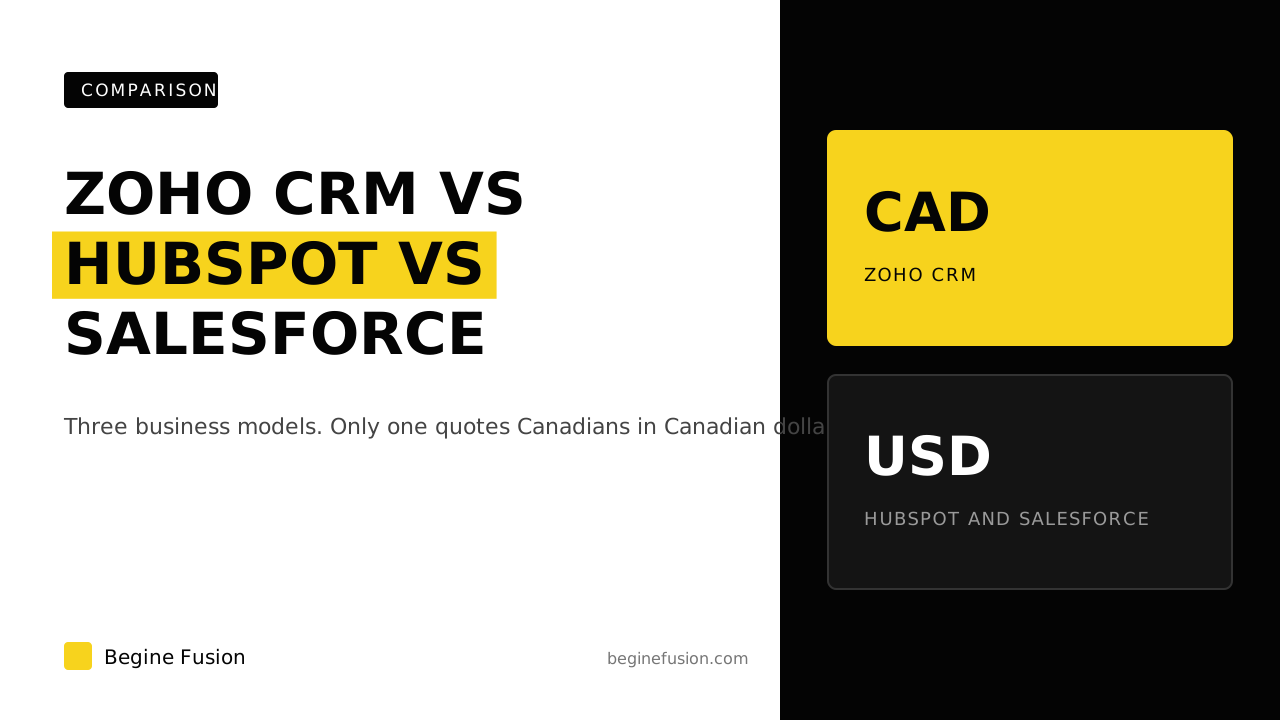 CRMZoho CRM vs HubSpot vs Salesforce: What a Canadian Buyer Is Actually ChoosingThree business models, not three versions of one product. Verified pricing, the required onboarding fee, and which one quotes Canadians in CAD.
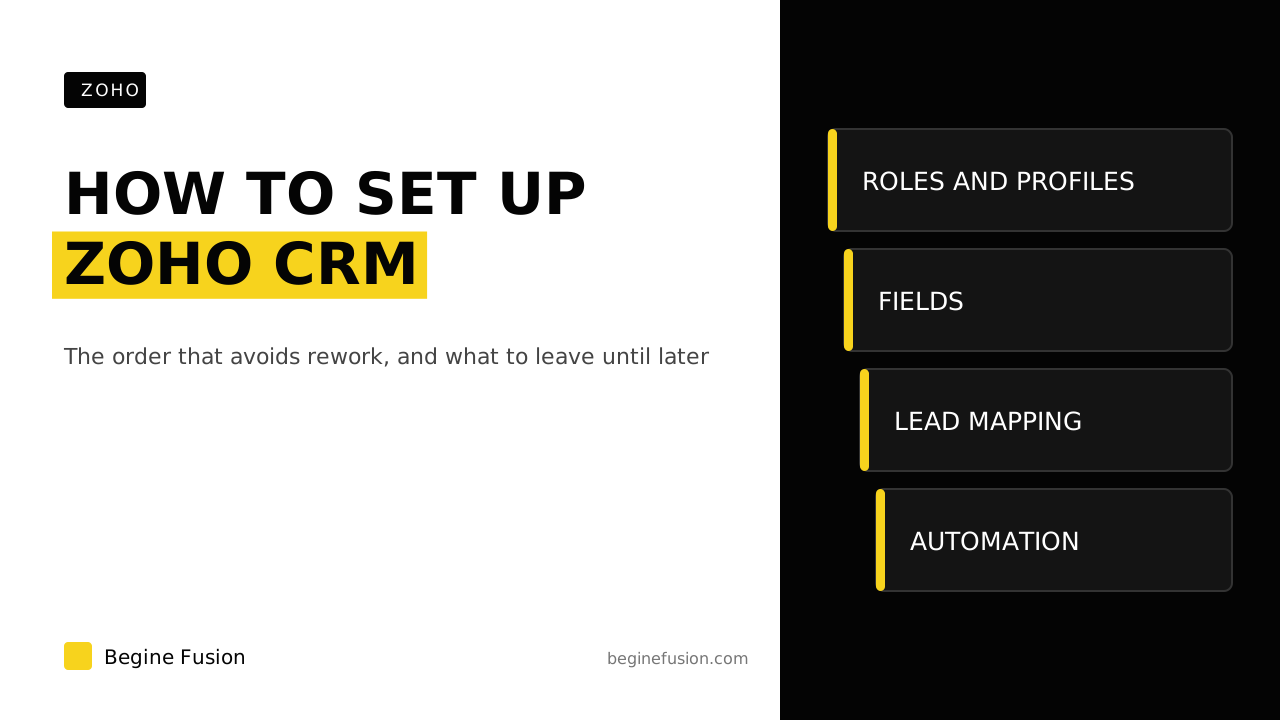 ZohoHow to Set Up Zoho CRM: The Order That Avoids ReworkCompany details, roles and profiles, modules and fields, lead conversion, then automation. What to configure first in Zoho CRM, and what to leave.
More resources
- ToolboxAI Tech ToolboxA curated set of tools for the work, with what each one does.
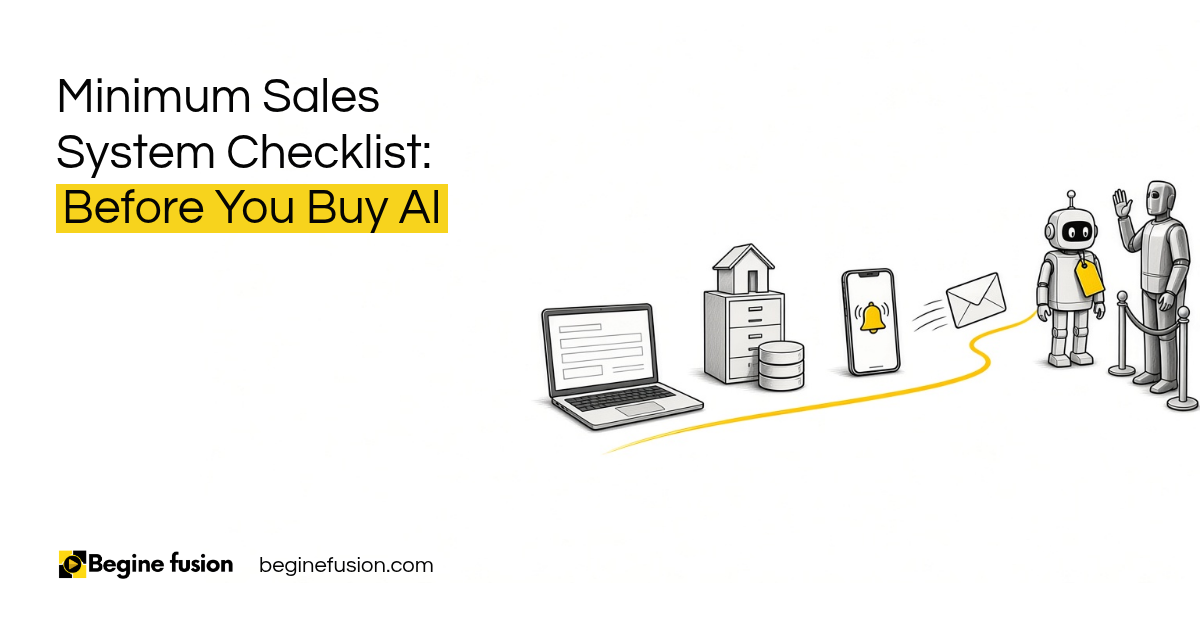 Minimum Sales System Checklist: Before You Buy AIBefore you buy AI, check that your sales system has the basics. The form, the CRM, the alert and the follow-up, plus two questions I ask about pricing and where your last customer came from. Free download, made to print.
 The Back-Office AI List for Owners Whose Clients Want a PersonSome clients want to talk to a person. That is fine. This is the list I go through to find the work AI can take on behind the scenes, before and after every meeting, with a person reviewing it before anything goes out. Free download, made to print.