
TL;DR
- Ten failure modes: these are the anti-patterns that show up in real agent builds, and each one is a design decision that was never made.
- Agents for everything: sometimes you just need a rule, or a pipeline should be enough.
- Stopping conditions: set a controlled loop, three, five or ten, and after that move over to the next stage.
- Tools and records: each agent gets access to the tools it needs to do its job, and that's it.
- Chat history: the chat history is not a reliable business process database, so save your knowledge and context within your system.
When I walk a team through how to design an AI agent, the last part covers the anti-patterns. These are the failure modes that show up in real builds.
Each one is a design decision that was never made.
Everybody is trying to adopt AI right now. Below is the list, in the order I go through it, with what I tell the team about each one.
The ten failure modes on one page
| Failure mode | What it looks like | The decision to make before the build |
|---|---|---|
| Agents for everything | An agent where a rule or a pipeline would be more reliable | Which steps need an agent at all |
| Unlimited loops | The agent keeps going with no stopping condition | How many loops, and what happens after |
| Hidden state | Important information about the work exists only inside the model context | Where the state of the work is saved |
| Unrestricted tools | The agent has broad access to system tools and records | Which tools and records this agent needs |
| AI-only validation | One model checks another when a deterministic test is available | Which checks are tests, and which need a model |
| Excessive multi-agent complexity | Many agents without clear responsibility and boundaries | Whether the job needs more than one agent |
| Autonomous consequential actions | High-impact actions with no approval, limit or recovery | What each action can cost, and who approves it |
| Weak routing | Every request forced into a specialist category, with no unknown route | Where a request goes when it fits no category |
| Chat history used as the process record | The chat history is treated as the record of the process | Where the business process is recorded |
| No failure recovery | Escalation and recovery get designed after the first incident | Retry, fallback, escalation and recovery, before production |
Agents for everything
Using an agent where a rule or a pipeline would be more reliable.
You don’t throw AI agents at every problem. Sometimes you just need a rule, or a pipeline should be enough, and you don’t need an agent for that. We wrote about how we pick which steps get AI and which stay as plain automation.

Unlimited loops
Allowing an agent to continue without any kind of stopping condition.
Don’t let these agents just keep on running. You can set a controlled loop and say three loops, five loops, ten loops. After that is done, move over to the next stage.
When I write the loop down, I write the completion condition next to it: the maximum iterations, the maximum cost, the timeout and the escalation.

Hidden state
Allowing important information about the work to exist only inside the model context. Please don’t do that. If the state of the work is only in the model’s context, nobody on the team can check it, and the next step can’t pick it up.
Unrestricted tools
Giving an agent broad access to system tools and records.
Each agent needs access to the tools it needs to do its job, and that’s it. We cover how to set that up in give each agent the least access it needs.
AI-only validation
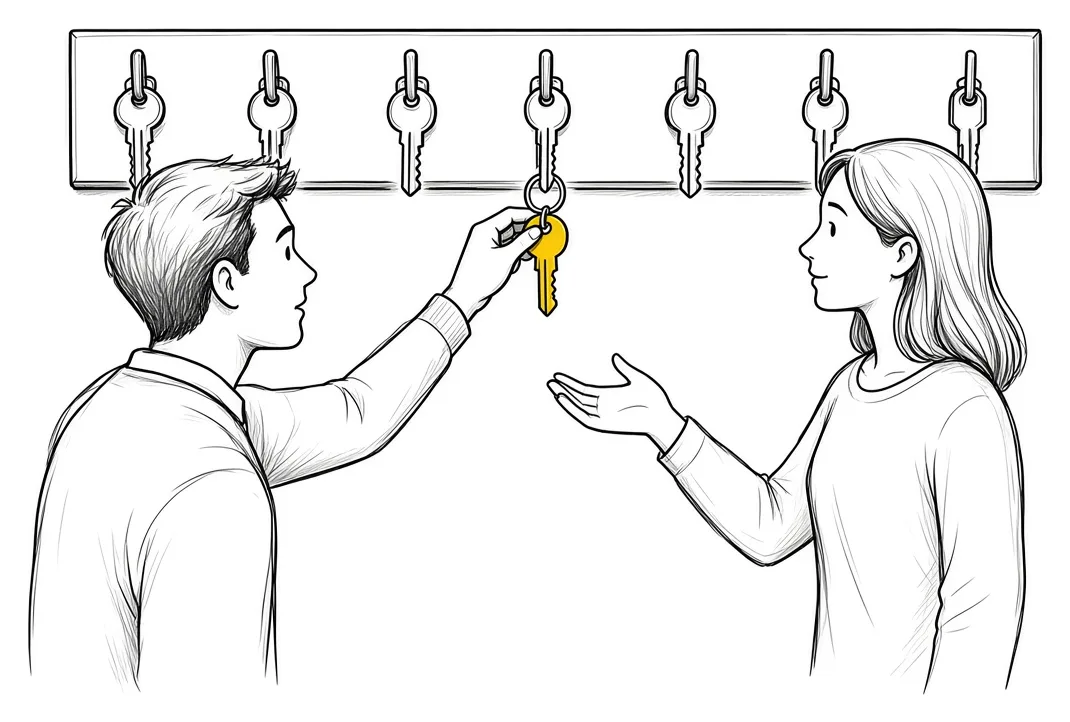
Using one model to validate another when deterministic tests are available.
The first rule we go through is to use deterministic functions and fixed steps wherever they do the job. So if you can use a deterministic test, use it. Don’t only use an AI model to validate.
Excessive multi-agent complexity
Creating many agents without clear responsibility and boundaries.
It’s easy to spin up a hundred agents. The question is whether the objective you are trying to achieve needs that in that particular process. If the answer is no, then don’t do it.
Autonomous consequential actions
Allowing high-impact actions without approval, limit or recovery.
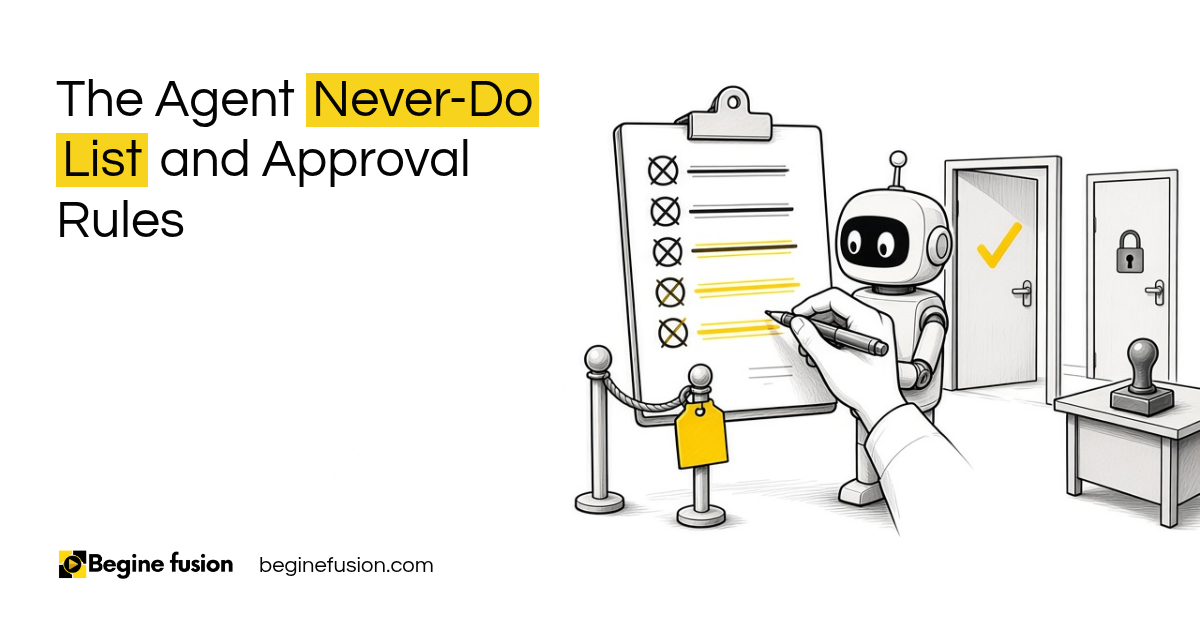
You need to classify all those actions and understand what the consequence of each one is. The never-do list in the list of things an agent should never do and the approval steps in keeping a human in the loop come from that classification.
Weak routing
Forcing every request into a specialist category without an unknown route.
When you do your routing, it needs to be clear. You need to understand how the system is built, and at what point it needs to route to the next system or the next model. Weak routing can do you more harm than good.
Treating the chat as the process record
The chat history is not a reliable business process database. Please have your knowledge and context saved within your system. You cannot be referring back to the chat to find out where the work is.
Saving it in the system also cuts the time people spend inside the chat window. The record of what the agent did belongs in the same place, which is the audit trail every agent should leave.
No failure recovery
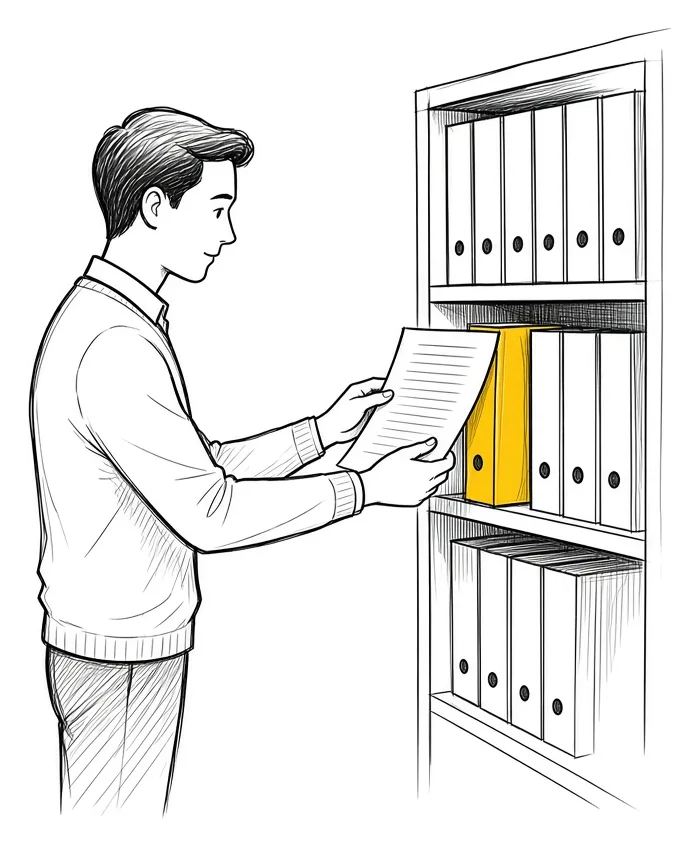
Design failure recovery and escalation before production deployment, before the first incident.
When a step fails before anything has been committed, there are three responses:
- Retry temporary failures like a network timeout or a rate limit, with a maximum retry count.
- Fallback to an alternative model provider, tool, retrieval source or path through the process.
- Escalation sends it to a human to review when confidence is low, required information is missing or there is a policy conflict.
When the failure needs to be undone, resumed or set aside, there are three more:
- Compensation reverses a completed action. If the record was created and a later step failed, delete or deactivate the record.
- Checkpoint recovery resumes from the last saved state rather than restarting the entire process.
- Dead letter queue stores the failed task for investigation and controlled reprocessing.
What changes in how the work runs
The team answers these decisions on paper before anything gets built. When something goes wrong in production, the response was already decided: the loop stops at its limit, the request with no category goes to the unknown route, and the failed task waits in the queue for someone to look at it.
Takeaways and next steps
- Go through the ten failure modes before the build, and write down the decision for each.
- Use a rule or a pipeline where it does the job.
- Set the loop limit and what happens after it.
- Save the state of the work and the knowledge in your system.
- Give each agent only the tools and records it needs.
- Use deterministic tests wherever you can.
- Design retry, fallback, escalation and recovery before production.
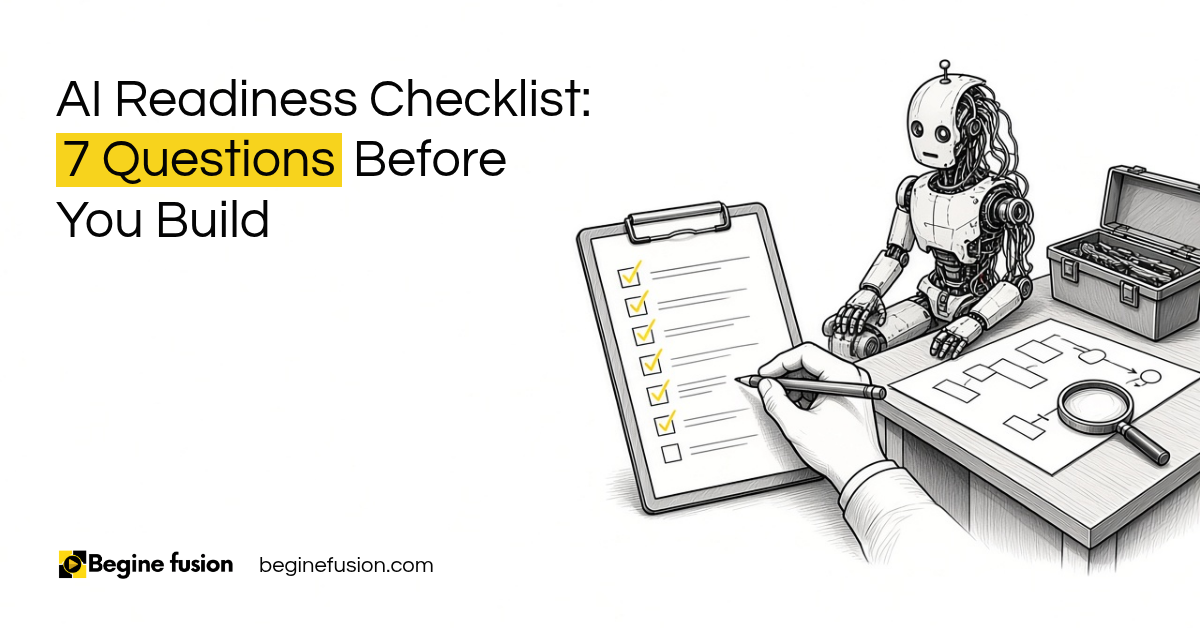
Our guide on AI capability versus business readiness covers what a business needs in place before an agent goes live.
Common mistakes when designing an AI agent
1. Building the agent first and writing the design decisions afterwards.
Why it fails: The decisions get made by default, one incident at a time.
Better approach: Fill in the design before anything gets built.
2. Giving the agent access to every tool in case it needs one.
Why it fails: The agent can reach records it has no reason to touch.
Better approach: List the tools the job needs and grant those.
3. Letting a second model check the first one’s work.
Why it fails: Two models can agree on the same wrong answer.
Better approach: Use a deterministic test where one exists.
4. Keeping the state of the work in the chat.
Why it fails: Nobody can see where a task is, and the next step can’t pick it up.
Better approach: Save the state and the context in your system.
5. Waiting for the first incident to plan recovery.
Why it fails: The first failure in production has no fallback and no one to escalate to.
Better approach: Decide retry limits, fallbacks, escalation and recovery before deployment.
Frequently asked questions
What are AI agent failure modes?
The anti-patterns that show up in real agent builds, such as agents used for everything, unlimited loops, hidden state and unrestricted tools. Each one traces back to a design decision that was never made.
When should I use a rule instead of an AI agent?
When a rule or a pipeline does the job reliably. An agent is for the steps that need judgement.
How many loops should an AI agent run?
Set a controlled number, such as three, five or ten, with a completion condition, a maximum cost and a timeout. After that the work moves to the next stage or escalates.
Can I use chat history as the record of a business process?
No. Save the state of the work, the knowledge and the context in your system, where the team can see it.
What is a dead letter queue?
A place where failed tasks are stored for investigation and controlled reprocessing.
Do I need multiple AI agents?
Only when the process needs them. Many agents without clear responsibility and boundaries is one of the failure modes.
Glossary
- Anti-pattern
- A common way a build goes wrong, repeated across projects.
- Stopping condition
- The rule that ends an agent's loop, such as a maximum number of iterations, a cost limit or a timeout.
- State of the work
- Where a piece of work is in the process, saved in the system.
- Deterministic test
- A check that gives the same result every time for the same input, such as a rule or a calculation.
- Unknown route
- The path for a request that fits no specialist category.
- Dead letter queue
- A store for failed tasks, kept for investigation and controlled reprocessing.
- Checkpoint recovery
- Resuming a process from its last saved state.
 The Agent Never-Do List
 AI Readiness Checklist: 7 Questions Before You Build