
TL;DR
- An AI agent that runs every morning: it preps me for every meeting on my calendar that day.
- It checks my calendar and my email: it looks for anything related to each meeting, researches the people I am meeting and sends me a report.
- By the time I wake up: my meeting prep is ready.
- It only needs to read: your calendar and email. The report comes to you and nobody else.
So I created an AI agent at the end of 2024. It goes through my calendar and sends me a report at 6am every day.
By the time I wake up in the morning, I already have my meeting prep ready.
Below is what the agent does, step by step, and what you need to set one up for your own calendar.
What does a meeting prep agent fix?
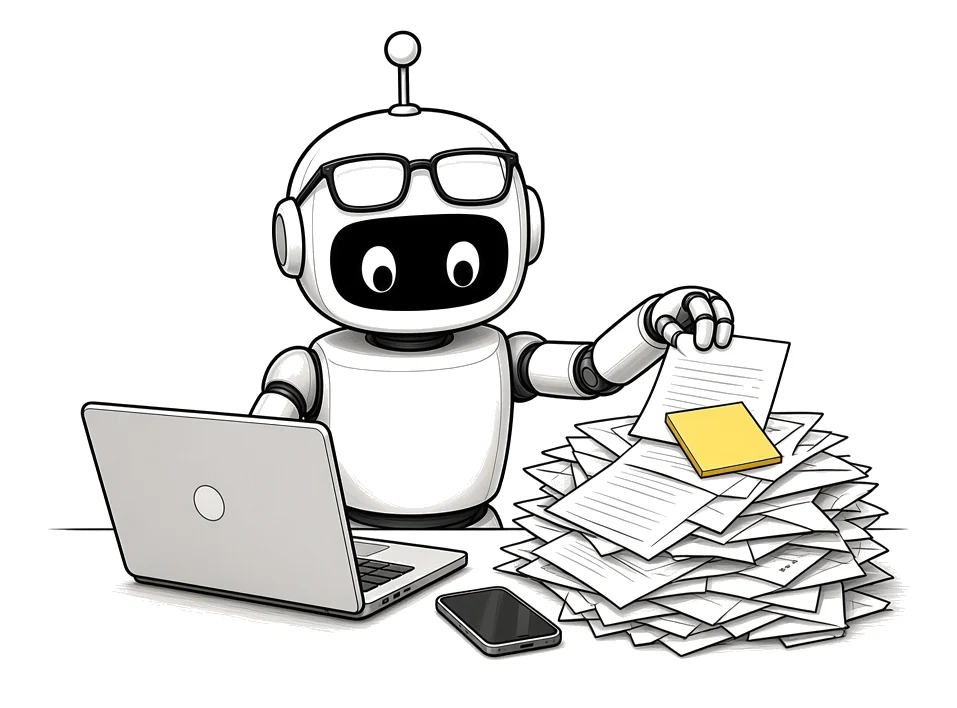
If you run a business or you consult, a lot of your week is meetings. Before each one you should go back through the emails, look the person up and remember what you talked about last time.
That prep is the kind of task you would delegate to an assistant. With AI systems, the AI now becomes your assistant.
Key point: Meeting prep is assistant work. Checking the calendar, pulling the related emails and looking people up is work you would hand to an assistant. An agent can do it every morning before you are up.
How does a morning meeting prep agent work?
This is the setup I use. It runs every morning on a schedule, with nobody pressing a button.
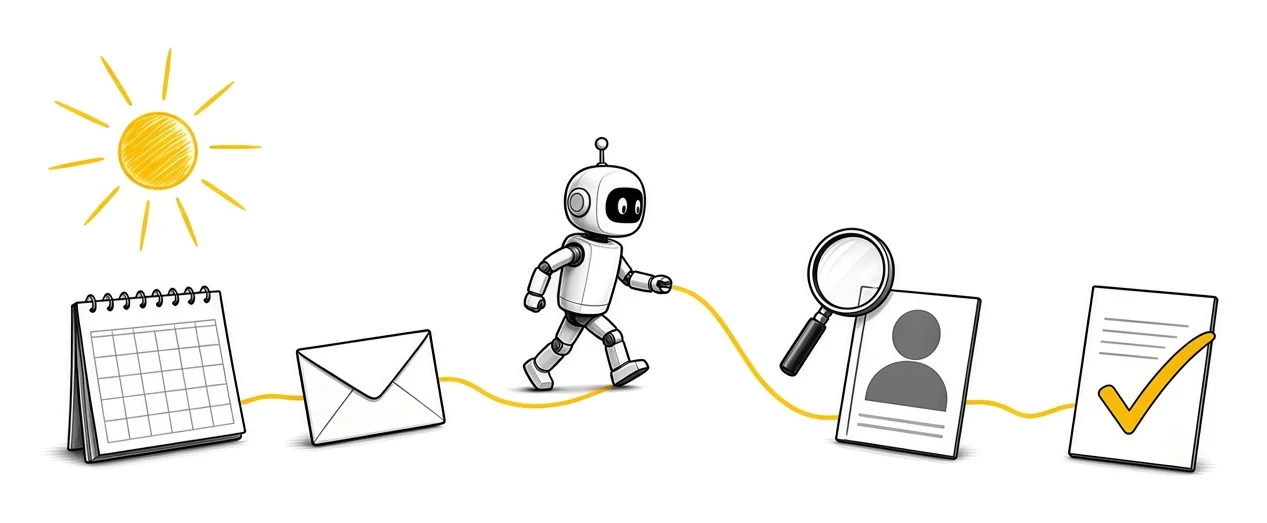
- 1It checks the calendar. It goes through my calendar and finds any event or meeting that is there for that day.
- 2It checks the email. For each event it checks my email for anything related to that meeting.
- 3It researches the people. It goes into a loop, checks LinkedIn and checks online to research the person and the company, then builds a profile on them.
- 4It writes the brief. This is the person, this is how they like to be spoken with, these are the kind of things they like.
- 5It sends me the report. An email lands in my inbox every morning with what I have that day.
What goes in the brief?
The report tells me who I am meeting and what the focal point of the meeting is going to be. Then it tells me how to engage with that person throughout the meeting.
Do it once for each person
If you already know the person, you do not need to research them again for every meeting. Build the profile once and keep it.
The best place to keep it is your CRM, next to the rest of the history with that client. If you are still running sales from your inbox, set up a CRM that catches every lead first.
What does the agent need access to?
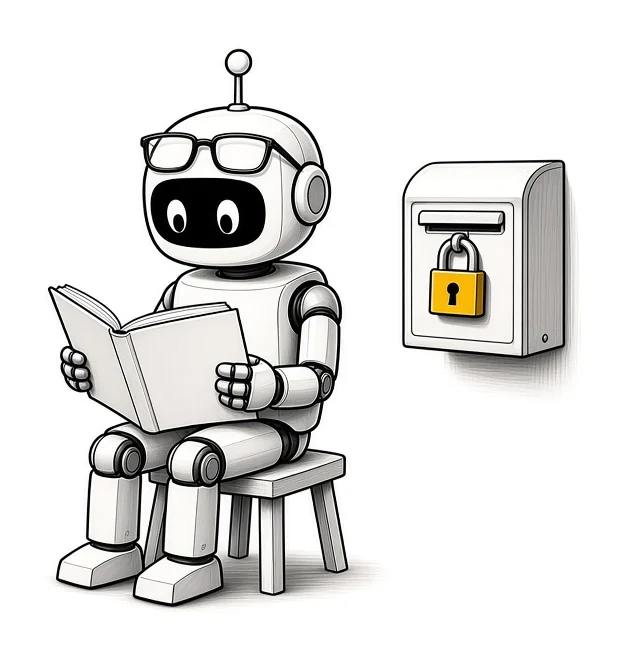
It is connected to your calendar and your email. It needs to search online for the research. Then it needs a way to send you the report.
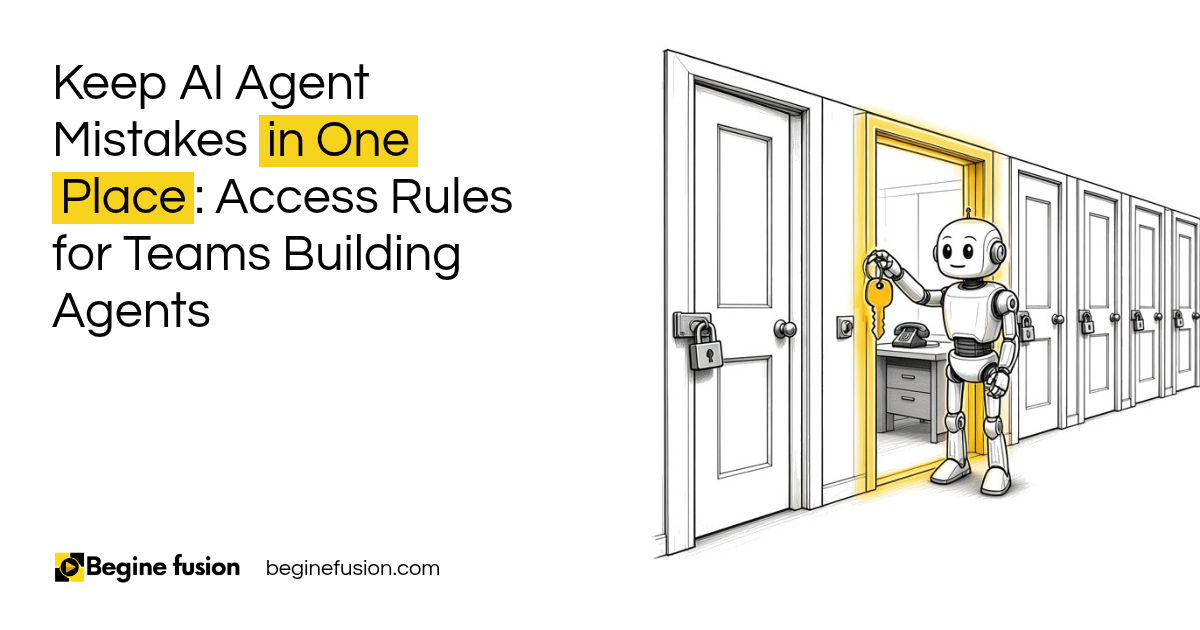
That is all reading. The prep agent does not send anything to your clients, so give it read access and nothing more. The same rule holds for every agent: give each agent only the access its job needs.
Key point: Read access is enough. A meeting prep agent reads your calendar and email and writes to you. Keep its permissions to that.
What happens after the meeting?
Then the other side of it is when the meeting is done. There is a transcript, a follow-up to send, maybe a proposal or a recap.
All of that can be prepared the same way, with one button after a discovery call.
Anytime AI creates something for a client, review it first before you send it out. AI is good enough to do all those things, and it can still make mistakes. You also have to decide which steps need a human. For the bigger question of how much an agent should do on its own, read assistance vs. autonomy.
Get better after every meeting
There is also an internal side. We run a framework that analyzes how the meeting went. If it is a discovery session, I should be the one talking less, and it points those things out.
It makes you better over time.
What changes in how the work runs
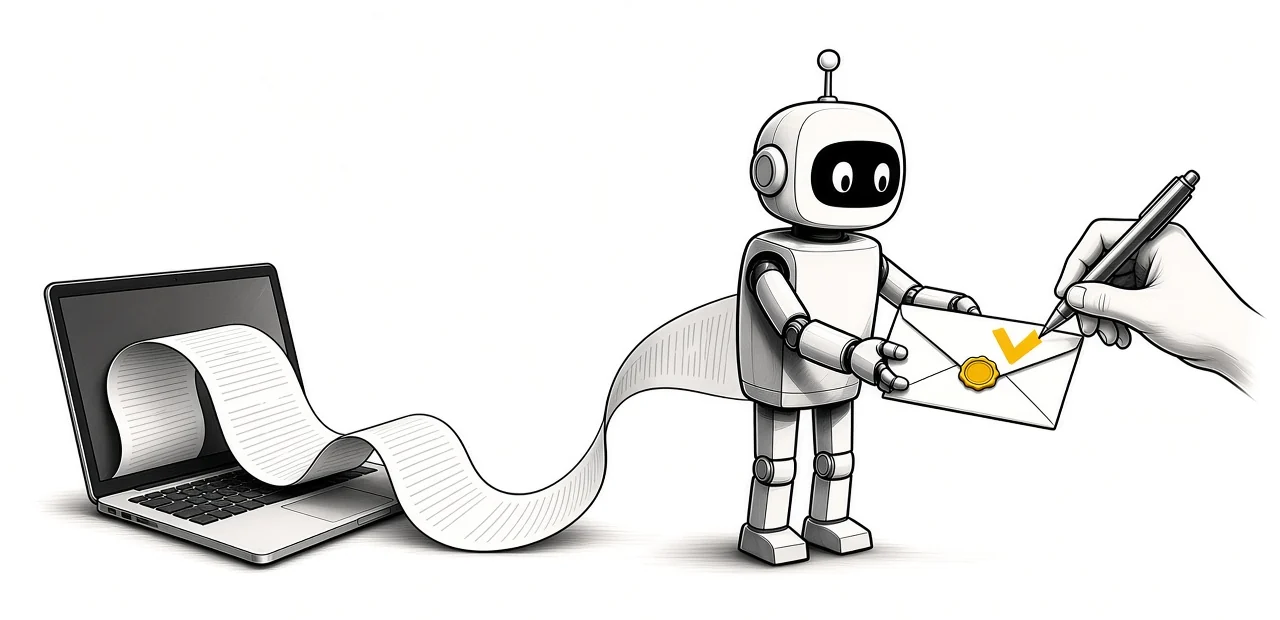
Before, the prep was me going back through the emails and looking the person up before each call.
Now the agent does that part before I wake up. The brief is waiting every morning, and I come into the meeting already knowing who the person is and what the meeting is about.
Any of those tasks you would delegate to an assistant, the AI now becomes your assistant.
Takeaways and next steps
- What you check before a meeting today is the job description for the agent.
- The agent needs your calendar and email, with read access.
- The brief tells you who you are meeting, the focal point and how to engage.
- Profiles go in your CRM, so each person gets researched once.
- A human reviews anything that goes out to a client.
If you want to understand how agents like this are put together, our guide to building AI workers covers the building blocks. For the difference between chatting with AI and an agent that runs on a schedule, read prompting vs. agentic AI.
Common mistakes with meeting prep agents
1. Giving the agent full access to your email and calendar.
Why it fails: A prep agent only needs to read. If it can send email or change events, a mistake reaches a client.
Better approach: Read access to the calendar and email, and the report goes to you only.
2. Researching every person from scratch every morning.
Why it fails: You pay for the same research again and again, and the brief gets longer without getting better.
Better approach: Build the profile once, keep it in your CRM and only add what is new.
3. Letting the agent send follow-ups straight to clients.
Why it fails: AI can make mistakes, and the client sees them before you do.
Better approach: The agent drafts. You review, then send.
4. Asking for a report that tries to cover everything.
Why it fails: At 6am you will skim it. A long report gets skipped.
Better approach: Ask for who you are meeting, the focal point and how to engage, for each meeting.
5. Meeting invites that do not include the other people’s email addresses.
Why it fails: The agent matches emails and research to a meeting through the people invited. With no attendees on the invite, it has nothing to look up.
Better approach: Invites go out from your calendar with every attendee on them.
Frequently asked questions
What is a meeting prep agent?
A meeting prep agent is an AI agent that runs on a schedule, reads your calendar and email, researches the people you are meeting and sends you a brief before your day starts.
What does a meeting prep agent need access to?
It needs read access to your calendar and your email, the ability to search online, and a way to send the report to you. It does not need permission to send anything to anyone else.
What should a meeting brief include?
A meeting brief should say who you are meeting, what the focal point of the meeting is and how to engage with that person. Add the related emails so you can see the last conversation.
Is it safe to let an AI agent read my email?
It is as safe as the permissions you give it. Give the agent read access only, send the report to yourself and check what it can reach before you switch it on.
Can the same agent handle what happens after the meeting?
Yes, the same setup can prepare the follow-up, the recap and a proposal from the meeting transcript. A human should review anything before it goes to a client.
Do I still need to prepare for my meetings?
Yes, you still read the brief and decide how you want to run the meeting. The agent does the gathering. How you run the meeting is still your call.
Glossary
- AI agent
- Software that uses an AI model to carry out a task with several steps, such as checking a calendar, reading emails and writing a report.
- Meeting brief
- A short report for one meeting: who is attending, what the meeting is about and how to approach it.
- Scheduled trigger
- The rule that starts the agent at a set time, for example 6am every day.
- Read access
- A permission that lets the agent look at your calendar or email without changing or sending anything.
- Client profile
- A record of what you know about a person and their company, kept so it can be reused before the next meeting.
- Human in the loop
- A setup where a person reviews and approves what the AI produced before it goes out.
 The Back-Office AI List for Owners Whose Clients Want a Person
 AI Readiness Checklist: 7 Questions Before You Build